

Getting a consistent 144+ FPS in Apex Legends while hearing every enemy footstep clearly is not just a hardware problem. It's a settings problem. The right combination of video options, mouse sensitivity, FOV, audio EQ, and headset hardware can close the gap between you and players who outreact you every single fight.
What video settings actually improve performance?
The single biggest lever for FPS in Apex Legends is your graphics settings. Running everything on low sounds painful, but the performance gains are real. Lower settings reduce the rendering load, which means your system has more processing budget to deliver faster frame times during firefights.
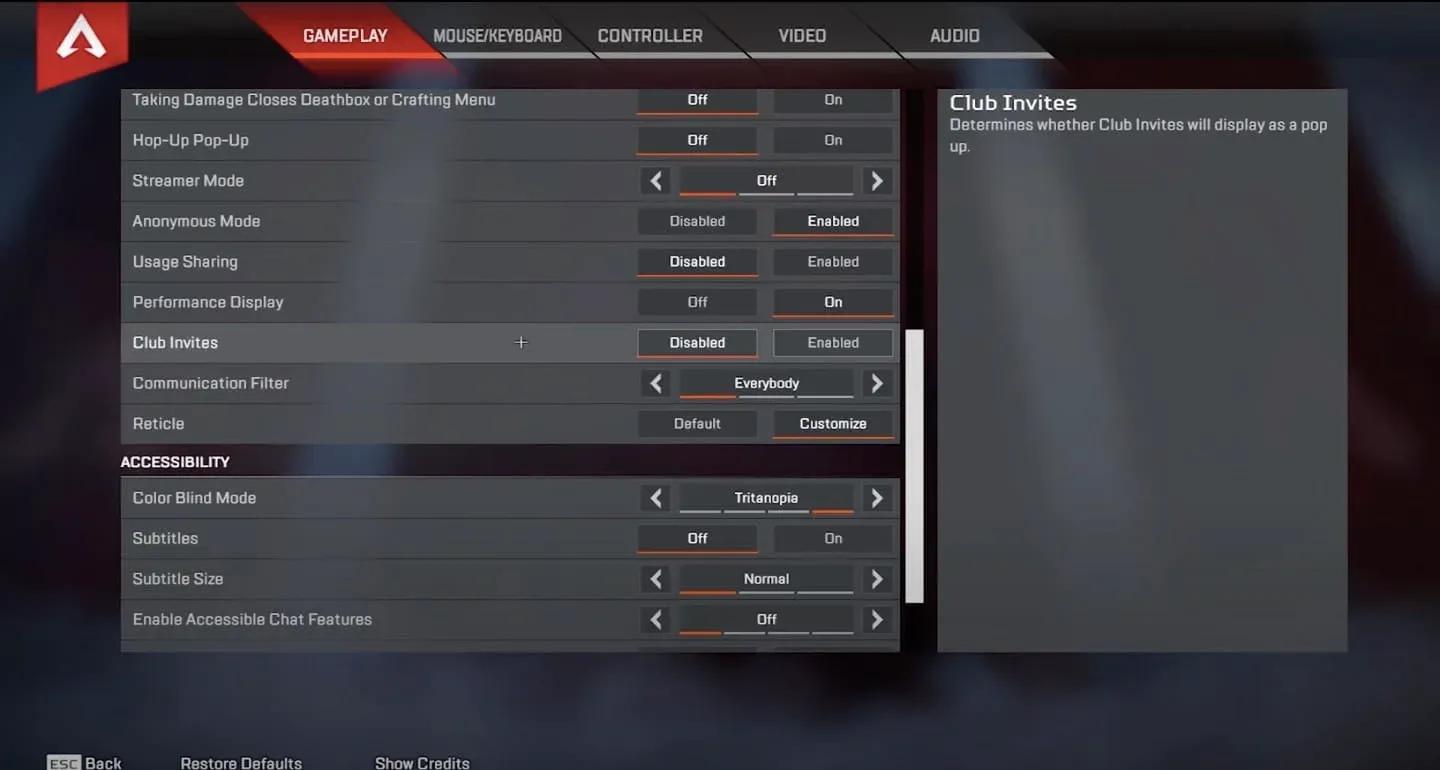
Start with Display Mode set to full screen if you use one monitor, or windowed if you run multiple displays. Keep Aspect Ratio and Resolution at your monitor's native defaults. Bump Brightness slightly above the default to improve visibility in darker areas of the map.
For Field of View, the recommended range is 90 to 110. Most competitive players land at 110, which gives you a wider view of your surroundings at the cost of distant enemies appearing smaller. If you're new to a higher FOV, ease into it rather than jumping straight to 110.
Video settings panel


Advanced video settings for competitive play
The advanced video tab is where you recover the most FPS. Here's the full breakdown of what to change and why.
| Setting | Recommended Value | Reason |
|---|---|---|
| V-Sync | Disabled | Adds input lag unless you have screen tearing |
| Nvidia Reflex | Enabled (Nvidia GPU only) | Reduces system latency |
| Adaptive Resolution FPS Target | Disabled | Avoid unless FPS drops are frequent |
| Anti-aliasing | None | High performance cost, low competitive benefit |
| Texture Streaming Budget | Low or Medium | Frees memory bandwidth |
| Texture Filtering | Bilinear | Best performance option |
| Ambient Occlusion Quality | Disabled | Expensive effect with no competitive value |
| Sun Shadow Coverage | Low | Reduces shadow rendering load |
| Sun Shadow Detail | Low | Same as above |
| Spot Shadow Detail | Low | Reduces draw calls |
| Volumetric Lighting | Disabled | Visual effect with no gameplay benefit |
| Dynamic Spot Shadows | Disabled | Frees GPU resources |
| Model Detail | Low | Cleaner silhouettes, less GPU work |
| Effects Detail | Low | Reduces particle clutter |
| Impact Marks | Low or Disabled | No competitive value |
| Ragdolls | Low | Reduces post-kill physics load |
What mouse sensitivity should you use in Apex Legends?
There is no universally correct sensitivity. The right number depends on your aiming style, your desk space, and your mouse's DPI. That said, competitive players tend to cluster in the low-to-medium range for a reason: precision matters more than speed in most Apex gunfights.
Here's how the ranges break down:
- Low sensitivity: 0.5 to 2.5
- Medium sensitivity: 2.5 to 3.5
- High sensitivity: 3.5 to 5.0
For competitive play, the starting recommendation is Mouse Sensitivity between 3.0 and 5.0, with ADS Mouse Sensitivity Multiplier at 1.0 and Mouse Acceleration turned off. Mouse Acceleration is the one setting you should almost never use in a competitive shooter because it makes your aim inconsistent between fast and slow movements.
Your mouse's DPI interacts directly with in-game sensitivity. Common DPI values are 400, 800, and 1600. If you run a high DPI like 1600, pair it with a lower in-game sensitivity to keep total effective sensitivity in a controllable range.
Controller sensitivity settings for Apex Legends
Many competitive controller players use a 4-3 sensitivity setup, where Look Sensitivity is set to 4 and Look Sensitivity (ADS) is set to 3. The Response Curve setting is worth paying attention to. Linear gives the most precise 1:1 stick response and is preferred at higher levels of play, but it makes stick drift more noticeable. If you're newer to the game, start with Classic, which has a softer input curve and makes your aim feel more stable while you're learning.
How to test your sensitivity properly
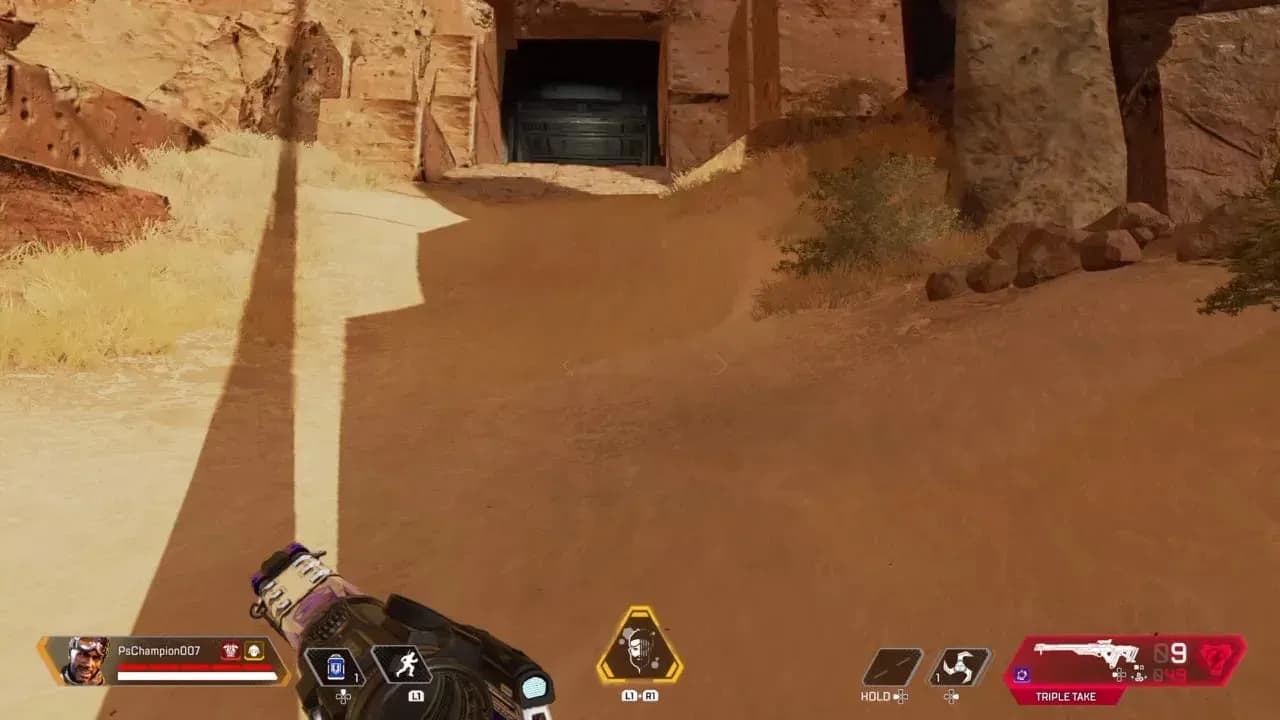
The Firing Range is the right place to dial in your settings. Try these drills:
- Shoot targets in a row at distance, moving between each without pausing
- Track a moving target while standing still, then while strafing
- Flick between widely spaced targets and vary the order to avoid pattern memory
Repeat these after any sensitivity change before committing to it in a real match.
How to aim better in Apex Legends
Settings only take you so far. Mechanical improvement comes from understanding how the game's weapons actually behave and building habits around that.
For crosshair placement, the rule is simple: keep your aim at head height where enemies are likely to appear, even when no one is in sight. This reduces the distance your mouse needs to travel when a target shows up. At close range, focus on your enemy rather than your crosshairs. At long range, reverse that and focus on your crosshairs.
Recoil control is a learnable skill. Aim a weapon at a wall and hold fire to see its pattern, then practice moving your aim in the opposite direction as you shoot. Smooth horizontal movement while firing reduces effective recoil on many weapons in Apex.
Two weapon-specific mechanics that new players underestimate:
- Bullet drop: Different weapons have different arc trajectories at range. Spend time in the Firing Range with sniper-class weapons specifically to understand how far you need to lead shots.
- Travel time: Projectile-based weapons require you to aim where the enemy will be, not where they are. This is especially relevant for weapons with slower projectile velocity.
Firing Range aim practice
What EQ audio settings help you hear enemies?
Audio is one of the most underrated competitive settings in Apex Legends. The goal is to make enemy sounds, specifically footsteps and gunfire, as prominent as possible.
In the Audio tab under Settings:
- Set Master Volume and Sound Effects Volume to maximum
- Turn down Dialogue Volume, Music Volume, and Lobby Music Volume
This strips out the audio layers that don't give you competitive information and amplifies the ones that do. You don't need to hear the loading screen music clearly. You do need to hear someone pushing your flank.
What headset should you use for Apex Legends?
Your headset is the hardware layer that determines how well you can actually hear all those optimized audio settings. After testing across several options, here are five picks that cover different budgets and use cases.
Best wireless headset: SteelSeries Arctis Nova Elite
The SteelSeries Arctis Nova Elite is the top-end wireless option. Its 40mm carbon fiber drivers deliver hi-res 24-bit/96kHz audio, which translates to a detailed soundstage where footsteps and distant gunfire are easy to distinguish. The Infinity Power system uses two hot-swappable batteries for roughly 30 hours per pack, so you won't lose a game because your headset died. The ClearCast Gen 2.X mic with AI noise rejection handles squad comms cleanly. At 380 grams with a suspension headband and leatherette earcups, it stays comfortable over long sessions.
Best wired headset: RIG R5 Spear PRO HS
The RIG R5 Spear PRO HS uses graphene-coated 40mm drivers that produce clear, balanced audio. The flip-to-mute boom mic captures voice naturally with solid background noise rejection. At 340 grams with memory foam earcups, it's comfortable for extended play. Wired via 3.5mm means zero latency and no battery management. For under $70, it punches well above its price.
Best headset for mic quality: Audeze Maxwell 2
The Audeze Maxwell 2 is the pick if clear communication is your priority. Its detachable hypercardioid boom mic focuses tightly on your voice and rejects background noise effectively. The FILTER AI Noise Removal on the High setting reduces ambient distractions without making your voice sound processed. The 90mm planar magnetic drivers are genuinely best-in-class for audio detail. It's expensive, but the mic quality alone separates it from everything else on this list.
Best budget headset: Logitech G321
The Logitech G321 weighs just 210 grams, making it the lightest option here and one of the most comfortable for long sessions. Its 40mm drivers deliver solid left-to-right positional audio with a fairly neutral tuning that suits competitive shooters well. 2.4GHz LIGHTSPEED wireless and Bluetooth 5.2 at under $60 makes it the best value option on the list. It skips advanced EQ software, but for pure Apex performance at a low price, it delivers.
Best cross-platform headset: Astro A20 X
The Astro A20 X is the pick for players who run Apex across multiple systems. LIGHTSPEED wireless, Bluetooth 5.3, and the PLAYSYNC base let you switch between PC, PlayStation, Xbox, and Nintendo Switch without re-pairing. The 40mm biocellulose drivers lean toward competitive tuning rather than bass-heavy audio, which suits Apex's audio priorities. At 290 grams with up to 90 hours of battery life, it's built for endurance. The Blue VO!CE mic keeps squad comms clear during high-pressure moments.
| Headset | Type | Weight | Key Feature | Price Range |
|---|---|---|---|---|
| SteelSeries Arctis Nova Elite | Wireless | 380g | Hi-res 24-bit/96kHz audio | Premium |
| RIG R5 Spear PRO HS | Wired | 340g | Graphene drivers, zero latency | Under $70 |
| Audeze Maxwell 2 | Wireless/Wired | 560g | Hypercardioid mic, AI noise removal | Premium |
| Logitech G321 | Wireless | 210g | Lightest option, LIGHTSPEED | Under $60 |
| Astro A20 X | Wireless | 290g | Multi-platform PLAYSYNC | Mid-range |
Putting it all together
Optimizing your Apex Legends setup is a process, not a one-time change. Start with the video settings table above, run the Firing Range sensitivity drills, adjust your EQ audio, and pick a headset that fits your budget and play style. Each layer compounds on the others.
For more ways to sharpen your performance, check out the full Apex Legends strategy guides collection, including legend-specific breakdowns and ranked climbing tips to put your improved setup to work.