Search games, articles, guides...CtrlK
Sign InGet Started
Balatro arrives on Switch 2 with free upgrade, optional mouse controls, and 60 FPS performance. Here's everything you need to know.

Written by Nuwel
Content Writer
See more GAMES.GG guides on Google
Add us as a preferred source and our guides show up first in your results.

Balatro Boss Blinds Guide: How to Beat Every Ante
Learn how to read, counter, and defeat every Boss Blind in Balatro across all Antes with proven strategies and deck tips.
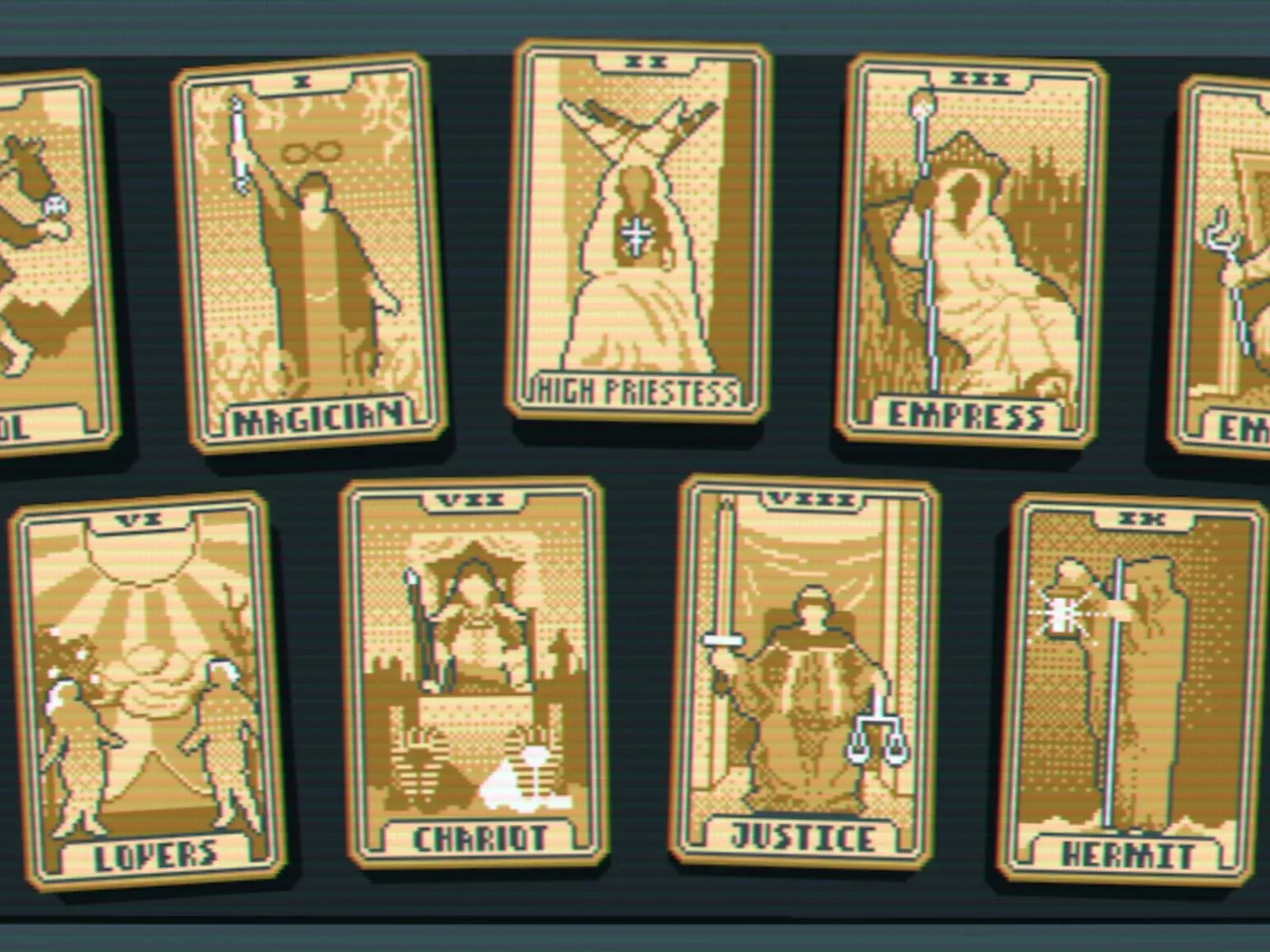
Balatro Tarot Cards Explained: How to Use Them Correctly
Learn why Tarot cards can't be played in hands, how they actually work, and which ones to prioritize for winning Balatro runs.
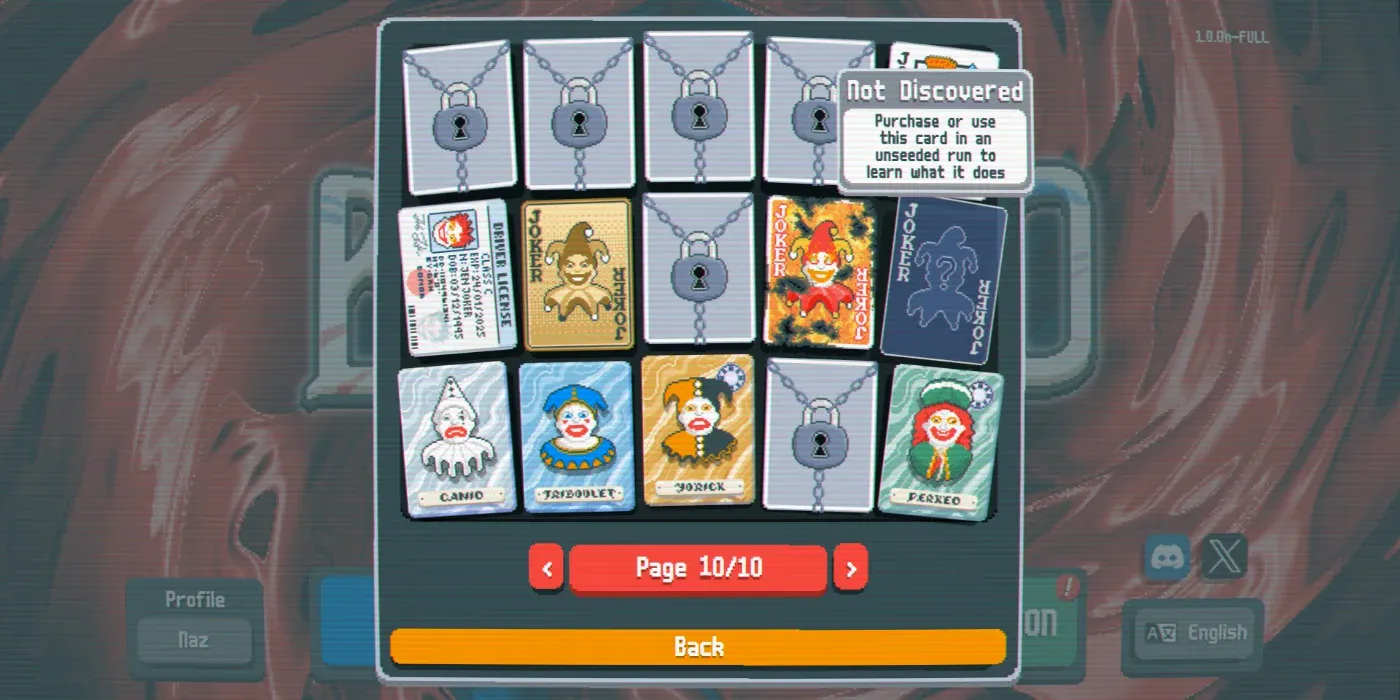
How to Unlock Everything in Balatro
Discover the fastest methods to unlock all jokers, decks, and items in Balatro so you can jump straight into the fun.
Balatro has found its way onto yet another platform, and this time the jump comes with some genuinely welcome improvements. The Nintendo Switch 2 upgrade takes the already-addictive poker-like card game and polishes it up with smoother performance and a control scheme that fans of the PC version will immediately recognize. Whether you're a returning player or picking up the game for the first time, here's everything worth knowing about this new version.
The headline additions are two-fold: optional mouse controls and a jump to 60 frames per second. The original Switch version ran at 30 FPS, making it the only version of Balatro to do so across all platforms. That limitation is now gone on Switch 2, giving the game the smooth, responsive feel it has on PC and other consoles.
The mouse support is particularly noteworthy. Balatro is a card game built around clicking and selecting, so playing it with a mouse-style input on Switch 2 feels natural in a way that many ports simply don't achieve. It's an optional feature, meaning you can still play with traditional controls if that's your preference.
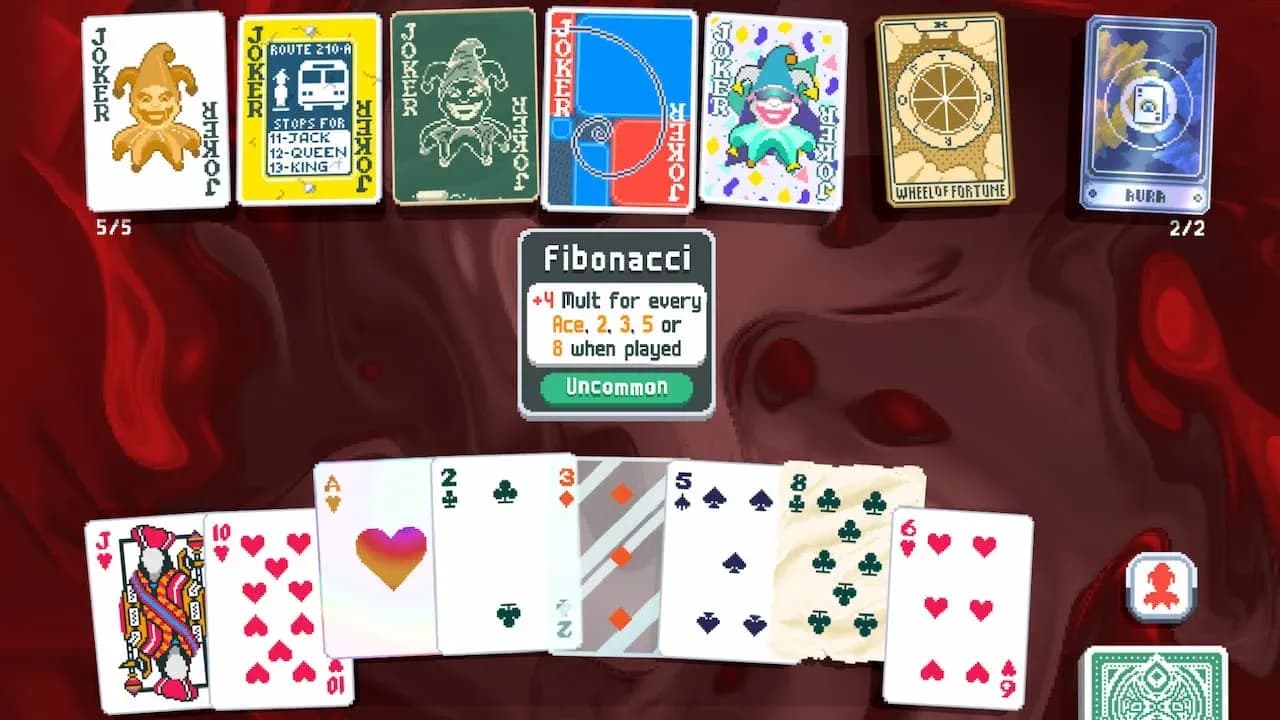
Joker selection on Switch 2
Yes, the upgrade is completely free for anyone who already owns Balatro on Nintendo Switch. There's no additional purchase required to access the Switch 2 version with its improved performance and mouse support.
For new players, the game launched on Switch 2 at a discounted price of $11.99, making it an excellent entry point for anyone who hasn't yet experienced one of the most talked-about card games in recent memory.
This is the most important practical consideration for existing Switch players. The save incompatibility between Switch 1 and Switch 2 means that all your unlocked Jokers, Decks, and progression will not carry over. You're starting from zero.
For some players, that's actually fine. Balatro's early game is engaging on its own, and rediscovering the card combinations and strategies can feel fresh. For players who have invested significant time unlocking rarer content, though, it's a real cost to weigh before upgrading.
Here's a quick breakdown of what the upgrade does and doesn't affect:
| Feature | Switch 1 | Switch 2 |
|---|---|---|
| Frame Rate | 30 FPS | 60 FPS |
| Mouse Controls | Not available | Optional |
| Upgrade Cost | N/A | Free for owners |
| Save File Transfer | N/A | Not supported |
| New Content | Standard | Standard |
The mouse input on Switch 2 mirrors the PC experience closely. You point and click to select cards from your hand, choose which to hold or discard, and navigate menus. For a game like Balatro, where precision in card selection matters (especially when you're managing a complex hand with multiple Jokers active), having a direct cursor input removes any ambiguity from the process.
This is especially useful when you're deep into a run and juggling effects from cards like Blueprint, Brainstorm, or Sock and Buskin. Selecting the right card quickly and accurately can make the difference between hitting a score threshold and busting out.
For players looking to sharpen their strategies before diving in, checking out the best deck builds in Balatro is a solid way to understand which card combinations reward precise play the most.
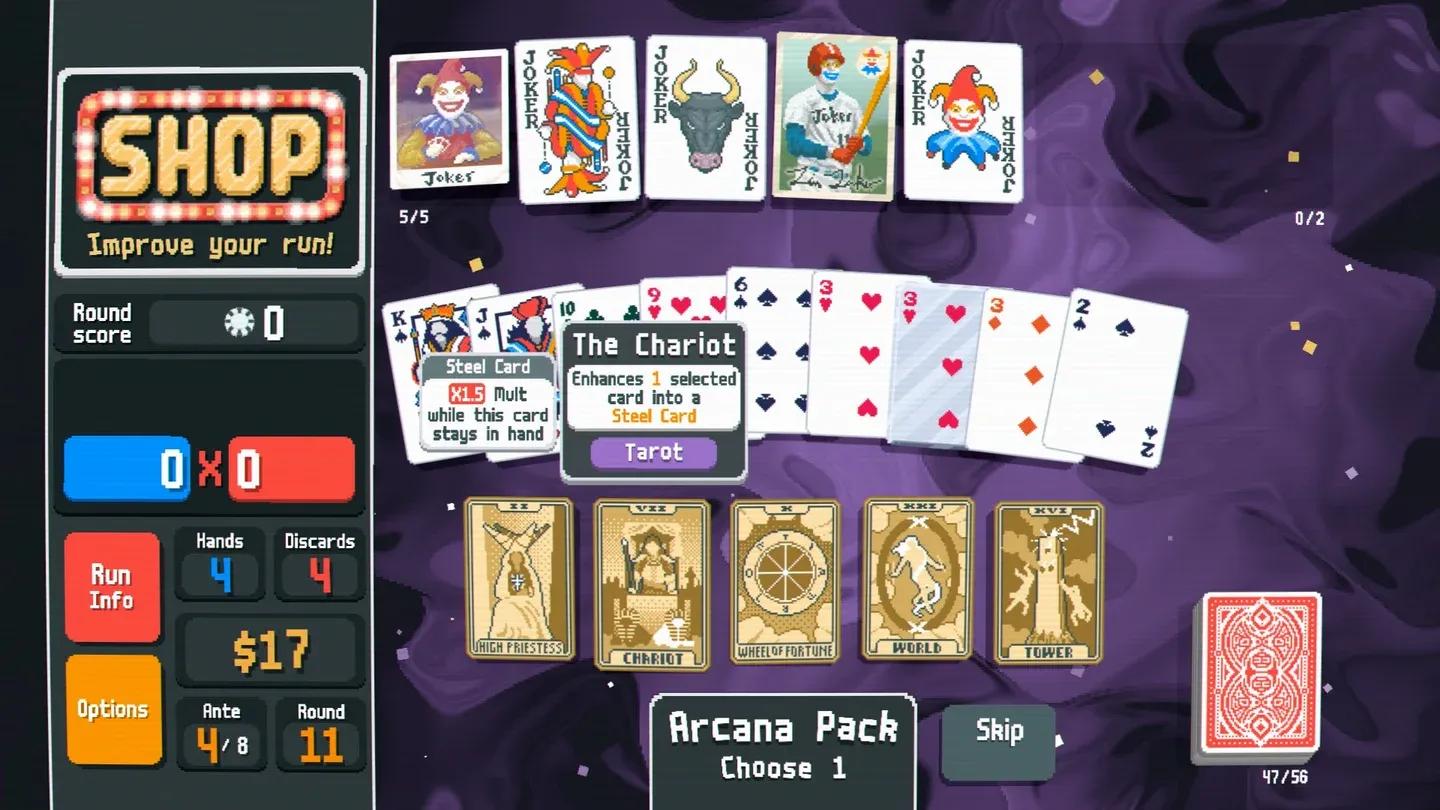
Hand scoring with active Jokers
Balatro has broad platform availability, making it easy to pick up regardless of your preferred way to play:
The Switch 2 version sits comfortably alongside the PC and current-gen console versions in terms of performance, now that the 30 FPS cap has been removed.
If you don't already own Balatro and have a Switch 2, the discounted launch price makes this a strong time to jump in. The 60 FPS performance and optional mouse controls make it one of the better versions of the game available on any platform.
For existing Switch owners, the free upgrade is worth taking if you're comfortable starting fresh. The smoother frame rate alone changes how the game feels during longer sessions, and the mouse option adds genuine flexibility to how you approach each run.
For deeper mechanical understanding before you start your next run, the Update 1.0.1c patch notes on the Balatro Wiki are worth reviewing to understand how the game has evolved since launch.
And if you want to keep exploring card game strategies and more, browse more guides on GAMES.GG for the latest tips across all your favorite titles.