
Battlestar Galactica: Scattered Hopes drops you into a fleet management survival roguelike where civilian ships die fast and bad decisions die faster. Developed by Alt Shift and released on PC on May 11, 2026, the game front-loads a lot of pressure: squadrons to deploy, weapons to fire, situations to manage, and a jump key that might save your entire run. Before any of that clicks, you need to know where your hands should be.
What are all the PC controls in Scattered Hopes?
The default keyboard layout splits cleanly into three categories: general selection, fleet management, and battle controls. The number row does the heaviest lifting, but a handful of letter keys handle everything else. Here's the full breakdown.
General controls
| Action | Key |
|---|---|
| Select Gunstar | G |
| Select Civilian Ship / Cycle Civilian Ships | C |
Fleet management controls
| Action | Key |
|---|---|
| Select POI / Cycle Points of Interest | D |
| Select Situation / Cycle Situations | S |
| Open Hangar | 1 |
| Open R&D Lab | 2 |
| Open Bar | 3 |
| Open Security | 4 |
Battle controls
| Action | Key |
|---|---|
| Select Squadron 1 | 1 |
| Select Squadron 2 | 2 |
| Select Squadron 3 | 3 |
| Select Squadron 4 | 4 |
| Select Squadron 5 | 5 |
| Select Gunstar Weapon 1 | 6 |
| Select Gunstar Weapon 2 | 7 |
| Select Gunstar Weapon 3 | 8 |
| Select Gunstar Weapon 4 | 9 |
| Select Gunstar Weapon 5 | 0 |
| Jump | J |
| Undeploy Selected Weapon or Squadron | U |
| Undeploy All Squadrons | R |
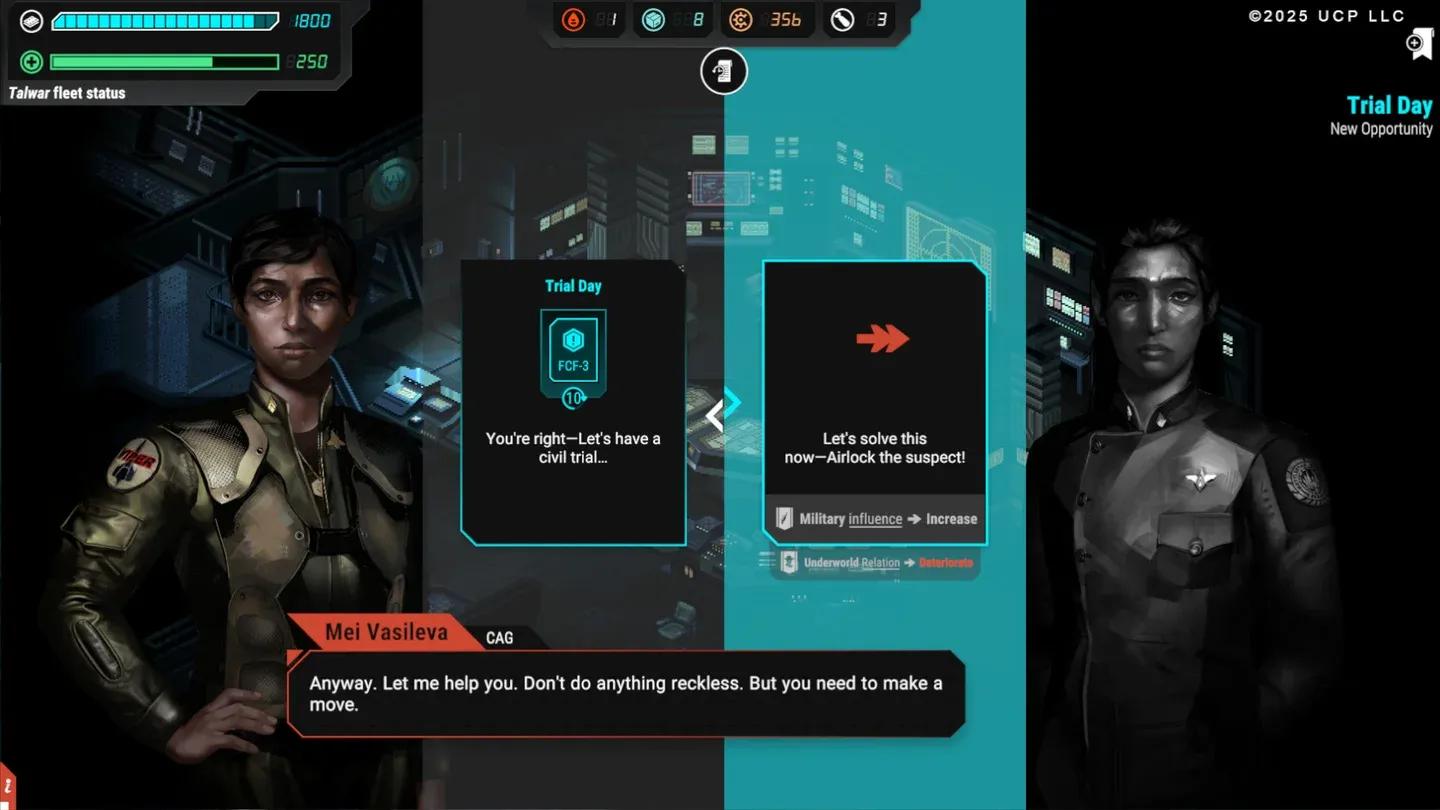
Fleet management key layout
Why do the number keys change function?
This is the one thing that trips up new players. The same 1 through 4 keys open the Hangar, R&D Lab, Bar, and Security during fleet management, then immediately become squadron selectors once combat starts. Keys 5 through 0 extend that range to cover all five squadrons and all five Gunstar weapons during battle.
It sounds confusing written out, but the context switch is intuitive in practice. The game knows whether you're in a management phase or a combat phase, so the keys respond accordingly. Your left hand stays anchored near the number row the entire time, which keeps reaction speed high when threats pile up.
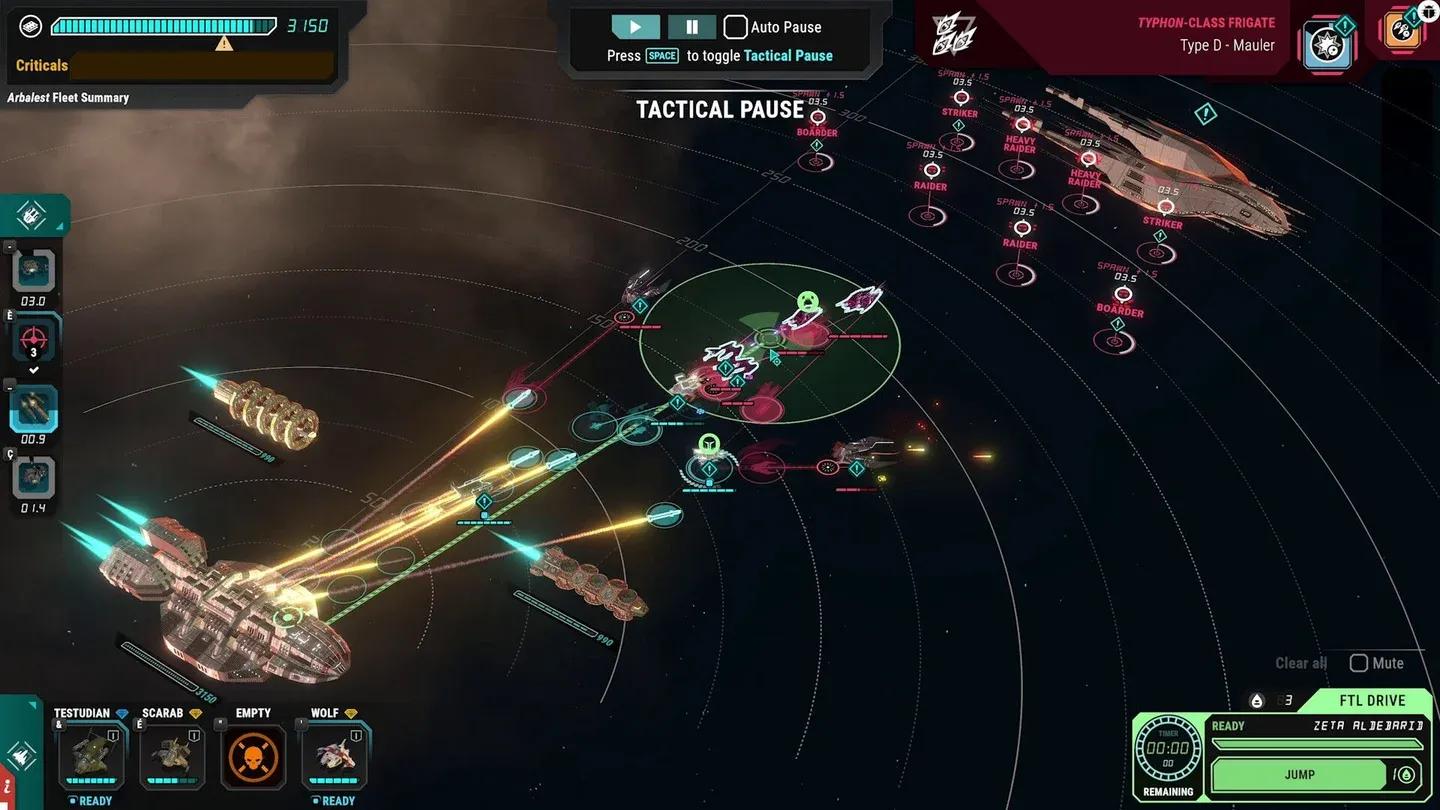
Squadron hotkeys 1 through 5
Which controls should you learn first?
If you're new to the game, don't try to memorize everything at once. There's a clear priority order based on how often each key comes up.
Start with these four letter keys:
- G to select the Gunstar directly
- C to cycle through civilian ships (keeping them alive is the core pressure loop)
- D to cycle points of interest
- S to cycle situations
Those four keys handle almost all navigation through the strategic layer without touching the mouse constantly. Once those feel natural, move on to the number row.
Then lock in the combat keys:
- 1-5 for squadron selection
- 6-0 for Gunstar weapon selection
- U to undeploy a specific weapon or squadron
- R to pull back every squadron at once
- J to jump out of the sector
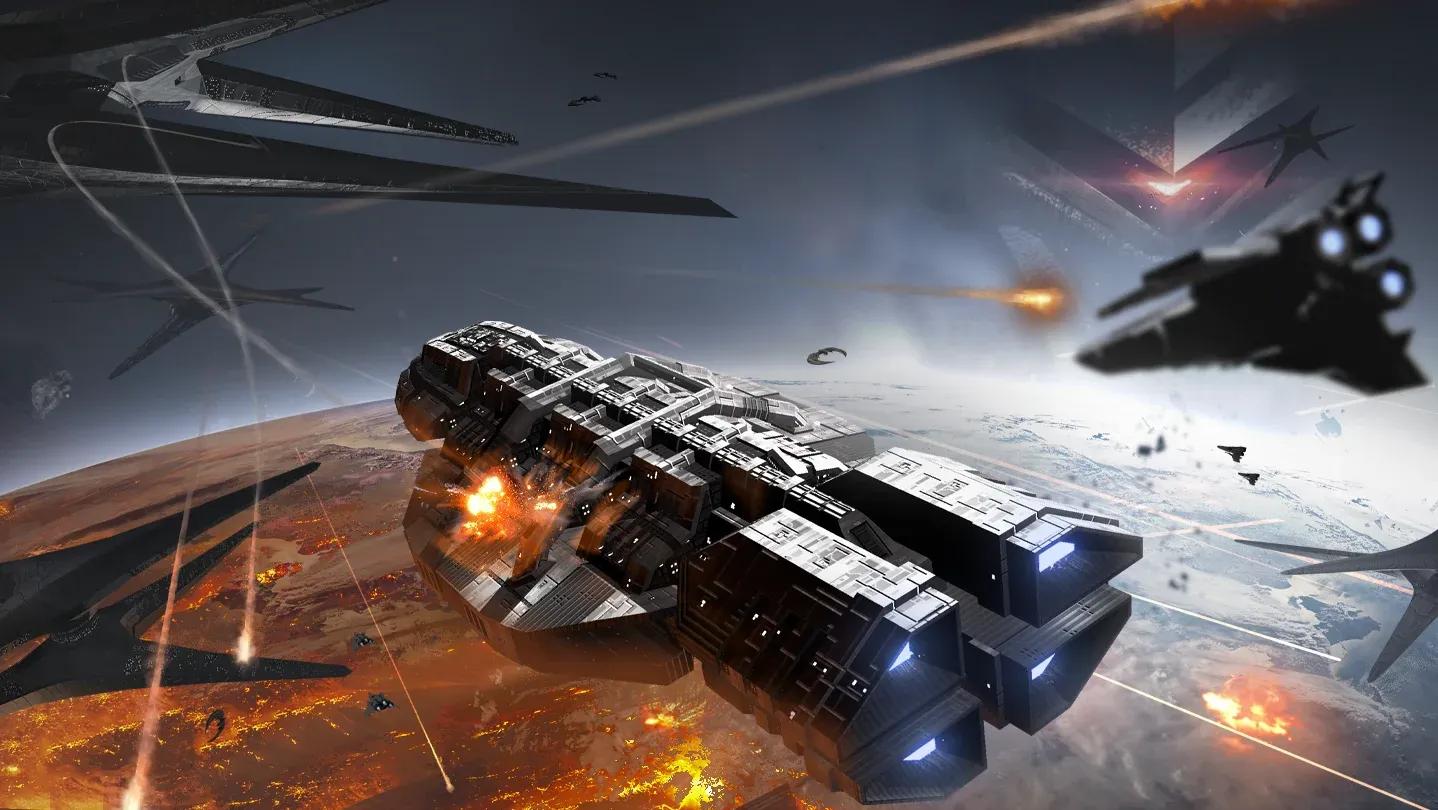
Gunstar weapon slots 6 through 0
How does the jump mechanic work with controls?
The Jump command sits on J, and it's worth treating it as a tactical option rather than an emergency last resort. Scattered Hopes is a fleet management survival roguelike, which means resource preservation matters across the entire run. Jumping early to protect civilian ships or a damaged Gunstar is often smarter than fighting through a bad engagement.
The U key gives you finer control before committing to a jump. Undeploying a specific squadron or weapon with U lets you reposition assets without pulling everything back, while R is the blunt instrument for a full recall.
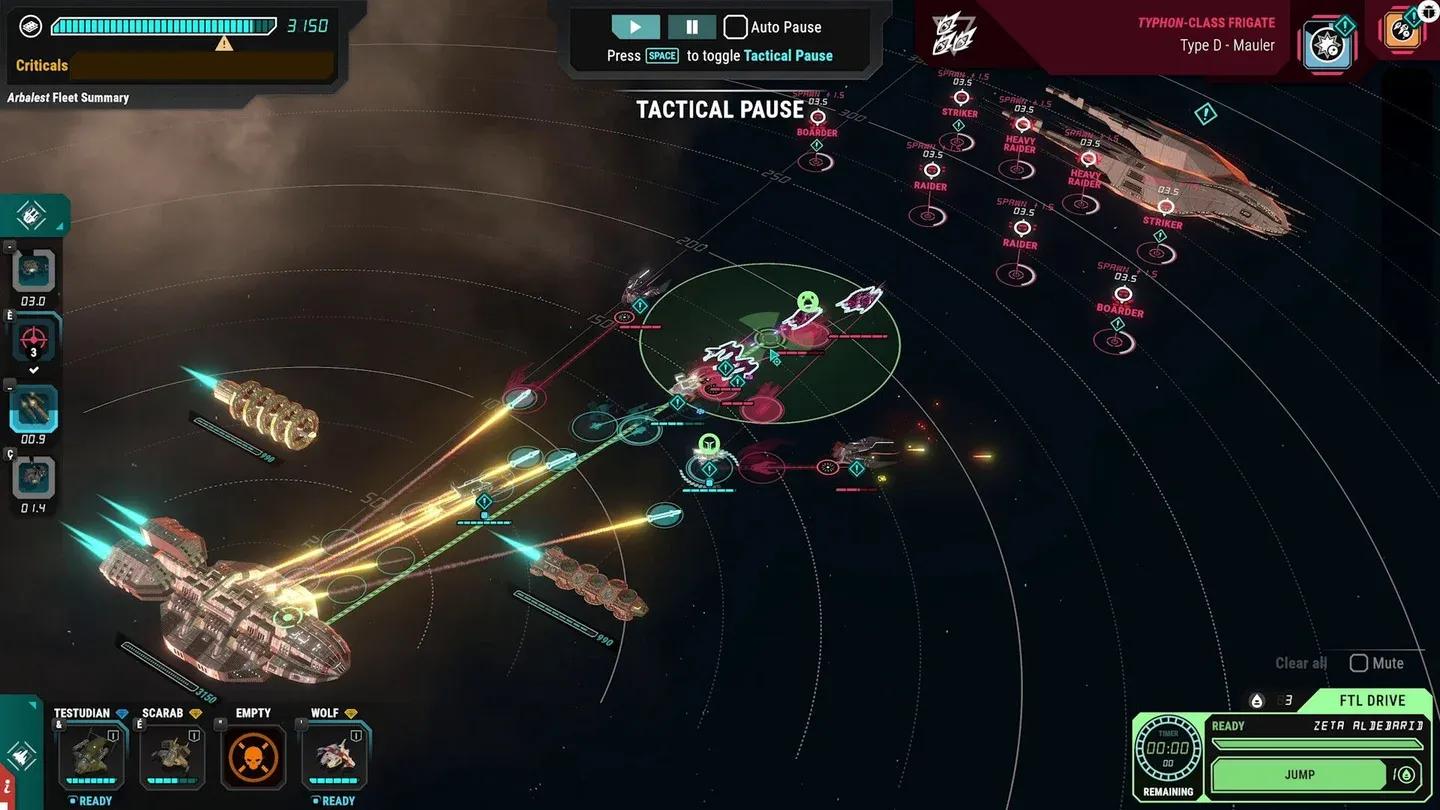
Jump command on J key
Tips for building hotkey muscle memory
The layout rewards players who stop thinking about keys and start reacting. A few habits that help:
- Pause before committing. Scattered Hopes is a strategy game, not a reflex shooter. Taking a moment to assess before pressing a key prevents misclicks that cost ships.
- Learn the cycling keys before the number row.C, D, and S are the foundation of moving around the strategic layer. Get those automatic first.
- Practice the undeploy keys in low-pressure fights.U and R are easy to forget until you desperately need them. Use them in easier encounters so the muscle memory is there when things get serious.
- Treat as a tool, not a failure. Jumping when the situation turns against you is correct play in a roguelike. The run continues. Dead civilian ships don't come back.
For players who enjoy strategy games with deep tactical layers, Scattered Hopes sits comfortably in that space. The controls are lean enough that the keyboard never becomes an obstacle once the layout is familiar.
For more help with the game, the full Battlestar Galactica: Scattered Hopes strategy guides collection covers additional mechanics as the community builds out resources for the game.