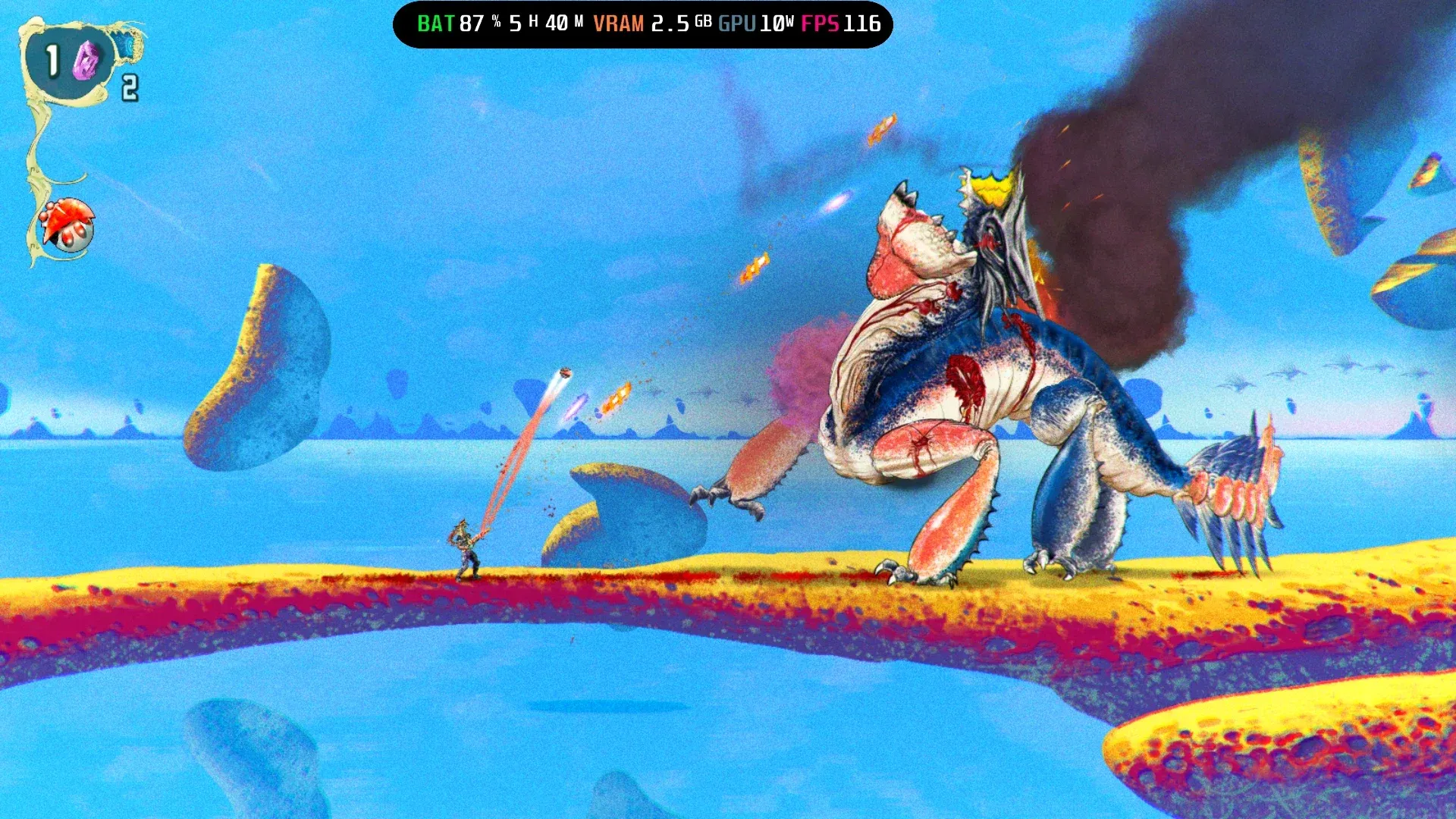


ChainStaff is a brutal, heavy-metal-soaked action platformer from developer Mommy's Best Games and publisher Null Games. It launched April 8, 2026 on Steam and Nintendo Switch for $14.99, and it runs beautifully on the ROG Xbox Ally X. The hand-drawn art style, transforming weapon mechanics, and relentless boss fights make it a perfect handheld game. Getting the settings right means you can play through all 10 levels without your device throttling or your battery dying mid-boss.
What makes ChainStaff worth playing on handheld?
The game centers on the ChainStaff, a single weapon that transforms between a spear, shield, and grappling hook, all controlled with one button. You play as a soldier fused with an alien parasite, fighting through hordes of mutated creatures across fully hand-drawn environments inspired by 1970s and 80s rock album covers. The soundtrack comes from Deon van Heerden, the composer behind Broforce and Warhammer 40,000: Shootas, Blood & Teef.
Beyond the combat, the game asks you to make a real choice at each stranded soldier you find: rescue them for human tech upgrades, or harvest their organs for alien-powered enhancements. Those decisions branch into three distinct endings across the 10 levels, so replayability is built in.
How do you set up manual TDP on the ROG Xbox Ally X?
Before adjusting any in-game graphics, you need to unlock manual TDP control through Armoury Crate. Open Armoury Crate, tap Settings, select Operating Mode, then choose Manual Mode. Once that's active, the Command Center slider lets you set exact wattage. For ChainStaff, the two target values are 10W and 13W, depending on which resolution profile you want.
Which resolution profile should you use?
Testing confirms two reliable profiles for ChainStaff on the ROG Xbox Ally X:
The 900p profile at 10W averages 60 FPS and is the better pick for longer sessions away from a charger. The 1080p profile at 13W pushes past 60 FPS consistently and takes full advantage of the Ally X screen without causing thermal issues. Both profiles allocate 4GB VRAM.
VSync stays off in both cases. With the framerate cap set to 120, the game runs smoothly without the input lag that VSync introduces on handheld hardware.
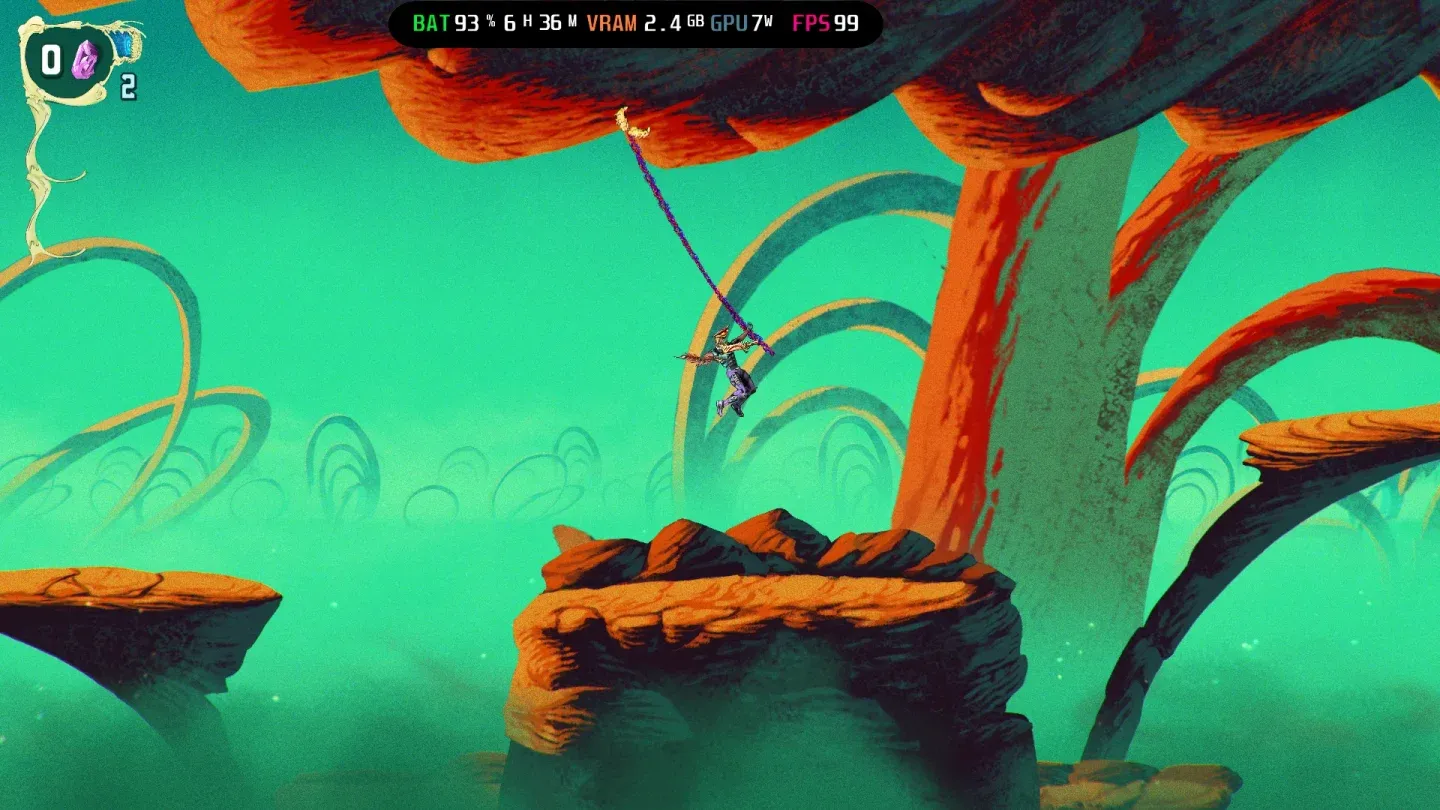
1080p profile at 13W
What are the exact in-game graphics settings?
ChainStaff does not expose a wide graphics options menu. The primary controls are resolution and framerate cap, both handled at the system level through Armoury Crate and the Command Center rather than inside the game itself. Set your resolution before launching and let the TDP profile do the rest.
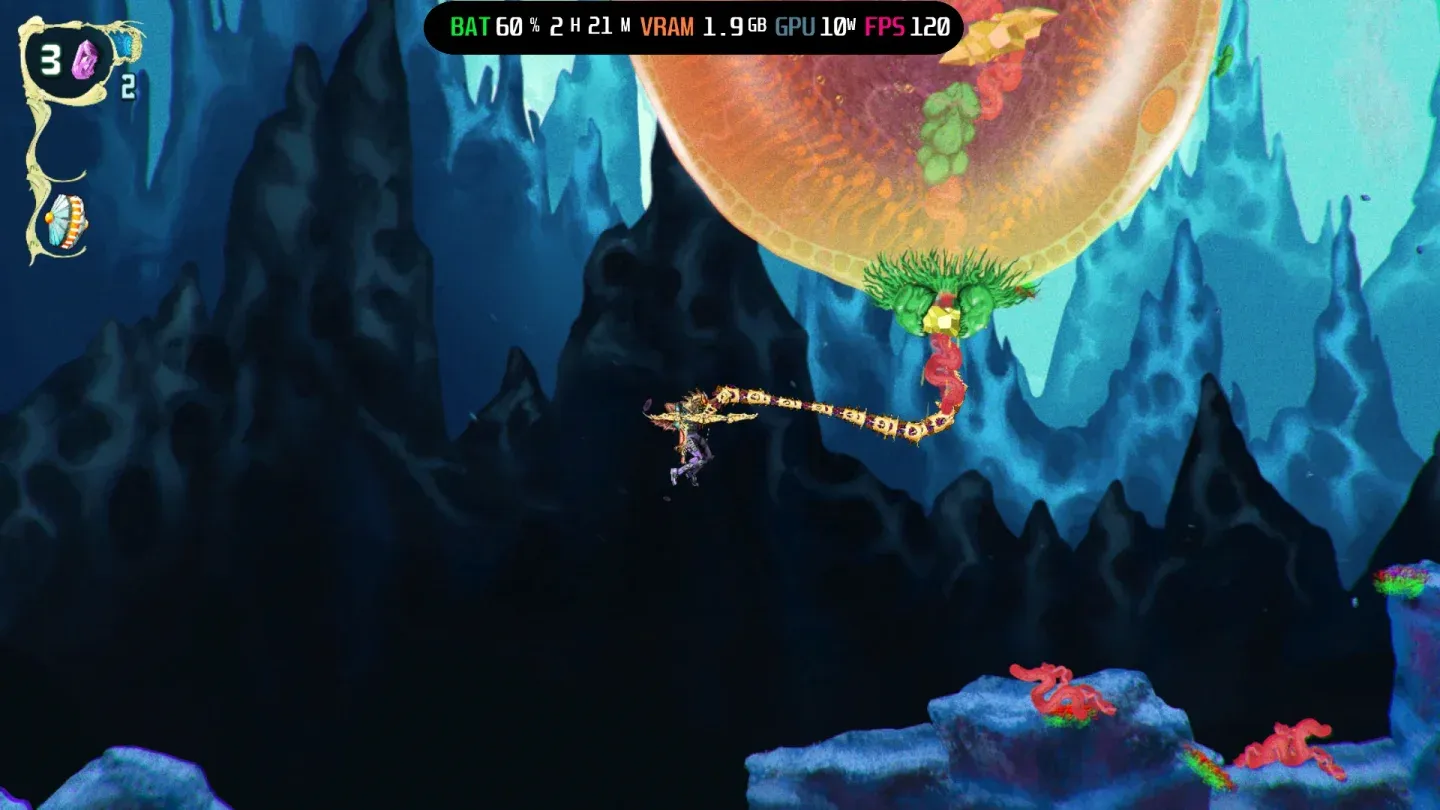
Boss fights stay smooth at 13W
Is ChainStaff good on Nintendo Switch too?
Yes. Publisher Null Games released the Nintendo Switch version alongside the PC release, both targeting April 8, 2026. The $14.99 price is the same across platforms. For Switch players, no specific optimization settings are needed since the hardware handles everything automatically, but the ROG Xbox Ally X profiles above apply only to the Steam version.
For players who want the sharpest possible image and the most control over performance, the Steam version on the Ally X at 1080p 13W delivers the better technical experience based on performance benchmarks.
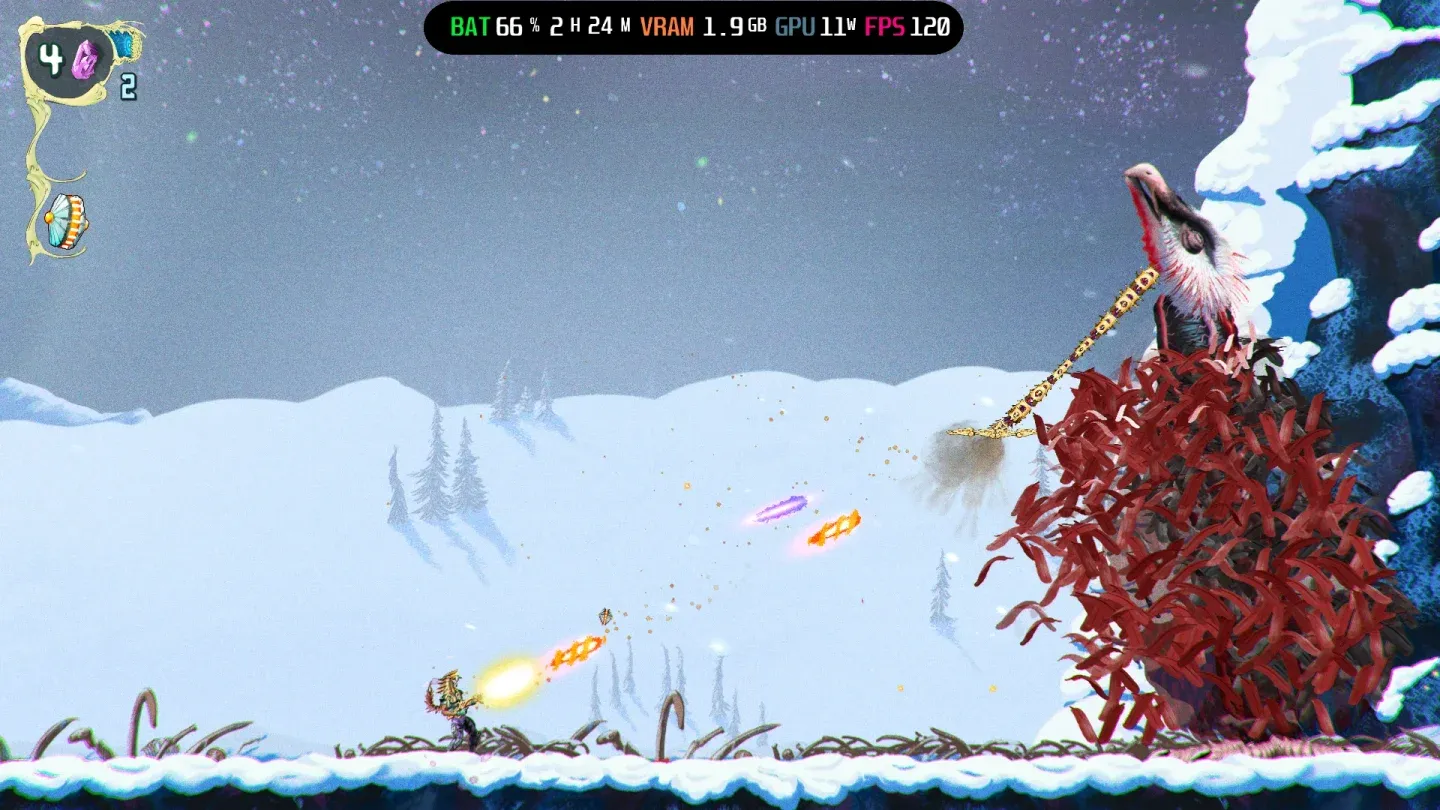
Hand-drawn art at native 1080p
Final setup checklist
Here's everything in order before you boot ChainStaff:
- Open Armoury Crate and set Operating Mode to Manual Mode
- Choose your profile: 10W for battery life at 900p, or 13W for native 1080p
- Set in-game resolution to match: 1600 x 900 or 1920 x 1080
- Set framerate cap to 120
- Turn VSync off
- Set to Fullscreen
With those settings locked in, ChainStaff plays exactly as intended: fast, loud, and visually sharp across all 10 levels. The game's hand-drawn art holds up well at both resolutions, so the 900p profile is not a meaningful visual downgrade if battery life matters more to you.
For more handheld gaming guides and performance breakdowns, browse more guides on GAMES.GG.