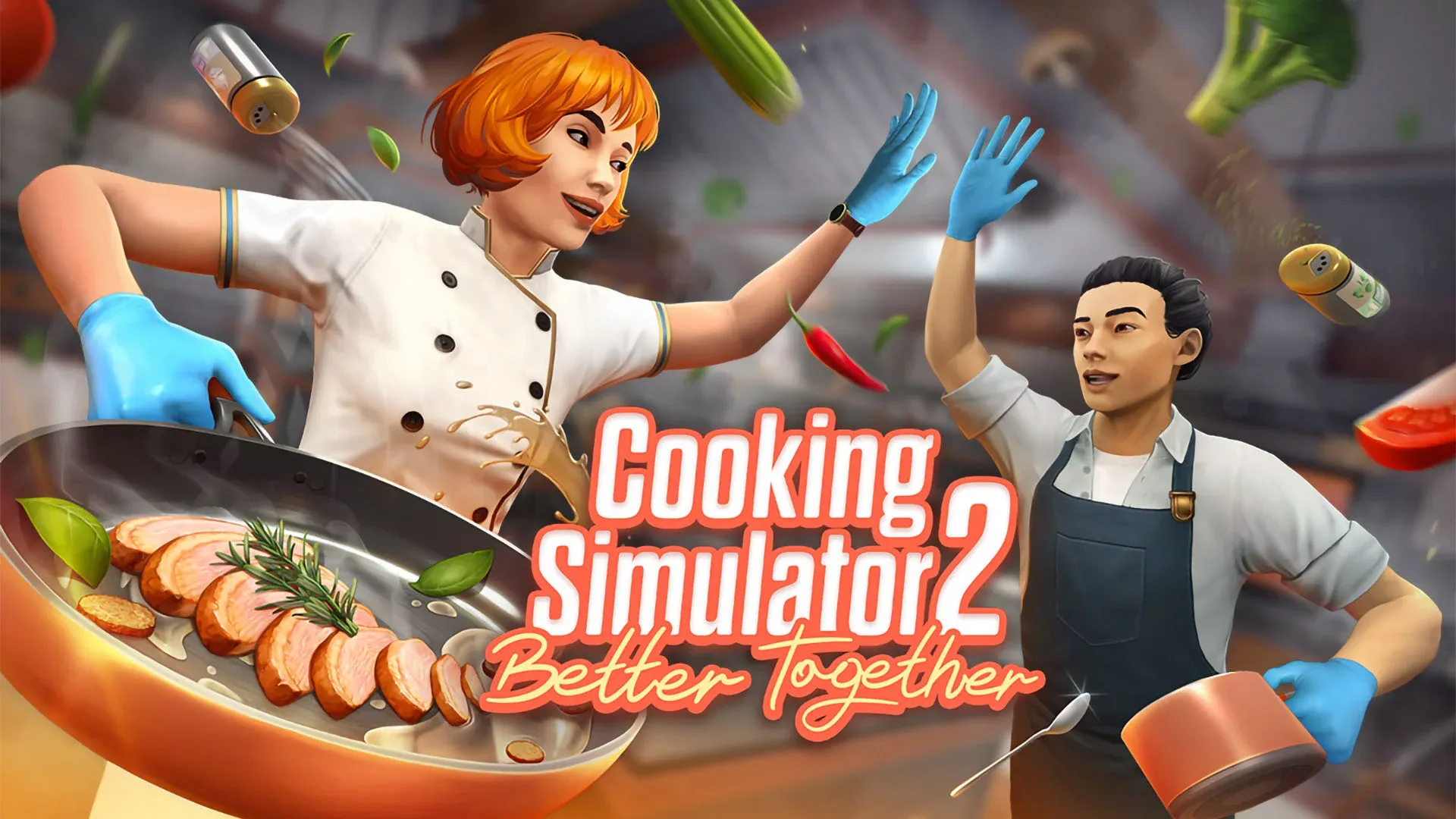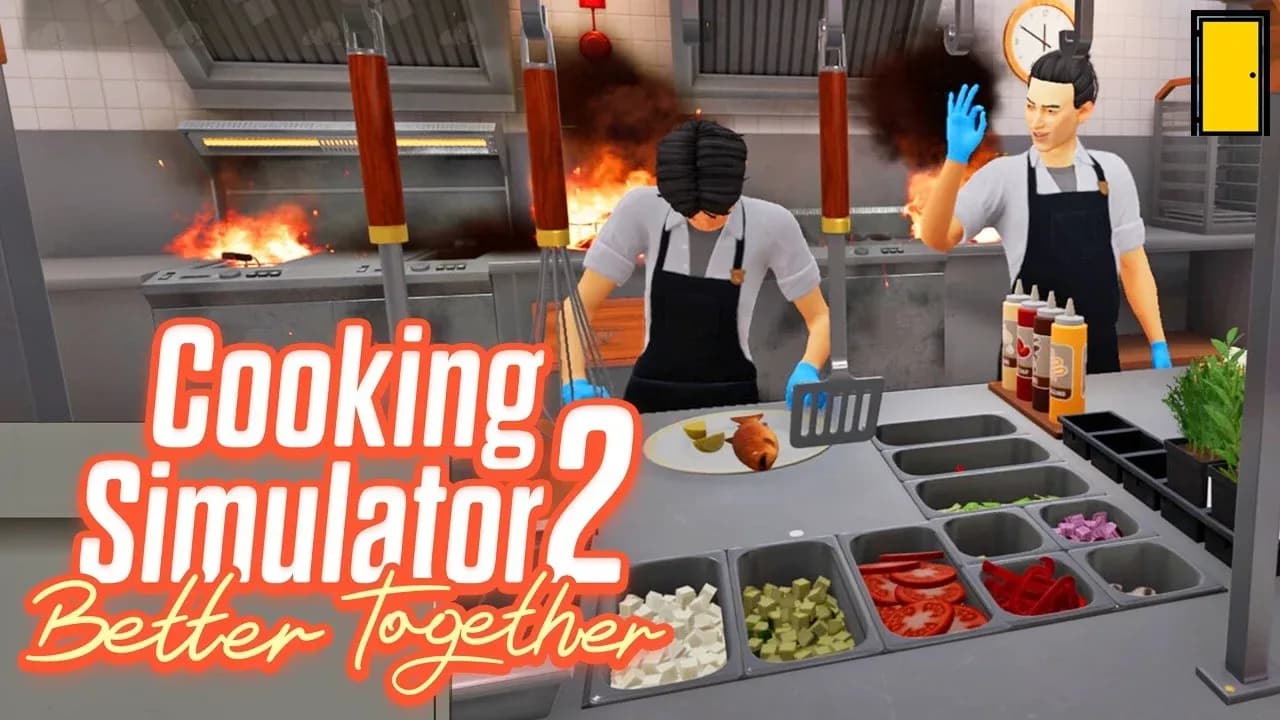

Cooking Simulator 2: Better Together launched on March 31, 2026, and it plays nothing like the original. Forget free-form chaos — this is a structured, prep-heavy kitchen sim that punishes reactive play hard. If you walk into a rush without ingredients chopped and stations set up, you will fall behind and stay behind. Here is what actually keeps a service running smoothly.
Why does prep timing matter so much?
The single biggest mistake new players make is waiting for orders to arrive before doing anything. By then, you are already behind. The correct approach is to treat the pre-rush window as your most productive time in the entire session.
Before service starts:
- Pre-chop the ingredients that appear across multiple recipes
- Load pots and pans onto the stations you will need most
- Position frequently used items close to your main cooking area
When orders hit and everything is already staged, your execution time drops dramatically. The kitchen does not feel chaotic — it feels like running a rehearsed routine.

How should you split roles in co-op?
Cooking Simulator 2: Better Together is built around two players handling distinct responsibilities, not both players doing everything at once. The most effective split is one player on prep and ingredients while the other handles cooking and plating. Swapping roles mid-service should only happen when one player is genuinely free and the other is overwhelmed.
Overlapping tasks is where co-op runs fall apart. Two players chopping the same ingredient or both trying to plate the same dish wastes time and creates confusion at the stations.
| Role | Primary Responsibilities | When to Swap |
|---|---|---|
| Prep player | Chopping, ingredient staging, restocking | When prep queue is empty |
| Cook/plate player | Monitoring timers, plating dishes, serving | When a dish needs urgent help |
For players going solo, the lack of a second set of hands is genuinely felt. Steam reviews from launch day highlight that single-player mode gives you no assistance at all — no server to handle the dining room, no help with orders. The prep discipline matters even more when you are running the whole kitchen alone.
Kitchen organization: the tip everyone ignores
A messy kitchen is a slow kitchen. Every second spent hunting for a misplaced knife or searching for an ingredient you set down randomly is a second your dish is overcooking. The fix is simple but requires discipline throughout the entire session.
- Return tools to their designated spots immediately after use
- Group ingredients by type or by recipe so nothing gets mixed up
- Never drop items randomly on counters just because it is faster in the moment
This sounds obvious, but mid-rush it is easy to skip. Building the habit early means it becomes automatic when things get hectic. Saving even a few seconds on every action compounds significantly across a full service.
How do you handle rush moments without panicking?
Rushes are where organized kitchens separate from chaotic ones. The instinct to speed everything up is wrong — rushing leads to burned dishes, missed timers, and wasted ingredients that cost more time than they save.
The right approach:
- Stick to your assigned role even when things feel out of control
- Focus on finishing each dish cleanly rather than starting five at once
- Watch cooking timers actively — one burned dish derails the whole queue
Clean execution at a steady pace consistently outperforms frantic speed. One overcooked dish wastes more total time than the few seconds you saved by rushing it.
What upgrades should you prioritize?
Not all upgrades are worth the same investment. The best early purchases are tools that directly reduce time on your most-used actions. Upgrading stations you rarely touch is money that could have gone toward something that actually speeds up your workflow.
The priority order looks like this:
- Cooking stations you use every service — faster heat, better timers
- Prep tools that reduce chopping or ingredient handling time
- Secondary stations only after your core workflow is covered
Note that some items in the game currently display as "coming soon" at launch, so the full upgrade tree is not yet available. Spend on what is functional rather than holding out for locked content.
For players looking to push further into the endgame, the walkthrough and cheats guide at xmodhub covers how to maximize Prep Points and unlock advanced recipes to access the best kitchen equipment faster.
Understanding recipe flow vs. memorizing steps
Trying to memorize every recipe step individually is the wrong mental model. What actually works is understanding the structure that most recipes share: prep first, cook second, plate last. Once that flow is internalized, handling multiple orders simultaneously becomes a matter of managing parallel queues rather than recalling individual instructions.
Group similar actions together where possible. If two dishes both need the same chopped vegetable, prep both portions at once. If two dishes are cooking simultaneously, plate the one that finishes first while monitoring the second. Pattern recognition across dishes is faster than treating each order as a unique task.
Quick reference: common mistakes and fixes
| Mistake | Why It Hurts | Fix |
|---|---|---|
| Skipping pre-rush prep | Orders pile up with nothing ready | Chop and stage before service starts |
| Both co-op players doing same task | Delays and station collisions | Assign clear roles and stick to them |
| Dropping tools randomly | Wastes time searching mid-rush | Return tools immediately after use |
| Rushing dishes | Overcooking and wasted ingredients | Monitor timers, finish one dish cleanly |
| Random upgrades | Money spent on low-impact stations | Upgrade most-used tools first |
For more guides covering Cooking Simulator 2 and other recent releases, browse the latest guides on GAMES.GG to stay current as the game receives updates and patches.