
What is Copa City and how does it work?
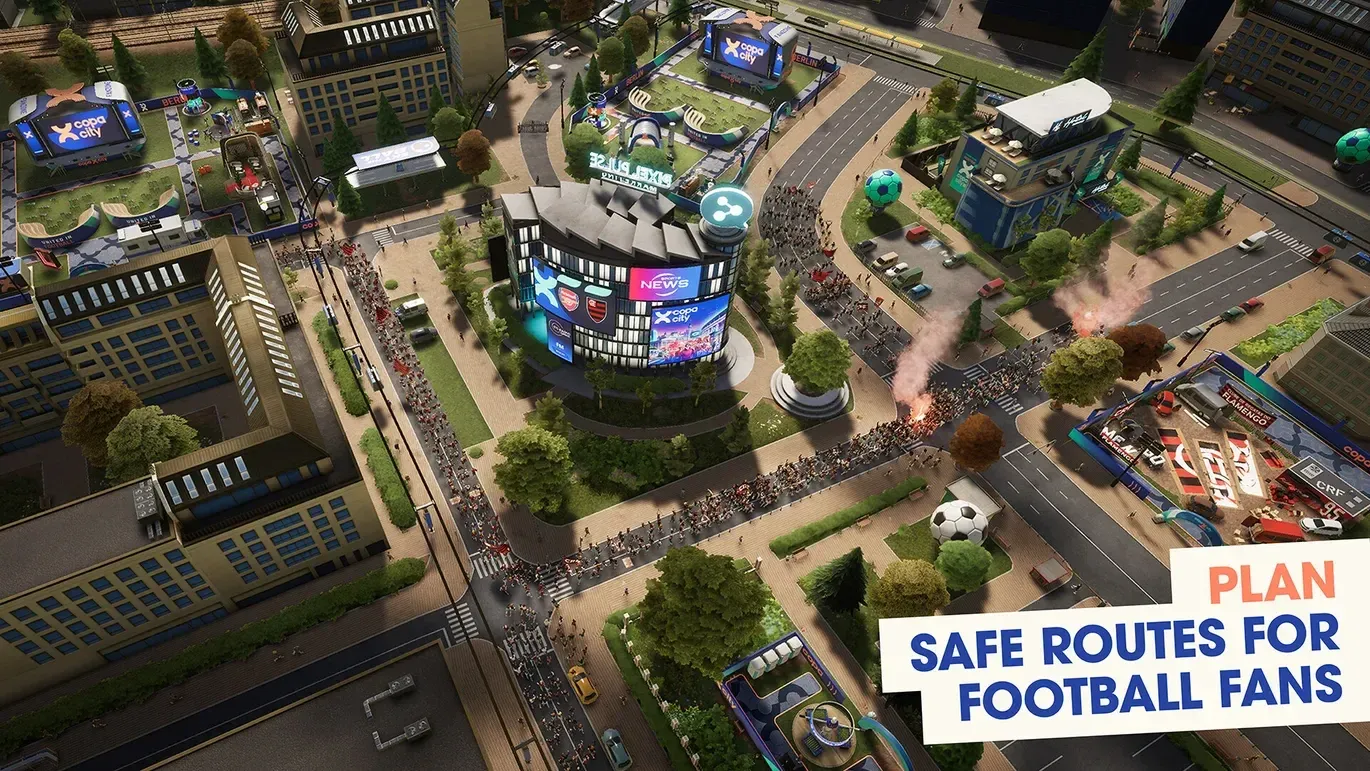
Copa City is a city-builder and event management hybrid where you never touch the pitch. Developed by Triple Espresso S.A., the game puts you in charge of everything surrounding a football match: fan zones, catering, transport, ticketing, stadium operations, and the crowd itself. The match is the deadline. Every decision you make before kickoff determines whether the event succeeds or collapses under its own weight. For players coming from Subway Surfers City or other casual games, the management depth here is a noticeable step up, but the core loop stays approachable once you understand what the game is actually asking you to do.
What are the game modes in Copa City?
At launch, Copa City ships with two modes.
| Mode | Description |
|---|---|
| Campaign | Guided progression with structured objectives and tutorials |
| Single Match | Standalone event prep with full management freedom |
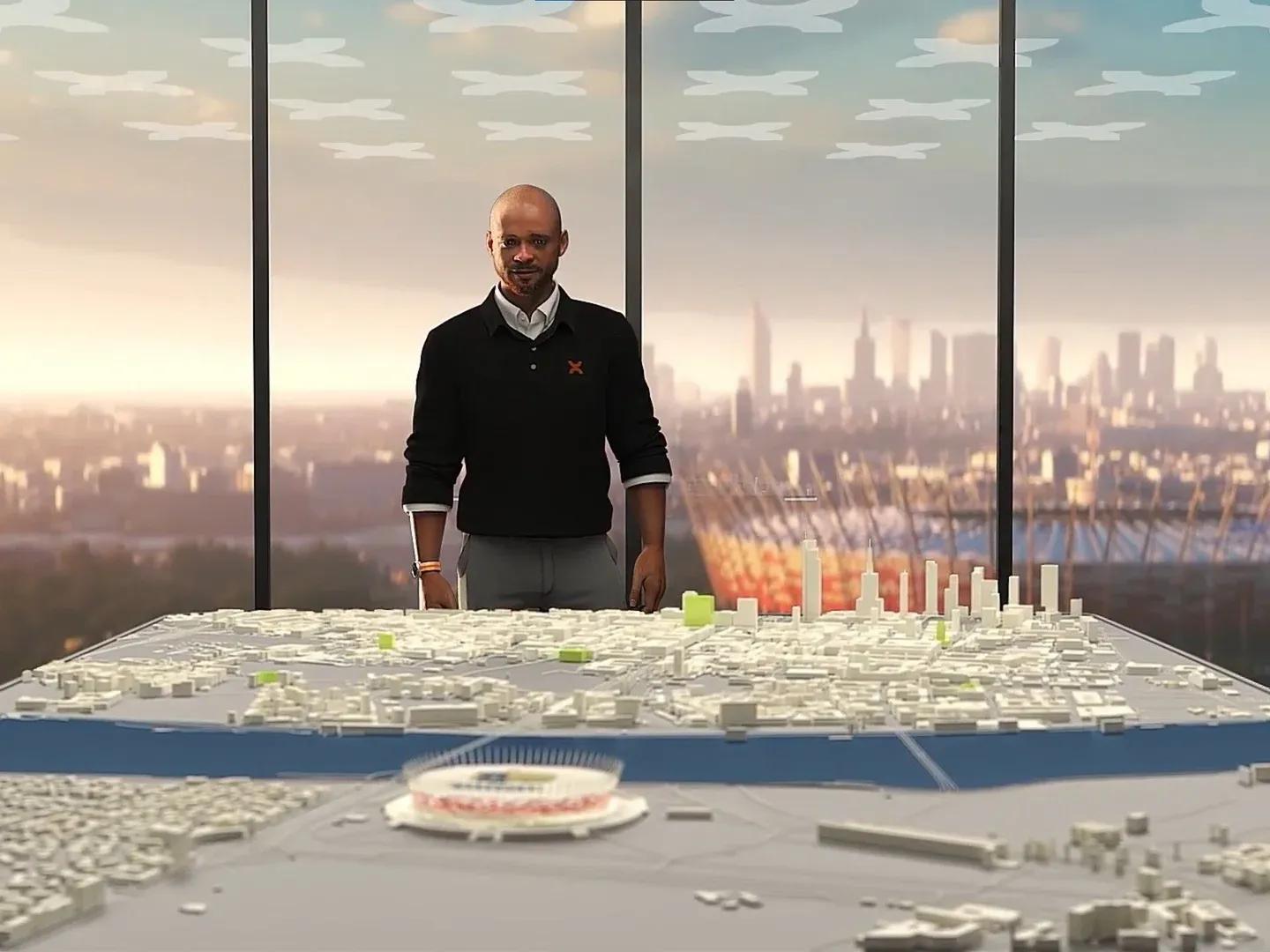
Campaign is the right starting point. It introduces mechanics gradually and gives you objectives to anchor early decisions. Single Match is better once you know how city routing, fan zones, and stadium audits interact. Jumping straight into Single Match as a beginner is the fastest way to build a beautiful city that fails inspection.
Choose Campaign to start
Available cities and how they differ
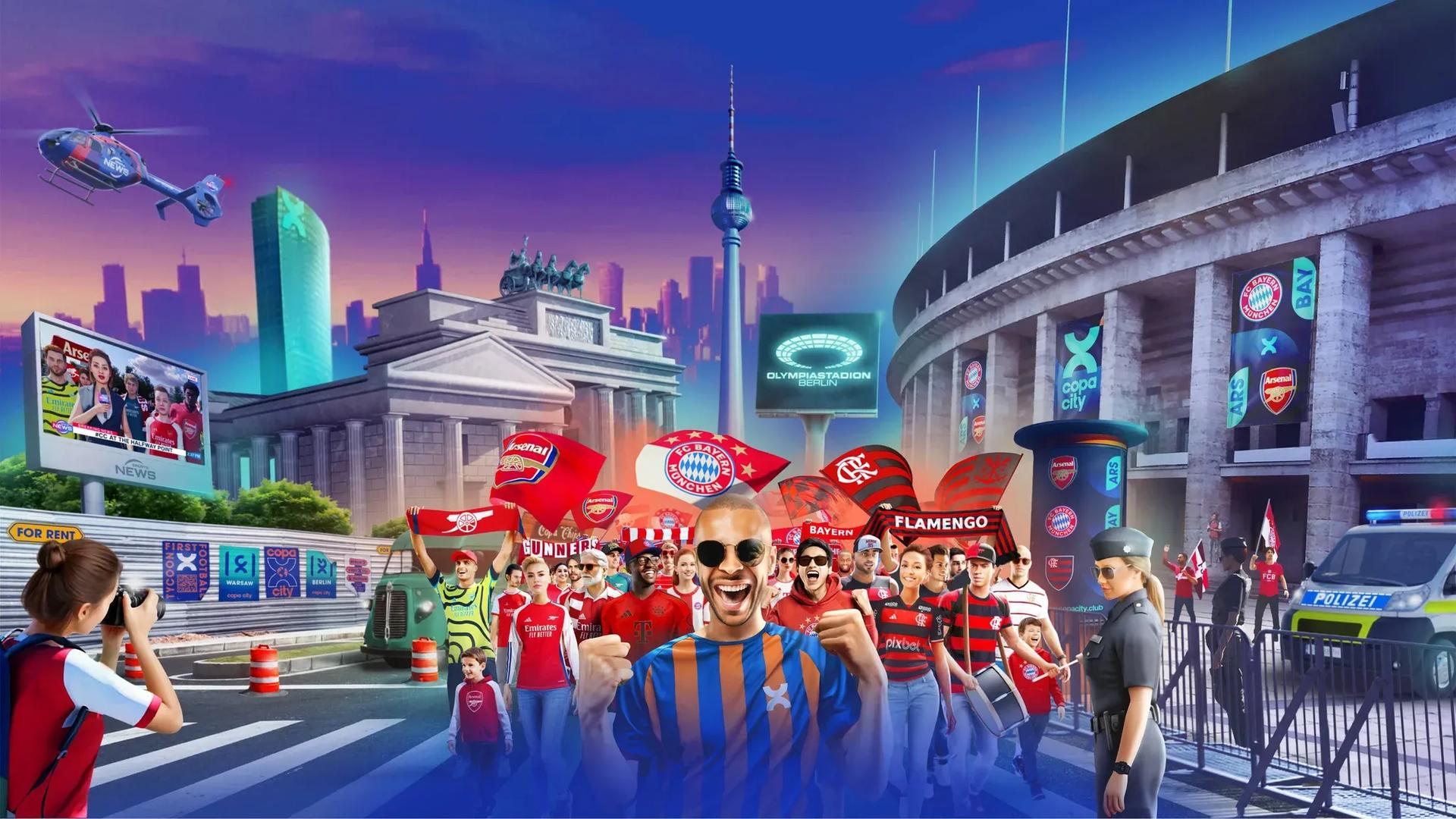
Copa City launches with three real-world cities, each built around a different stadium.
| City | Stadium |
|---|---|
| Berlin | Olympiastadion |
| Warsaw | PGE Narodowy |
| Rio de Janeiro | Maracanã |
These are not cosmetic swaps. Each city has different district layouts, unique expansion routes, and different stadium capacities. The city you pick shapes how you think about headquarters placement, supporter flow, and which districts are worth developing early.
How does Match Readiness work?
Match Readiness is the central progression system. Completing objectives raises your readiness score, and higher scores unlock new buildings, better generators, stadium facilities, card rewards, and advanced marketing campaigns. Think of it as the game's pacing mechanism.
Here is what each readiness level unlocks:
| Level | What opens up |
|---|---|
| 1 | Basic revenue buildings and cards |
| 2 | Tier 2 generators and advanced facilities |
| 3 | Stadium training and larger infrastructure |
| 4 | VIP facilities |
| 5 | Final inspection phase |
The trap most beginners fall into is treating a readiness increase as permission to expand everywhere at once. The smarter move is to pause after each level, identify the new bottleneck (usually workforce, path coverage, or a stadium task), and fix that before touching anything else. A city that looks developed but has one broken link still fails the inspection.
Understanding the three fan types
Supporter segmentation drives almost every building decision in Copa City. There are three fan categories, and each one has a primary need that must be met.
| Fan Type | Primary Need |
|---|---|
| Family Fans | Fun |
| Core Fans | Catering |
| Ultras | Safety |
Family Fans need entertainment infrastructure: mini football pitches, foosball tables, stages, mascots, and attraction zones. Core Fans want food, so food kiosks, food trucks, and restaurants take priority. Ultras require safety coverage through first aid stations, security facilities, and crowd control systems.
Overcommitting to one fan type is one of the most common early mistakes. Family fans in particular demand enormous amounts of fun infrastructure, and if you build your entire city around them without balancing catering and safety, satisfaction drops fast once a mixed crowd arrives.
What are the three essential resources?
Money is visible and easy to track. The three workforce resources are what actually decide whether your city can function.
| Resource | Primary use |
|---|---|
| Volunteers | Operate fan zones and general city services |
| Specialists | Unlock campaigns, stadium expansion, and advanced facilities |
| Stewards | Support ticket sales and stadium operations |
Specialists are the resource that runs out first. Many players hit a specialist shortage long before they run low on cash, which stops campaigns and regional unlocks dead. Before any major expansion push, check whether the new area will demand workers you do not currently have. A fan zone that cannot be staffed is a liability, not an asset.
Volunteers come from volunteer centers. Stewards matter most around ticketing and stadium work. Build a small workforce buffer before pushing into a new district.
How to build efficient fan zones
Every building in Copa City follows two non-negotiable rules: it must connect to a path, and most facilities require a generator to operate.
Generator placement is one of the game's most satisfying optimization puzzles. Poor placement reduces fun output and wastes resources. The goal is to create tight clusters where a single generator powers multiple attractions. After testing different layouts, compact districts with centrally placed generators consistently outperform sprawling ones.
The early revenue buildings worth prioritizing:
| Building | Daily Revenue |
|---|---|
| Snack Stand | ~720 |
| Food Kiosk | ~900 |
| Ball Game | Revenue + Fun |
| Mini Football Pitch | Revenue + Fun |
Build revenue first, use profits to cover entertainment and safety, then expand before fan demand outpaces your infrastructure.
Stadium management: what most beginners miss
City building gets most of the early attention, but the stadium is where the inspection is actually won or lost. Each stand must be assigned to a specific team and fan type. You control who sits where, how many tickets are available, and which supporters attend.
Ticket pricing has a direct effect on attendance. Pricing tickets at $35 produces low daily sales. Dropping to $11 drives significantly higher attendance. The balance between profit, attendance numbers, and fan satisfaction becomes one of the later game's main challenges.
Beyond seating, stadium infrastructure requires attention across four areas:
- Entrances: Ticket offices and security checkpoints
- Food areas: Food kiosks and menu boards
- Team areas: Locker rooms and training facilities
- Entertainment: Jumbotrons, team branding, and decorations
Pitch quality also feeds into the final inspection rating. Players can adjust lighting, watering, and grass conditions. It is easy to ignore this system in the first playthrough, but neglecting pitch management costs points at the final inspection.
What does the Inspection Committee evaluate?
At maximum readiness, the final inspection begins. Inspectors evaluate five areas:
- Stadium readiness
- Fan satisfaction
- Infrastructure quality
- Ticketing
- Pitch quality
Outcomes range from acceptable to excellent depending on how thoroughly each category was addressed. The inspection is not a surprise test. Every category maps directly to systems you have been building toward the entire match.
Common beginner mistakes to avoid
After running through the systems in detail, the same five mistakes appear repeatedly in early playthroughs.
- Ignoring stadium development while obsessing over fan zones. The stadium has its own checklist and it needs attention early.
- Running out of specialists before campaigns and unlocks are complete. Track this resource actively.
- Building entirely for one fan type. Family fan infrastructure is expensive and space-heavy. Mixed crowds need balanced coverage.
- Late ticket configuration. Waiting too long to set up seating assignments and pricing cripples attendance numbers.
- Underestimating scale. A district that handles 500 fans comfortably often breaks under 5,000. Build with growth in mind.
The beginner loop that avoids most of these problems: headquarters, core pathing, basic revenue, first fan zone connected and staffed, then raise Match Readiness through objectives before widening the plan. Each match teaches one planning mistake you can remove from the next run.
For more strategies across every system in the game, the Subway Surfers City guides collection has additional resources to keep your planning sharp.