
Crimson Desert is a third-person action-adventure from Pearl Abyss, but a community discovery from late April 2026 has players treating it like a top-down dungeon crawler. By adjusting four sliders buried in the Accessibility tab, you can pull the camera so far back that Kliff looks like a tiny warrior on a battlefield, with the world of Pywel stretching out around him in a way that genuinely recalls Diablo or Divinity. The catch: foliage and tight spaces fight back. Here is exactly how to set it up, and what you should know before committing to it.
How do you enable the Diablo-style camera in Crimson Desert?
The settings are not where you would expect them. Pearl Abyss placed these camera controls inside the Accessibility section rather than Graphics or Gameplay, which is why many players miss them entirely. Community testing in late April 2026 identified four specific values that produce the most convincing isometric result:
| Setting | Default Value | Isometric Value |
|---|---|---|
| Camera Visual Range | 50 | 0 |
| Camera Distance | 50 | 100 |
| Camera Vertical Offset | 50 | 0 |
| Camera Horizontal Offset | 50 | 0 |
To apply them, follow these steps:
- Open Settings from the main menu or pause screen.
- Navigate to the Accessibility tab.
- Scroll down to the Camera Customization section.
- Set Camera Visual Range to 0. This removes the dynamic scaling that causes the camera to lunge forward during combat finishers, keeping the perspective locked in place.
- Set Camera Distance to 100 (the maximum). This is the most impactful change, physically moving the camera anchor point far away from Kliff's model.
- Set both Camera Vertical Offset and Camera Horizontal Offset to 0. By default the camera sits slightly over Kliff's right shoulder; zeroing these values centers it directly above the character.
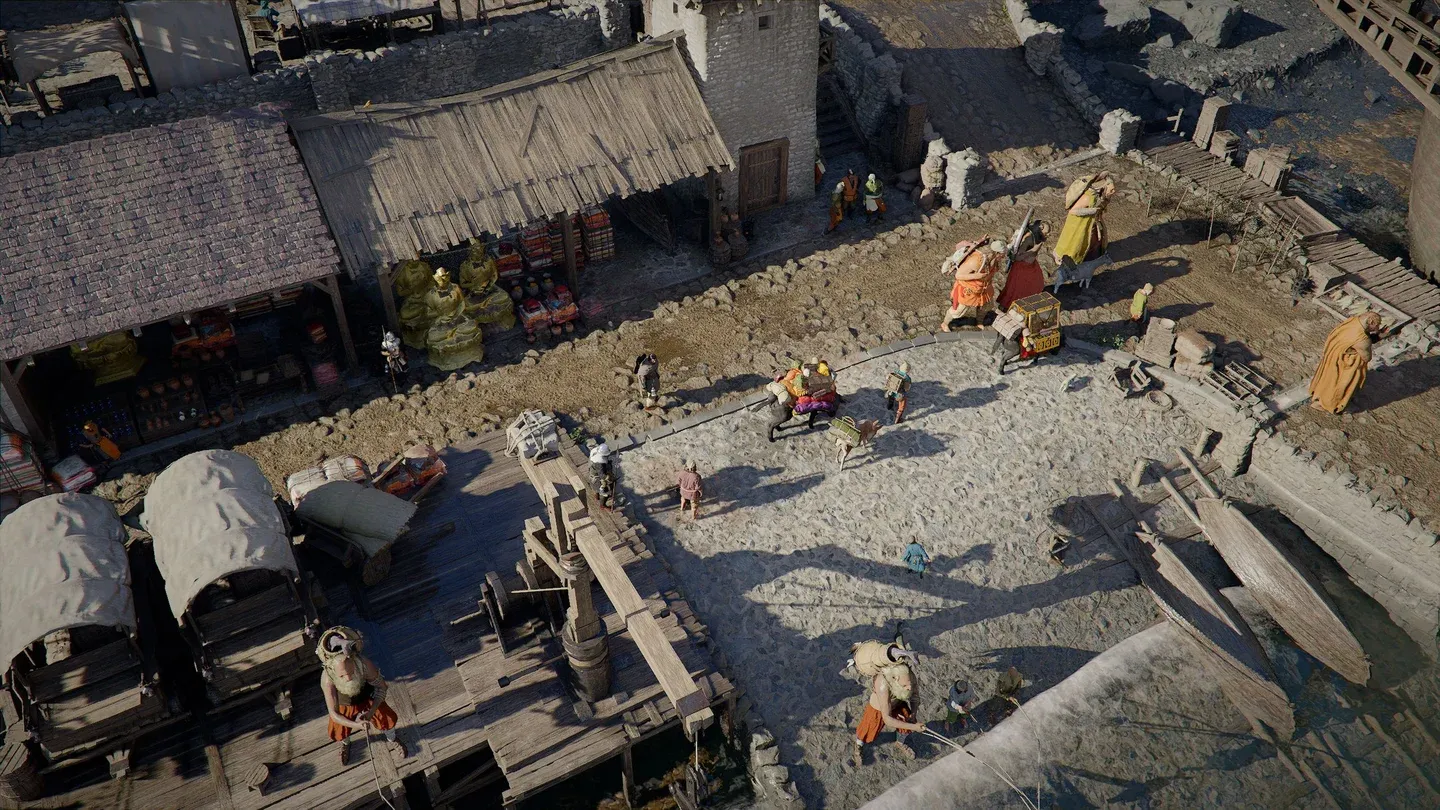
Isometric view of Kliff in Pywel

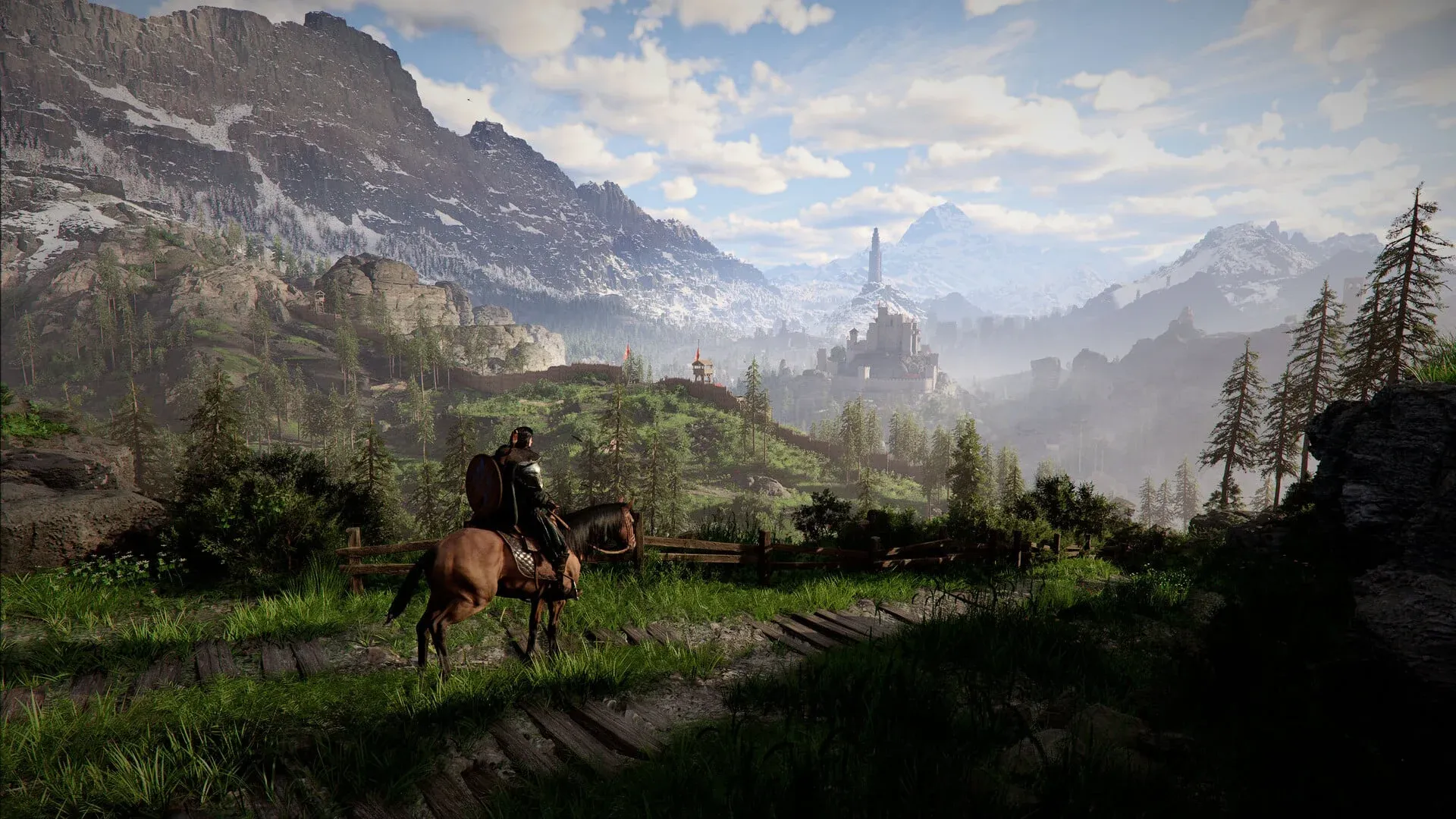
Why is the default camera so tight?
Pearl Abyss designed the standard camera to stay close to Kliff for a few specific reasons. The close framing makes sword strikes feel more physical and impactful. It also helps performance: rendering Pywel's open world at high detail across a wide field of view is expensive, and a tighter camera reduces the amount of high-quality geometry the engine has to process at once, which matters for maintaining stable frame rates on consoles.
There is also a technical system at work. Crimson Desert uses a Variable Focal Length system tied to Kliff's current state (Combat, Exploration, or Stealth). When you walk near a wall or enter a building, the camera automatically pulls in to avoid clipping through surfaces. This same system is what causes the camera to "fight back" when you try to hold the isometric view in cramped environments.
Should you actually play the whole game this way?
Honestly, it depends entirely on where you are and what you are doing. After testing this across different environments, the results are uneven in a way that is worth knowing before you commit.
Where it works well
Open-field combat is where the isometric view earns its keep. Fighting large groups of enemies in areas like the plains near Hernand lets you see attackers approaching from all sides, which removes the frustration of getting hit by something that was off-screen. The sense of scale when Kliff stands against the mountains of Pywel is also genuinely impressive at maximum distance.
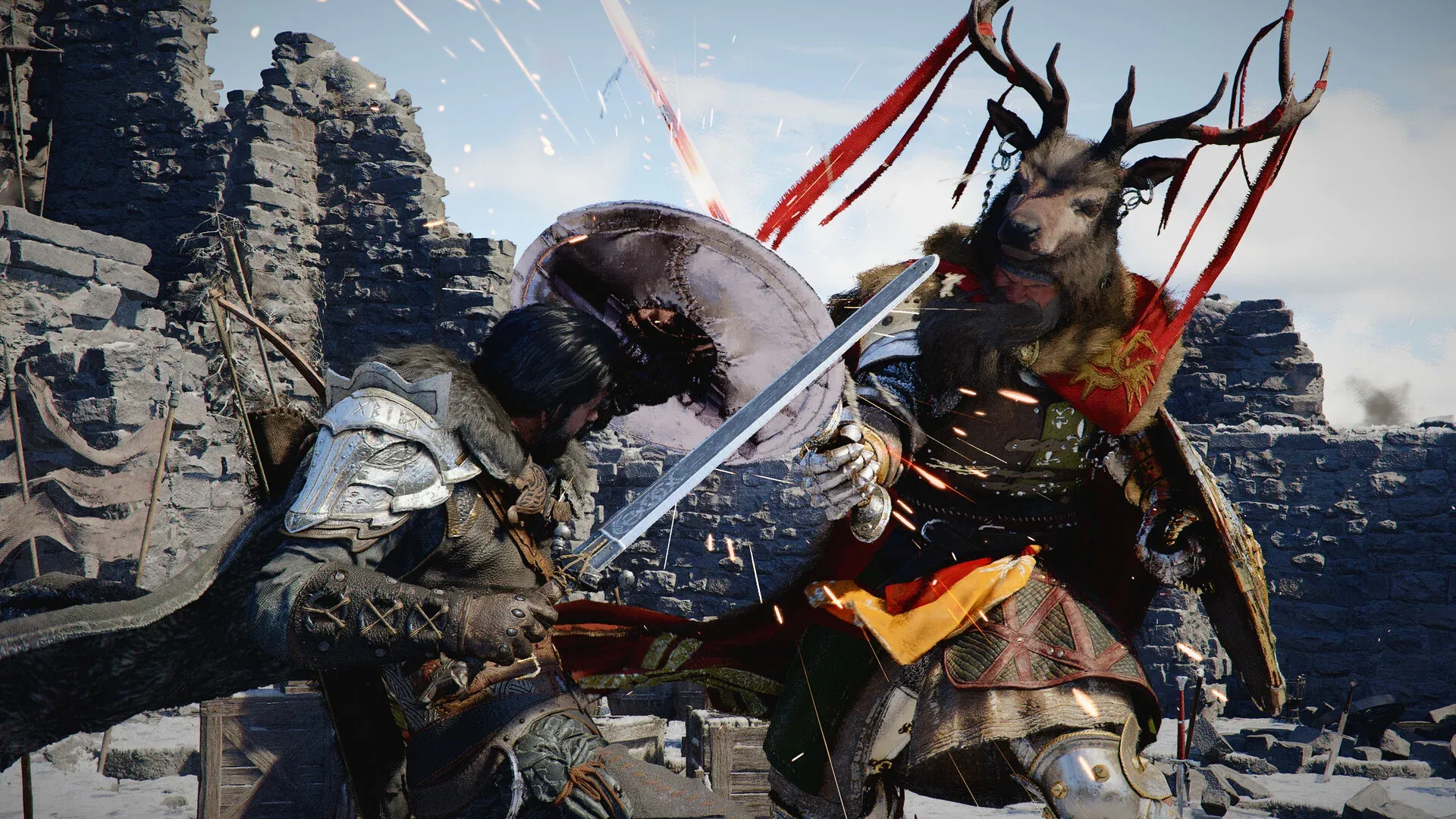
Boss encounters in wide-open arenas also work reasonably well, as long as you are not trying to read subtle attack animations. The tradeoff is that the zoomed-out distance makes it harder to catch the precise "tell" on a boss move, like a faint glimmer on a sword before a swing.
Where it falls apart
Interiors are a problem. Entering a house, a shop, or any enclosed space with Camera Distance at 100 often results in the camera looking at the roof or an exterior wall instead of the room. You will want to scroll back in manually every time you go inside.
Horse riding also suffers. The sense of speed drops noticeably when your character is a small figure on a large screen, and fast travel on horseback feels disconnected from the terrain.
Forested areas are the worst offender. Because Crimson Desert is not a flat isometric map like Diablo, the camera constantly collides with trees and cliffs, causing rapid snapping forward and backward. Extended sessions in dense woodland can cause motion sickness or headaches for some players.
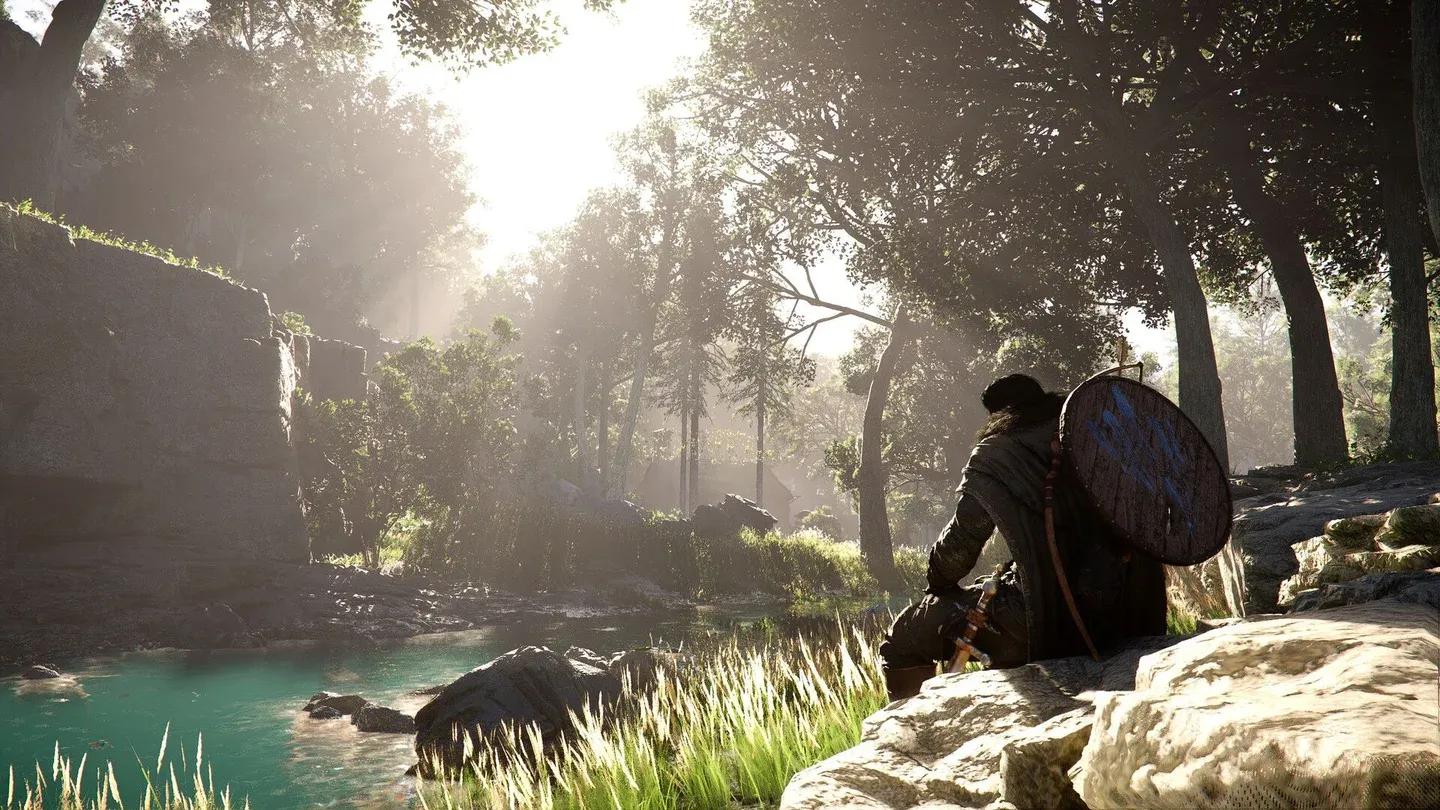
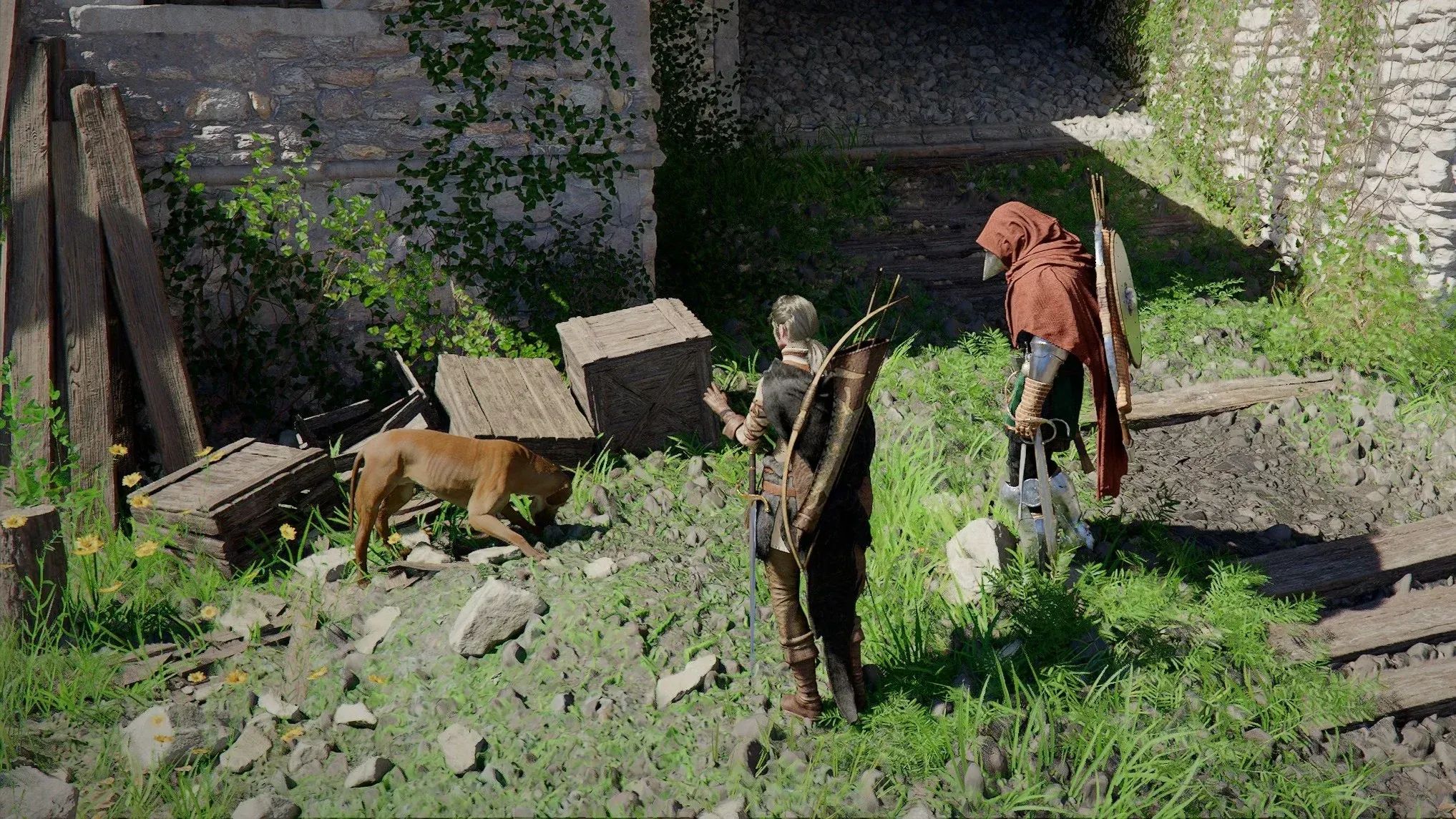
Open fields suit the isometric view
Alternative camera configurations worth trying
The full Diablo setup is not the only option. A "hybrid" approach works better for players who want more battlefield awareness without fully sacrificing the third-person feel.
Set Camera Distance to 70 and leave a slight Vertical Offset of around 10 to 15. This gives you a broader view of combat without the camera constantly battling against environmental geometry. It is closer to the pulled-back perspective in The Witcher series than to Diablo, and it holds up better in mixed environments.
There is also a tactical use case for Photo Mode. If you want a top-down overview of an area for planning purposes, you can fly the Photo Mode camera much further out than the gameplay sliders allow, screenshot the layout, and then return to normal play.
How to reduce camera jitter in isometric mode
If you decide to stick with Camera Distance at 100, a few adjustments help keep the experience stable:
- Set Camera Shake Intensity to 0 in the same Accessibility menu. At maximum distance, even small shake values become disorienting.
- Manually scroll back to a closer distance before entering cities, caves, or any interior space.
- Reserve the full isometric view for boss arenas and open-field combat, where there is minimal geometry for the camera to collide with.
The bigger picture
This camera trick landed at an interesting moment for Crimson Desert. The game launched on March 19, 2026, and its Steam reviews shifted from mixed to very positive as Pearl Abyss responded to feedback. The title has sold over 5 million copies and ranked as the 15th best-selling game in the US in March 2026. The accessibility camera options that make this trick possible were added as part of a nearly 40GB patch in April 2026, one of the largest updates the game has received. Player testing shared publicly on April 24, 2026, including detailed breakdowns from users like Ninjago9101, helped confirm which specific slider combinations produced the cleanest isometric effect.
The fact that camera customization ended up in the Accessibility tab rather than a dedicated camera menu is worth noting. Pearl Abyss added these sliders primarily for motion sickness prevention and visual comfort, but players found a completely different use for them. That kind of emergent player creativity is part of why the community has warmed to the game after a rocky launch.
For more tips on Crimson Desert and other recent releases, browse the latest guides at GAMES.GG.