
Crimson Desert throws enemies at you from every direction, and without a reliable way to focus your attacks, combat quickly turns into chaos. Fortunately, Pearl Abyss built two distinct lock on systems into the game, each serving a different purpose depending on your situation. Knowing when to use each one is the difference between a clean, controlled fight and getting overwhelmed by a mob. Here is everything you need to know about locking on to targets in Crimson Desert.
How Does the Lock On System Work in Crimson Desert?
The lock on system in Crimson Desert splits into two modes: Hard Lock On and Soft Lock On (also called temporary lock on). Both display a white reticle on an enemy, but they behave very differently in practice. Hard Lock pins your camera and movement to one specific target, while Soft Lock activates automatically when you raise your guard and always snaps to whoever is nearest.

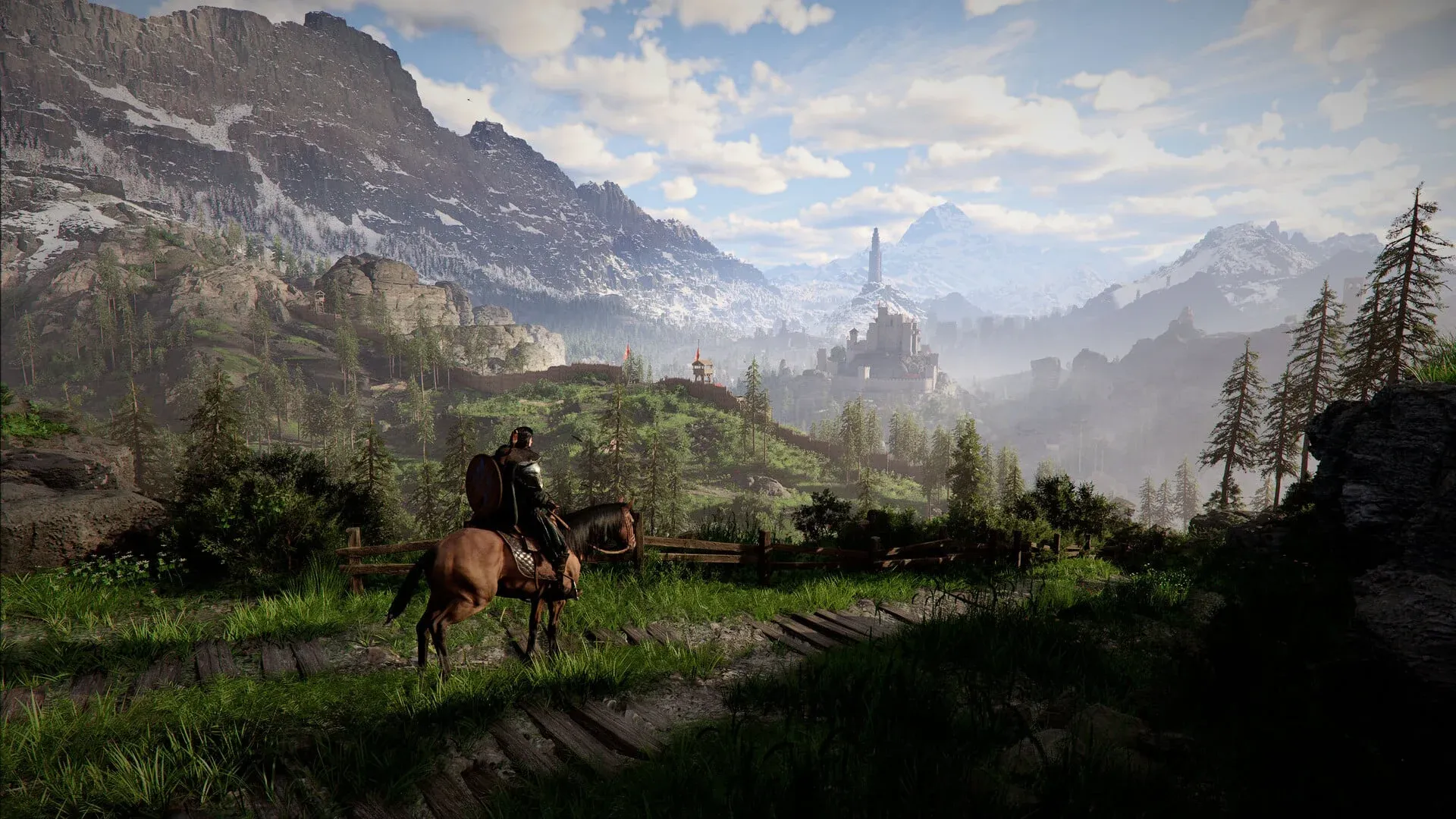
What Is Hard Lock On and How Do You Activate It?
Hard Lock On is your precision targeting tool. On PS5, press Down on the D-Pad. On Xbox, press Down on the D-Pad as well. On PC, press the Caps Lock key.
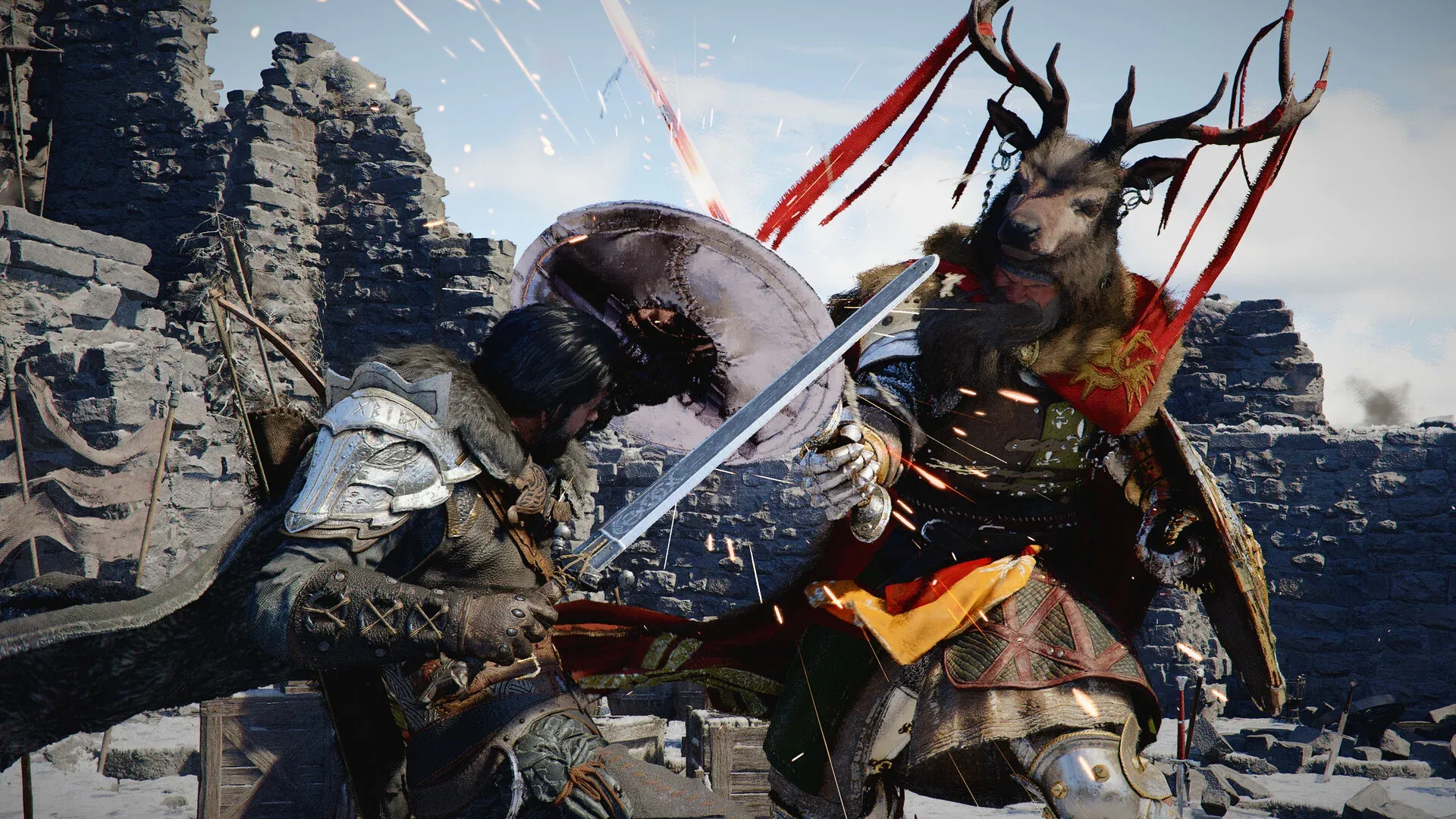
Once activated, a dotted circle with spiked flanking lines appears on your chosen target. That enemy stays locked at the center of your screen as you strafe, dodge, and reposition around them. This is especially useful against bosses or priority targets in a crowd, since you never lose visual on them even when other enemies weave between you.
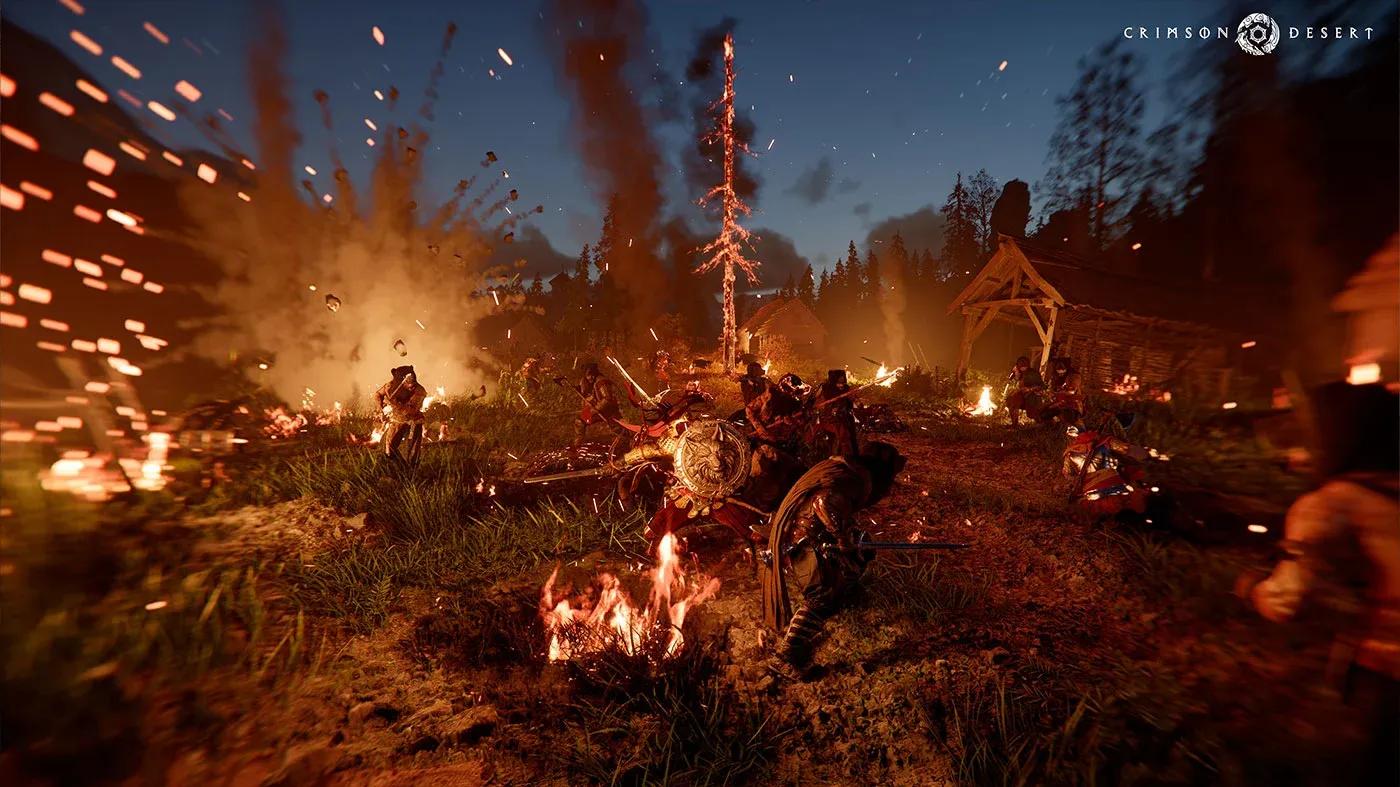
Hard Lock On reticle active
What Is Soft Lock On and How Do You Activate It?
Soft Lock On is your reactive, automatic targeting option. Hold the guard button (L1 on PS5, LB on Xbox, or the equivalent hold key on PC) to raise your shield and instantly lock onto the nearest enemy. The symbol for this mode is a plain white dot inside a circle, noticeably simpler than the Hard Lock indicator.
The Soft Lock stays active only as long as you hold the guard button. Release it and the lock drops immediately. This makes it ideal for quick defensive exchanges where you need to react to whoever is attacking you right now rather than committing to a single target across a long engagement.
How to Change Targets in Crimson Desert
Switching targets is straightforward once you understand the logic behind each mode.
For Hard Lock On, you must release the current lock first. Move your camera until the white dot highlights a new enemy, then press Down on the D-Pad (or Caps Lock on PC) again to re-engage the lock on that target. There is no direct cycle button, so positioning your camera toward the intended enemy before re-locking is the key step.
For Soft Lock On, target switching is handled for you. While holding the guard button, the lock automatically transfers to whichever enemy most recently attacked you. This reactive behavior means you rarely need to think about switching manually during defensive play.
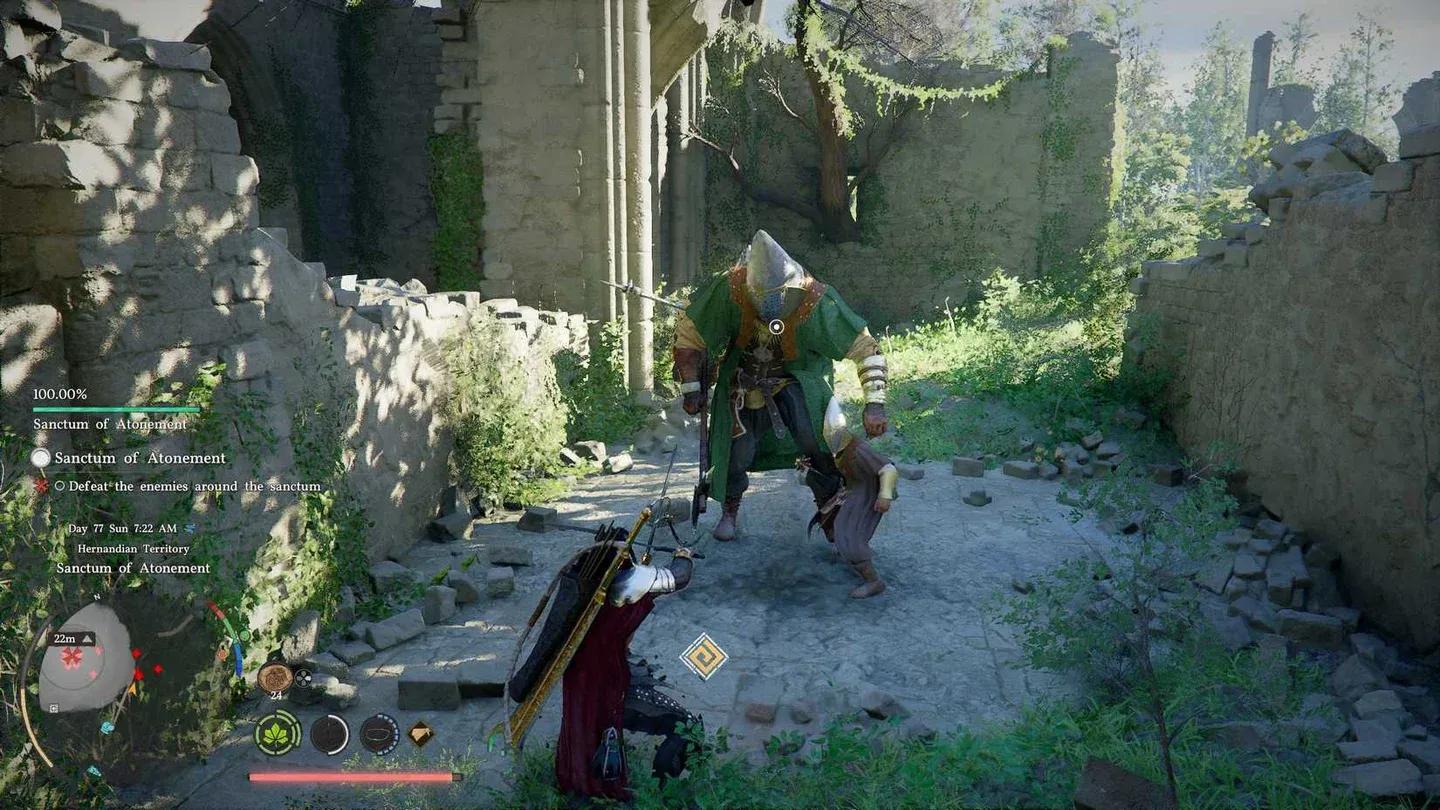
Soft Lock On while guarding
Putting It All Together
The lock on system in Crimson Desert rewards players who understand when to commit and when to stay flexible. Hard Lock On gives you surgical focus on a single target, which is invaluable against tough enemies and bosses where reading attack patterns matters most. Soft Lock On keeps you reactive and safe during messy group encounters, automatically protecting you from the most immediate threat.
Practice switching between both modes as fights evolve. Start a large encounter with Soft Lock to handle the initial rush, then drop into Hard Lock once you have isolated the most dangerous enemy. That rhythm will carry you through the toughest fights the game throws at Kliff and the other playable characters. For more tips on mastering Crimson Desert combat and beyond, browse more guides to keep building your skills.