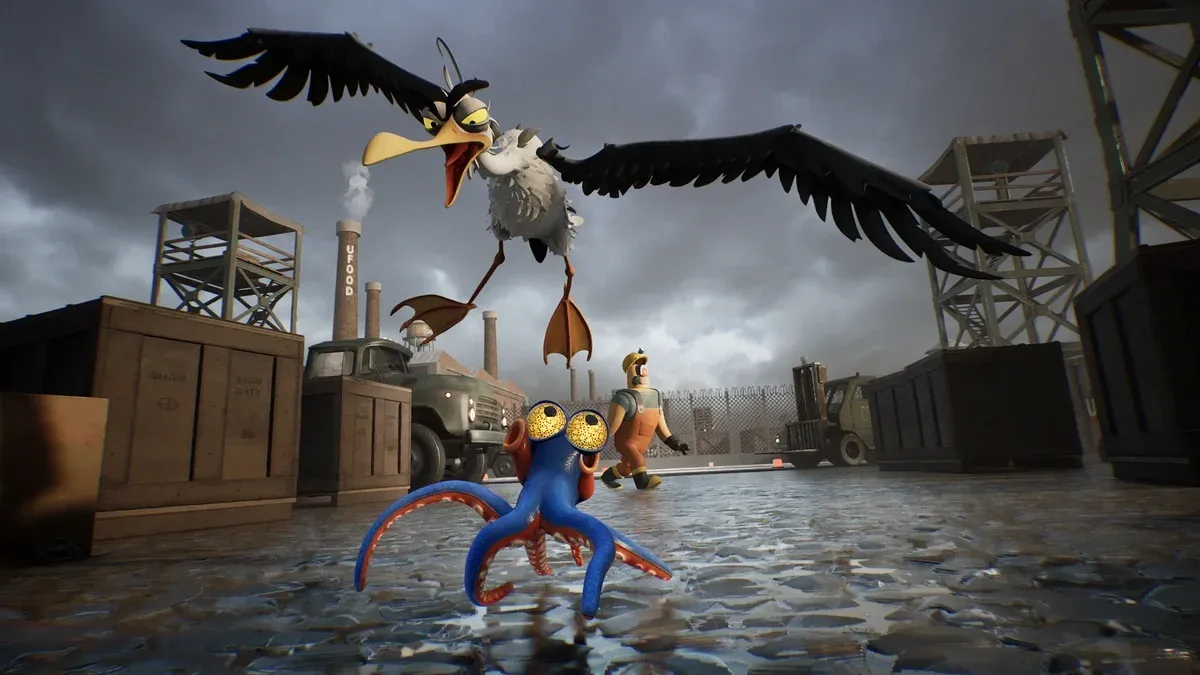


Darwin's Paradox! launched on April 2, 2026, and the consensus from reviewers is clear: ZDT Studio built something genuinely special here. Testing across a Steam Deck, an ASUS TUF Gaming A16 laptop, and a desktop PC with a 2080 Super and i5-12600k revealed the same issue on all three machines: performance problems are real and widespread. Frame drops, stutters, and sluggish behavior show up on hardware that should handle a 2.5D platformer without breaking a sweat. This guide pulls together what's documented about the performance problems and how to address them.
What's actually causing Darwin's Paradox to run badly?
Performance issues affected all three test machines during review testing, with the desktop PC running best despite its aging specs. The Steam Deck and laptop both required graphics sacrifices to hit acceptable frame rates. The Steam community discussion thread confirms that poor performance in the demo is a known issue, with ZDT Studio developer romu actively requesting PC specs from affected players to diagnose the root cause.
The core issue appears to be that the game's ambition in visual presentation, its Pixar-quality animations, detailed factory environments, and 2.5D layering with foreground and background elements, taxes systems in ways that don't scale predictably with hardware tier. A player on a mid-range rig can hit worse performance than someone on older but better-optimized hardware.

Darwin navigating the UFood factory
How to fix crashes in Darwin's Paradox
Crashes are separate from frame drops and have cleaner solutions. Based on community-documented fixes and ZDT Studio's own guidance in the Steam discussions:
- Update to the latest game version. The developer is actively patching crash-related bugs, so running an outdated build is the most common avoidable cause.
- Clear the app cache. Corrupted cache files trigger unexpected shutdowns. On Steam, right-click the game, go to Properties > Local Files > Verify integrity of game files.
- Reinstall if crashes persist. A clean install resolves most remaining crash issues that cache clearing doesn't catch.
- Check background processes. Running too many applications simultaneously strains RAM and can destabilize the game. Close browsers, Discord overlays, and anything else non-essential before launching.
Testing the game across three different machines produced zero crashes on any of them, suggesting crashes are less universal than frame drops. If you're hitting crashes specifically, the version and cache fixes above are your first stop.
How to fix frame drops and stutters
This is where most players are struggling. The performance problems documented across reviews and the Steam community thread are primarily frame drops and stuttering rather than outright crashes. Here's what actually helps:
Lower your graphics settings first
Testing across all three machines required sacrificing graphics for performance. This is not optional on mid-range hardware. Drop texture quality, shadow detail, and any post-processing effects first. The game still looks excellent at reduced settings because the art direction carries it regardless.
Close background applications
As documented in community testing, background apps are a significant contributor to lag and slow performance. This includes browser tabs, streaming software, and system tray applications that consume CPU cycles.
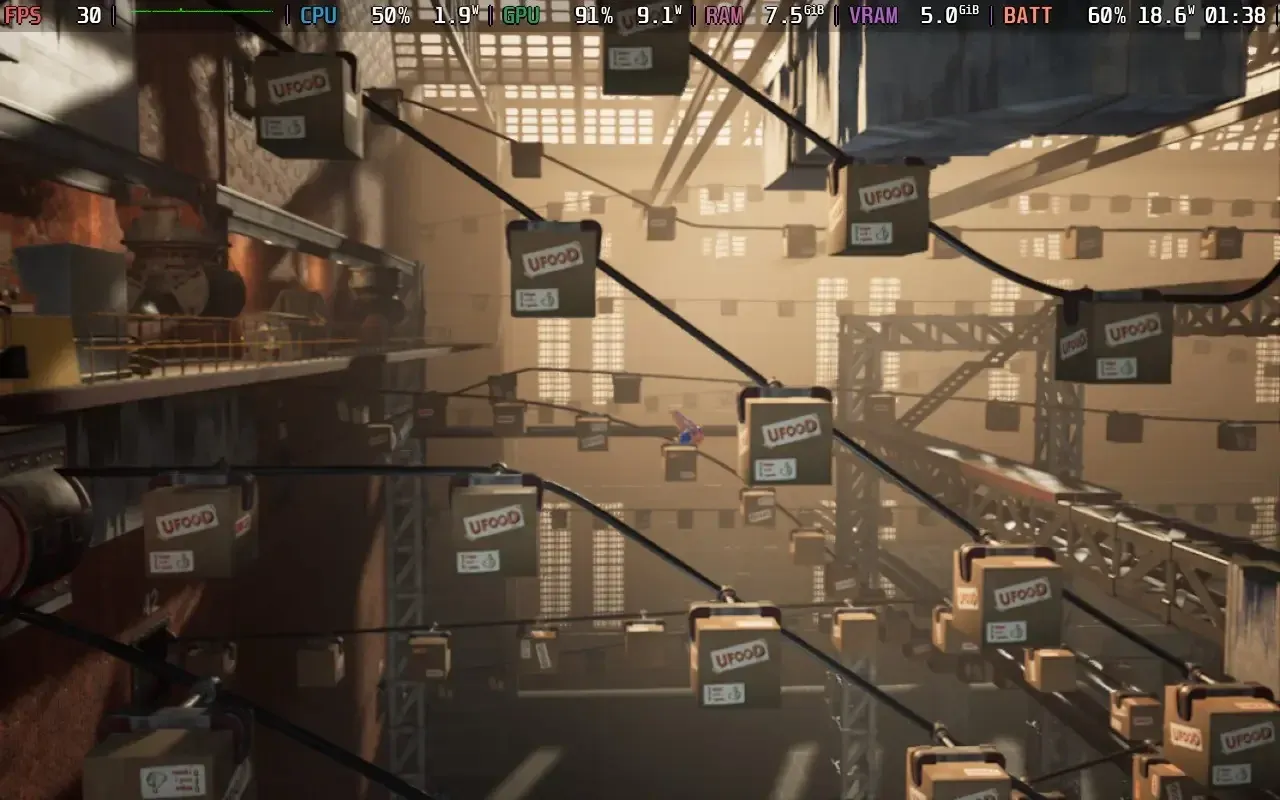
Graphics settings for performance
Free up storage space
The game requires approximately 6 GB on Xbox Series, and the PC version has similar requirements. Running the game on a nearly full drive causes stutters. Keep at least 10-15% of your drive free.
Match settings to your hardware tier
Based on community-reported minimum specs and review testing:
Does Darwin's Paradox run better on console?
PS5 testing scored the game 9/10, with the console version appearing significantly more stable. That review praised the game without mentioning performance problems, while PC-focused testing flagged them as the primary negative. If you have the option, PS5 or Xbox Series X are the cleaner experiences right now.
For PC players committed to the platform, the PCGamingWiki page for Darwin's Paradox is the best ongoing resource for community-documented fixes, workarounds, and any patches that address the performance issues post-launch.

Steam Deck performance testing
What the performance issues actually affect in gameplay
Knowing where the stutters hit hardest helps you prepare. The game has nearly 50 chapters, many of them short. The performance problems become most noticeable during:
- Chase sequences, where Darwin jets through water at high speed and the game renders fast-moving enemies like barracudas and anglerfish simultaneously
- Stealth sections with multiple enemies on screen, particularly in the factory areas with guards and environmental hazards
- Transition moments between water and land environments, where the game shifts Darwin's movement physics and ability behavior simultaneously
The good news is that the slower puzzle sections, which make up a significant portion of the game, are less demanding. The ink-based puzzle solving, wall-climbing mechanics, and object-dragging sequences tend to run more smoothly than the action-heavy chase sequences.
Progress not saving? Here's the fix
A secondary issue documented in community reports involves progress failing to save. This typically happens when:
- The internet connection drops mid-session and the cloud save sync fails
- The game is closed abruptly during a crash before the save writes
- The account connection (Steam account sync) is interrupted
The fix is straightforward: always close the game through the main menu rather than force-quitting, and ensure your Steam cloud sync is enabled under Properties > General > Keep games saves in the Steam Cloud.
Is Darwin's Paradox worth playing despite the performance issues?
Short answer: yes, with caveats. PS5 reviews awarded it 9/10, calling it one of the best mascot platformers in years. PC testing gave it a 7/10, with performance as the primary deduction. OpenCritic shows a 77/100 average with 67% of critics recommending it.
The gameplay underneath the performance problems is genuinely inventive. Darwin's camouflage, ink mechanics, wall-climbing, and object manipulation all behave differently in and out of water, creating a variety of puzzle and stealth scenarios across the game's roughly 5-10 hour runtime. Completion times vary from 5-6 hours to just under 10 hours, suggesting exploration pace matters significantly.
The checkpointing is the one gameplay complaint that cuts across reviews. Some checkpoints place you further back than feels fair, which stings more when you're already fighting frame drops. If you die in a chase sequence and get sent back several sections, that's a legitimate frustration on top of the performance hit.
For more guides on platformers and action-adventure games, browse the latest coverage at games.gg/guides to find similar titles worth your time.