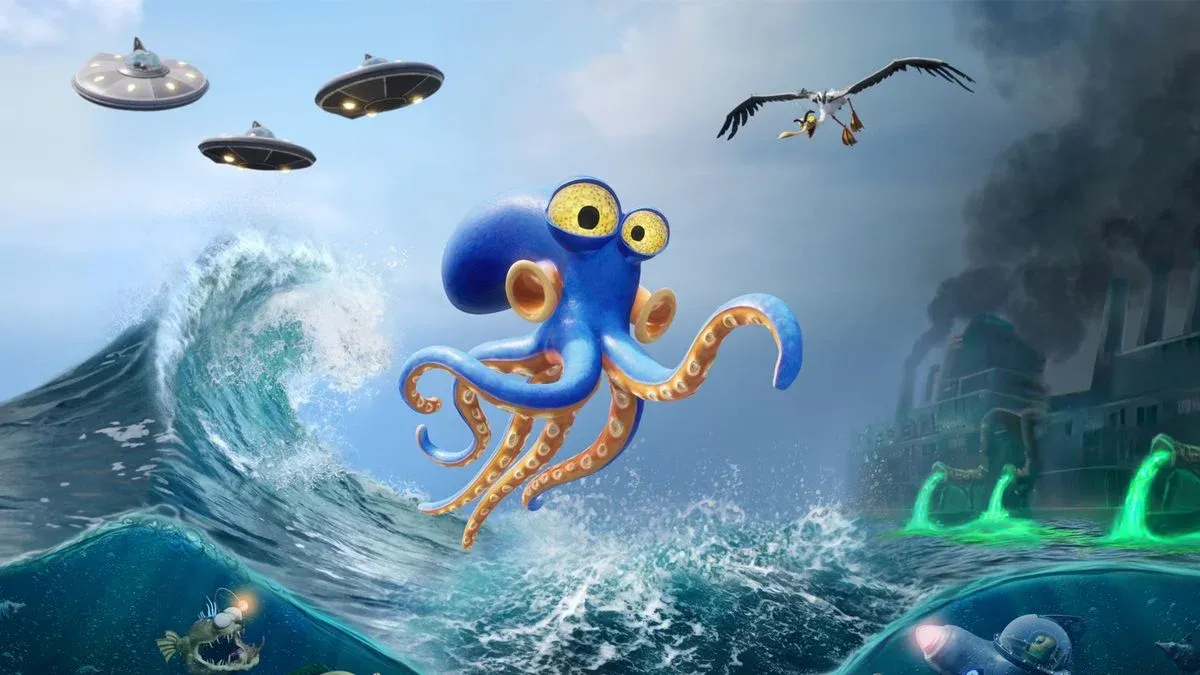


Darwin's Paradox! drops you into the suckers of an abducted octopus named Darwin, whose only goal is escaping the UFOOD megacorporation's industrial complex and getting back to the ocean. Developed by Paris-based ZDT Studio and published by Konami, this cinematic 2.5D platformer launched April 2, 2026 on PS5, Xbox Series X|S, Switch 2, PC (Steam and Epic Games Store) for $24.99. It runs about 7 hours, plays more like a puzzle game than an action title, and looks like something between Little Nightmares and a Saturday morning cartoon. Here's everything you need to know before you start.
What kind of game is Darwin's Paradox!?
Darwin's Paradox! is a puzzle platformer first, stealth game second. Traditional combat barely exists. Your time is split between figuring out environmental puzzles and moving Darwin through spaces without getting spotted. The story is straightforward: Darwin gets snatched by the UFOOD megacorporation in a setup that echoes Finding Nemo, accidentally uncovers a world-threatening conspiracy, and tries to get home. It works well enough to keep things moving.
The game draws from a wide range of influences. ZDT's Creative Art Director Mika Tanguy cited Inside, Unravel, Ori, and Little Nightmares for visual and tonal direction. Creative Gameplay Director Gilles Aujard pointed to Metal Gear Solid, Tomb Raider, Uncharted, and Oddworld: Abe's Odyssey for gameplay sensibility. The LucasArts point-and-click games also shaped the humor and absurdist tone.
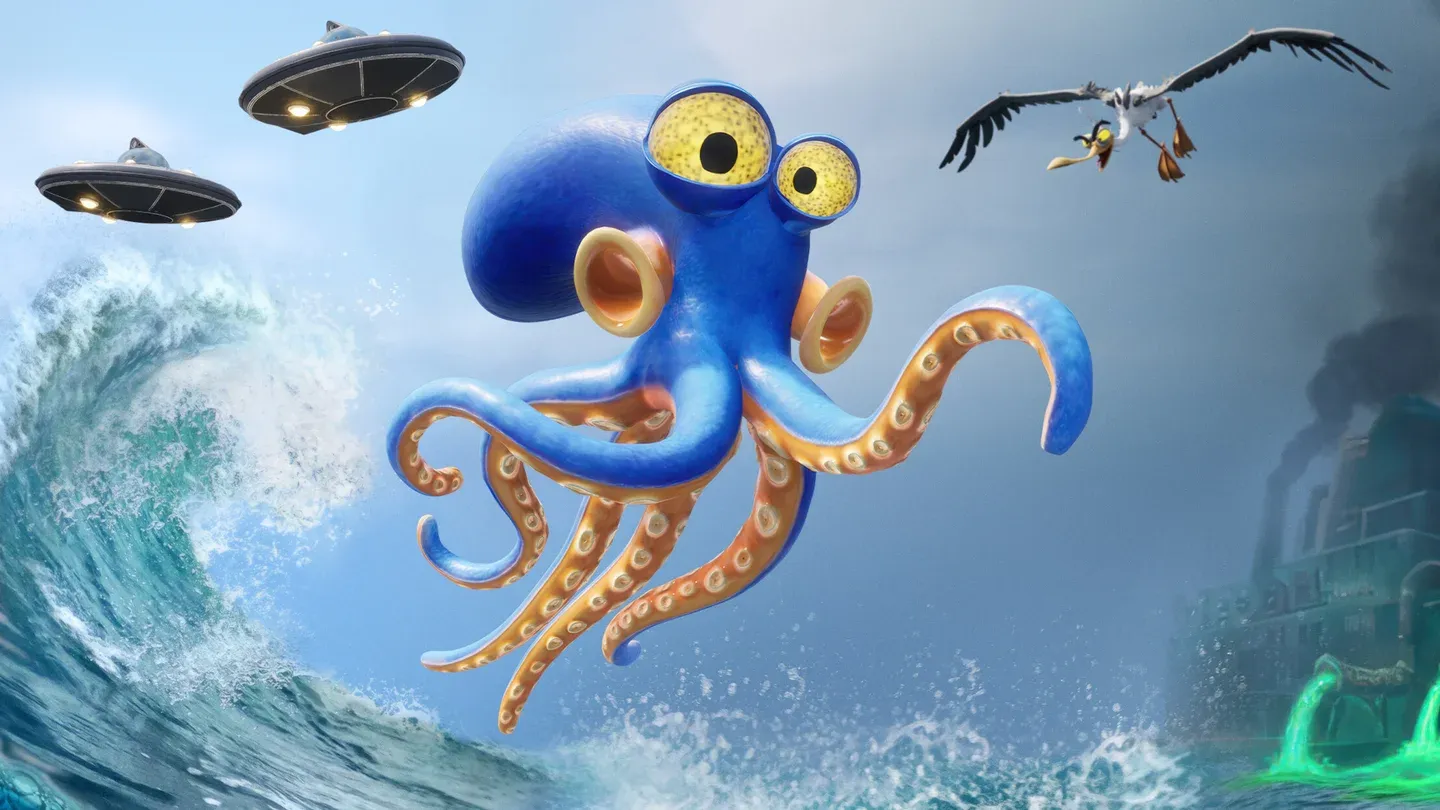
Darwin's camouflage in action
Darwin's full ability set explained
Darwin's moveset is what separates this from a standard platformer. The abilities are built around real octopus biology and expanded with in-game enhancements. Here's what Darwin can do:
- Camouflage: Darwin blends into his surroundings to avoid enemy detection. ZDT built this using Unreal Engine's material system and render targets, projecting the surrounding environment's textures back onto Darwin's skin. He doesn't just turn transparent; the effect mimics actual cephalopod camouflage.
- Surface climbing: Darwin can stick to and climb surfaces with 360 degrees of freedom, around any object shape. This forces you to rethink how you read each environment, since paths that look impassable on foot are often accessible from a wall or ceiling.
- Swimming: Fluid movement through water sections, where Darwin is most at home.
- Object grabbing: Darwin can grab and reposition objects to solve environmental puzzles.
- Ink system: Darwin can fire ink with ballistic movement, including into background objects to interact with them. The game supports aim assist for ink firing as an accessibility option.
- Infiltration and hiding: Darwin can hide in specific spots to avoid detection.
What are the controls like?
Honest answer: serviceable but imprecise. Small movements are difficult to execute cleanly, which causes friction during puzzles that require precise jumps or careful object manipulation underwater. Darwin's surface-sticking behavior can also work against you. Running toward a platform edge to jump can result in Darwin attaching to the edge instead of launching off it. In sections with cogwheels and multiple surfaces close together, Darwin can accidentally detach from one surface and latch onto another.
These aren't dealbreakers, but they're worth knowing before you hit a frustrating section and assume you're doing something wrong. The game's difficulty balance is generally fair, with tight timing windows in later sections that will test experienced platformer players.
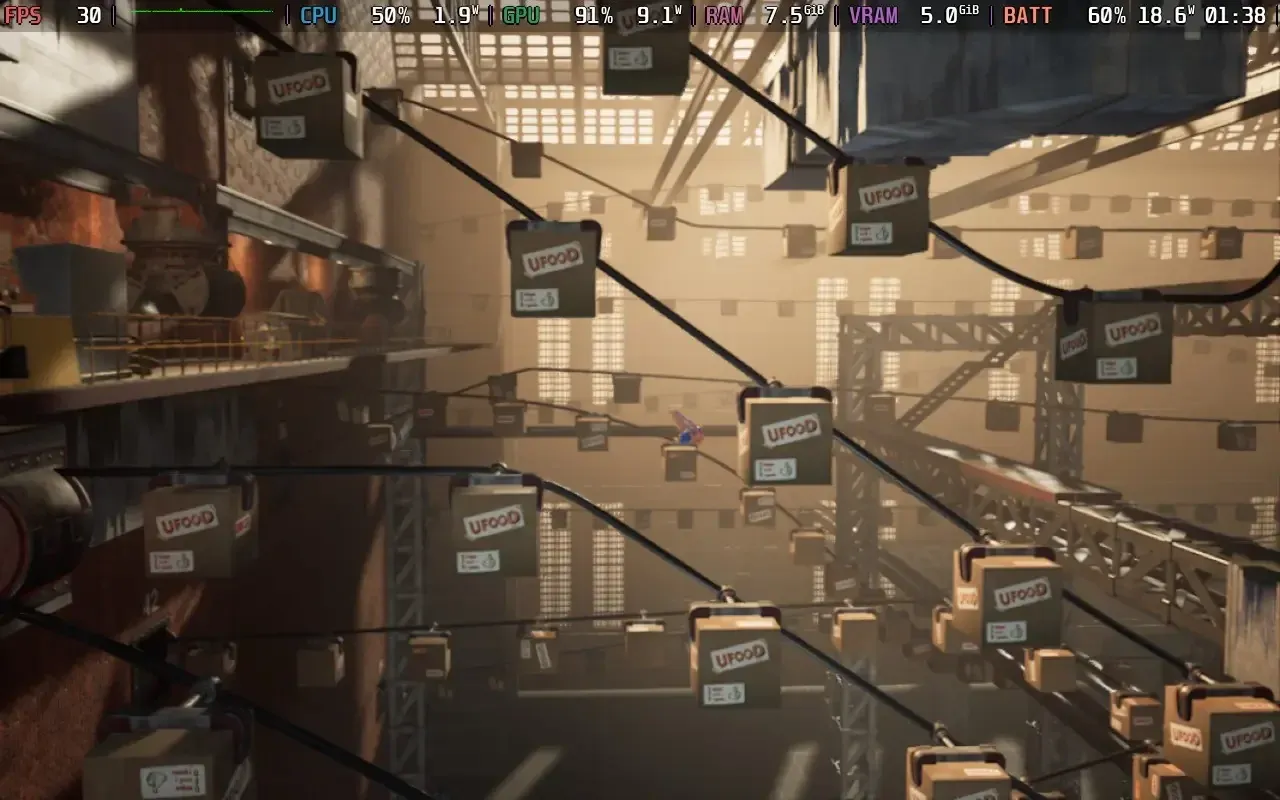
Ink aim assist accessibility option
How does the cinematic presentation work?
ZDT's background in film and VFX is visible throughout. The team deliberately avoided a traditional HUD, keeping the screen clear of interface elements to maintain immersion. Player feedback (damage, being spotted) is communicated through Darwin's animations and color changes rather than on-screen indicators.
The team applied cinematic post-processing techniques: out-of-focus backgrounds, blurry edges, cinematic lens distortions, and color grading. The goal was to replicate the feel of real-world camera footage rather than the hyper-sharp look common in games optimized for maximum GPU output.
The 2.5D format was a deliberate narrative choice. A 3D version was prototyped and rejected because the linear format gives the team complete control over pacing and storytelling. Transitions between gameplay and cutscenes are designed to be invisible.
For a deeper look at how ZDT built these systems, the developer interview on 80.lv covers the Blueprint prototyping process in detail, including how Unreal Engine's visual scripting allowed non-programmers to directly control narrative timing.
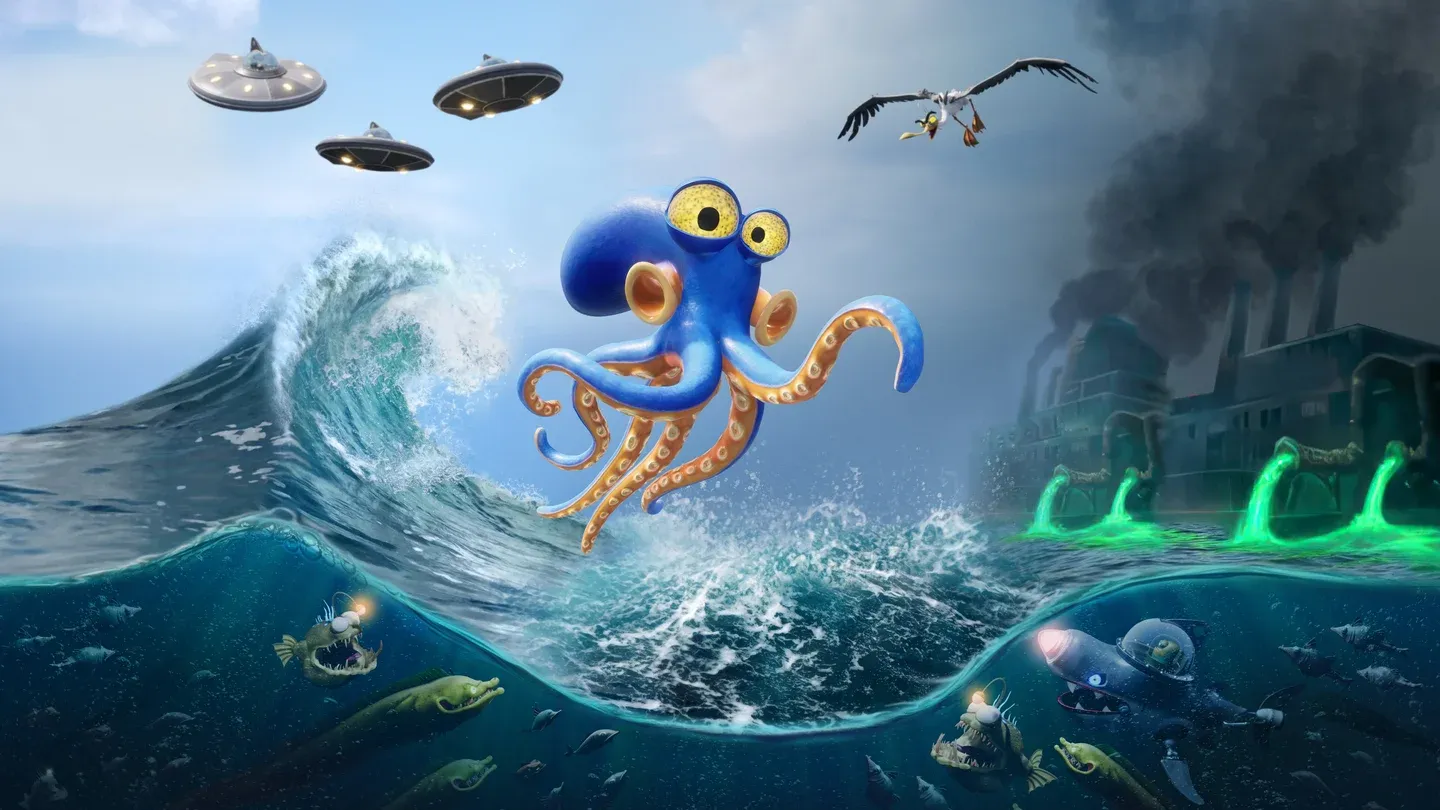
Cinematic to gameplay transition
Platform performance comparison
The game targets 60 fps on PC and PS5, with 30 fps minimum on Switch 2. Here's how the platforms break down:
How does Darwin's Paradox! run on Steam Deck?
The game is Steam Deck Verified, as Konami announced ahead of the April 2 launch. In practice, performance is acceptable but demanding. The only way to hit 30 fps is to enable Steam Deck Mode in the options menu, which drops settings below the standard "Low" preset. Even then, expect occasional traversal stutter and brief dips to around 27 fps in some scenes.
Power draw runs between 18W and 21W due to heavy GPU usage. That translates to roughly 2.5 hours of battery life on a Steam Deck OLED and 1.5 to 2 hours on the LCD model. Temperatures sit around 65 to 70 degrees Celsius during play.
The recommended SteamOS settings:
- FPS limit: 30 (set in SteamOS, not in-game; the game has no built-in frame limiter)
- Refresh rate: 90
- TDP limit: disabled
- GPU clock: disabled
- Scaling filter: Linear
- Proton: no forced compatibility needed
- In-game: enable Steam Deck Mode
For known bugs, workarounds, and any post-launch patches, the PCGamingWiki page for Darwin's Paradox! is the best place to check for updated technical information.
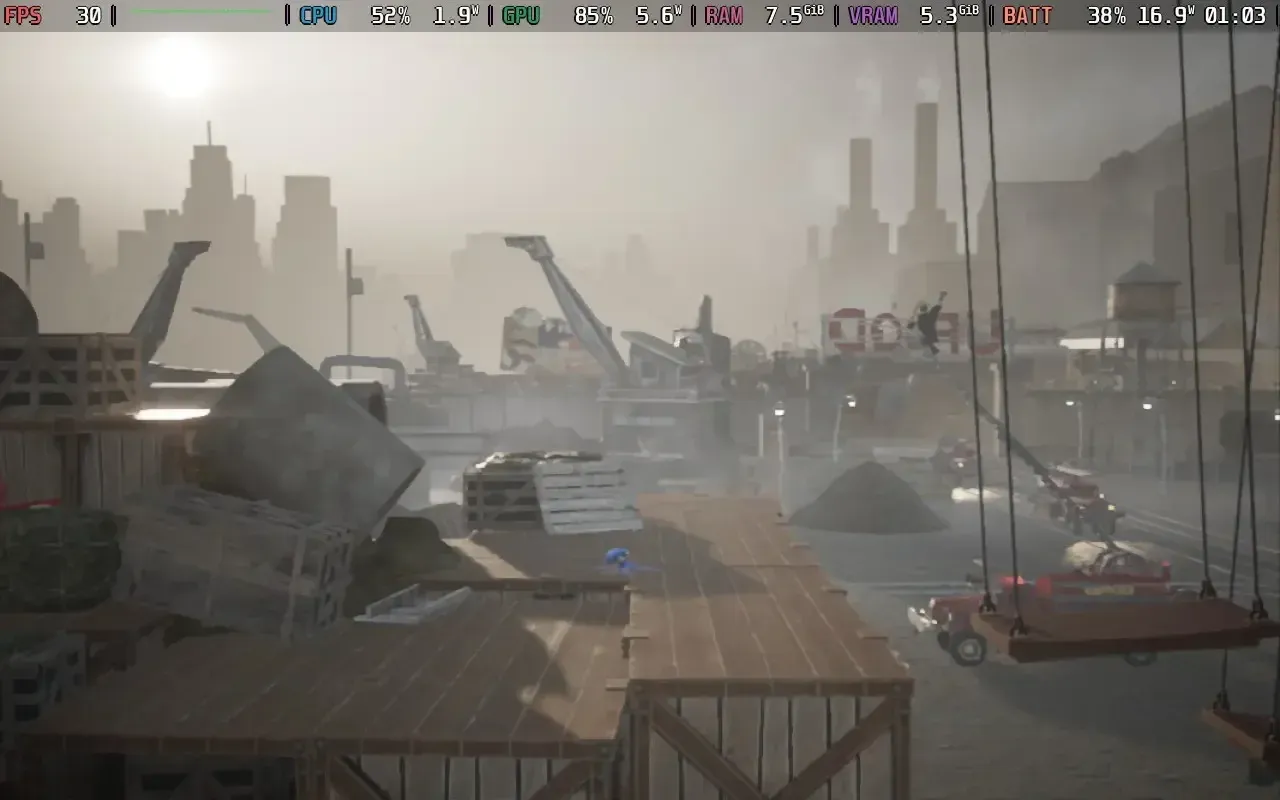
Steam Deck Mode in settings
Accessibility options
The game's accessibility features are limited but targeted:
- Aim assist for ink firing
- Hint system for all puzzles (optional, always available)
- Subtitles for voiced dialogue
The no-HUD design philosophy does create some challenges for players who rely on audio cues or traditional input feedback, but ZDT addressed this through Darwin's animation and color-based feedback system.
Is Darwin's Paradox! worth playing?
For puzzle platformer fans, yes. The 7-hour runtime is longer than the budget price of $24.99 might suggest, and the moveset stays relevant throughout rather than front-loading all the interesting mechanics. The controls have genuine friction, and later stealth sections have some detection inconsistencies, but neither issue is severe enough to undermine the experience for players with platformer experience.
The visual quality is genuinely impressive for a 15-person studio, and the cinematic presentation holds up throughout. The story is simple and predictable, but it's told with enough personality to stay engaging.
For more platformer and indie game coverage, browse the latest guides on GAMES.GG to find similar recommendations.