


Dead as Disco is a rhythm beat-em-up from Brain Jar Games where your attacks sync to music, and the game lets you import your own tracks into Infinite Disco mode. That's a genuinely exciting feature, but throwing any song at it and hoping for the best is a fast way to end up frustrated. The tracks that feel great in combat share two qualities: clear beats and consistent BPM. This guide breaks down exactly what that means, which songs are worth trying, and what to do when a good track still feels off.
What makes a song work well in Dead as Disco?
The two qualities that separate a satisfying custom track from a frustrating one are a prominent kick and snare pattern and a locked, consistent tempo.
Clear percussion does two things at once. First, it makes the initial sync easier because the beat drop is obvious on the waveform when you're setting Beat Offset in the editor. Second, those strong downbeats make staying locked to the rhythm feel physically satisfying during combat. Pop tracks with straightforward drum patterns and hip-hop with a heavy kick emphasis are reliable starting points.
Consistent BPM matters for a different reason. A track with a steady tempo means you enter one number into the Tempo field and the beat grid holds across the entire song. Variable-tempo tracks, like live recordings or songs with dramatic slowdowns and buildups, require you to add multiple BPM sections using the Advanced Editor's Add BPM Section tool. That's a lot of manual work before you even start fighting.
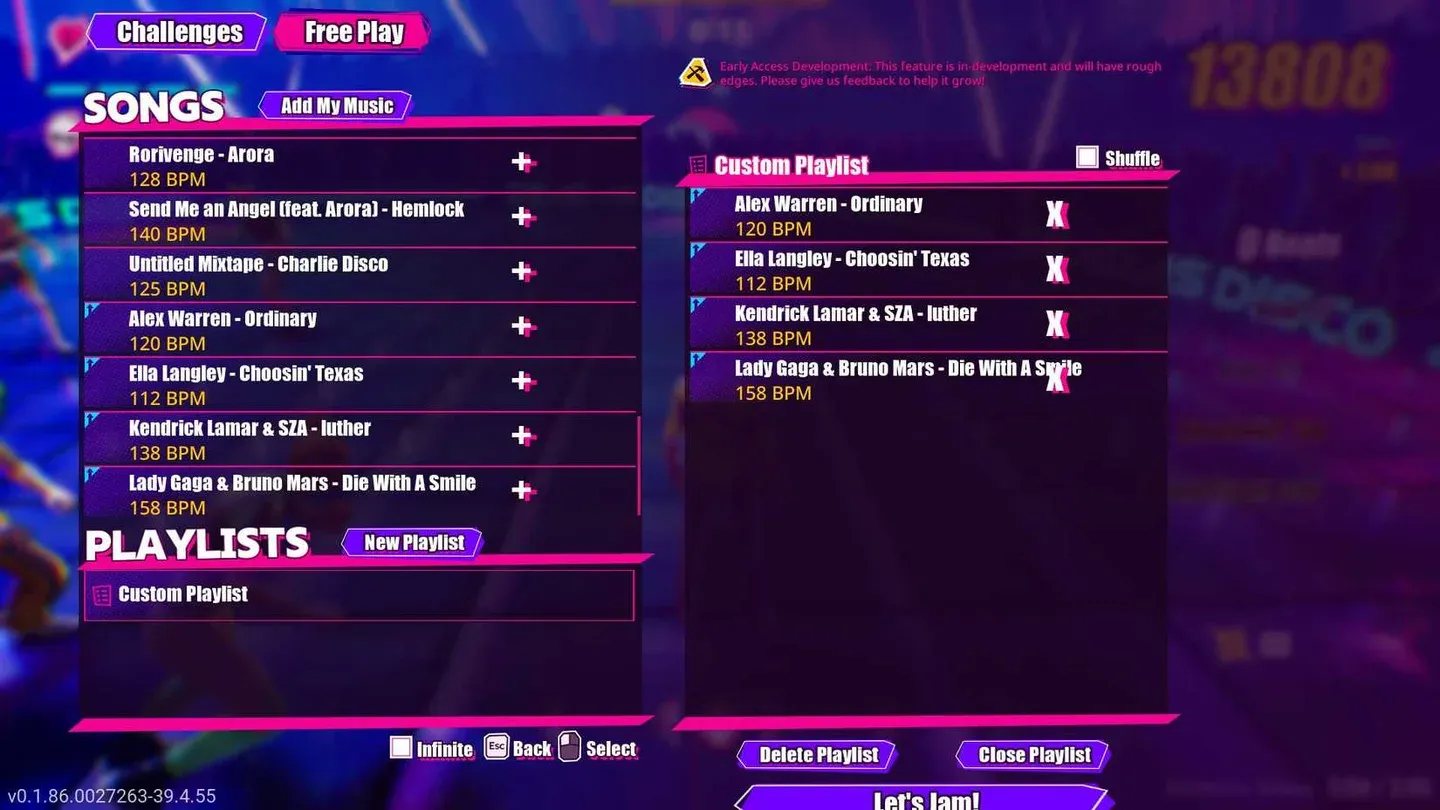
Free Play custom song list
Which songs should you try first?
These tracks have the clear percussion and steady tempo that make them easy to sync and fun to play:
Dance and electronic music with fixed tempos work especially well because the tempo rarely drifts. If you already have a library of either genre, that's the best place to start experimenting.
What songs don't work well?
Some tracks are just harder to get right, and it's worth knowing why before you spend an hour in the editor.
Songs with dramatic tempo changes require manual BPM section edits for every shift. Live recordings, jazz tracks with rubato phrasing, and anything with a freeform structure fall into this category. You can get them working, but expect significant editor time.
The game itself recommends staying in the 120 to 200 BPM range, and that's a reasonable guideline. Tracks that fall far outside it, either very slow ambient pieces or extremely fast metal, may feel wrong in combat even when perfectly synced. That said, a track with clear percussion outside that range can still outperform an ambient track sitting right in the middle of it. BPM is a starting point, not an absolute rule.
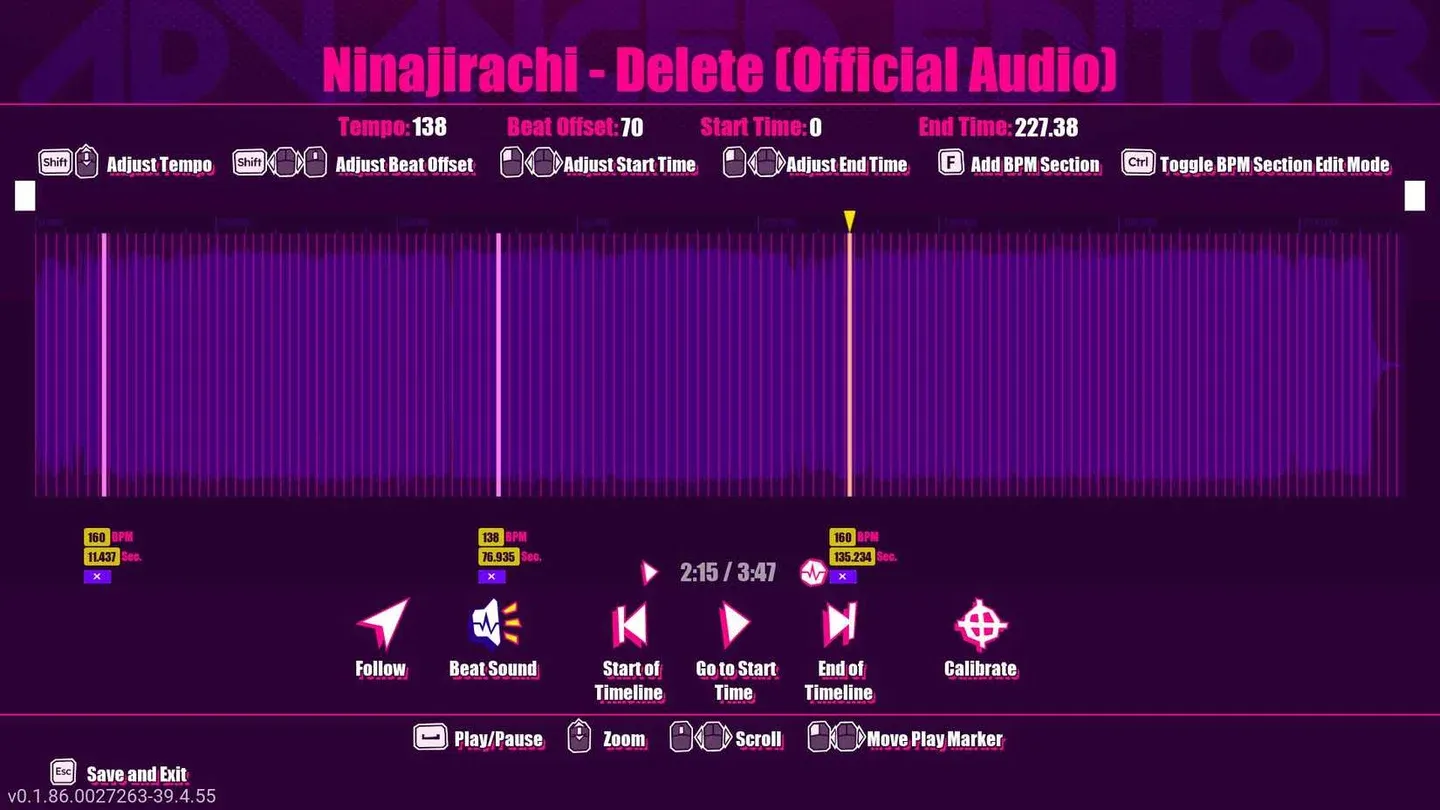
Advanced Editor BPM section view
How do you fix sync problems after importing?
Even a great song choice can feel off if the BPM or Beat Offset isn't set correctly. The fix always starts with BPM first, Beat Offset second.
If the tempo is wrong, no amount of Beat Offset adjustment will hold across a full track. The beat grid will drift as the song progresses. Get the BPM right first, either by looking it up on a database like Tunebat or using the in-game Calibrate option to tap along with the beat.
Once BPM is locked, use Beat Offset to align the beat grid to the actual waveform. The process is straightforward:
- Open the Advanced Editor and enable Beat Sound to add a click track.
- Navigate to a section with a strong, obvious beat, ideally a beat drop after a quiet passage.
- Zoom in on the waveform and find the peak of that beat.
- Adjust Beat Offset in large steps (around 100) first to see which direction moves the pink beat lines toward the peak.
- Once the pink line is close, switch to adjustments of one or two points at a time.
- Stop when the pink line lands directly on the waveform peak.
After making adjustments, play the song from the beginning and check three things: does the beat match the track from the start, do your attacks land on rhythm, and does the timing stay consistent after several bars? If it drifts after a clean start, the BPM still needs work. If it feels off from the very first beat, go back to Beat Offset.
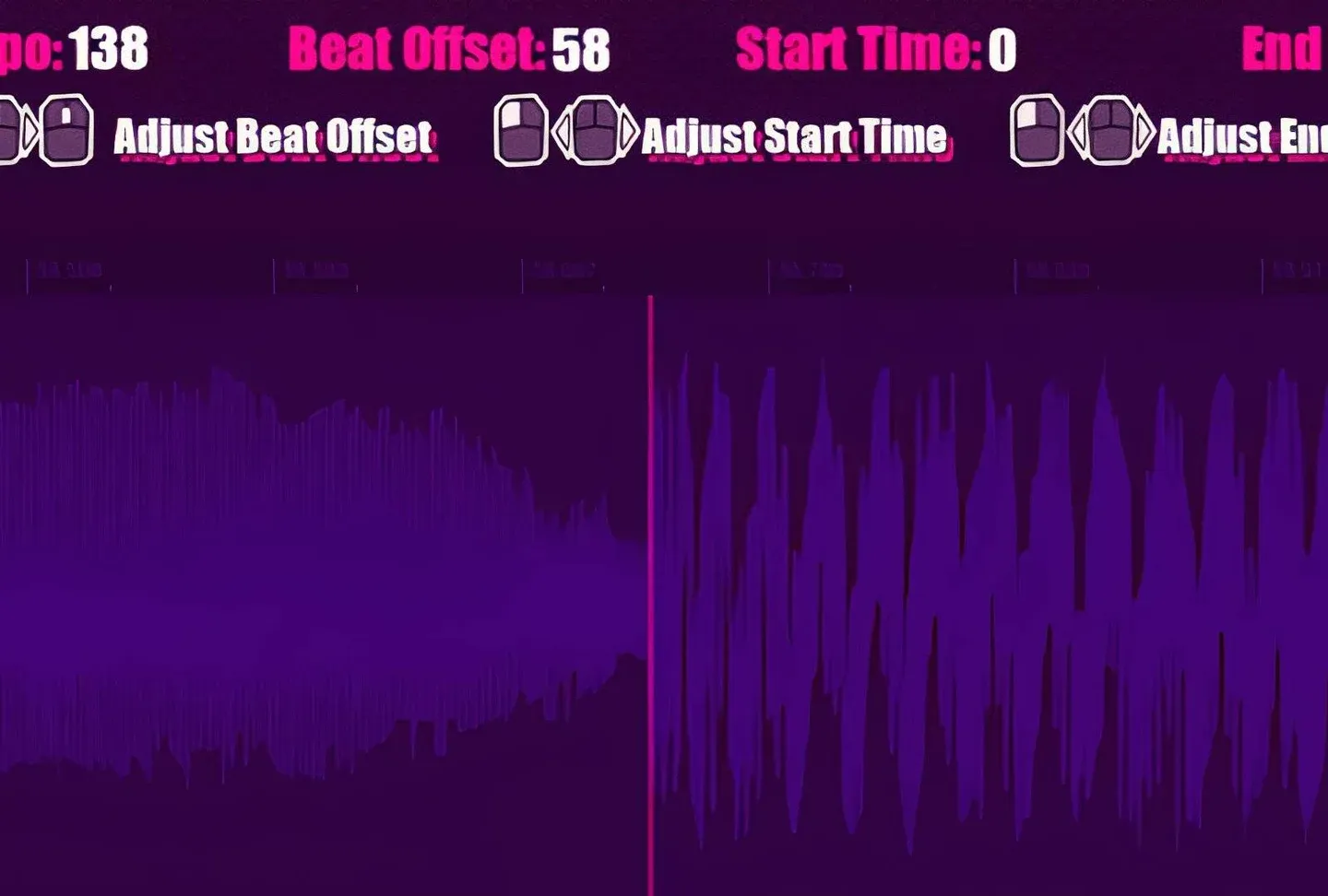
Beat Offset aligned to waveform
What file formats does Dead as Disco accept?
The game supports wav, mp3, ogg, flac, aiff, m4a, wma, and aac files. MP3 is the safest format to use. Excessively large files may not play correctly, so smaller MP3 files are the practical choice when preparing tracks specifically for Infinite Disco.
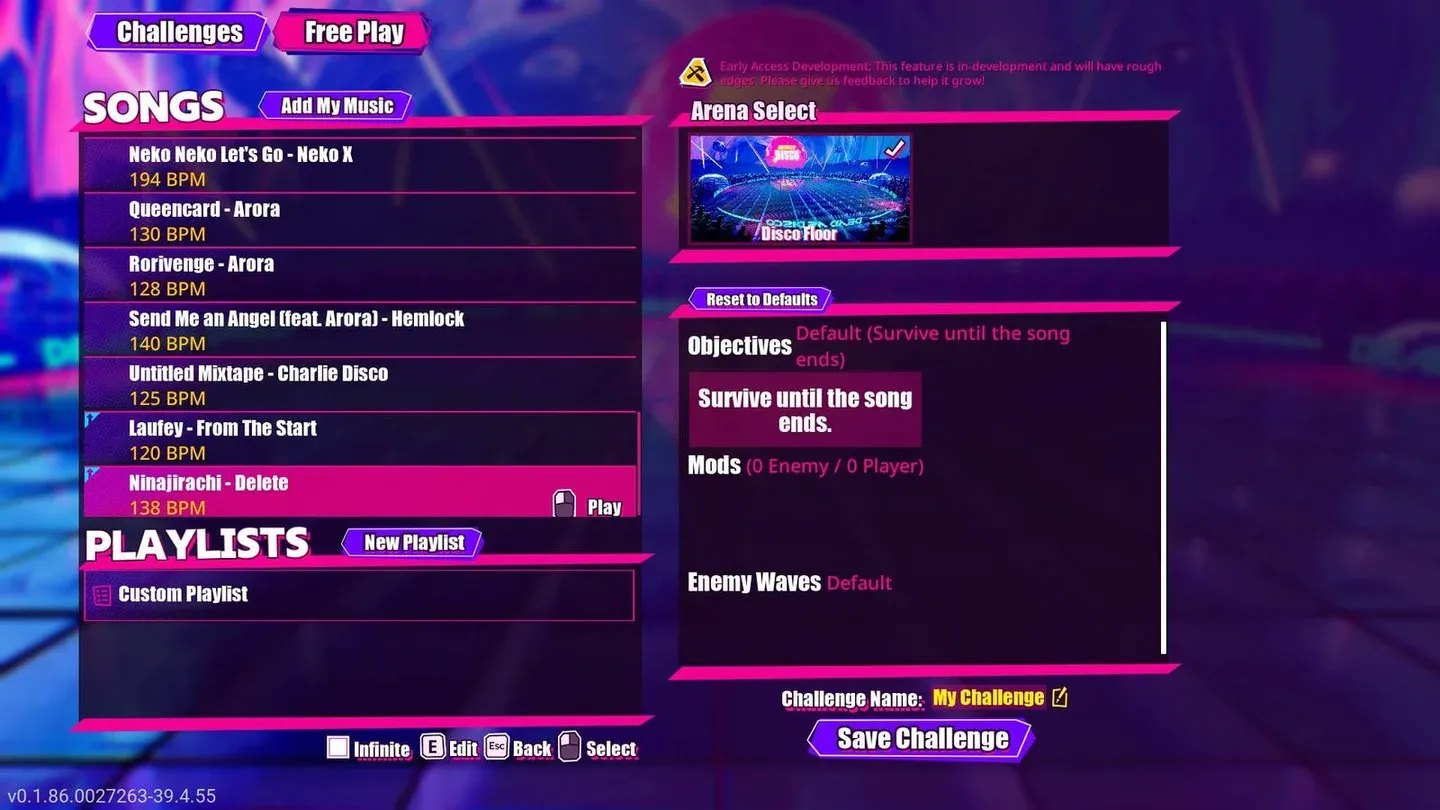
Add My Music in Free Play
For a full walkthrough of the import process from start to finish, including the Steam Deck file transfer steps, check out the Dead as Disco song import and sync guide. Dead as Disco sits in an interesting spot among fighting games because the rhythm layer adds a mechanical depth that pure brawlers don't have, and getting your music right is what unlocks that depth. Browse the full Dead as Disco guides collection for more on getting the most out of every system in the game.