
Death Stranding 2 Fast Travel Guide: Master the DHV Magellan
Fast travel in Death Stranding 2: On the Beach is locked behind story progression. Once you unlock it, the DHV Magellan becomes one of the most valuable tools for cutting down on backtracking and repositioning between major delivery zones. This guide covers how to unlock the system, how to use it efficiently, and how to avoid common mistakes that cost you delivery ratings or waste time.
How Do You Unlock Fast Travel in Death Stranding 2?
Fast travel unlocks several hours into the campaign after you complete a story mission aboard the DHV Magellan. At that point, Tarman, the ship's captain, gives you access to the docking system. The ship surfaces through pools of black tar at locations Tarman has scouted and approved, which means you cannot fast travel to arbitrary spots on the map. Instead, you get access to specific DHV Magellan Docking Areas placed near key delivery hubs and story locations.
This curated approach keeps fast travel feeling grounded in the game's world rather than turning into a teleport-anywhere system. You still need to plan routes and think about where you want to reposition before committing to a jump.


How to Use the DHV Magellan Fast Travel System
Once unlocked, the process is simple but has a few steps worth memorizing:
- Board the DHV Magellan first.
- Open your map with the touchpad.
- Hold X (default on DualSense) and hover over your target location.
- Look for the "DHV Magellan Docking Area" label at eligible spots.
- Hold the button to confirm. The ship submerges and resurfaces at your chosen destination.
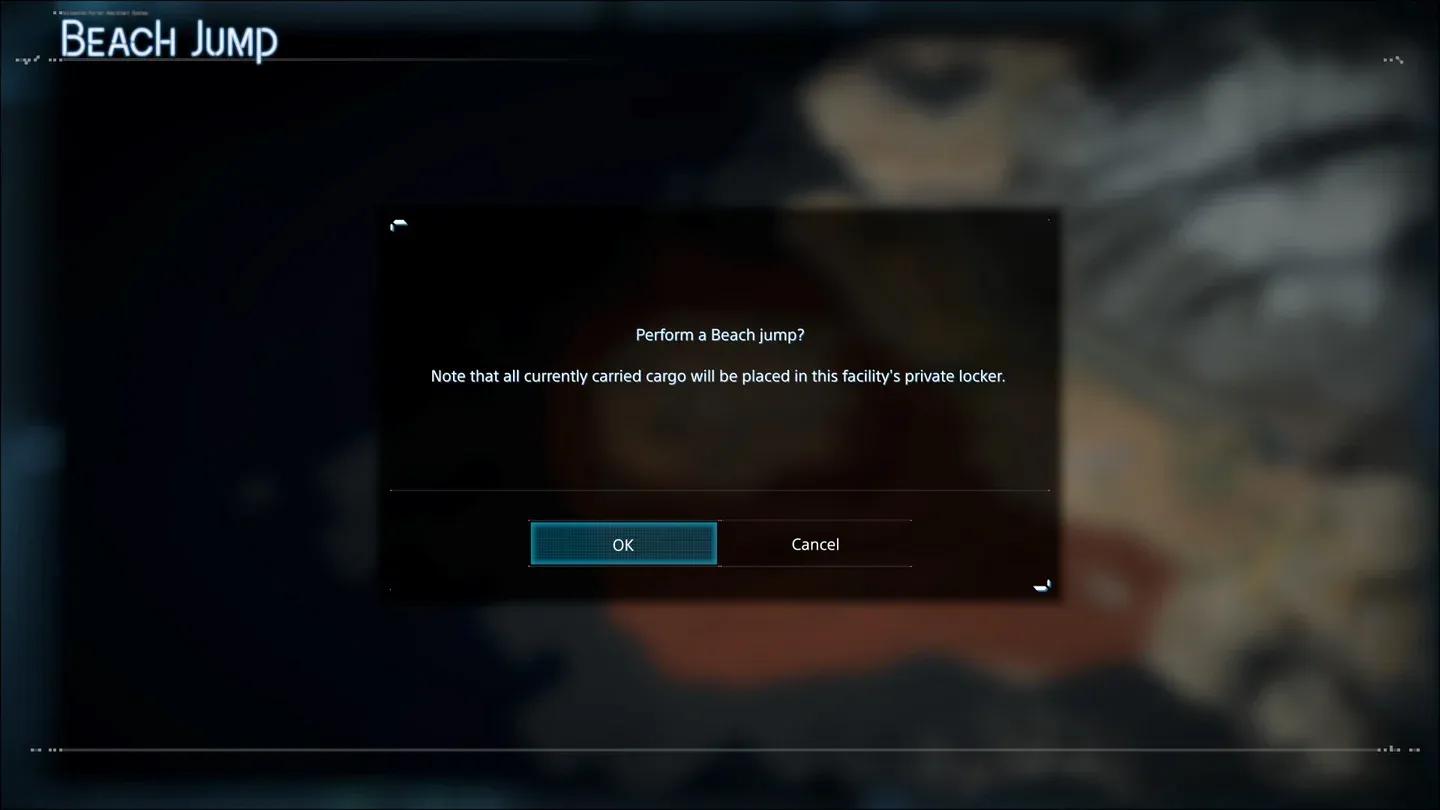
This system is more convenient than the Beach Jumping mechanic Fragile offered in the first Death Stranding. You can bring all your cargo and equipment along instead of arriving empty-handed and needing to backtrack for your gear.

Board Magellan before traveling
Does Fast Travel Affect Your Delivery Rating?
Yes. You can transport cargo orders via the Magellan, but doing so triggers the Magellan evaluation, which reduces the credit you receive for those deliveries. Completing a delivery entirely on foot or by ground vehicle earns you full recognition. Using the ship as a shortcut comes with a penalty.
For players focused on maximizing their Porter Grade and earning five-star ratings, reserve fast travel for repositioning between missions rather than using it mid-delivery. For low-priority orders or when you need to cross the map quickly, the trade-off is often worth it.
| Delivery Method | Credit Earned | Best Used For |
|---|---|---|
| Full ground delivery | Maximum credit | Priority orders, rating farming |
| Magellan fast travel with cargo | Reduced credit (Magellan evaluation) | Low-priority or bulk repositioning |
| Magellan fast travel (no cargo) | No delivery penalty | Pure repositioning between missions |
What Are the Best Strategies Around Fast Travel?
Plan Your Route Before You Travel
Before jumping into the Magellan, open the map and set waypoints toward your next objective. Once you arrive at your docking destination, ping your Odradek scanner (default L1) and follow the dotted route line. You will not need to constantly re-open the map, and the scanner will flag chiral crystals, safe river crossings, and terrain hazards marked with red Xes along the way.
Every 1000g of chiral crystals you carry reduces Sam's effective load by 1g, so picking them up during ground traversal between fast travel points adds up meaningfully over a long session.
Upgrade the Magellan to Maximize Your Base
Fast travel is only part of what the DHV Magellan offers. As your mobile base, upgrading its modules directly improves what you can bring along on every trip. Key upgrades worth prioritizing:
- Advanced Armory (requires High-Density Metals and Chiralium): Unlocks Level 3 lethal and anti-BT weaponry for late-game encounters.
- Medical Bay (requires Resins and Special Alloys): Raises Sam's maximum blood capacity and improves stamina recovery during Timefall exposure.
- Garage Expander (requires Ceramics and Chiral Crystals): Lets you store and rapidly repair multiple heavy delivery trucks and trikes.
Magellan module upgrade screen
Combine Fast Travel With Stealth and Combat Prep
When you know a docking area drops you near a hostile mercenary camp or a BT-heavy zone, use the arrival window to prepare. Remove your backpack if it contains damageable cargo (hold Triangle by default) before engaging enemies, since a hit to your pack can cascade into container damage and lost delivery value. Equipping sandalweed shoes before disembarking also lets you move silently through tall grass without enemies spotting the outline of your cargo above the foliage.
For hostile encounters near docking zones, Custom Hematic Grenades are your most efficient opener. Coating mercenaries or heavy machinery in Sam's blood makes them vulnerable to standard lethal rounds, bypassing armor plating without burning through your limited supply of heavier munitions.

Prep loadout after fast travel
PC Performance Tips for Fast Travel Sessions
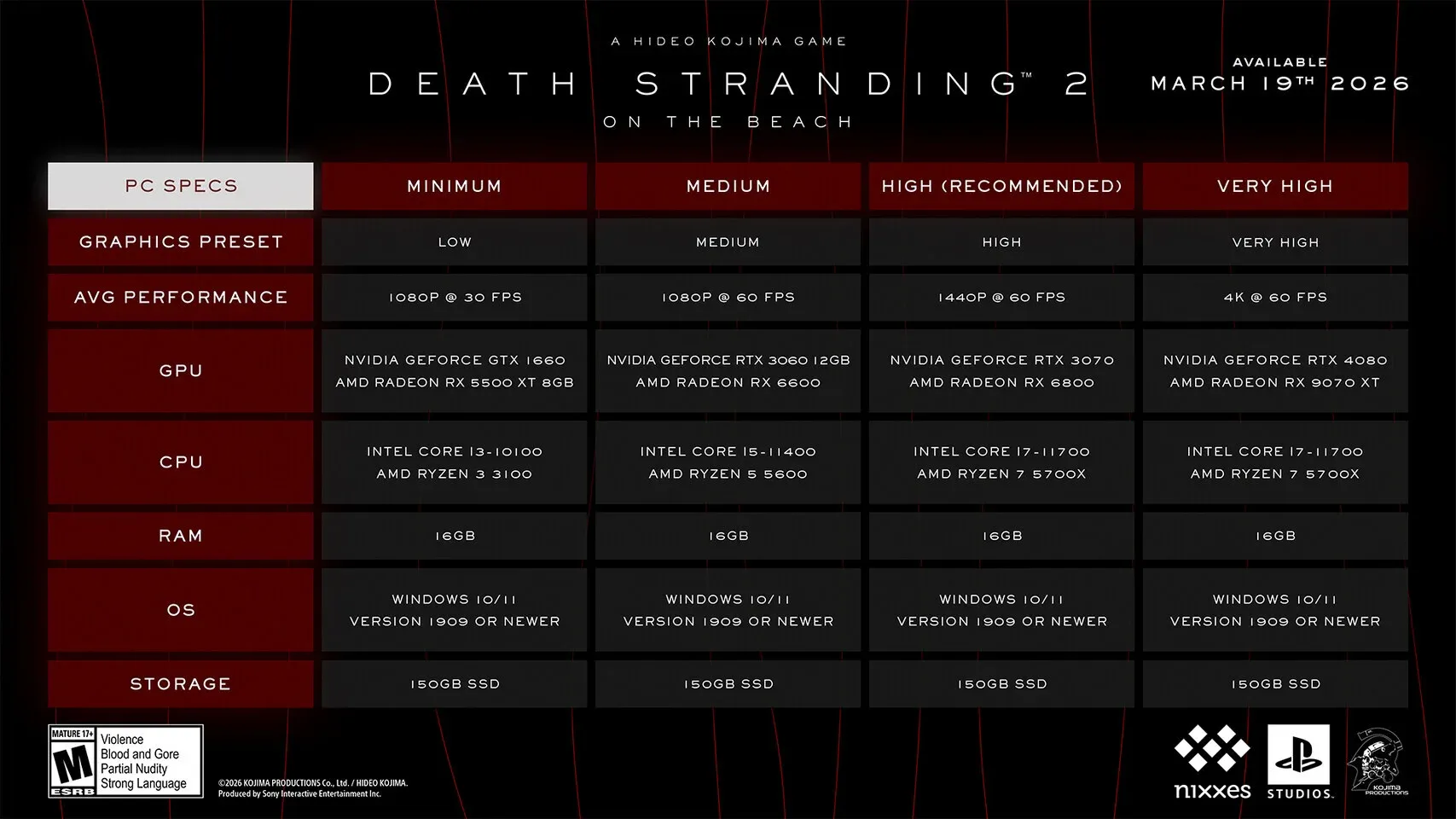
For players on PC, the transition sequences during Magellan travel can stress the renderer. Enabling DLSS or FSR 3 Frame Generation is one of the highest-impact settings for maintaining frame rate during demanding scenes. Lowering Volumetric Fog Quality to Medium also delivers a strong FPS improvement without noticeably degrading the game's visual quality during outdoor traversal. PCGamingWiki's Death Stranding 2 page has additional technical settings and configuration file locations for further optimization.
Getting the Most Out of Every Fast Travel Window
Fast travel in Death Stranding 2 rewards players who treat it as a strategic tool rather than a convenience button. Before every Magellan departure, drink all available energy drinks and eat every cryptobiote in Sam's private room to top off your stamina and blood levels. These bonuses only take a few seconds to apply (skip the animations if you prefer speed), and they set you up for a stronger start the moment you arrive at your destination.
Also consider leaving signs near high-traffic docking areas when you arrive. Other players in the asynchronous online mode will see them, give you likes, and in turn, their structures like bridges, recharge stations, and timefall shelters will appear in your world, making the areas around docking zones safer and better equipped over time.
For more strategies across Death Stranding 2 and other titles, browse more guides on GAMES.GG to stay ahead of every challenge Kojima Productions throws at you.