Search games, articles, guides...CtrlK
Sign InGet Started
Stop the stutters and lock in smooth FPS in Rogue Core with these tested graphics settings for any PC build.

Written by Larc
Content Writer
See more GAMES.GG guides on Google
Add us as a preferred source and our guides show up first in your results.
Deep Rock Galactic: Rogue Core Mission Timer Guide
Master Rogue Core's timer, waves, and progression systems with this beginner guide covering every core mechanic you need to survive.
Deep Rock Galactic: Rogue Core Survival Guide
Master timers, Merits, Enhancements, and Ascensions in Rogue Core with this complete beginner's survival guide.
Deep Rock Galactic: Rogue Core Roadmap Guide: What's Coming Next
Ghost Ship's Living Roadmap explained: confirmed content, 3 priority fixes, and the full Early Access timeline for Rogue Core.
Deep Rock Galactic: Rogue Core launched into Early Access and runs well for most setups, but minute stutters during heavy bug swarms can wreck a run at the worst possible moment. Getting the graphics settings dialed in early means fewer frame drops, cleaner movement, and one less thing to blame when you die on the final boss. These settings were tested on an AMD Ryzen 5600G with an NVIDIA RTX 3060 12 GB and 16 GB of DDR5 RAM, so they scale reasonably well for mid-range builds.
The short answer: run a custom quality profile with most sliders at Medium, keep View Distance high, and lean on VSYNC to handle the stutters that show up when enemies pile on. Here's the full breakdown.
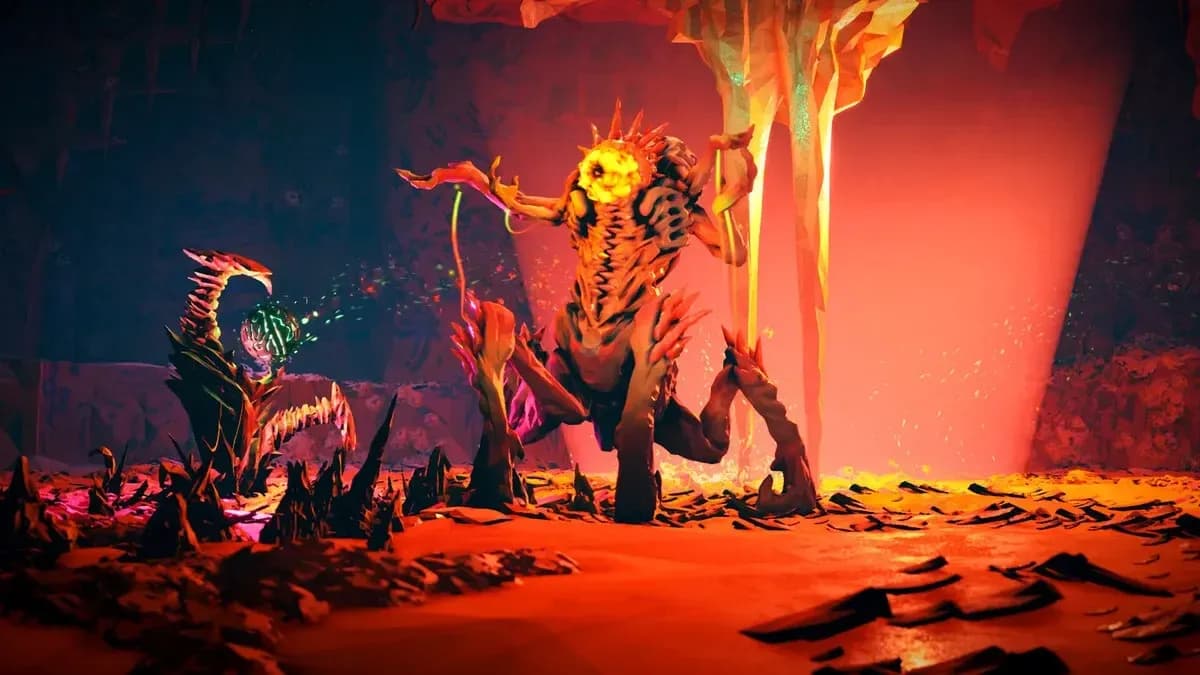
Rogue Core graphics settings panel
Always match your Resolution to your monitor's native output. Running below native on a non-upscaled setup just trades sharpness for no real performance gain. For Max FPS, 60 works as a safe baseline if you're seeing lag, but pushing to 90 is fine on a mid-range card once the other settings are dialed.
VSYNC is worth turning on here, even if you normally leave it off. During dense enemy encounters, it actively reduces the micro-stutters that make the game feel choppy. The trade-off in input latency is minor compared to the smoothness benefit in this particular game.
Use DX12 if your hardware supports it. On the tested RTX 3060 setup, it provided a measurable stability improvement over DX11. HDR Output is purely personal preference and has no meaningful performance impact either way.
Leave Upscaling off by default. If frame rates are still struggling after applying the other settings, switch it on and set it to Performance mode (DLSS on NVIDIA, FSR on AMD). Yes, it softens the image, but stable frames matter more than pixel sharpness when you're trying to survive a swarm.
Anti-Aliasing should be set to FXAA. It's the lightest option and handles jagged edges well enough for this art style without hammering the GPU.
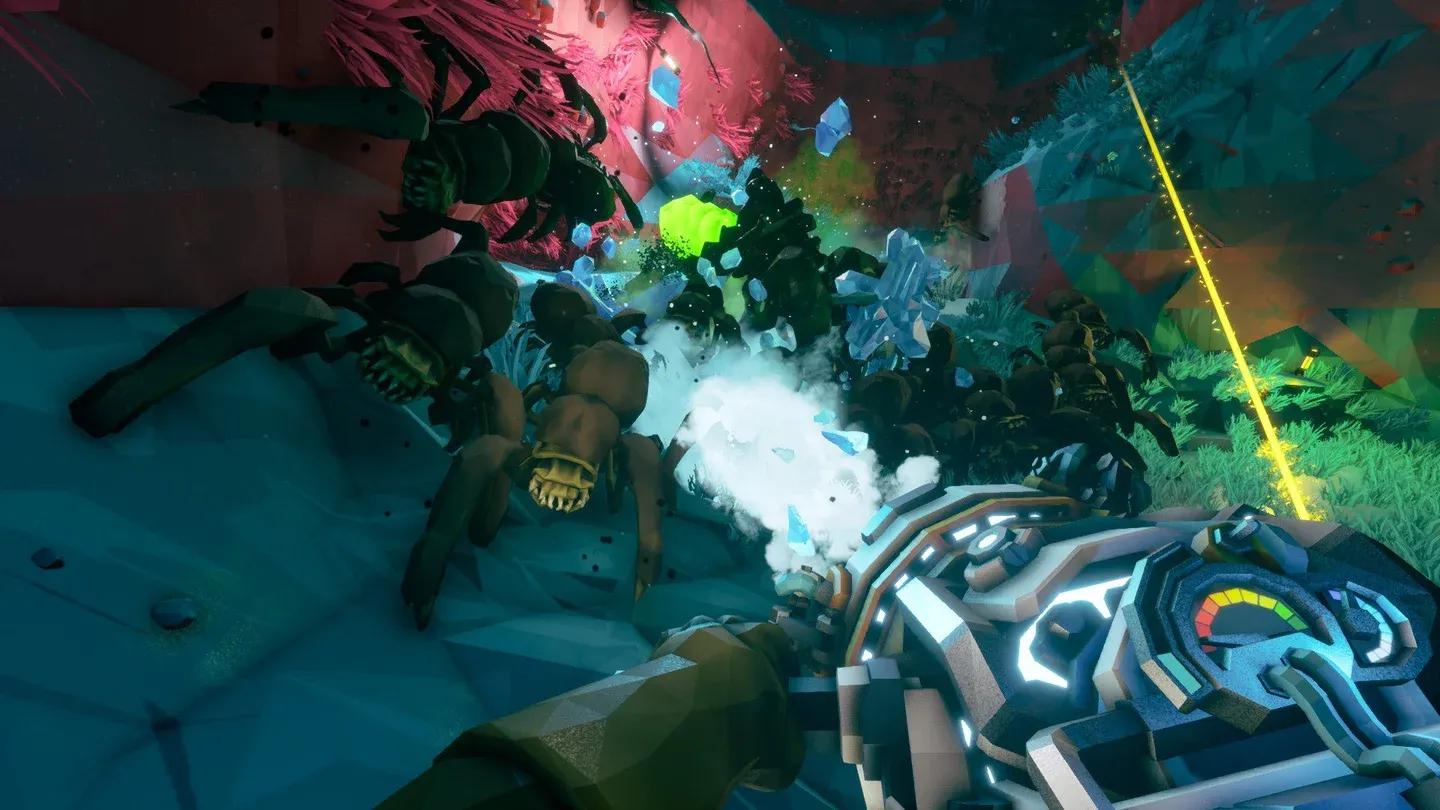
Upscaling mode selection
| Setting | Recommended Value | Notes |
|---|---|---|
| Resolution | Native monitor resolution | Always match native |
| Max FPS | 60 (lag) / 90 (stable) | Adjust based on performance |
| VSYNC | On | Reduces swarm stutters |
| DX12 | Yes | If supported |
| HDR Output | Personal preference | No performance impact |
| NVIDIA Reflex | Enabled + Boost | NVIDIA cards only |
| Upscaling | Off (Performance if needed) | Use FSR/DLSS as fallback |
| Anti-Aliasing | FXAA | Lightest AA option |
| Overall Quality | Custom | Required for manual control |
| Reflection Quality | Medium | Good visual/perf balance |
| Texture Resolution | Medium | Safe for 12 GB VRAM and below |
| Shadow Quality | Medium | High cost, medium payoff |
| Anti-Aliasing Quality | High | Can stay high without penalty |
| Post Processing | Medium | Drop to Low if frames dip |
| Effects | Low (if low FPS) | Biggest swarm-performance gain |
| View Distance | High | Keep this high |
Effects is the single biggest lever during combat. When 30 bugs are exploding around you simultaneously, a Low Effects setting recovers more frames than any other individual change. Drop it first if you're struggling. Shadow Quality is the second biggest cost with the least visible payoff at Medium vs. High, so keep it at Medium and don't look back.
View Distance should stay at High. Dropping it makes the caves feel claustrophobic and can actually hurt gameplay by hiding threats before they reach you.
If the settings above aren't enough, work through this list in order:
Reducing Anti-Aliasing Quality from High to Medium is also an option, though the difference is subtle and the gain is modest.
For an Early Access title, yes. The base performance is solid on mid-range hardware, and the settings menu gives you enough control to tune it properly. The main pain point is swarm-heavy combat, where particle effects and enemy counts stress the GPU simultaneously. The settings above are specifically tuned to handle those moments without sacrificing the rest of the experience.
Expect the developers to push optimization updates throughout Early Access, so some of these workarounds will likely become unnecessary over time. For more help with Rogue Core, the Deep Rock Galactic: Rogue Core strategy guides cover everything from builds to mechanics as new content drops.
Rogue Core sits comfortably among the better-performing action games in Early Access right now, and with these settings in place, the only thing standing between you and a clean run is skill. Rock and stone.