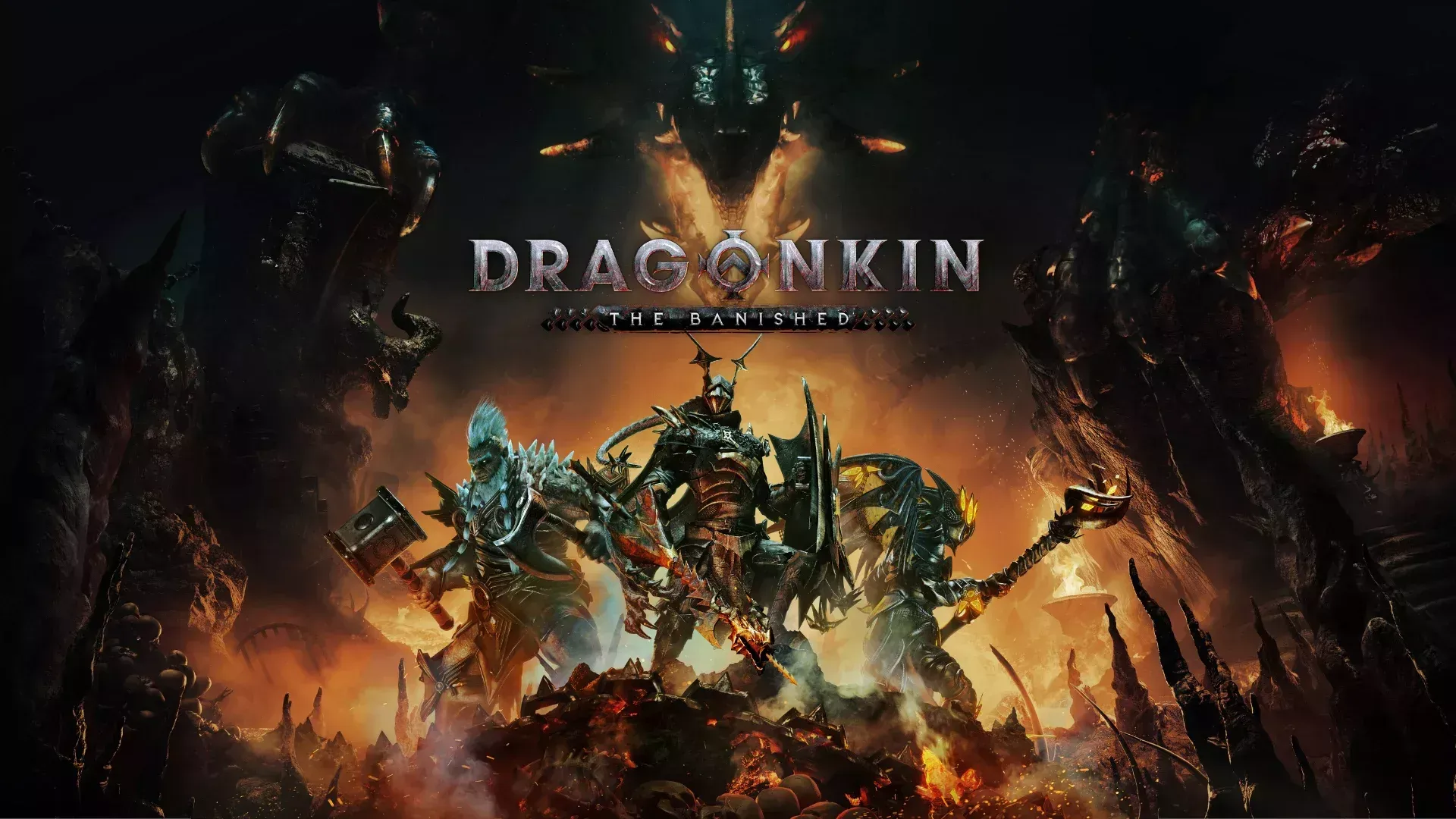


The Divine Familiar is one of the more quietly useful companions in Dragonkin: The Banished, floating around your character and passively gathering gold and resources as you fight. A lot of players unlock it and then immediately run into the same problem: it refuses to show up on certain characters, or it stays glued to one character no matter what you do. Here's exactly how to fix that and get the most out of this companion.
How do you unlock the Divine Familiar?
The Divine Familiar is not a drop or a quest reward. It's tied directly to your City progression. You need to build or upgrade the specific City structure that grants it before it becomes available to any of your characters. Since the City is a shared meta-progression system that all your characters contribute to, unlocking it once makes it accessible account-wide.
Once the City upgrade is complete, the familiar becomes an active cosmetic-and-utility companion that follows whichever character you assign it to.
Why is the Divine Familiar stuck on one character?
This is the most common issue players report on the Dragonkin: The Banished community pages. The familiar doesn't automatically follow every character you log into. It has to be manually toggled per character through the inventory system.
The fix is straightforward: open your inventory, navigate to the Cosmetics tab (the third subtab inside inventory), and toggle the Divine Familiar on or off from there. Each character remembers its own setting, so switching to your Oracle and finding the familiar missing just means you haven't enabled it on that character yet.
What does the Divine Familiar actually do?
The Divine Familiar assists you by automatically gathering gold and resources from the ground around you as you play. In practice, this means you spend less time clicking on drops and more time focusing on combat. For builds that generate a lot of screen clutter during fights (lightning builds with the Oracle, for example, or high-speed Barbarian builds), this passive pickup utility adds up quickly over a long session.
It doesn't deal damage or provide defensive buffs. Think of it purely as a quality-of-life tool that pays off more the longer you play.
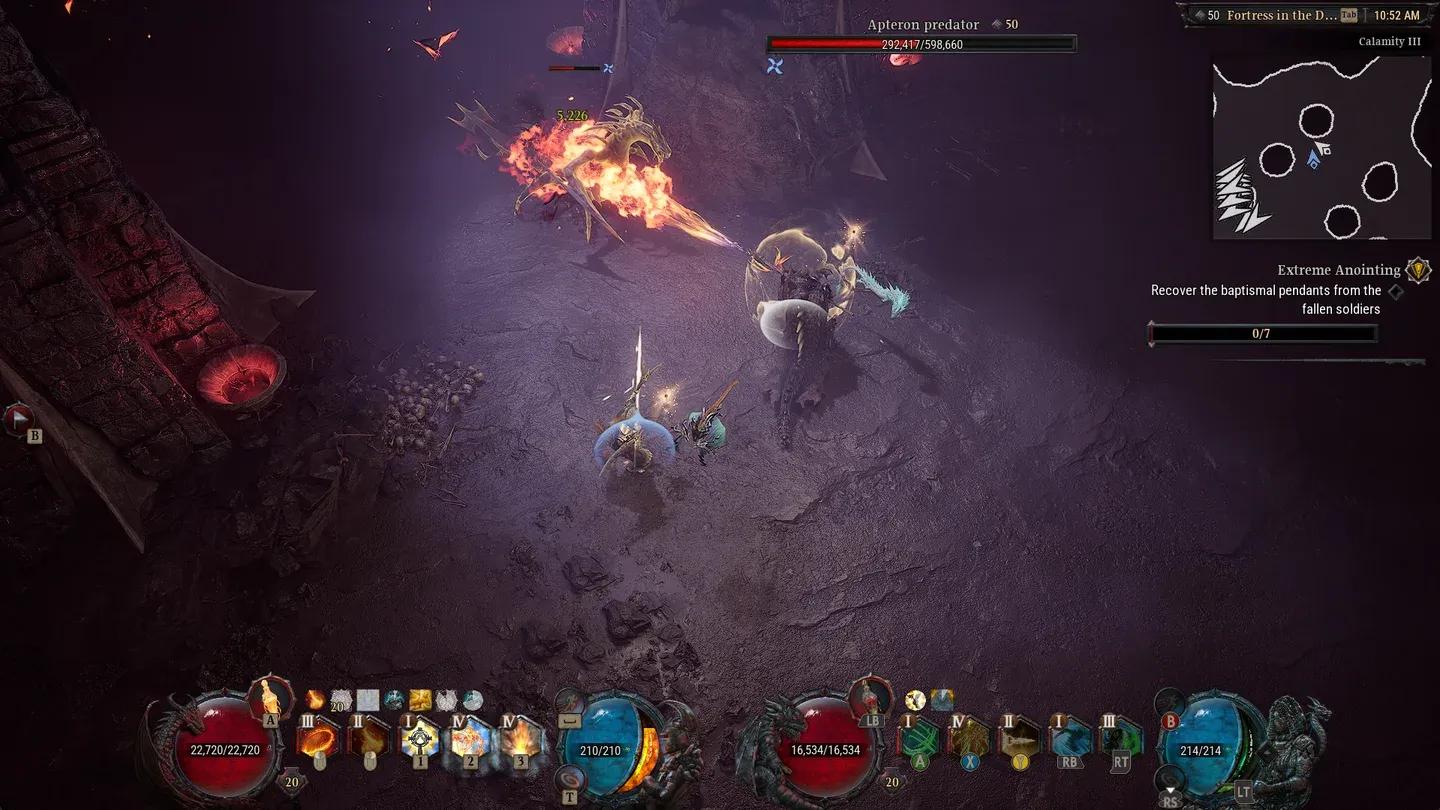
Divine Familiar vs. manual looting: is it worth using?
Short answer: yes, always have it active. Here's a quick breakdown of what changes with it on versus off:
The only reason to turn it off is if you find the visual clutter distracting, which some players do in dense combat scenarios.
How does the familiar fit into different class builds?
Every class benefits from the familiar, but the payoff varies based on how fast you move and how much loot you generate.
Oracle (mage)
Lightning-focused Oracle builds tend to clear large packs quickly, scattering drops across wide areas. The familiar handles that spread without you needing to backtrack. Players running Lightning Wall as an ultimate skill (a popular choice in the community) generate enough ground clutter per fight that the familiar genuinely saves several seconds per pack.
Barbarian
The Barbarian often moves aggressively through content, especially builds that convert Energy costs into Life costs via Legendary talents. At that pace, stopping to pick up gold manually breaks momentum. The familiar keeps resources flowing without slowing you down.
All classes: endgame Chaos missions
In Chaos missions (the endgame mode that includes short missions, act boss runs, fast greater-rift-style content, and endless arena), loot density increases significantly. The familiar earns its keep most here, where missing a few gold piles per room compounds across a long session.
Quick setup checklist
If you're troubleshooting the familiar or setting it up fresh, run through these steps:
- Confirm the City upgrade that grants the Divine Familiar has been completed.
- Log into the character where you want the familiar active.
- Open Inventory and select the Cosmetics tab (third subtab).
- Toggle the Divine Familiar to the on position.
- Repeat step 2 through 4 for each character you play.
That's the full process. No quests, no drops, no hidden requirements beyond the City building.
For deeper build optimization across all four classes, the Dragonkin: The Banished Wiki has detailed breakdowns of hexgrid fragments, Mythic gear stats, and Draconic transfer mechanics. For more guides covering ARPGs and other genres, browse the latest guides on GAMES.GG.