
Escape Simulator 2 drops you into hand-crafted escape rooms packed with logic puzzles, hidden objects, and cooperative chaos. Whether you're tackling rooms solo or with friends online, the game rewards players who think methodically and communicate well. This guide breaks down everything you need to know to stop spinning your wheels and start solving rooms with confidence.
What is Escape Simulator 2 and how does it work?
Escape Simulator 2 is the sequel to Pine Studio's original Escape Simulator, building on the same core formula of first-person, interactive escape room puzzles. You explore fully 3D rooms, pick up and inspect objects, combine items, decode ciphers, and unlock mechanisms to progress toward the exit. The game supports solo play and online co-op for up to a few players, and it ships with a built-in room editor so the community can create and share custom rooms.
The key difference from the original is a significant upgrade in puzzle complexity and room design fidelity. Rooms in the sequel feel less like tutorial exercises and more like the kind of puzzles you'd find in a premium real-world escape room venue. That means the difficulty curve is steeper, and players who jump in without a strategy tend to waste a lot of time clicking on everything randomly.
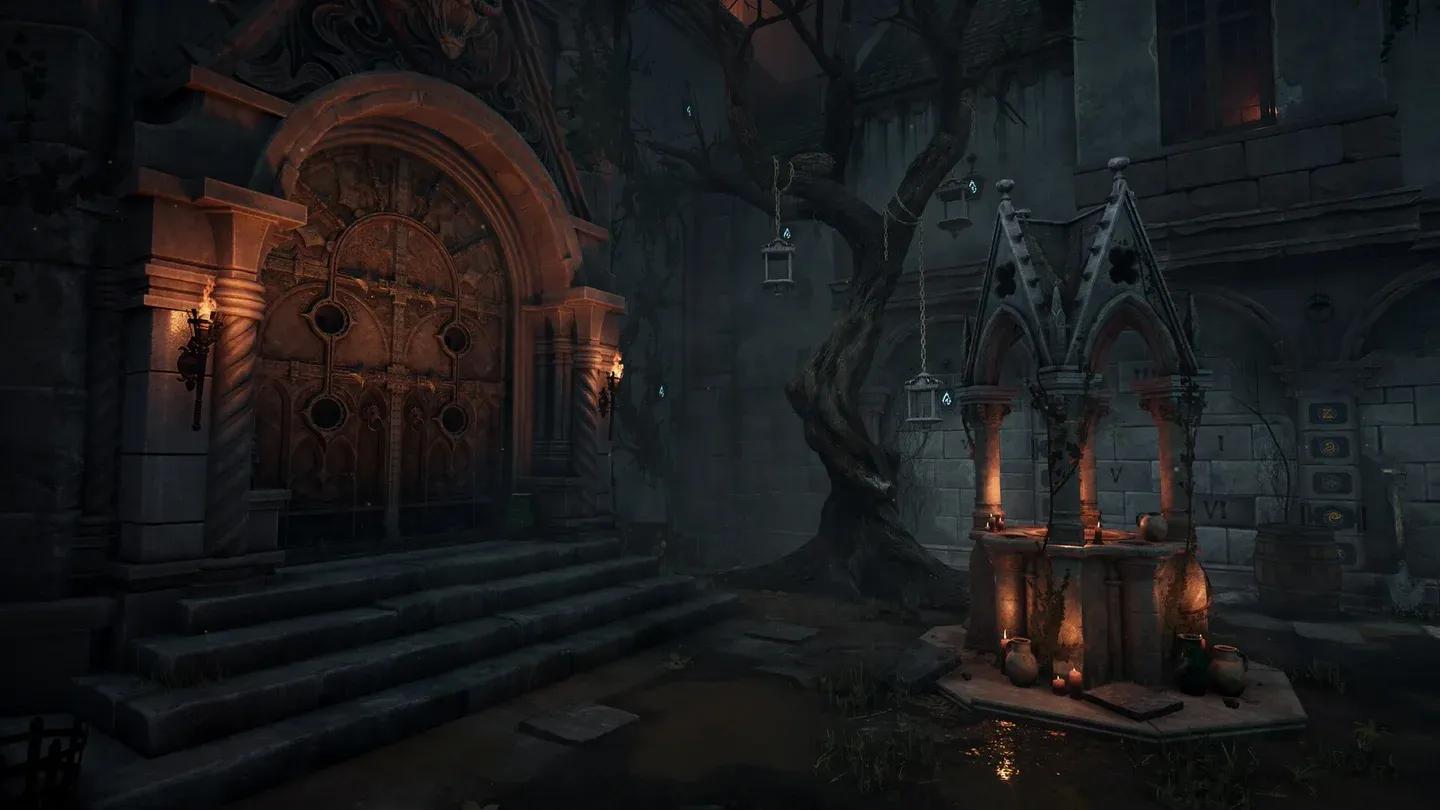
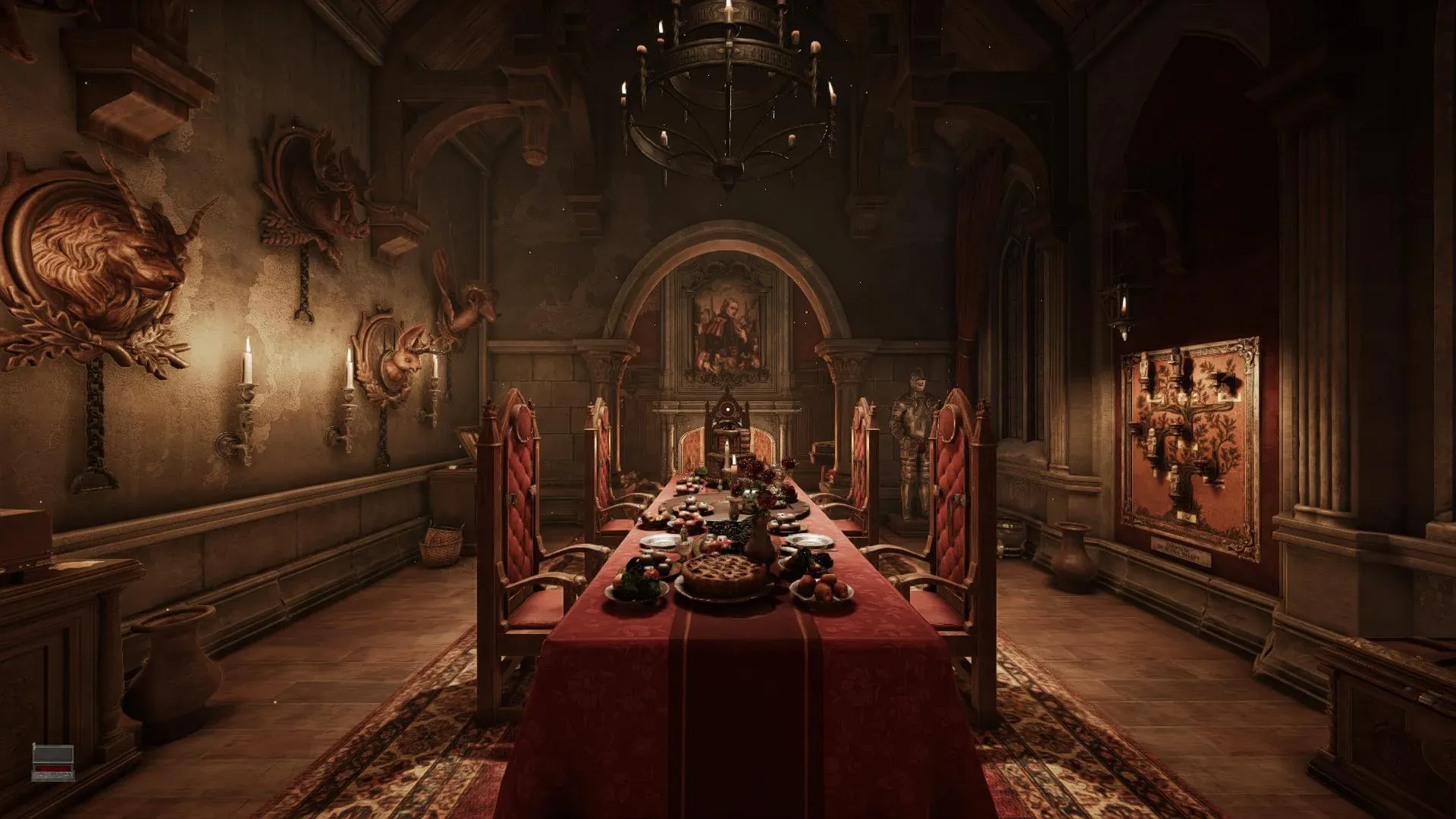
Starting room layout overview

How do controls work in Escape Simulator 2?
Getting comfortable with the controls is the first step to solving rooms efficiently. The game uses a standard first-person control scheme on PC.
- Movement: WASD keys for walking around the room
- Look: Mouse to pan your view
- Interact: E or left-click to pick up and examine objects
- Inventory: Tab or I to open your item inventory
- Zoom/Inspect: Right-click to rotate and inspect held items
- Drop item: Q or right-click depending on context
- Hint system: Accessible from the pause menu when you're genuinely stuck
On controller, the layout mirrors typical first-person adventure games, with triggers handling interactions and a dedicated button for inventory access. The settings menu lets you remap most inputs, which is worth doing if the defaults feel awkward.
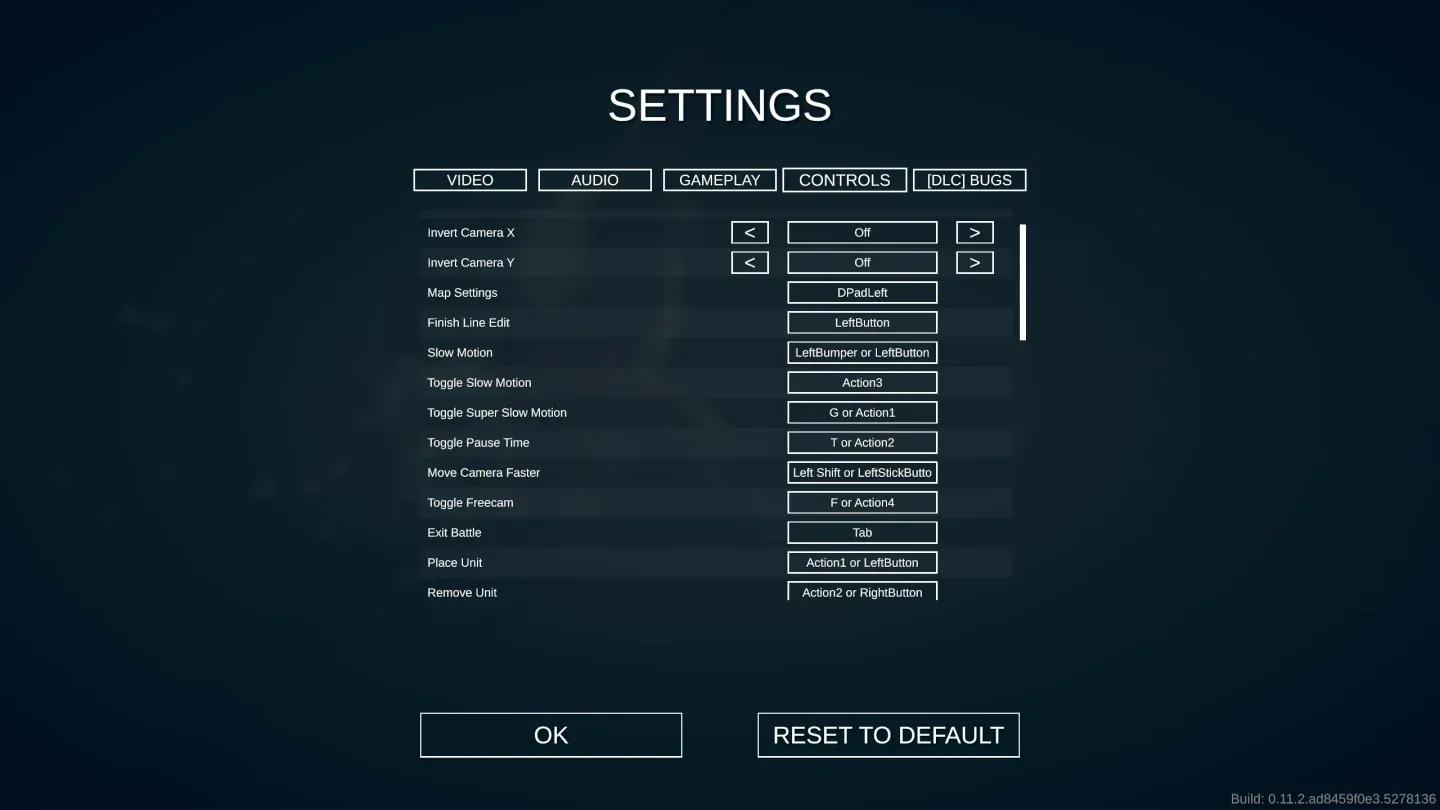
Controls remapping settings screen
What are the best strategies for solving puzzles?
Random clicking is the fastest way to waste 30 minutes. Methodical play is what separates players who escape in under 20 minutes from those who burn through all their hints.
Search the room systematically
Start every room by doing a full sweep before touching anything. Walk the perimeter, look at every surface, and mentally note every locked mechanism, every symbol, and every object you can't immediately explain. This prevents the classic mistake of fixating on one puzzle while the solution to it is sitting in a corner you haven't visited yet.
Categorize what you find
As you collect items and spot clues, mentally (or literally, on paper) group them:
- Locks and mechanisms: What inputs do they require? Numbers, colors, symbols, keys?
- Clues and codes: What information do they provide? Where might it apply?
- Items in inventory: What can be combined? What might unlock something?
This categorization approach makes it much easier to connect the dots once you have more information.
Work puzzles in parallel during co-op
In co-op, splitting up is almost always faster than clustering around a single puzzle. Assign one player to work a specific mechanism while another searches unexplored areas. Share findings verbally as you go. The game's co-op design rewards communication, and most rooms have multiple independent puzzle threads that can be worked simultaneously.
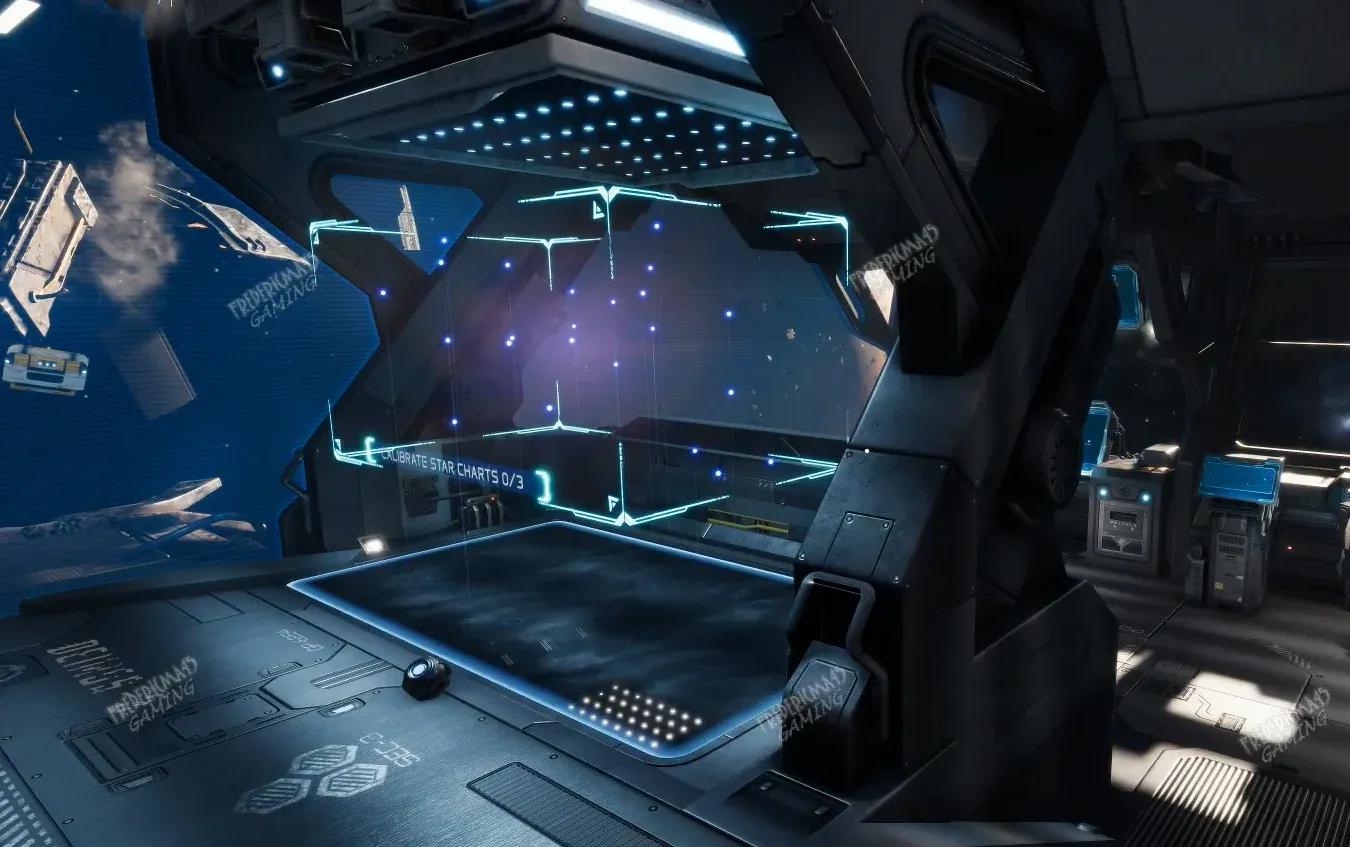
Co-op puzzle interaction view
How do hints work, and when should you use them?
The hint system in Escape Simulator 2 is accessed through the pause menu. Hints are tiered, meaning the first hint gives you a nudge in the right direction rather than the full answer. Subsequent hints get progressively more direct.
Using hints isn't failure. The game is designed with hints as a legitimate tool, especially for first-time players encountering puzzle types they haven't seen before. The real skill is knowing when to use one.
A good rule: if you've been stuck on the same puzzle for more than 10 minutes and have genuinely tried every logical approach you can think of, take the first hint. Spending 30 minutes on a single lock doesn't make you a better puzzle solver. It just makes the session less fun.
What's the best approach for the room editor?
The built-in room editor is one of Escape Simulator 2's strongest features. You can build rooms from scratch using a library of props, mechanisms, and logic triggers, then publish them for the community to play.
For new creators, the learning curve is real but manageable. Start with a single-room design using no more than three interconnected puzzles. This forces you to think about puzzle flow clearly without overcomplicating the logic chain. The IGN Escape Simulator 2 wiki has walkthroughs and community room listings that are useful for understanding how experienced creators structure their designs.
Key editor tips:
- Place your most visually obvious clue first so players know where to start
- Test every logic connection before publishing
- Have someone unfamiliar with your room playtest it before you release it publicly
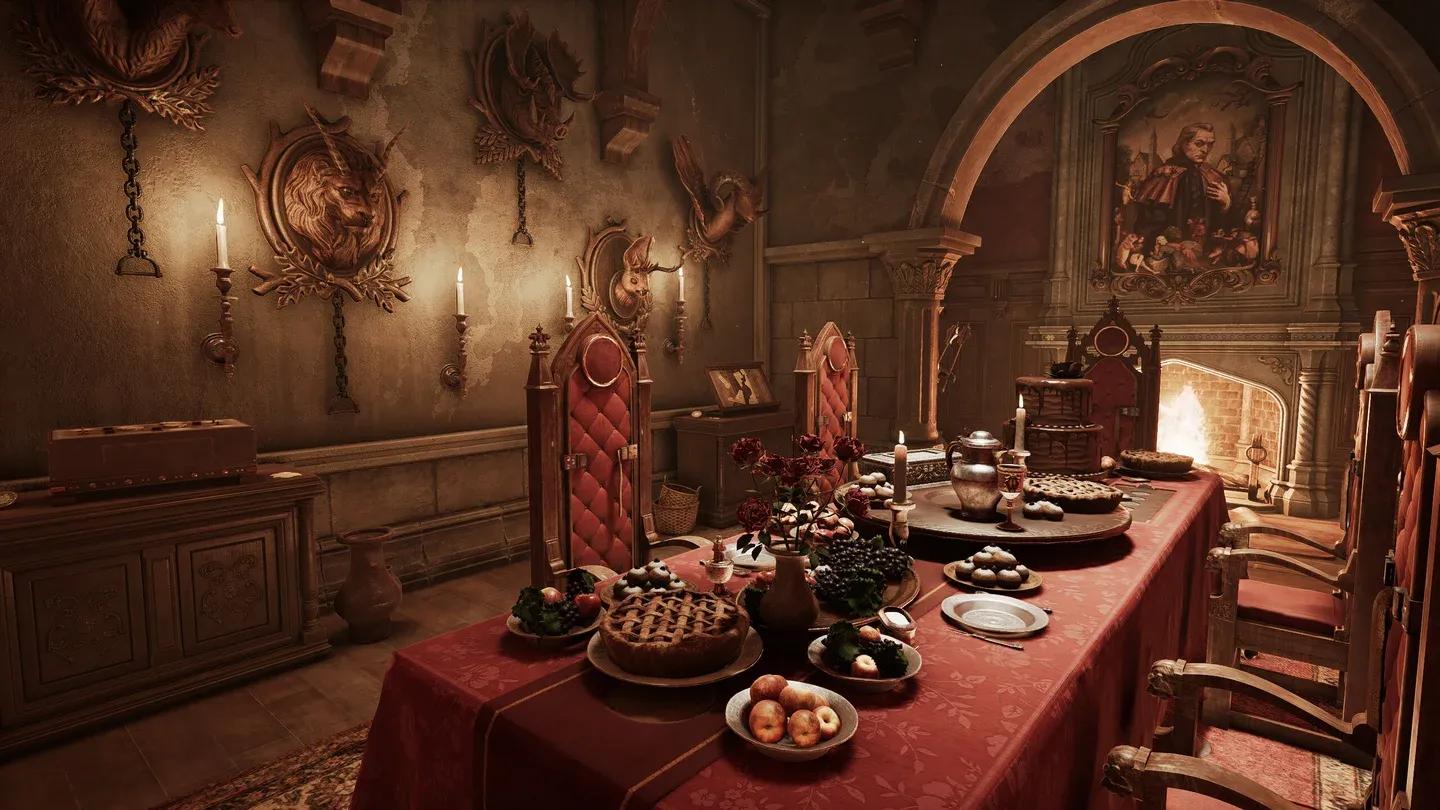
Room editor build mode UI
Comparison: solo vs. co-op play
| Feature | Solo | Co-op (2-4 players) |
|---|---|---|
| Puzzle pacing | Slower, more methodical | Faster with parallel solving |
| Communication required | None | High |
| Hint dependency | Higher for new players | Lower with good teamwork |
| Difficulty feel | Harder overall | More forgiving |
| Best for | Learning puzzle logic | Speed runs and fun sessions |
Solo play is genuinely harder because you have no one to bounce ideas off. If you're new to the game, starting with a co-op partner helps you understand how the puzzle logic is supposed to flow before you tackle rooms alone.
Common mistakes new players make
- Ignoring item rotation: A huge percentage of hidden codes are on the underside or back of objects. Always rotate everything.
- Skipping the room overview: Rushing to interact before you've surveyed the whole room leads to missed context clues.
- Hoarding items in co-op: Pick up items you're actively using, not everything you see. Other players need access too.
- Misreading color-based puzzles: If a puzzle uses colors, check your display settings. Some monitors render similar shades as identical. The PCGamingWiki page for Escape Simulator 2 covers known display and settings issues worth checking if something looks off.
- Forgetting the environment: Walls, floors, and ceilings can carry clues. Look up and look down.
How do you find and play community rooms?
Community rooms are accessible directly through the main menu under the workshop section. Rooms are rated and tagged by type (horror, sci-fi, holiday-themed, etc.), so you can filter by what you're in the mood for. Sorting by top-rated is the fastest way to find polished, well-designed rooms.
For a broader look at puzzle games and escape room titles worth playing alongside Escape Simulator 2, browse more guides on GAMES.GG for recommendations across genres.
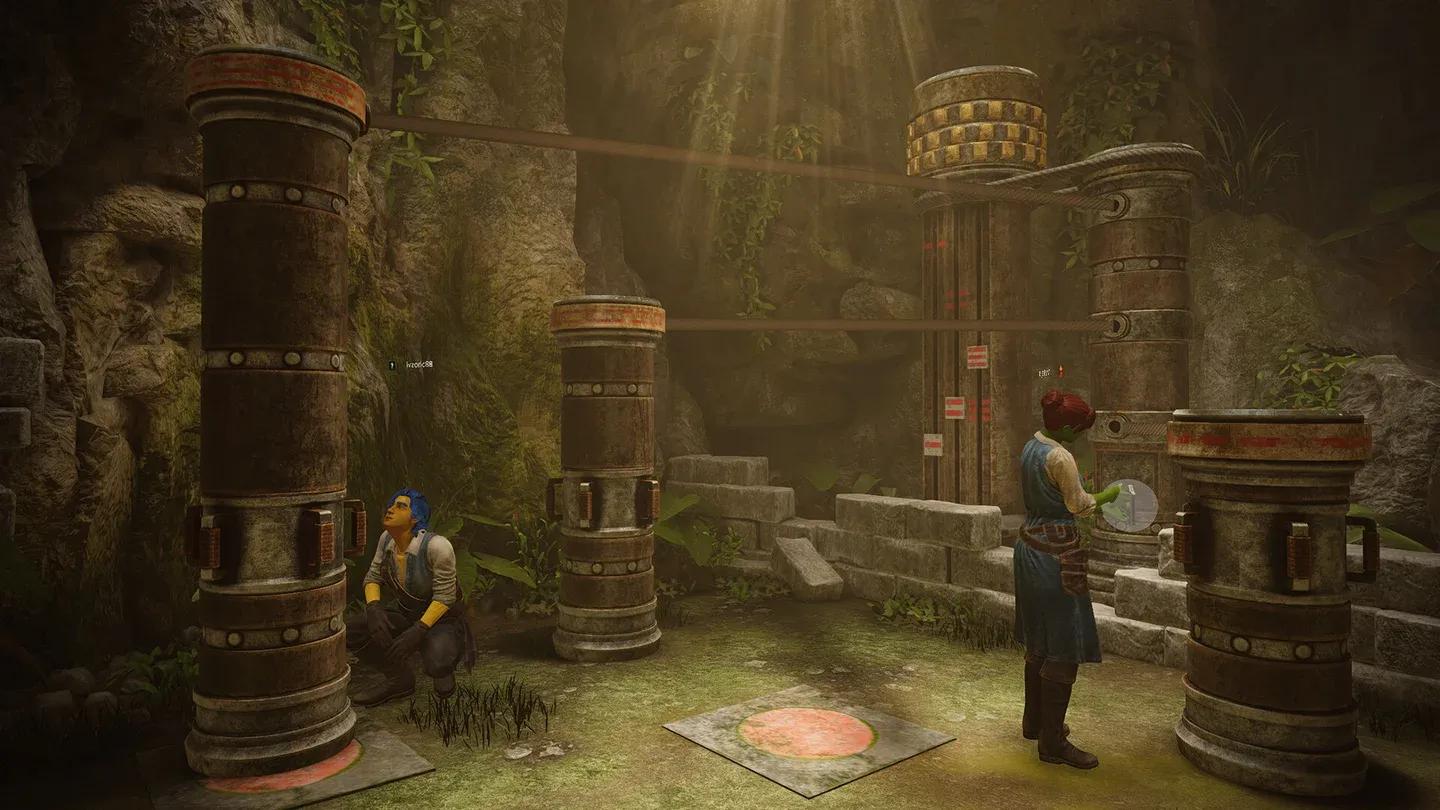
Community workshop room browser
Final tips before you start
- Don't rush the first room. Treat it as a tutorial for understanding how clue-to-puzzle connections work in this game.
- If something in the room seems decorative and out of place, it's probably a clue.
- The game autosaves progress, so you can quit mid-room and return without losing your state.
- Adjust mouse sensitivity in settings before starting. The default is fine for most players, but puzzle inspection benefits from slower, more precise movement.
Escape rooms live and die on the quality of their puzzle logic, and Escape Simulator 2 delivers that in both its official rooms and the best community creations. Get the controls down, stay methodical, and the solutions will follow.