Search games, articles, guides...CtrlK
Sign InGet Started
Build and upgrade your Everwind airship from scratch. Full upgrade tables, power tips, and layout advice to fly faster and higher.

Written by Nuwel
Content Writer
See more GAMES.GG guides on Google
Add us as a preferred source and our guides show up first in your results.
Everwind Farming Guide: Grow Food on Your Airship
Learn how to set up crops, craft the right soil, and keep plants alive on your airship in Everwind.
Everwind Compendium Guide: Every Item Category Explained
Master the Everwind Compendium with this complete breakdown of all five categories, from creatures and crafting to foliage and natural resources.
Everwind Beginner Tips and Tricks
Master Everwind's skill trees, weapon tiers, rune system, and airship building with this complete beginner's guide to surviving the skies.
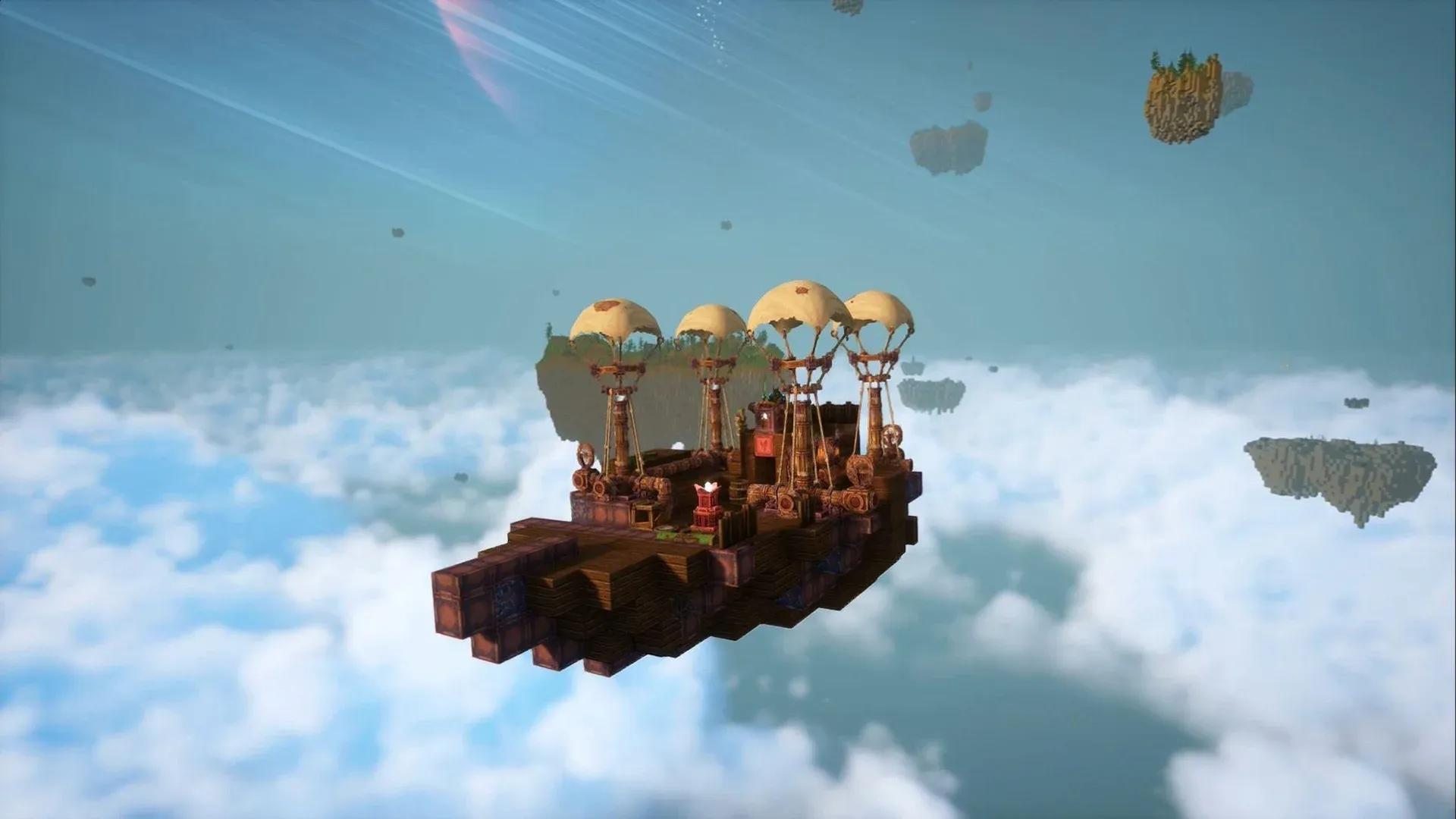
Your airship in Everwind is not just a vehicle. It is your home, your crafting station, your spawn point, and your only ticket to the floating archipelagos above. Getting it wrong means crawling across the sky at a snail's pace or worse, dropping out of the air because you ran out of fuel mid-flight. This guide covers everything from claiming your first ship to maxing out altitude at 1,012 blocks.
Before claiming a ship, you need four specific components. The game directs you to a wrecked vessel on your starting island where you can scan and dismantle parts to unlock their blueprints. Once you have those recipes, craft these items:
With those four items in your inventory, follow the map marker to an unclaimed airship core floating at sea. Grab a boat from outside the starting tower to reach it. Place the Cockpit first to claim ownership, then attach the remaining three components. Toss some wood into the generator and you are airborne.
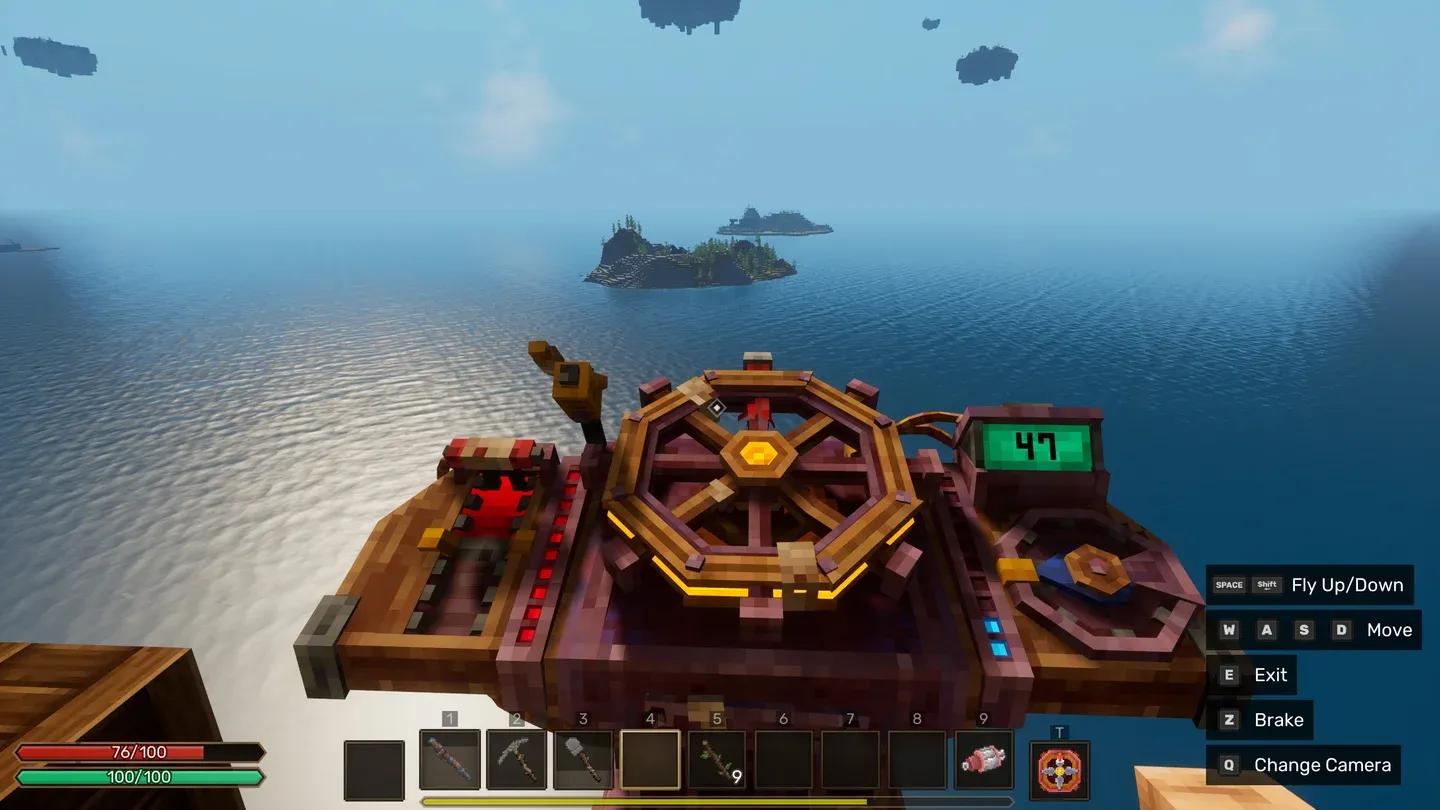
Claiming your first airship core
Power is the single most misunderstood system in Everwind, and it explains why most early ships either crawl or refuse to function at all.
Here is the basic logic:
A single Energy Generator can support a minimal starter setup of one engine and one balloon. The moment you start adding more components, you need additional generators to match. Developer Enjoy Studio has not published exact ratios yet, but community testing suggests one generator starts struggling once you run two or more engines simultaneously.
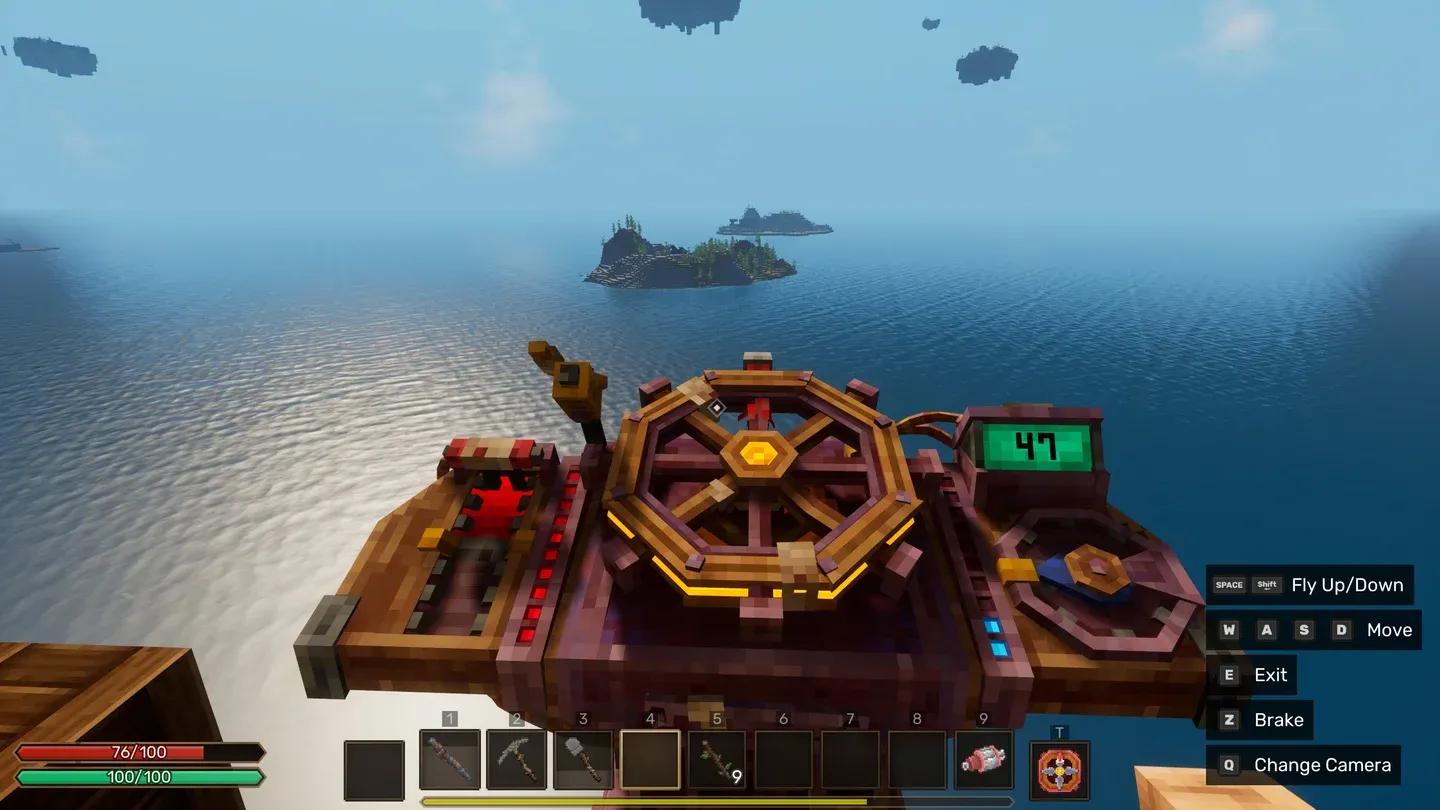
Upgrades are purchased through the airship core on your ship. You need the required coins and materials in your inventory at the time of purchase. Buying an upgrade does not automatically improve performance. You still need to physically add the corresponding components to your ship to see the effect.
For example, buying the first speed upgrade does nothing if you still only have one Wooden Engine. You need to build and connect a second engine to actually gain the speed benefit.
The three upgrade tracks are Speed, Size, and Altitude. All three are independent and can be purchased in any order, but size upgrades tend to fill up first since more deck space means more crafting stations, storage, and living areas.
Airship core upgrade menu
| Upgrade | Speed | Cost |
|---|---|---|
| Speed Tier 1 | 5 blocks/second (+2.5) | 100 Coins, 15 Forestwood Planks, 1 Focus Dust |
| Speed Tier 2 | 10 blocks/second (+5) | 100 Coins, 15 Forestwood Planks, 1 Focus Dust |
| Speed Tier 3 | 15 blocks/second (+5) | 200 Coins, 5 Sulfur, 5 Force Crystal Dust |
| Speed Tier 4 | 20 blocks/second (+5) | 400 Coins, 15 Sulfur, 15 Force Crystal Dust |
Each speed tier requires additional Wooden Engines connected to your ship to deliver the promised boost. The upgrade unlocks the ceiling; the engines actually hit it.
| Upgrade | Build Limit | Cost |
|---|---|---|
| Starting size | 9x9x9 | Free |
| Size Tier 1 | 11x11x11 (+2 per side) | 50 Coins, 3 Copper Ingots, 25 Forestwood Planks |
| Size Tier 2 | 15x15x15 (+4 per side) | 75 Coins, 5 Copper Ingots, 45 Forestwood Planks |
| Size Tier 3 | 21x21x21 (+4 per side) | 75 Coins, 10 Copper Ingots, 45 Forestwood Planks |
| Size Tier 4 | 25x25x25 (+4 per side) | 150 Coins, 5 Copper Ingots, 60 Forestwood Planks, 30 Jungle Planks |
An orange grid appears around your ship while placing blocks to show the current build boundary. Size upgrades do not factor in the weight of extra materials when calculating speed or lift, so a fully expanded ship will not automatically fly worse just because it is packed with blocks.
| Upgrade | Max Altitude | Cost |
|---|---|---|
| Altitude Tier 1 | 262 blocks (+250) | 100 Coins, 5 Steamer Metal Scraps, 1 Focus Dust |
| Altitude Tier 2 | 512 blocks (+250) | 150 Coins, 5 Steamer Metal Scraps, 2 Focus Dust, 5 Mortivar Skulls |
| Altitude Tier 3 | 762 blocks (+250) | 150 Coins, 5 Copper, 1 Crystal of Force, 15 Mortivar Skulls |
| Altitude Tier 4 | 1,012 blocks (+250) | 250 Coins, 5 Copper Bars, 5 Crystals of Force, 25 Mortivar Skulls |
Altitude upgrades require additional Wooden Balloons attached to your ship to reach the new ceiling. Higher tiers demand Mortivar Skulls, which means you will need to clear dungeons on lower-atmosphere islands before pushing to the top layers.
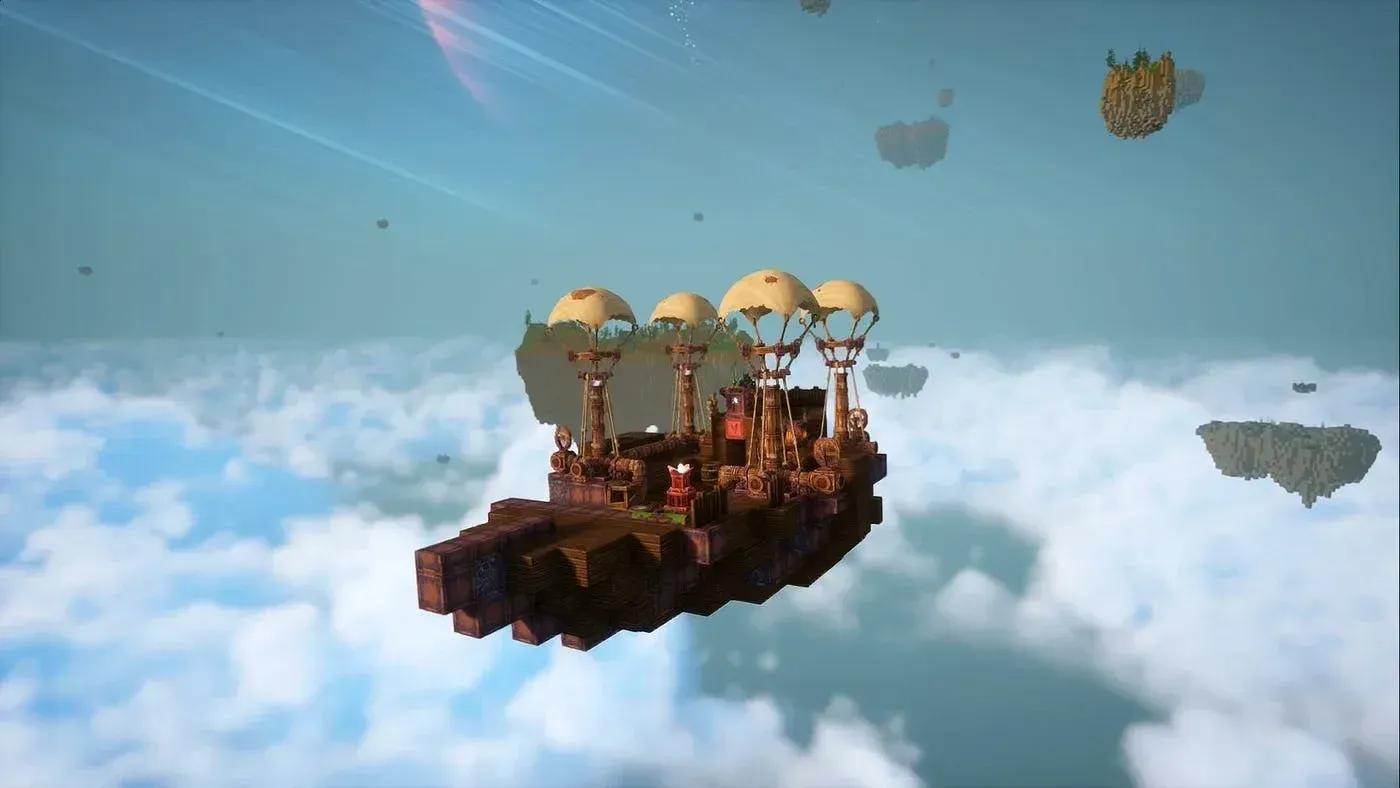
Balloon stacking for altitude gain
The most common mistake new players make is building too large too fast. A sprawling ship with no power balance is slower and less functional than a compact one with everything properly connected.
A reliable starter setup:
This gets you flying and lets you reach the first set of floating islands. Once you have explored a few of those and gathered Forestwood Planks, Copper Ingots, and some coins, push your size upgrade first. More deck space means room for a cooking station, storage chests, and eventually a small farm, all of which make longer expeditions much more sustainable.
For mid-game, the priority order is generally: size upgrade to tier 2 or 3, then a second generator, then additional engines and balloons in pairs. Speed and lift need to scale together. Stacking engines without matching balloons creates an imbalanced ship that fights itself.
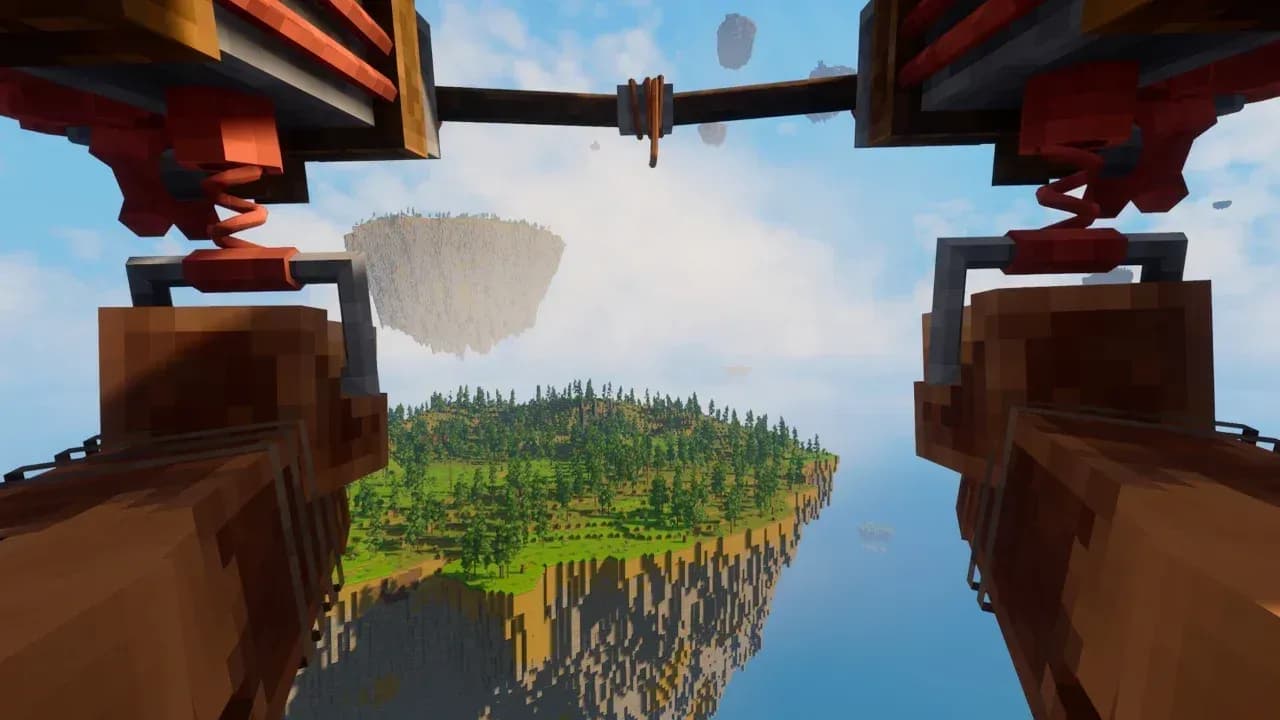
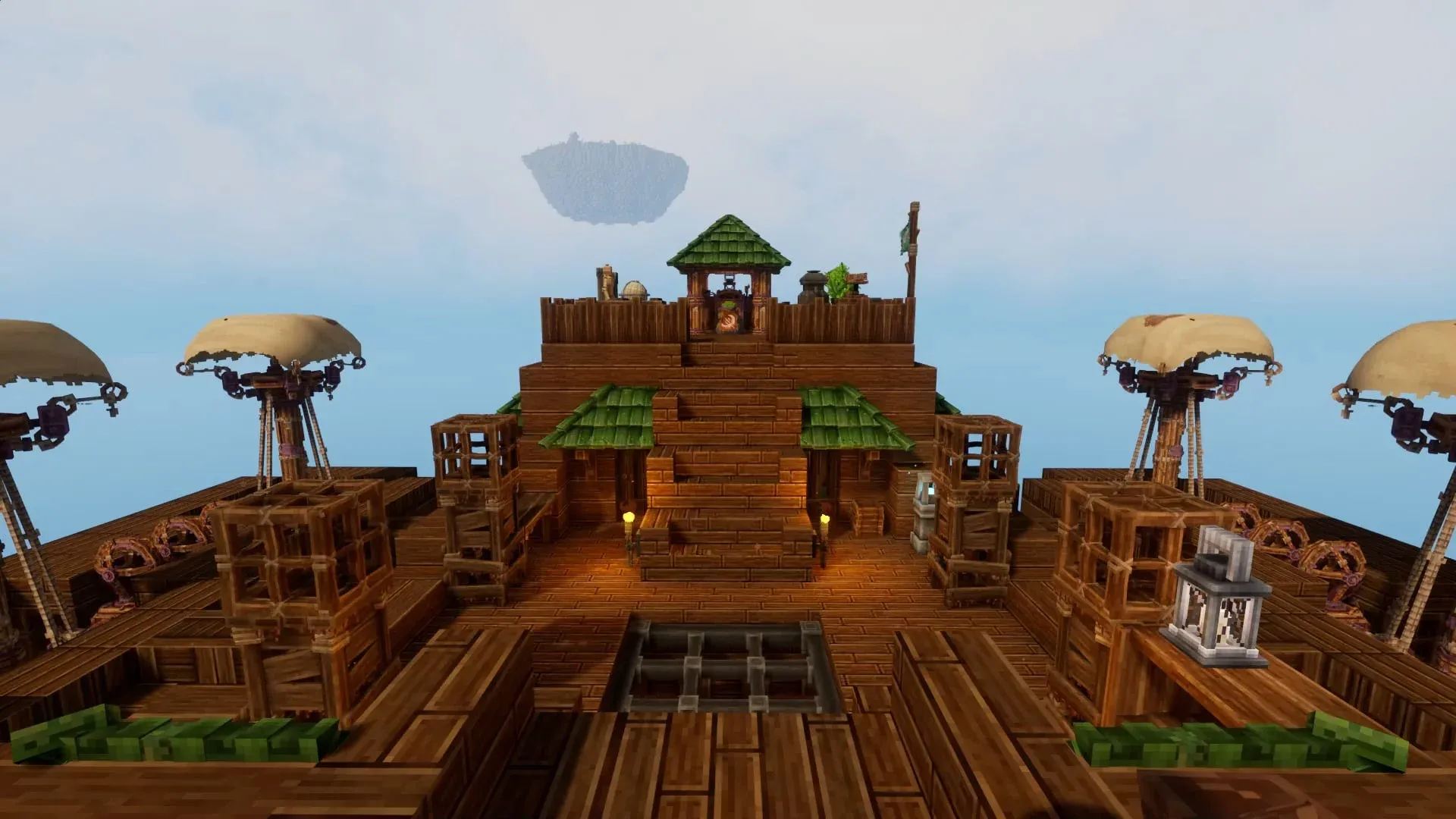
Mid-game ship layout example
Nine times out of ten, it comes down to one of three things:
If you are running out of fuel frequently, build a small wood storage chest directly adjacent to your generator and keep it stocked before every major voyage.
For additional tips on early progression and what to prioritize on your first few islands, the Everwind wiki has a growing database of community-verified information worth bookmarking.
The ships that work best in Everwind are not the biggest or the flashiest. They are the ones where every component is actually doing something. Power feeds engines and balloons. Balloons and engines scale with core upgrades. Core upgrades require materials from islands you can only reach once you have already upgraded your altitude. The whole system is a loop, and respecting that loop is what separates players who are stuck on the second island from those who are already exploring the upper atmosphere.
For more guides covering Everwind and other sandbox survival games, browse the latest guides on GAMES.GG to keep your progression moving.