


If you’ve just started Fatal Frame II: Crimson Butterfly Remake, that Camera Obscura is your only real weapon and it feels weird at first. One wrong move means instant death if you don’t know the timing or the new features. But buckle up because once it clicks, you’ll be lining up perfect shots and uncovering the village’s secrets like a pro. Here’s the straight breakdown of everything it can do.
Raising the Camera: Viewfinder Basics
Raise the camera with L2 (or whatever your control scheme is) and you snap into first-person viewfinder mode. This is where ghosts actually appear. The filament at the top glows blue for harmless clues or red for hostile wraiths, and it gets brighter the closer they get. The center target circle lights up as the ghost stays in frame. Hold the shutter to charge and the circle fills with color. The fuller it gets, the harder your photo hits.
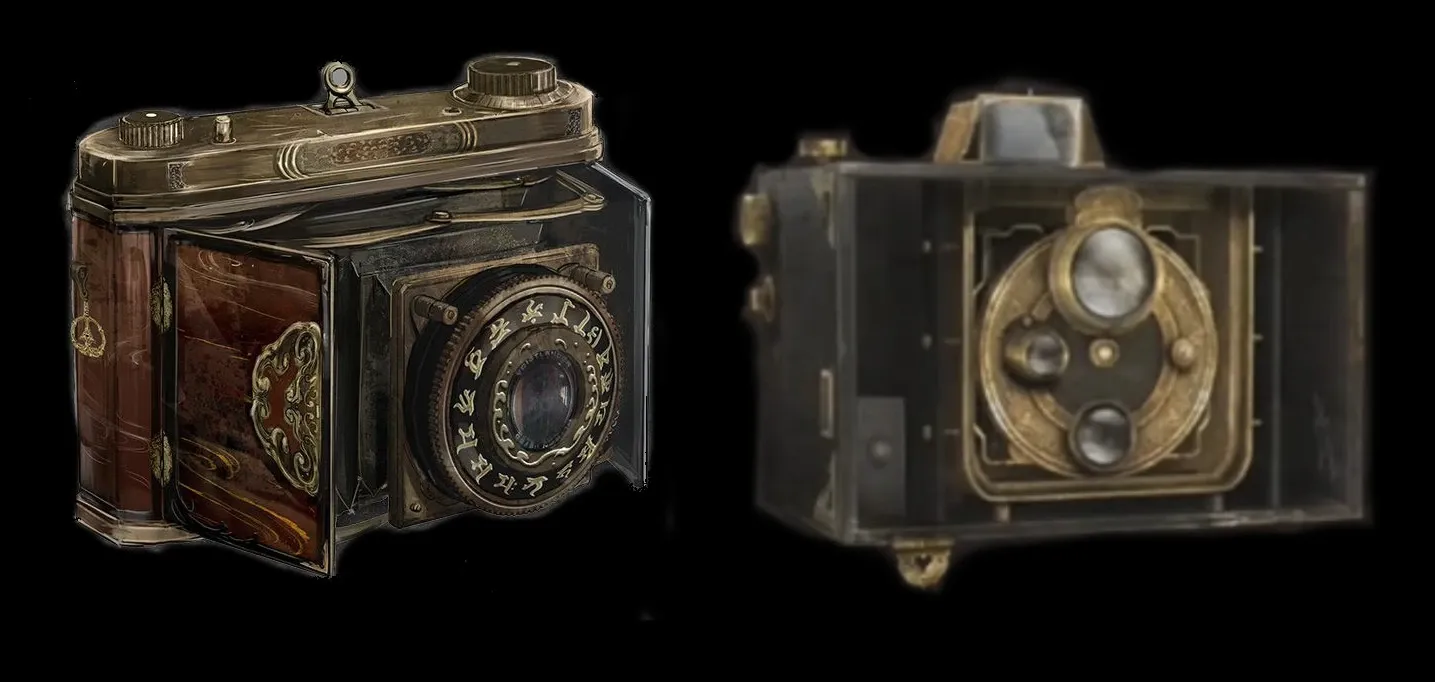
Fatal Frame II: Remake Camera Obscura 101: All Functions Explained
This sets up everything else because if you’re not in the right spot or the circle is weak, every shot feels like a wet noodle. Get comfortable moving while raised so you can dodge and re-aim without panic.
Perfect Shots: Focal Points, Shutter Chance, and Fatal Frames
Building on those basics we just covered, the focal points are the red markers that light up on the wraith’s body. Line up as many as you can in your target circle for massive damage. The remake lets you upgrade to manual focus and zoom with Prayer Beads, so you can fine-tune from cover or catch multiple ghosts at once.
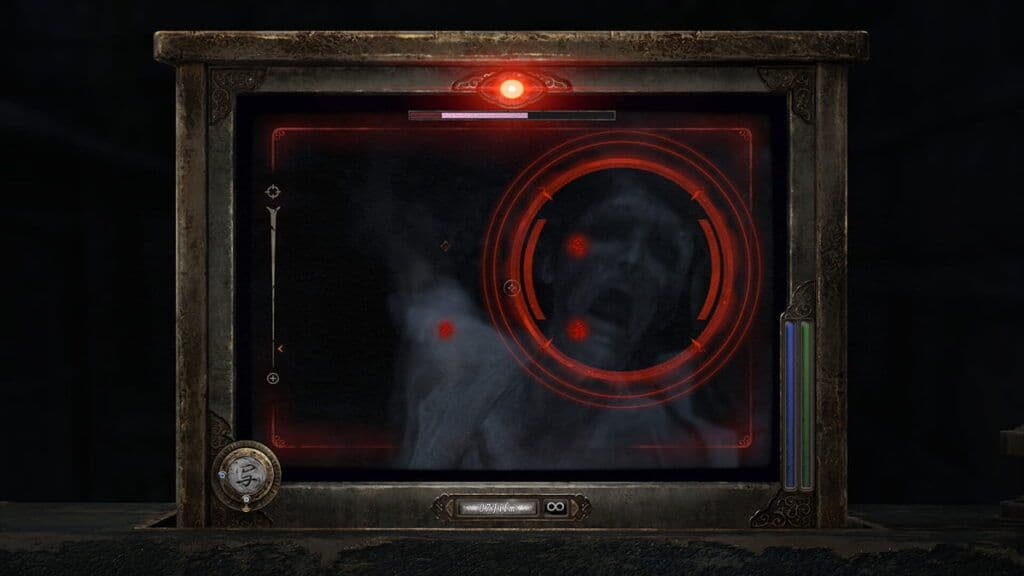
Fatal Frame II: Remake Camera Obscura 101: All Functions Explained
After you chip away enough health the wraith enters Shutter Chance — that brief window where your next shot hits way harder. And when the filament flashes red right as they attack? That’s your Fatal Frame. Nail it and you stagger them, restore willpower, and if it lands in a Shutter Chance you trigger Fatal Time for back-to-back shots. Timing these is what turns bosses from nightmare fuel into manageable fights.
Film Types: Choose Wisely or Run Dry
This is exactly why the last tip matters — you burn film fast if you’re spamming weak shots. The remake keeps the classic film system so not all upgrades carry equal weight here.
Always reload the cheap stuff for non-combat photos and save the heavy hitters. You’ll find more around the village if you explore instead of rushing.
Filters: The Remake Feature That Changes Everything
So scroll down because next we’re fixing exactly that problem of feeling stuck in combat or missing clues. The big new thing in the remake is filters — switch them right in the viewfinder for different colors and powers.
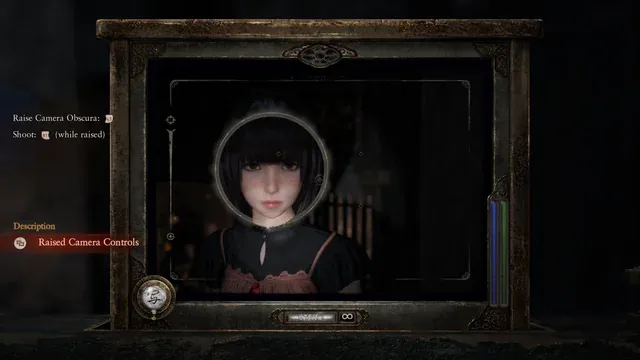
Fatal Frame II: Remake Camera Obscura 101: All Functions Explained
Paraceptual Filter: Boosts shooting range in fights and lets you see vanishing traces of Mayu’s footsteps or past events in exploration. Its Special Shot blinds the wraith so you can run or reposition.
Radiant Filter: Hits harder up close and can purge blood seals blocking paths. Special Shot charges willpower for a massive damage blast.
Exposure Filter: Reveals invisible revenants and restores vanished objects if you have the right key photo.
Each filter burns willpower for its Special Shot, and you can upgrade them separately. Swap on the fly depending on whether you’re fighting or hunting secrets.
Upgrading with Prayer Beads and Charms
This ties straight back to the earlier sections — Prayer Beads scattered everywhere are how you make the whole thing stronger. Open the menu, pick Camera Obscura, and spend them.
Prioritize Focal Points first for more damage windows, then Focus and Zoom so manual control feels smooth. You can also boost range, accumulation speed, and filter power. Charms slot in for extra perks like extra willpower on hits or damage buffs — expand the bag early so you can stack a few.
Not all upgrades carry equal weight, so go damage and control before fancy stuff.
Wrapping It Up
Put all this together — good positioning, right film, smart filter swaps, timed Fatal Frames, and early upgrades — and the Camera Obscura stops feeling clunky and starts feeling powerful. The village is still creepy as hell, but now you’re the one in control snapping wraiths left and right. Go explore, take those perfect shots, and enjoy the remake without the rage. You’ve got this.