
Most Fortnite players think bad aim is about slow reflexes or missing some genetic gift. That's wrong. Nine times out of ten, the problem is misconfigured settings and no real practice routine. Whether you're on controller or mouse and keyboard, getting your aim right breaks down into three parts: sensitivity that fits your hardware and playstyle, a crosshair you can actually see, and focused drills that teach your hands what to do. This guide walks through all of it.
What Are the Best Sensitivity Settings for Fortnite Aim?
Sensitivity is where everything starts. Set it too high and you overshoot every target. Too low and you can't keep up with anyone moving laterally. There's no universal number, but competitive players cluster around specific ranges for good reasons.

Controller Sensitivity
On controller, look sensitivity between 4 and 7 is where most high-level players land. ADS sensitivity runs lower than look sens, usually a 0.60 to 0.75 multiplier, so your shots don't drift when you're scoped. Aim assist should be on, and you want either Linear or Exponential. Linear gives you more predictable movement when tracking.
Keyboard and Mouse Sensitivity
On mouse, sensitivity gets measured as eDPI — your mouse DPI times your in-game sens. Top PC players sit between 40 and 80 eDPI. A standard setup is 800 DPI with 0.06 to 0.08 in-game, landing you in the 48 to 64 eDPI range.
One of the best habits you can build is keeping your crosshair at head height on structures and terrain even when no one's visible. This turns downtime into passive aim practice. Every second you're moving becomes a micro-drill for crosshair placement fundamentals.
| Platform | Recommended Sensitivity | ADS Multiplier | Key Setting |
|---|---|---|---|
| Controller | Look: 4–7 | 0.60–0.75 | Aim Assist: Linear |
| Mouse & Keyboard | eDPI: 40–80 | Match hipfire feel | Raw Input: On |
| Mobile | Medium preset | 0.70 | Gyro: On (if available) |
How Do You Set Up a Custom Crosshair in Fortnite?
Fortnite now lets you customize your crosshair — color, thickness, size, opacity, all adjustable in the settings menu. This matters more than you'd think. A crosshair that blends into the background causes tiny hesitations that wreck your targeting rhythm.
Crosshair Color and Visibility
Bright colors like cyan, green, or hot pink stand out against Fortnite's chaotic visuals. Skip white or yellow — they vanish against bright skies and sandy ground.
Crosshair Size and Thickness
Smaller, thinner crosshairs cut down visual noise and show you exactly where bullets go. Most competitive setups use a dot or tight cross. Crank outline opacity to max so the reticle stays visible no matter what's behind it.
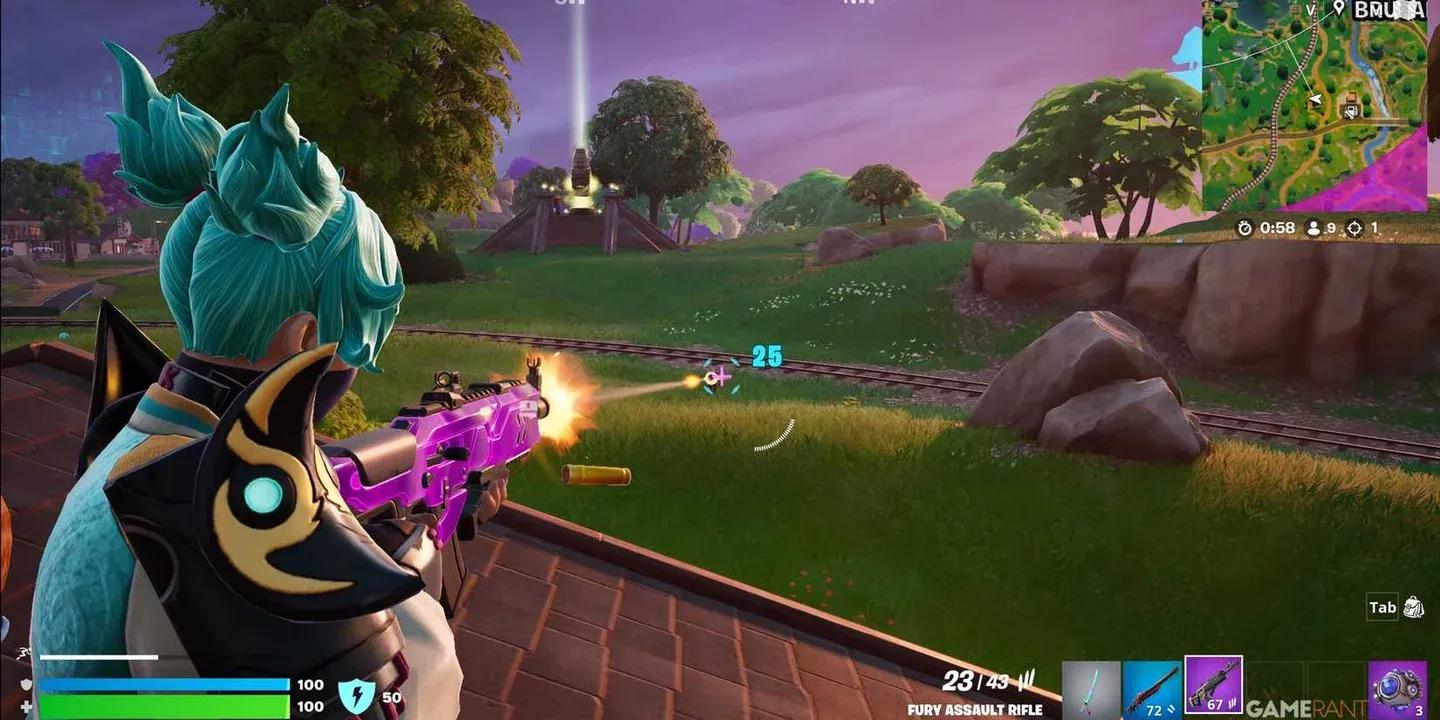
Custom crosshair configuration
Why Does Aim Training in Creative Mode Work?
Trying to practice aim in real matches is inefficient. You're dealing with storm rotations, build pressure, and loot RNG. Creative Mode strips all that away and lets you isolate specific weaknesses.
Dedicated aim maps give you controlled environments where you can drill one skill at a time. This kind of focused repetition is what builds the neural pathways behind consistent shooting.
Best Types of Aim Training Maps
- Tracking maps make you follow moving targets continuously, smoothing out mouse or stick control
- Flicking maps train rapid target acquisition for close-range shotgun fights
- Precision maps use tiny stationary targets to sharpen fine motor control
- Edit and aim hybrid maps combine building with shooting so practice mirrors real scenarios
A widely used community map for aim training is EHarvey's 1v1 map (9217-6106-8362), which thousands of players use to refine close-range aim under pressure.
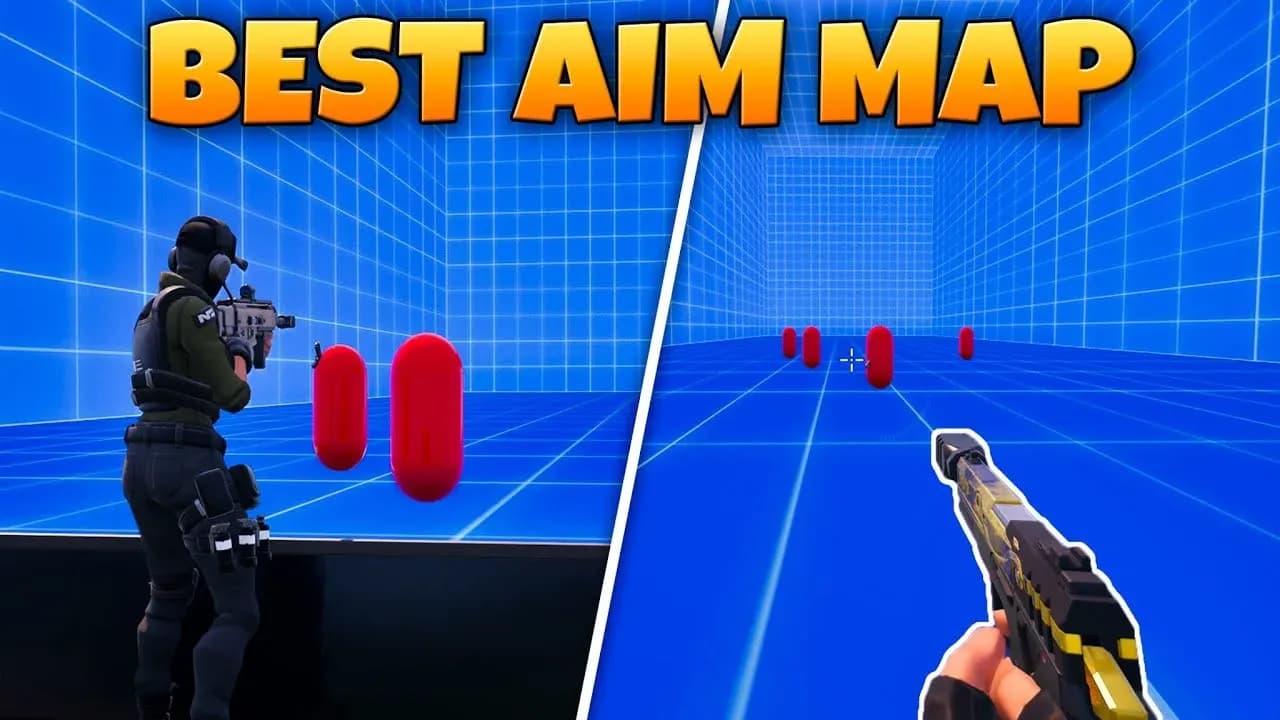
Creative aim training map
What In-Game Settings Actually Affect Aim Performance?
Beyond sensitivity and crosshair, several other settings directly impact how accurately you shoot.
Visual Settings That Help Aim
- Brightness: Set to 100 or slightly higher so enemies stay visible in shadows
- Color Blind Mode: Even if you're not colorblind, Deuteranope mode increases contrast on enemy outlines
- Motion Blur: Turn this off. Motion blur obscures your crosshair during movement and makes tracking harder
- Show FPS: Enable this so you can monitor whether frame drops are messing with your aim
Performance Settings
Frame rate directly affects how smoothly your aim registers. Dropping from 60 FPS to 30 FPS makes tracking feel sluggish because inputs update less often. Set your Rendering Mode to Performance in Fortnite's graphics settings to prioritize frame rate over visual quality, especially on mid-range hardware.
How to Practice Aim Without a Dedicated Training Map
Not every practice session needs a formal aim map. There are habits you can build in regular matches that turn normal play into aim development.
- Pre-aim corners and doorways at head height before you reach them so you're already on target when someone appears
- Land hot zones like Tilted Towers or named locations with heavy traffic to force more gunfights per game
- Use burst or single-fire weapons occasionally to train trigger discipline and shot timing
- Review your replays after losses and figure out whether missed shots came from sensitivity, crosshair placement, or timing errors
For players who want structured improvement beyond in-game practice, platform-specific optimizations break down controller and keyboard setups in more detail.
Controller vs. Mouse: Which Is Better for Fortnite Aim?
This question comes up constantly. The honest answer is that both inputs can reach the highest level of play. The differences are real but manageable.
| Factor | Controller | Mouse & Keyboard |
|---|---|---|
| Aim Assist | Strong rotational assist | No assist, full manual control |
| Close-Range Tracking | Excellent with Linear AA | Depends heavily on eDPI tuning |
| Long-Range Precision | Harder without scope | Easier with low eDPI |
| Building Speed | Slower on default | Faster with keybind optimization |
| Learning Curve | Lower entry barrier | Steeper but higher ceiling |
The key is committing to one input and optimizing it fully rather than switching back and forth. Muscle memory built on controller doesn't transfer to mouse, and vice versa.
Putting It All Together: Your Aim Improvement Routine
Consistency beats intensity when it comes to aim development. A daily 20-minute routine structured like this produces measurable results within two to three weeks:
- 5 minutes on a tracking aim map in Creative Mode
- 5 minutes on a flick or precision map
- 10 minutes in a real Battle Royale match focusing only on crosshair placement, not winning
After each session, note one thing that felt off and adjust a single setting or habit the next day. Small, targeted changes compound faster than wholesale reconfigurations.
For more strategies across all skill levels, browse more guides and tips at GAMES.GG to keep your improvement momentum going.