


Battlefield Redsec में visual quality और smooth performance के बीच सही balance बनाना आपके competitive edge को बना या बिगाड़ सकता है। सही PC configuration के साथ, आप consistent frame rates बनाए रखेंगे, साथ ही उन crucial visual details को भी बनाए रखेंगे जो आपको massive battlefields में दुश्मनों को पहचानने में मदद करती हैं। यह गाइड हर उस setting को तोड़कर बताती है जो मायने रखती है, graphics optimization से लेकर display tweaks तक जो आपके gaming experience को बदल देंगी।
Battlefield Redsec में आपकी PC Settings क्यों मायने रखती हैं
आपकी settings configuration सीधे आपकी प्रभावी ढंग से compete करने की क्षमता को प्रभावित करती है। Higher frame rates का मतलब है fast-moving targets की smoother tracking, जबकि optimized visual settings यह सुनिश्चित करती हैं कि आप shadows या distant positions में छिपे दुश्मनों को पहचान सकें। कुंजी उस sweet spot को खोजने में है जहां performance clarity से मिलती है।

Best graphics settings for Battlefield ...
Essential Graphics Settings Configuration
Core Graphics Options
अपनी Performance Preset को Custom पर सेट करके शुरू करें - यह fine-tuning के लिए सभी individual options को unlock करता है। 55 पर Sharpness सेटिंग excellent edge definition प्रदान करती है बिना over-processing के जो visual artifacts का कारण बन सकता है।
Advanced Graphics Breakdown
Terrain Quality कम करने पर सबसे महत्वपूर्ण performance boost प्रदान करता है, क्योंकि यह मुख्य रूप से distant landscape details को प्रभावित करता है जो competitive gameplay को प्रभावित नहीं करते हैं। यदि आपके graphics card में पर्याप्त VRAM है - आमतौर पर 6GB या अधिक - तो Texture Quality को High पर रखें।

Best graphics settings for Battlefield ...
Display और Performance Optimization
Critical Display Settings
अधिकतम competitive advantage के लिए इन display options को configure करें:
Borderless mode performance और usability के बीच सबसे अच्छा balance प्रदान करता है। जबकि Exclusive Fullscreen पुराने systems पर थोड़ा बेहतर performance दे सकता है, Borderless applications के बीच स्विच करते समय delay को खत्म करता है।
Advanced Performance Features
NVIDIA Reflex competitive play के लिए महत्वपूर्ण है - यह आपके mouse input और स्क्रीन पर दिखाई देने वाली action के बीच delay को काफी कम करता है। भले ही आपके पास high-refresh monitor न हो, यह सेटिंग responsiveness में सुधार करती है।
Camera और Field of View Settings
Optimal Camera Configuration
105 का Field of View सही balance बनाता है - आप अपने surroundings का अधिक हिस्सा देखेंगे बिना distant targets को ट्रैक करने के लिए बहुत छोटा बनाए। Higher FOV values स्क्रीन के किनारों पर distortion का कारण बन सकते हैं और precision aiming को अधिक चुनौतीपूर्ण बना सकते हैं।
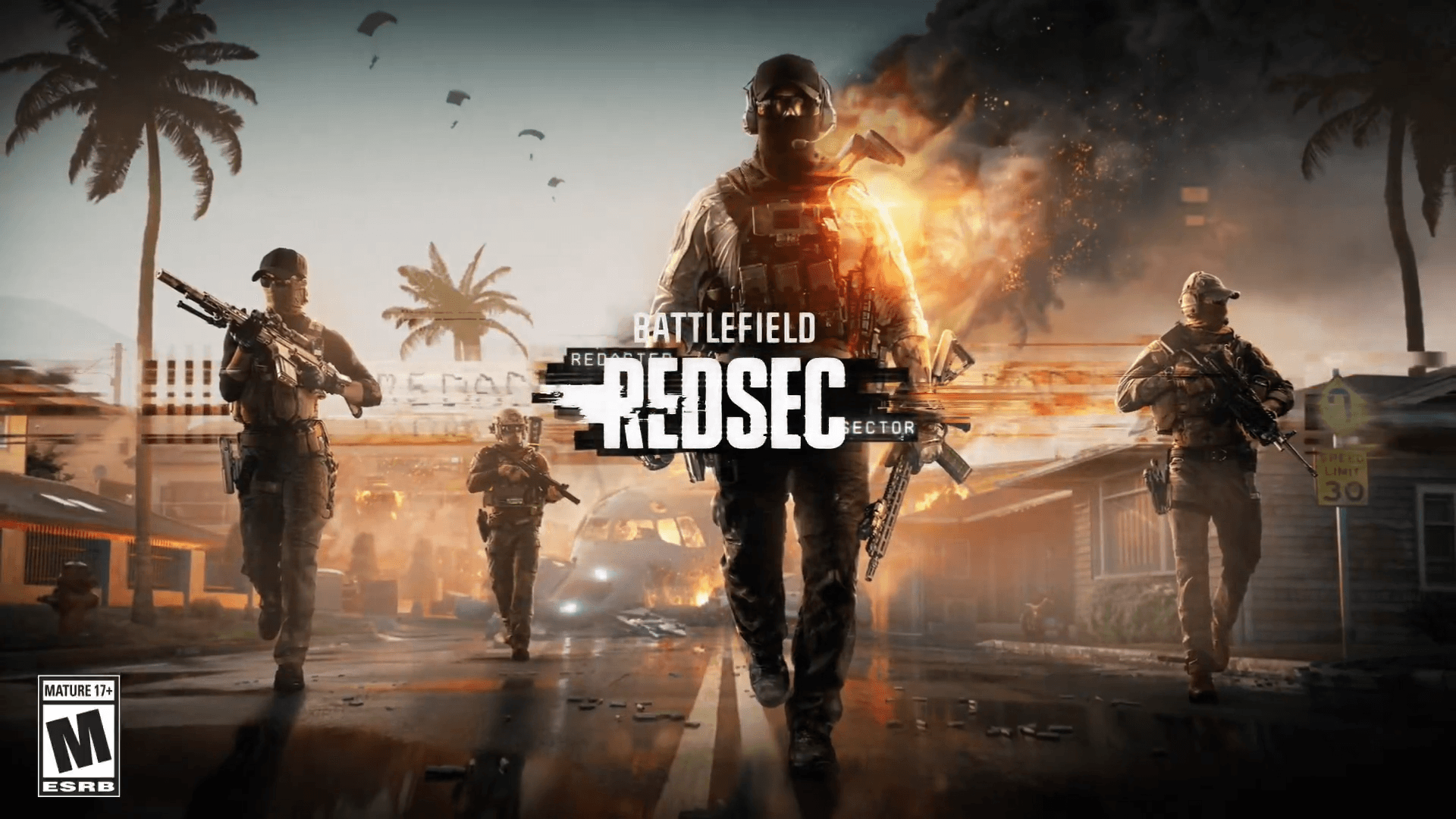
Battlefield RedSec: Best Settings for ...
Visual Effects Management
इन visual effects को disable करें जो दुश्मनों को अस्पष्ट कर सकते हैं:
- World Motion Blur: streaking बनाता है जो moving targets को ट्रैक करना मुश्किल बनाता है
- Weapon Motion Blur: rapid movements के दौरान अनावश्यक visual noise जोड़ता है
- Film Grain: overall image clarity को कम करता है
- Camera Shake: explosions के दौरान आपके aim को बिगाड़ सकता है
Vignette को enable रखें - यह effect स्क्रीन के किनारों को गहरा करता है, जिससे उन क्षेत्रों में दुश्मन गहरे background के खिलाफ अधिक visible होते हैं।
Interface और HUD Optimization
Essential HUD Settings
HUD Motion को disable करने से आपके interface elements movement के दौरान उछलने से बचते हैं, जिससे intense firefights के दौरान जानकारी को जल्दी पढ़ना आसान हो जाता है।
[IMAGE: Redsec HUD customization interface options]
Hardware-Specific Recommendations
Mid-Range Systems के लिए (GTX 1660/RX 580)
- Texture Quality: Medium
- Mesh Quality: Medium
- Terrain Quality: Low
- Anti-Aliasing: TAA
High-End Systems के लिए (RTX 3070+/RX 6700 XT+)
- Texture Quality: High
- Mesh Quality: High
- Terrain Quality: Medium
- Anti-Aliasing: DLAA (NVIDIA) या TAA
Ultra-High-End Systems के लिए (RTX 4080+)
- सभी settings को 100+ FPS बनाए रखते हुए maximize किया जा सकता है
- और भी higher frame rates के लिए DLSS Quality mode पर विचार करें
Final Performance Tips
built-in tools या MSI Afterburner जैसे third-party applications का उपयोग करके अपने system के performance की निगरानी करें। इन पर ध्यान दें:
- GPU Usage: optimal performance के लिए 95-100% के करीब रहना चाहिए
- VRAM Usage: कुल क्षमता के 90% से नीचे रखें
- CPU Usage: Individual cores को लगातार 100% तक नहीं पहुंचना चाहिए
- Frame Time: केवल high FPS के बजाय consistent timing देखें
याद रखें कि Battlefield Redsec को अभी भी updates मिल रहे हैं जो performance को प्रभावित कर सकते हैं। यह सुनिश्चित करने के लिए कि आप game के विकसित होने पर optimal performance बनाए रख रहे हैं, major patches के बाद इन settings को फिर से देखें।
इस गाइड में दी गई settings एक excellent starting point प्रदान करती हैं, लेकिन हर system unique होता है। विभिन्न configurations का परीक्षण करने और यह पता लगाने के लिए समय निकालें कि आपके specific hardware combination और playstyle preferences के लिए सबसे अच्छा क्या काम करता है।