
Heartopia में कुछ ऐसे सीक्रेट्स हैं जो ट्यूटोरियल में नहीं बताए गए हैं, और Astralis Blessing उनमें से सबसे बेस्ट है। फाउंटेन में बस कुछ सिक्के डालिए और आप एक हिडन बफ (buff) ट्रिगर कर लेंगे जो 10 मिनट के लिए आपकी एनर्जी की सारी टेंशन खत्म कर देगा। न कोई स्नैक्स, न कोई ब्रेक, बस बिना रुके फिशिंग, इंसेक्ट कैचिंग, या जो भी आप ग्राइंड (grind) कर रहे हैं, वो करते रहिए। यहाँ बताया गया है कि इसे कैसे पाएं और हर सेकंड का पूरा फायदा कैसे उठाएं।
Heartopia में Astralis Blessing क्या है?
Astralis Blessing एक सीक्रेट बफ है जो Heartopia की रहस्यमयी Astralis मौजूदगी से जुड़ा है, जिसका जिक्र गेम के कई क्वेस्ट्स में है लेकिन सीधे तौर पर कुछ नहीं बताया गया। जब यह एक्टिवेट होता है, तो यह आपको 10 मिनट की Infinite Energy देता है, जिसका मतलब है कि आपकी एनर्जी बार कम होना बंद हो जाएगी। आप इस दौरान कोई भी एनर्जी-खपत वाली एक्टिविटी बिना रुके या खाना खाए कर सकते हैं। एक बार 10 मिनट खत्म हो जाने पर, आप इसे बिना किसी कूलडाउन या पेनल्टी के तुरंत दोबारा ट्रिगर कर सकते हैं।
Heartopia में Astralis Blessing कैसे प्राप्त करें?
एक बार जब आप जान जाते हैं कि क्या करना है, तो यह प्रोसेस काफी आसान है। यहाँ पूरी जानकारी दी गई है:
- फाउंटेन लें।Acorn Store खोलें, Fashion Life सिलेक्ट करें, और फिर Furniture सेक्शन में जाएं। शॉप में मौजूद कोई भी फाउंटेन काम करेगा, और हर एक की कीमत 200 Moonlight Crystals है। फाउंटेन का डिजाइन कैसा भी हो, उससे रिजल्ट पर कोई फर्क नहीं पड़ता।
- फाउंटेन को अपने घर में रखें (अपने इन्वेंट्री से)।
- फाउंटेन के ऊपर दिखने वाले लेफ्ट आइकन पर टैप करें। इससे कॉइन टॉस करने का एक्शन ट्रिगर होगा।
- सिक्के डालते रहें। शुरुआती कुछ कोशिशों में यह मैसेज आएगा: "The gold sank into the water. Nothing seems to have changed." यह नॉर्मल है।
- कन्फर्मेशन मैसेज का इंतजार करें: "The Astralis answered your wish." जब यह दिखाई दे, तो आपके कैरेक्टर पर एक floral glow आ जाएगा, जो यह कन्फर्म करता है कि बफ एक्टिव है।
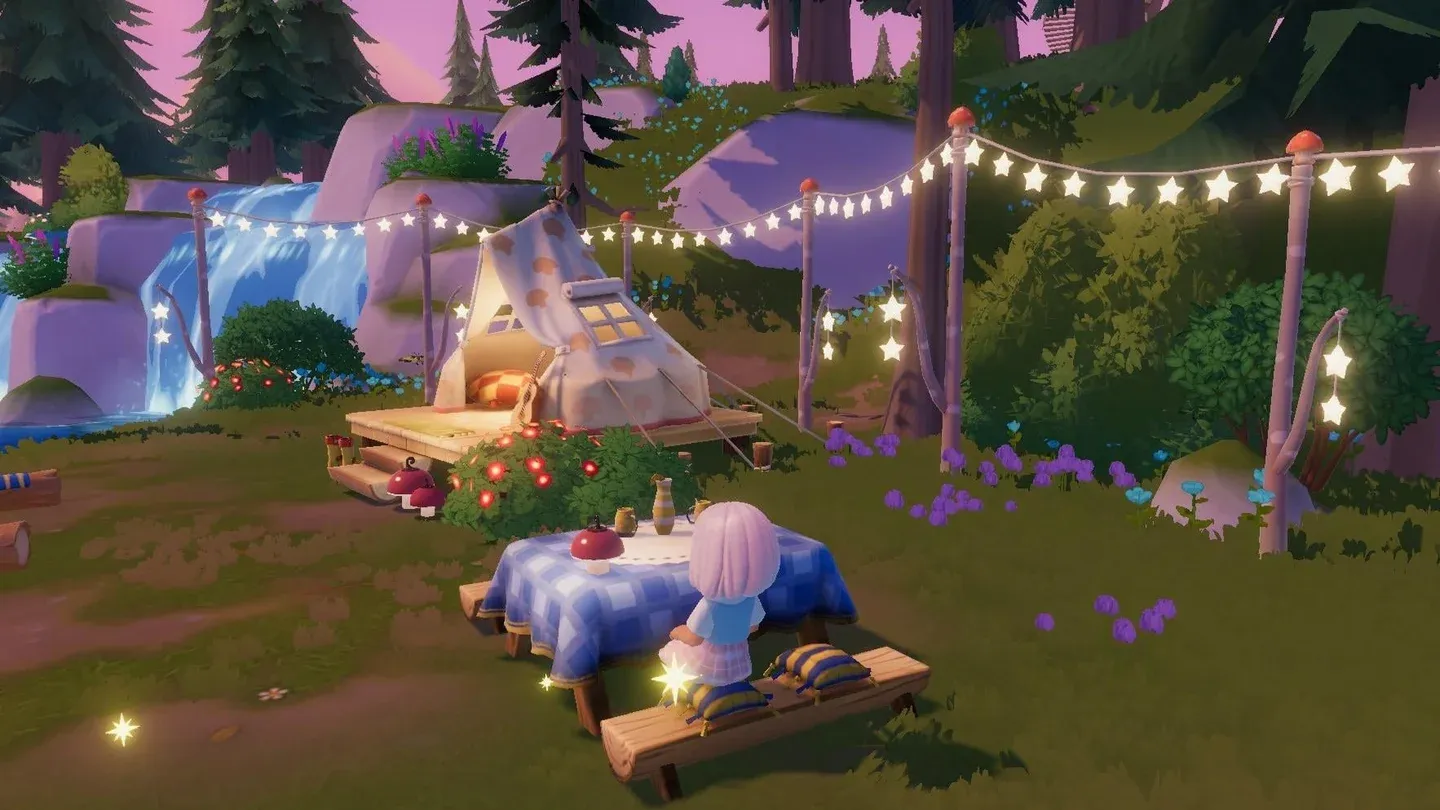
Acorn Store fountain selection
Astralis Blessing असल में क्या करता है?
यह बफ 10 मिनट के लिए एनर्जी ड्रेन को पूरी तरह से हटा देता है। हर वो एक्टिविटी जिसमें एनर्जी लगती है, जैसे फिशिंग, इंसेक्ट कैचिंग, और अन्य हॉबी टास्क, इस दौरान बिना किसी रुकावट के चलती है। आपको स्टैमिना रिकवर करने के लिए खाना खाने की जरूरत नहीं पड़ेगी, जो इस बफ को तब बहुत वैल्यूएबल बनाता है जब आप किसी हॉबी माइलस्टोन पर काम कर रहे हों या कोई रेयर फिश पकड़ने की कोशिश कर रहे हों।
यह बफ बिना किसी रिस्ट्रिक्शन के बार-बार इस्तेमाल किया जा सकता है। 10 मिनट खत्म होने के बाद, वापस फाउंटेन के पास जाएं और फिर से सिक्के डालना शुरू करें। इसमें कोई वेटिंग पीरियड नहीं है और सिक्कों के अलावा कोई एक्स्ट्रा कॉस्ट नहीं है।
Astralis Blessing का इस्तेमाल कब करना चाहिए?
10 मिनट का समय काफी कम होता है, इसलिए सही समय पर इस्तेमाल करना जरूरी है। यहां बताया गया है कि अलग-अलग एक्टिविटीज को इससे क्या फायदा होता है:
सबसे स्मार्ट तरीका यह है कि आप किसी भी एक्टिविटी के बीच में नहीं, बल्कि एक फोकस्ड ग्राइंड सेशन शुरू करने से ठीक पहले बफ को एक्टिवेट करें। इससे आप अपने 10 मिनट का समय फिशिंग स्पॉट तक जाने या तैयारी करने में बर्बाद नहीं करेंगे।
फाउंटेन के लिए Moonlight Crystals कैसे प्राप्त करें
अगर आपके पास अभी तक 200 Moonlight Crystals नहीं हैं, तो फाउंटेन की खरीद एक बार का खर्च है क्योंकि उसके बाद बफ को दोबारा ट्रिगर करना फ्री है। Moonlight Crystals, Heartopia की मुख्य करेंसी में से एक है, और एक बार फाउंटेन लग जाने के बाद, बफ की आगे की कोई कीमत नहीं है।
जो प्लेयर्स इसे खरीदना नहीं चाहते, उनके लिए दोस्त के घर वाला तरीका एक बेस्ट ऑप्शन है, जिसमें कोई नुकसान नहीं है, बस आपको एक ऐसे दोस्त की जरूरत है जिसने पहले से फाउंटेन खरीदा हो।
हॉबी से लेकर हिडन मैकेनिक्स तक, Heartopia के और अधिक टिप्स और गाइड्स के लिए, GAMES.GG पर और गाइड्स देखें।