Performance aur comfort dono ke liye sahi gaming mouse choose karna bahut zaroori hai. Ideal mouse user ke haath aur grip style mein fit hona chahiye, surfaces par smoothly glide karna chahiye, intuitively-placed buttons hone chahiye, aur precise, low-latency tracking provide karna chahiye. Lekin, koi ek mouse sabki needs ko universally fulfill nahi karta. Competitive FPS players aksar lightweight aur simple designs prefer karte hain, jabki MMO gamers complex commands ke liye multiple programmable buttons chahte hain. Bahut se users multiple genres aur productivity tasks ke liye suitable balance seekhte hain.
Yeh guide 2026 ke best gaming mice ko review karta hai alag-alag needs aur budgets ke liye, users ko performance, ergonomics, aur features ke basis par sahi device select karne mein help karta hai.
2026 के सर्वश्रेष्ठ गेमिंग माउस की त्वरित सूची
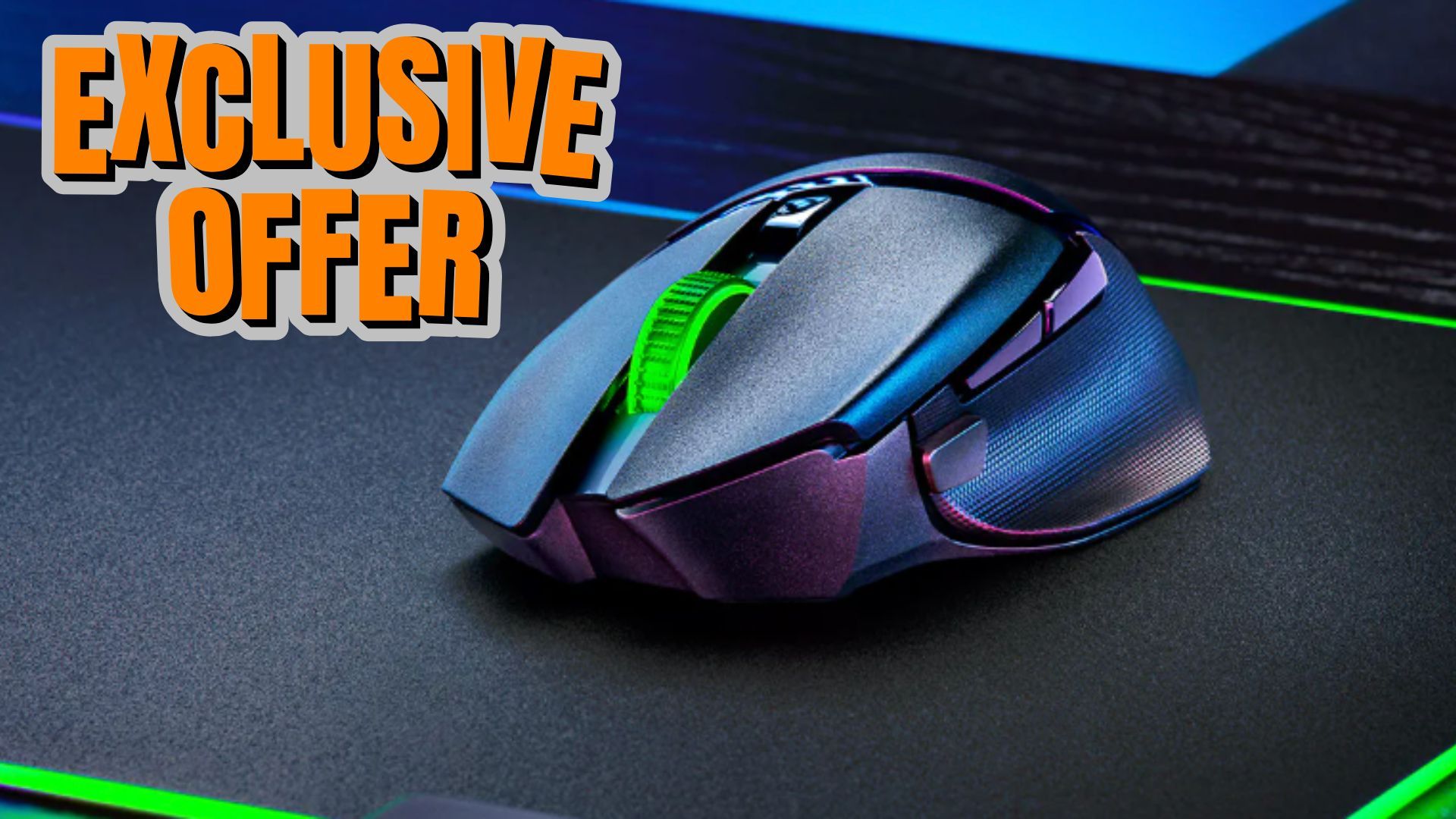
Best Overall: Razer Basilisk V3 Pro 35K
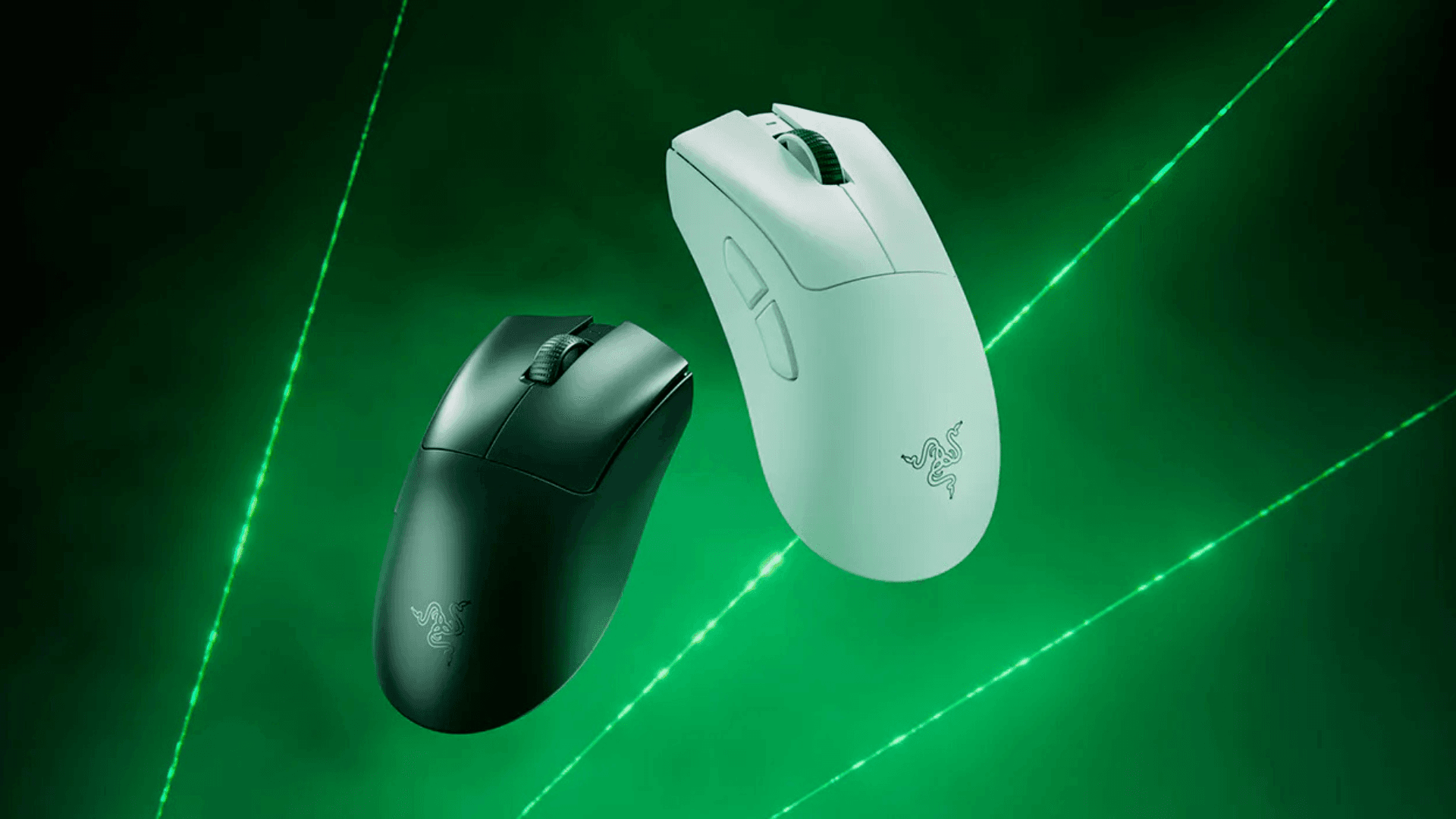
Best Wireless: Razer DeathAdder V3 Pro
Best Budget: Corsair Katar Pro XT
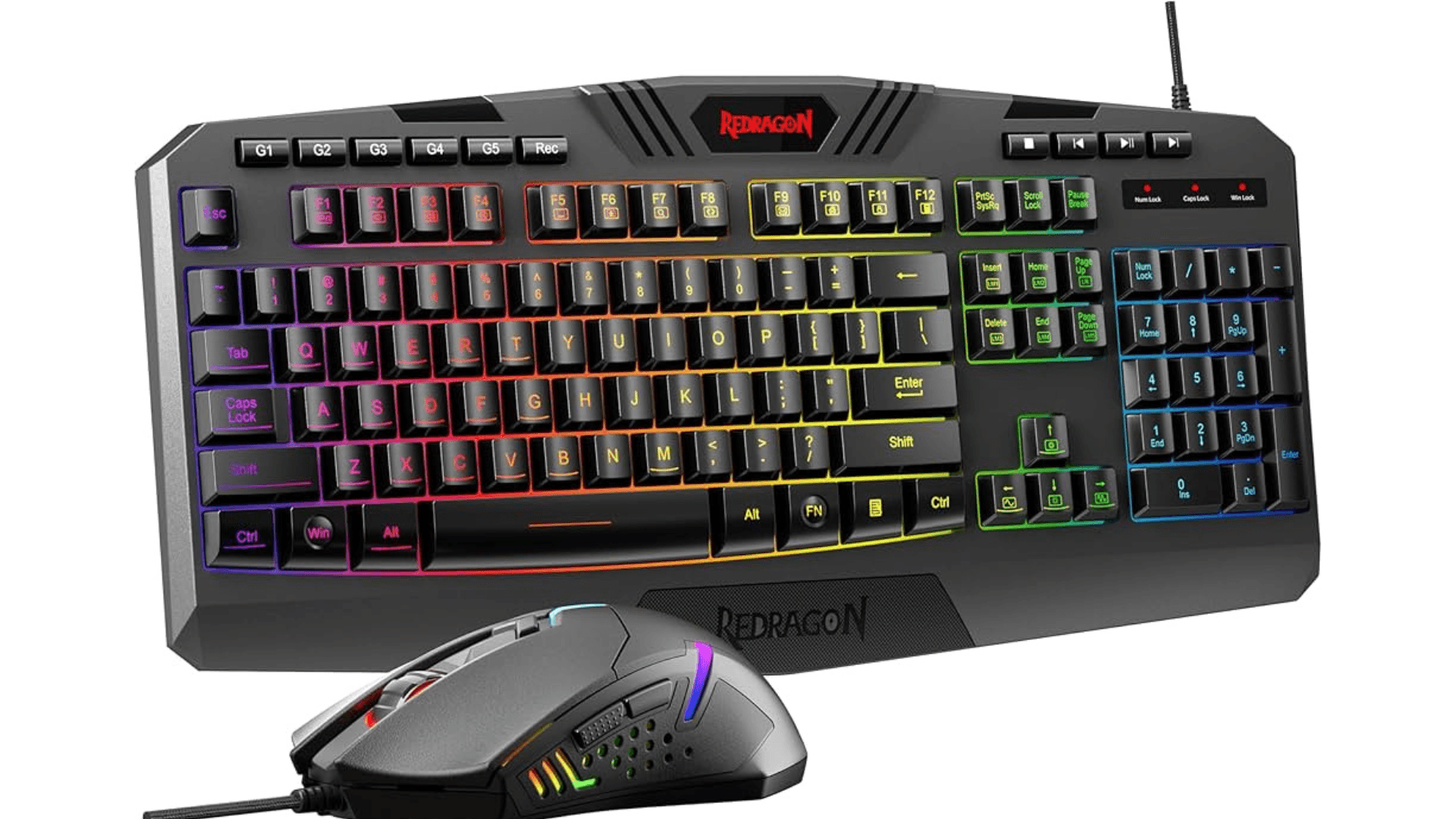
Best Budget Wireless: Redragon M686 Vampire Elite
Best RGB: Logitech G502 X Plus
Best Ambidextrous: Logitech G Pro Wireless
Best Compact: Razer Cobra Pro
Best FPS: Logitech G Pro X Superlight 2
Best MMO: Razer Naga V2 Pro
1. Best Overall – Razer Basilisk V3 Pro 35K
The Razer Basilisk V3 Pro 35K ek wireless, all-purpose gaming mouse hai. Ismein ergonomic right-handed design, 11 programmable buttons, aur Razer’s Focus Pro 35K optical sensor hai jismein 35,000 DPI, 750 IPS, aur 70 G acceleration hai. RGB lighting customizable hai, aur mouse USB-C wired aur 2.4GHz wireless connections dono support karta hai. 112g par thoda heavy hone ke bawajood, yeh performance, comfort, aur aesthetics ko balance karta hai.
2. Best Wireless – Razer DeathAdder V3 Pro
DeathAdder V3 Pro ek stripped-down wireless gaming mouse hai jo comfort aur precision ke liye design kiya gaya hai. 63g weight ke saath, ismein Razer Focus Pro 30K optical sensor, paanch programmable buttons, aur ek ergonomic right-handed shape hai. Yeh 2.4GHz wireless connection offer karta hai jismein 4,000 Hz ke liye optional HyperPolling hai. Yeh lightweight design un gamers ke liye ideal hai jo fast response aur comfort ko prioritize karte hain.
3. Best Budget – Corsair Katar Pro XT
Corsair Katar Pro XT ek wired, budget-friendly gaming mouse hai jismein ambidextrous shape aur 73g ka lightweight frame hai. Iska PixArt PMW3391 sensor 18,000 DPI tak provide karta hai, aur Corsair iCue software ke through chhah programmable buttons available hain. Mouse mein smooth paracord cable hai, jo drag ke bina extended gaming sessions ke liye suitable hai.
4. Best Budget Wireless – Redragon M686 Vampire Elite
Redragon M686 Vampire Elite $50 se kam mein ek budget-friendly wireless option hai. Ismein symmetrical shape hai jismein aath programmable buttons aur fast USB-C charging hai. PixArt PMW3335 sensor 16,000 DPI aur 450 IPS tak support karta hai. Haalanki yeh sabse lightweight mouse nahi hai, yeh comfortable grips aur moderate RGB effects offer karta hai, jo budget-conscious players ke liye ek reliable wireless gaming mouse hai.
5. Best RGB – Logitech G502 X Plus
Logitech G502 X Plus ek contoured gaming mouse hai jismein 13 programmable buttons aur hybrid optical-mechanical switches hain. Iska Hero 25K sensor 26,000 DPI, 400 IPS, aur 40 G acceleration support karta hai. Ismein gaming mouse mein sabse visually striking RGB implementations mein se ek hai aur yeh wireless aur USB-C wired modes dono support karta hai.
6. Best Ambidextrous – Logitech G Pro Wireless
Logitech G Pro Wireless kuch hi truly ambidextrous gaming mice mein se ek hai, jismein dono taraf buttons hain. Iska HERO 16K sensor 16,000 DPI, 450 IPS, aur 40 G acceleration offer karta hai. 80g par lightweight, yeh wireless charging, 5 onboard profiles, aur removable side buttons support karta hai. Haalanki premium-priced hai, yeh left- aur right-handed users ke liye excellent versatility offer karta hai.
7. Best Compact – Razer Cobra Pro
Razer Cobra Pro ek compact aur lightweight gaming mouse hai jismein semi-ambidextrous design hai. Iska weight 77g hai aur yeh Razer Focus Pro 30K optical sensor use karta hai jismein 30,000 DPI aur 750 IPS tak hai. Yeh 2.4GHz wireless aur USB-A connections support karta hai, aur RGB lighting multiple zones ko cover karti hai. Iska smaller form factor smaller hands wale users ya lightweight mouse prefer karne walon ke liye suitable hai.
8. Best FPS – Logitech G Pro X Superlight 2
G Pro X Superlight 2 ek ultra-lightweight wireless mouse (60g) hai jo FPS gaming ke liye optimized hai. Yeh Logitech Hero 2 sensor use karta hai jismein 32,000 DPI aur 500 IPS hai. Symmetrical design aur low-latency wireless connectivity competitive gamers ke liye precision enhance karte hain. USB-C charging aur optional grip tape convenience aur customization improve karte hain.
9. Best MMO – Razer Naga V2 Pro
Razer Naga V2 Pro MMO aur MOBA players ke liye design kiya gaya hai. Ismein Focus Pro 30K optical sensor, 30,000 DPI tak, aur teen swappable side panels par 20 programmable buttons hain. Wireless connectivity 2.4GHz, Bluetooth, aur USB-C ke through available hai. 134g par heavy hone ke bawajood, yeh extensive macros aur key mapping require karne wale games ke liye unparalleled versatility offer karta hai.
Other Gaming Mice Tested
HyperX Pulsefire Saga Pro: Lightweight modular design with 26K sensor.
Corsair Scimitar Elite SE Wireless: 12-button side panel with 33K sensor.
Asus ROG Harpe Ace Extreme: Carbon-fiber, ultra-light mouse with 42,000 DPI sensor.
Turtle Beach Kone II: Comfortable mid-range mouse with 26K sensor and RGB lighting.
How Gaming Mice Are Tested
Testing mein comfort, ergonomics, responsiveness, aur performance evaluate kiya jata hai. Mice ko multiple sessions mein alag-alag gaming genres ke liye assess kiya jata hai, jismein FPS, MMO, aur RPGs shamil hain. Tests mein wired aur wireless performance, various surfaces par sensor accuracy, button responsiveness, scroll wheel function, aur software customizability shamil hain. Wireless models ke liye battery life bhi measure ki jati hai.
Shopping Tips
Weight: Lightweight mice (<80g) competitive FPS gaming aur claw/fingertip grips ke liye suit karte hain. Heavier mice palm grips aur MMO/MMORPG gameplay ke liye better hain.
Connectivity: Wireless mice ko 2.4GHz low-latency connections offer karne chahiye. Wired mice mein flexible, low-drag cables hone chahiye.
Performance: DPI/CPI, IPS, aur acceleration tracking accuracy ko impact karte hain, lekin bahut se gamers ko maximum specifications ki zaroorat nahi hoti.
Grip Style: Palm, claw, aur fingertip grips mouse shape preference aur comfort ko influence karte hain.
Finding Discounts
Discounts retailer promo codes aur coupons ke through mil sakte hain Amazon, Best Buy, Corsair, Logitech, Razer, Newegg, aur Micro Center ke liye. Multiple sources check karne se flagship aur budget gaming mice par deals mil sakti hain. Make sure to check out more on our website here.
Frequently Asked Questions (FAQs)
1. What is the best gaming mouse for FPS games?
Logitech G Pro X Superlight 2 FPS gaming ke liye widely recommended hai iske ultra-lightweight design, low-latency wireless connection, aur high-precision Hero 2 sensor ki wajah se, jo ise fast, accurate movements ke liye ideal banata hai.
2. Which gaming mouse is best for MMO or MOBA games?
Razer Naga V2 Pro MMO aur MOBA players ke liye design kiya gaya hai. Yeh swappable side panels par 20 programmable buttons tak offer karta hai, jo extensive macros aur key mapping ke liye allow karta hai.
3. Are wireless gaming mice as good as wired mice?
Modern wireless gaming mice mein low-latency 2.4GHz connections aur long battery life hoti hai, jo unhe wired options ke saath competitive banati hai. Lekin, extreme esports ke liye wired mice ko zero dependence on battery ki wajah se prefer kiya ja sakta hai.
4. How do I choose the right grip style for my mouse?
Palm grip: Larger, ergonomic mice ke liye suitable hai jismein pronounced hump ho.
Claw grip: Medium-sized mice ke liye achha kaam karta hai jo quick finger movements allow karte hain.
Fingertip grip: Small, lightweight mice ke liye best hai jo fingertips se precise control provide karte hain.
5. Do I need a mouse with a high DPI?
Higher DPI cursor ko screen par tezi se move karne deta hai, lekin bahut se gamers ko maximum DPI settings ki zaroorat nahi hoti. Sensor accuracy, speed (IPS), aur acceleration aksar absolute DPI number se zyada important hote hain.
6. What is the difference between DPI and IPS?
DPI (dots per inch): Measure karta hai ki cursor mouse movement ke prati inch kitna move karta hai.
IPS (inches per second): Measure karta hai ki mouse ko accurate tracking maintain karte hue kitni tezi se move kiya ja sakta hai. High IPS high speeds par consistent performance ensure karta hai.
7. Can I use an ambidextrous mouse if I’m right-handed?
Yes. Ambidextrous mice jaise Logitech G Pro Wireless dono left- aur right-handed users ke liye design kiye gaye hain, jo removable side buttons aur neutral ergonomic shape provide karte hain.
8. Are RGB lighting effects important for gaming performance?
RGB lighting performance ko affect nahi karti, lekin yeh gaming setup aesthetics ko enhance kar sakti hai. Kuch mice customizable zones aur effects allow karte hain bina sensor performance ya battery life ko impact kiye.
9. What should I look for in a budget gaming mouse?
Comfort, reliable sensors, aur necessary programmable buttons par focus karein. Corsair Katar Pro XT aur Redragon M686 Vampire Elite jaise mice high prices ke bina solid performance offer karte hain.
10. How do I maintain my gaming mouse?
Sensor aur feet ko regularly clean karein, ise rough surfaces par drag karne se bachein, aur firmware improvements ke liye iske software ko update karein. Wireless mice ke liye, battery health monitor karein aur agar supported ho to USB-C ke through charge karein.