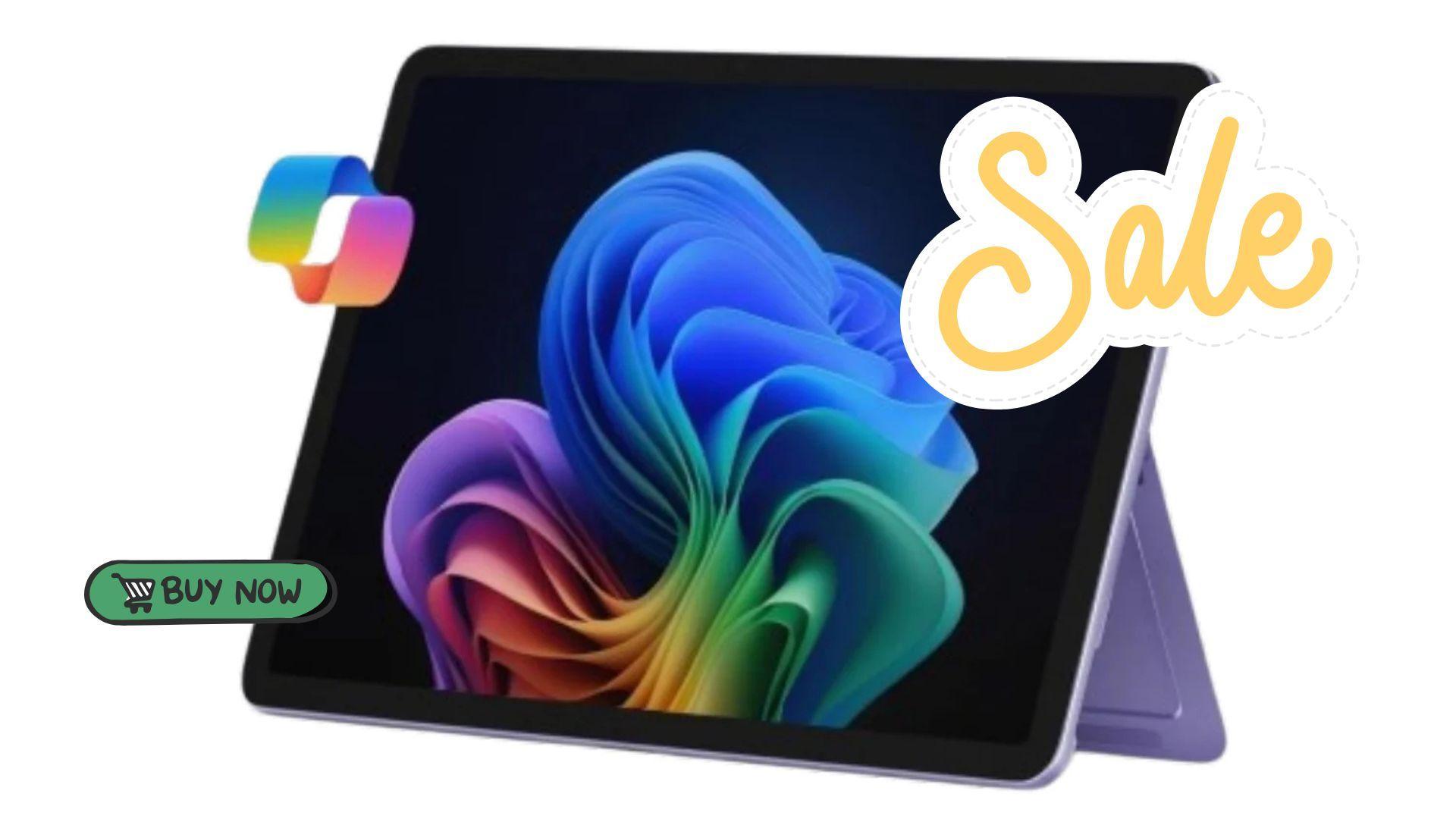

Microsoft Surface Pro (2025) एक versatile 2-in-1 device है उन users के लिए जो portability और performance दोनों चाहते हैं। इसका hybrid design gamers और creators को tablet और laptop modes के बीच seamlessly switch करने देता है, जिससे यह gaming sessions, streaming, या multitasking के लिए useful हो जाता है बिना multiple devices carry किए।
Currently, 12-inch Surface Pro (2025) Amazon पर $700 में available है, जो इसके usual $900 price से कम है। यह offer purple model पर लागू होता है और Prime और non-Prime members दोनों के लिए available है। Deal में tablet itself शामिल है, जबकि Surface Pro Keyboard और Slim Pen उन users के लिए separate purchases हैं जो full laptop या creative setup चाहते हैं।

कोड TRYHARD33 का उपयोग करें और ऑफर समाप्त होने से पहले इसका लाभ उठाएं।
GAMES+ सब्सक्रिप्शन पर 33% की छूट पाएं
Display और Design जो Gaming और Streaming के लिए Adapt होते हैं
Surface Pro का 12-inch PixelSense touchscreen bright colors के साथ sharp visuals deliver करता है, जो gamers के लिए helpful है जो visually demanding indie या casual titles खेलते हैं। Adjustable 165-degree kickstand device को desktop-style play के लिए upright बैठने या relaxed handheld sessions के लिए tilt back करने देता है। यह flexibility streaming, gameplay tutorials देखने, या remotely co-op games में collaborate करने के लिए particularly convenient है।
हालांकि यह एक dedicated gaming laptop नहीं है, stylus support के साथ touchscreen experience Surface Pro को strategy titles, simulation games, और Xbox Cloud Gaming और Nvidia GeForce Now जैसे platforms पर browser-based या cloud gaming के लिए suitable बनाता है। इसका slim और lightweight design इसे gaming sessions, school, या work के बीच carry करना भी आसान बनाता है।
Multitasking के लिए Performance और AI Tools
Under the hood, Surface Pro (2025) Snapdragon X Plus processor पर run करता है और इसमें एक AI engine है जो up to 45 trillion operations per second (TOPS) तक capable है। यह combination productivity applications, streaming software, और browser-based games में multitasking के लिए smooth performance सुनिश्चित करता है। Device में 16GB of RAM भी शामिल है, जिससे users noticeable slowdown के बिना multiple apps open रख सकते हैं।
The 512GB SSD games, media, और documents के लिए storage provide करता है, जिसमें traditional hard drives की तुलना में faster load times होते हैं। हालांकि यह heavy AAA titles के लिए design नहीं किया गया है, यह setup lighter games और retro libraries को efficiently handle करता है, और minimal latency के साथ cloud gaming को support करता है।
Copilot और Accessories के साथ Gaming को Enhance करना
Microsoft का Copilot AI content organize करने, guides summarize करने, और game strategies या notes draft करने में मदद करके gamers और creators की सहायता कर सकता है। जब Surface Pro Keyboard और Slim Pen के साथ paired किया जाता है, तो device एक mini workstation या creative hub में transform हो जाता है, जिससे users game controls map कर सकते हैं, draw कर सकते हैं, या guides लिख सकते हैं। यह Surface Pro को content creators के लिए appealing बनाता है जो gaming, streaming, और productivity को एक portable package में combine करते हैं।
Extended Sessions के लिए Battery Life
Surface Pro up to 16 hours of battery life offer करता है, जो frequent recharging के बिना extended gaming sessions, streaming, या school work को support करने के लिए पर्याप्त है। इसकी efficiency इसे long travel days या उन situations के लिए suitable बनाती है जहाँ plug in करना convenient न हो।
Current Deal और Value
Its current $700 price पर, Surface Pro (2025) उन users के लिए एक cost-effective solution offer करता है जो एक portable device की तलाश में हैं जो casual gaming, streaming, और productivity को blend करता है। Its 2-in-1 design separate devices carry करने की need को eliminate करता है, जबकि optional accessories gamers और creators दोनों के लिए इसकी functionality को expand करते हैं।
Gaming gadgets पर हमारे articles देखना न भूलें:
Best Apple Products for Gaming
Best Nintendo Switch Accessories
Best Gaming Androids (phones)
Frequently Asked Questions (FAQs)
Can the Surface Pro (2025) handle modern games?
The device is best suited for lightweight, indie, or cloud-based gaming. AAA titles may require lower settings or cloud streaming options.
Is the Surface Pro good for streaming gameplay?
Yes, its display and performance handle browser-based streaming and software like Xbox Cloud Gaming efficiently, though high-end desktop streaming may be limited.
Do I need the keyboard and Slim Pen for gaming?
They are optional. The keyboard helps with typing and game control, while the Slim Pen can assist with strategy games or content creation.
How long does the battery last during gaming or streaming?
Up to 16 hours under standard use, though intensive gaming may reduce battery life slightly.
Is the Surface Pro a good choice for content creation?
Yes, especially when paired with the keyboard and Slim Pen. It works well for drawing, streaming setup management, and organizing game guides or videos.
Does it support cloud gaming?
Yes, the Surface Pro can run cloud gaming services like Xbox Cloud Gaming, Nvidia GeForce Now, and other web3-enabled platforms.