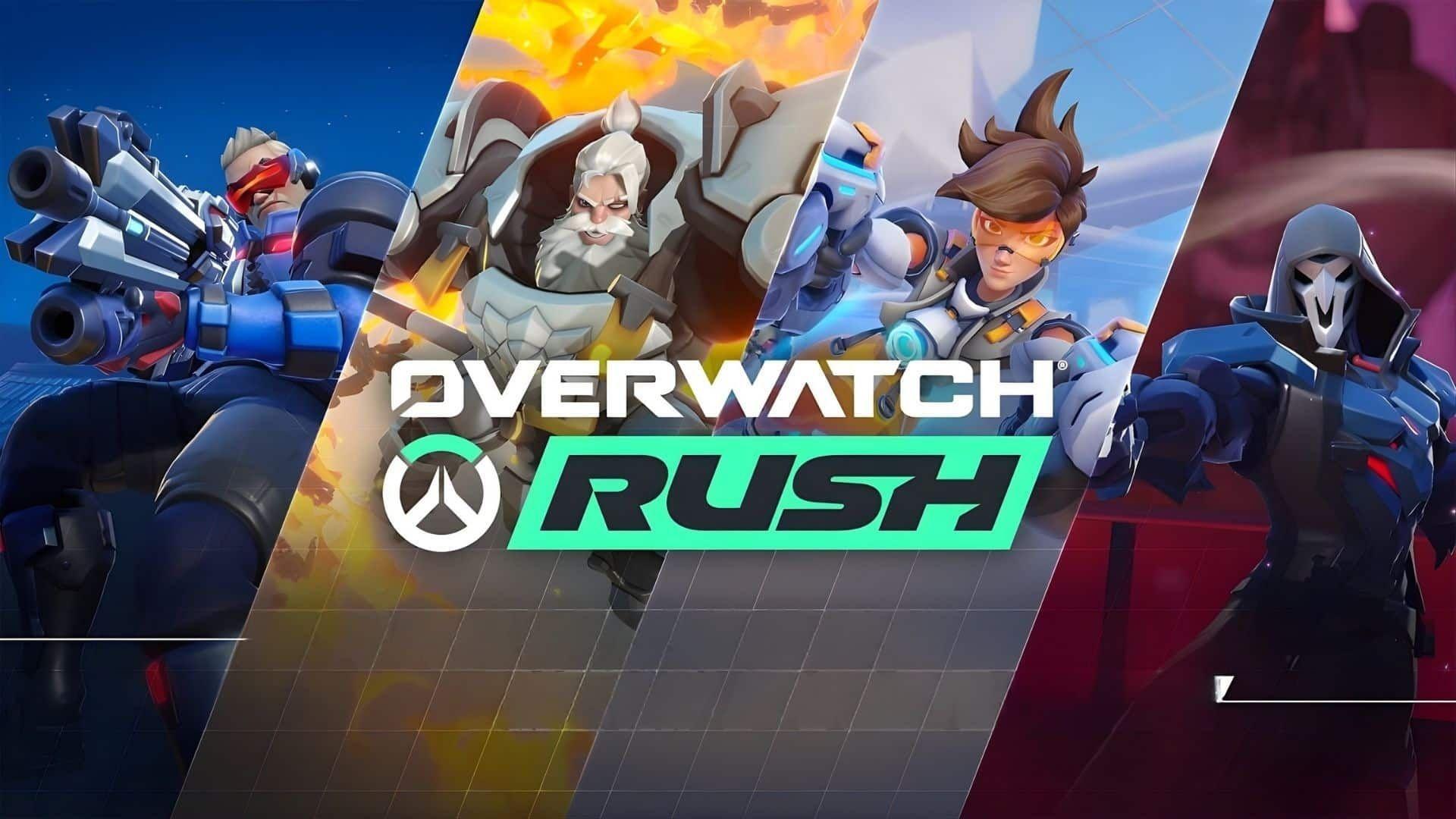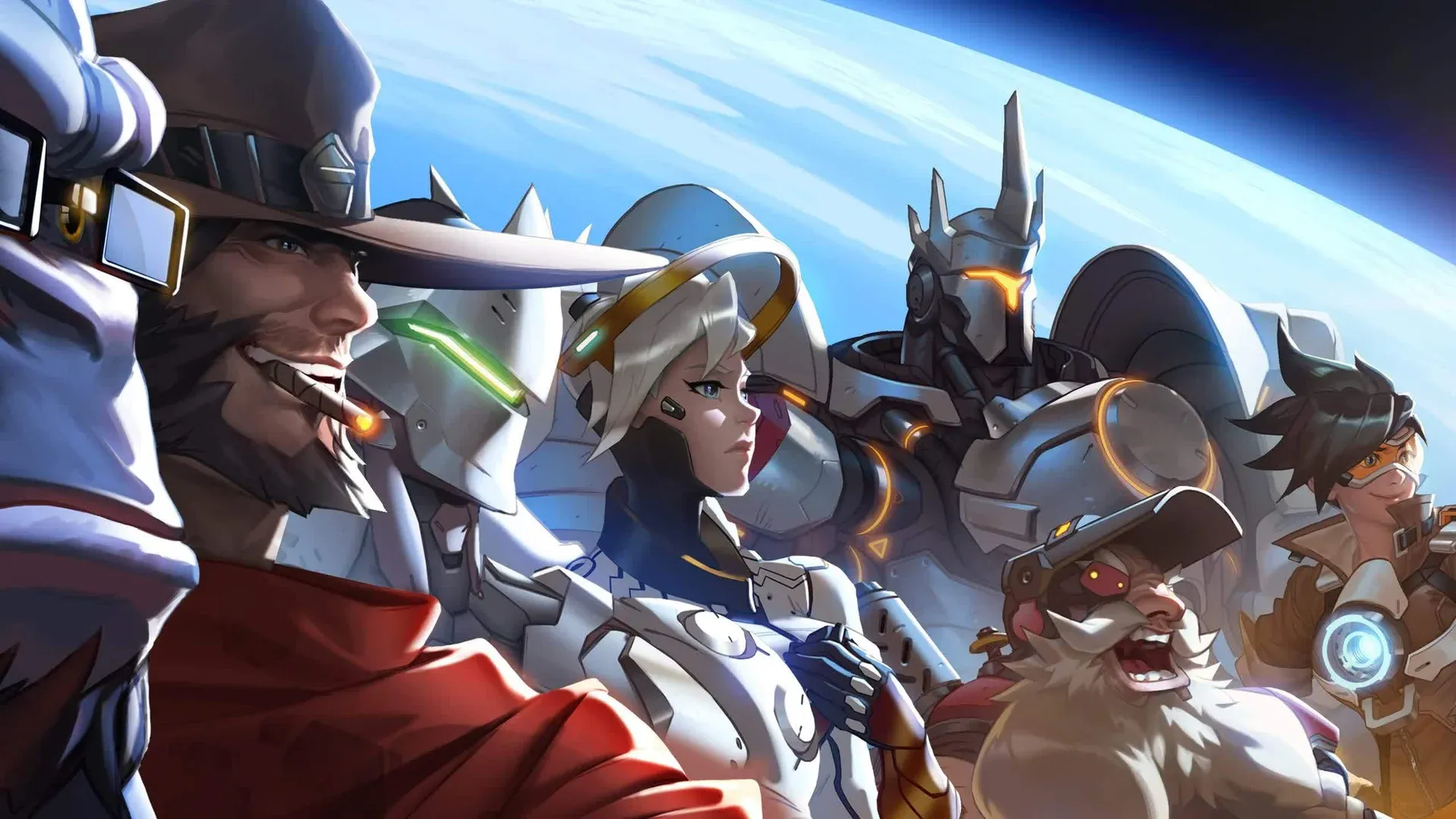


Overwatch के Season 1: Reign of Talon के साथ एक बिल्कुल नए युग की शुरुआत के साथ, Blizzard Entertainment खिलाड़ियों को Twitch पर ट्यून करने का एक और reason दे रहा है। Developer ने अपना Season 1 Twitch Drops campaign activate किया है, जो fans को अपने favorite Overwatch content creators को live देखते हुए in-game lootboxes earn करने का एक सीधा तरीका offer कर रहा है।
What's Up for Grabs
Twitch Drops campaign February 11, 2026 से March 9, 2026 तक चलेगा, जिससे खिलाड़ियों को offer पर सब कुछ collect करने के लिए एक महीने से थोड़ा कम समय मिलेगा। कुल मिलाकर, खिलाड़ी full viewing window में 10 lootboxes तक earn कर सकते हैं। Reward pool इस प्रकार break down होता है:
- 7 x S1 Lootboxes (standard tier)
- 3 x S1 Legendary Lootboxes (guaranteed Legendary Skin per box)
जिस बात ने most players को surprise किया, वह है Legendary boxes का distribution। Standard S1 lootboxes में Legendary Skins drop होने की low probability होती है, जबकि हर S1 Legendary Lootbox एक guarantee करता है। यह ध्यान देने योग्य है कि यदि किसी player ने game के existing systems से कुल 19 lootboxes accumulate किए हैं, तो 20th में automatically एक guaranteed Legendary Skin भी शामिल होगा। Drops campaign से ये सात S1 boxes players को उस threshold के करीब लाने में मदद करते हैं।
Viewing Schedule: How Many Hours You Need
Rewards total watch time के आधार पर progressively unlock होते हैं। Here is the full breakdown:
Source 13 hours से आगे किसी बाद के watch milestone पर तीसरा Legendary Lootbox unlock होता है या नहीं, इसकी पुष्टि नहीं करता है, हालांकि total reward count suggest करता है कि final box के लिए additional viewing की आवश्यकता हो सकती है।
How to Claim Your Drops
Rewards claim करने के लिए watch time शुरू होने से पहले कुछ setup steps की आवश्यकता होती है। Here is the process:
- Twitch पर Sign in करें और confirm करें कि connected accounts के तहत एक Blizzard account linked है।
- Drops enabled वाले किसी भी live Overwatch stream को Watch करें।
- Twitch पर Drops & Rewards menu के माध्यम से progress Track करें।
- एक बार drop ready हो जाने पर, Twitch पर Inventory पर navigate करें और reward को linked Blizzard account से bind करने के लिए Claim पर क्लिक करें।
- lootboxes को in-game इंतजार करते हुए खोजने के लिए Overwatch में Boot करें।
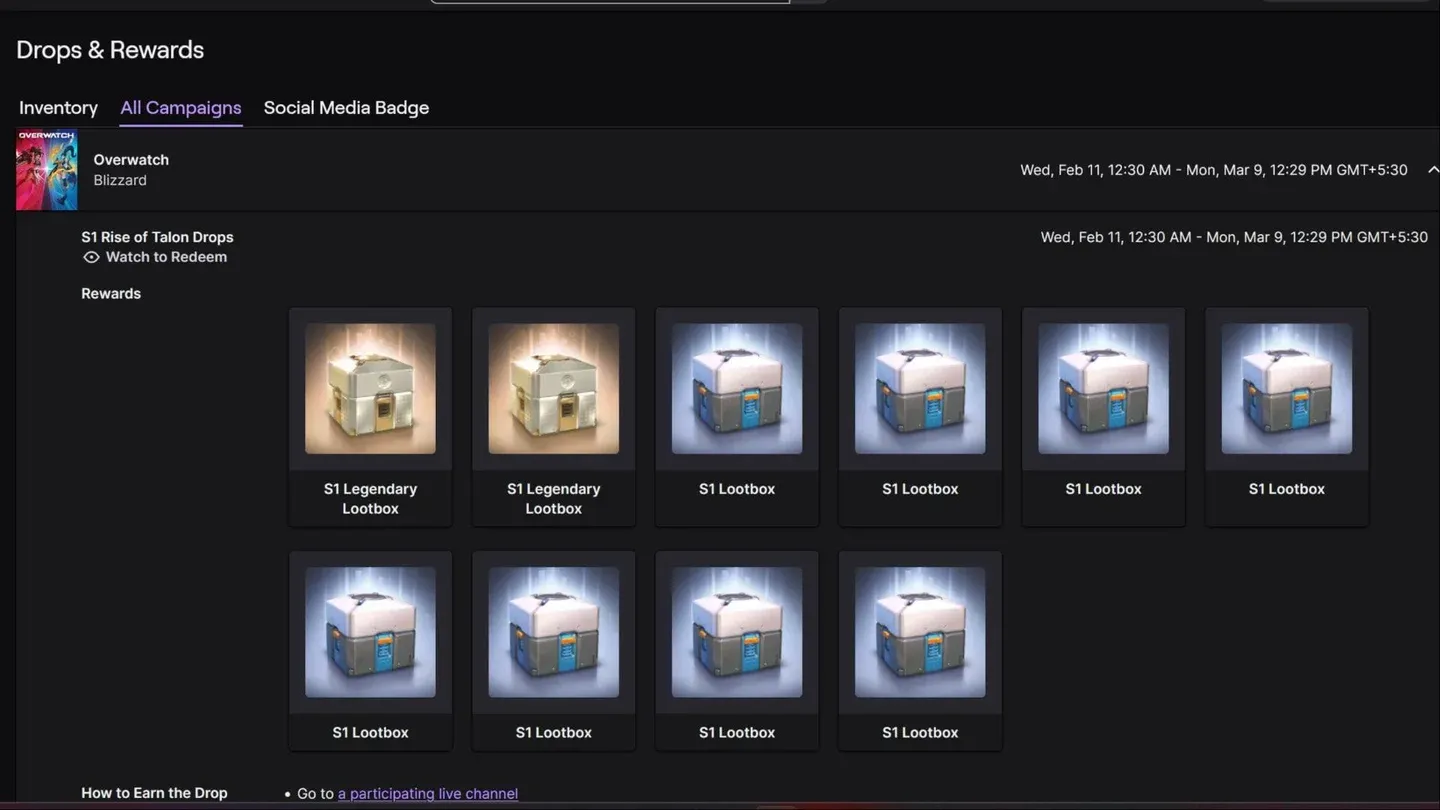
Track drops via Twitch menu
Why This Campaign Matters for Season 1
Here का deeper context timing है। Overwatch ने February 10, 2026 को Season 1: Reign of Talon के launch के साथ अपने title से "2" को drop कर दिया, जो franchise के लिए एक significant repositioning को mark करता है। Blizzard ने उस launch को पांच new heroes, एक Conquest meta event, UI overhauls, और एक competitive reset के साथ paired किया। उस rollout के ऊपर Twitch Drops को layering करना एक clear effort है ताकि उस period के दौरान viewership momentum drive किया जा सके जिस पर studio clearly players का close attention चाहता है।
उन players के लिए जो वैसे भी Overwatch content देख रहे थे, campaign essentially free cosmetic progress है। उन लोगों के लिए जो returning के बारे में fence पर हैं, Legendary Skin guarantees एक tangible reason देते हैं कि कुछ evenings को background में stream चलाते हुए बिताएं।
Campaign March 9, 2026 को close होता है, जो mid-season timing के साथ align होता है। जिन players को all 10 lootboxes चाहिए, उन्हें उस deadline से पहले कम से कम 13 hours की watch time log करनी होगी।
Source: Msn
Make sure to check out our articles about top games to play in 2026:
Best Nintendo Switch Games for 2026
Best First-Person Shooters for 2026
Best PlayStation Indie Games for 2026
Best Multiplayer Games for 2026
Most Anticipated Games of 2026
Top Game Releases for January 2026
Frequently Asked Questions (FAQs)
When do Overwatch Season 1 Twitch Drops end?
The campaign is active from February 11, 2026 through March 9, 2026. Players have until that mid-season cutoff to accumulate watch time and claim all available rewards.
How many lootboxes can players earn from Overwatch Twitch Drops?
Players can earn up to 10 lootboxes total: 7 standard S1 Lootboxes and 3 S1 Legendary Lootboxes, each of which guarantees a Legendary Skin.
Do players need to watch a specific Overwatch streamer?
No specific streamer is required, but the stream must have Drops enabled on Twitch. Look for the Drops Active label on any qualifying Overwatch channel before counting watch time.
Does the Blizzard account need to be linked to Twitch before watching?
Yes. The Blizzard account must be connected to Twitch before watch time begins counting toward Drop progress. Linking accounts after watching will not retroactively credit hours already spent.