

Once Human को बिना अपने PC को खिड़की से बाहर फेंकने की इच्छा के चलाएं
Once Human एक demanding open-world survival game है, और एक smooth session और एक stuttering mess के बीच का अंतर कुछ हार्डवेयर और नेटवर्क decisions पर निर्भर करता है जिन्हें ज़्यादातर players overlook करते हैं। यह गेम currently PC-focused है, जिसका मतलब है कि आपके पास इसे कैसे perform करना है, इस पर real control है — लेकिन केवल तभी जब आप जानते हैं कि कौन सी settings actually matter करती हैं और आपका connection कहाँ packets खो रहा है। यह guide system requirements, graphics priorities, और network fixes को break down करती है ताकि आप troubleshooting में कम time और actually playing में ज़्यादा time spend कर सकें।
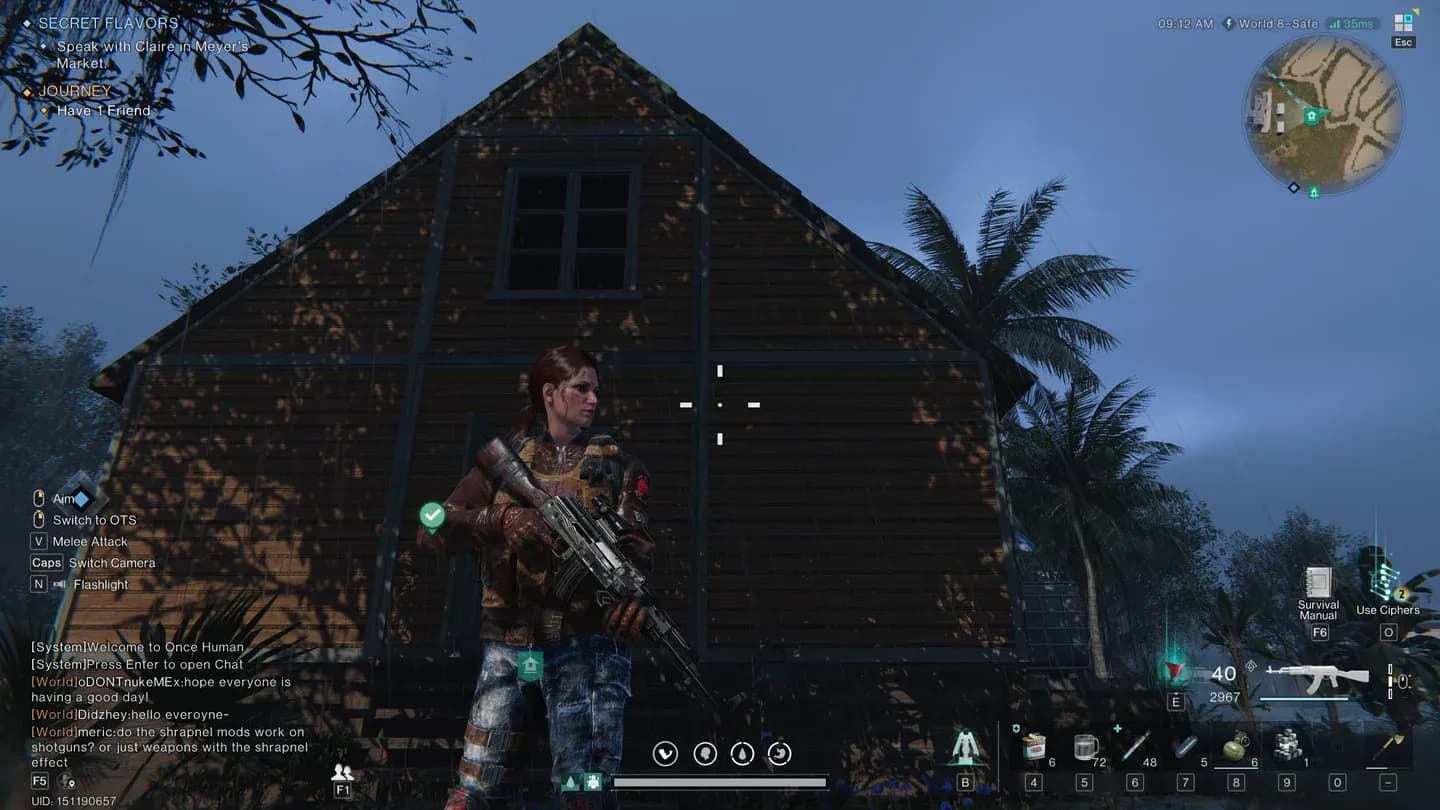
Once Human graphics settings panel
Once Human के लिए minimum और recommended PC specs क्या हैं?
ExitLag platform guide के अनुसार, Once Human को minimum एक quad-core CPU 3.0 GHz पर, 8 GB RAM, एक GTX 1060 या RX 580 GPU, और 50 GB SSD storage की आवश्यकता होती है। multiplayer events के दौरान constant hitching से बचने के लिए आपके internet connection को कम से कम 10 Mbps hold करना चाहिए।
Noticeably बेहतर experience के लिए, recommended specs चीजों को काफी बढ़ा देते हैं:
Minimum से Recommended तक का jump large-scale events के दौरान सबसे ज़्यादा मायने रखता है। Boss fights और territory wars server traffic को hard push करते हैं, और minimum specs पर चल रहा system इसे frame drops और input lag के माध्यम से तुरंत महसूस करेगा।
info
भले ही आपका GPU recommended threshold को clear कर दे, mechanical hard drive से गेम चलाने पर SSD के बजाय noticeable loading hitches होंगे। Storage type यहाँ storage size जितना ही मायने रखता है।
कौन सी graphics settings को पहले adjust करना चाहिए?
सभी settings की performance cost एक जैसी नहीं होती है। ExitLag द्वारा documented optimization guidance के आधार पर, सबसे effective approach यह है कि एक साथ सब कुछ कम करने के बजाय सबसे भारी settings को पहले target किया जाए।
यहाँ वह order है जो आपको best performance-per-sacrifice देता है:
- Shadow quality — यह ज़्यादातर open-world games में single biggest GPU drain है। इसे किसी भी चीज़ से पहले drop करें।
- Volumetric effects and post-processing — fog, lens flare, और bloom अच्छे दिखते हैं लेकिन mid-range cards को punish करते हैं।
- Anti-aliasing — यदि आप GPU-limited हैं तो high-quality options से lighter mode पर स्विच करें।
- Texture resolution — इसे केवल तभी कम करें जब आपका VRAM consistently maxed out हो। Textures को बहुत जल्दी drop करने से framerate को मदद करने की तुलना में visual clarity को ज़्यादा नुकसान होता है।
- Draw distance — इसे सबसे आखिर में कम करें, क्योंकि यह आपके आसपास की दुनिया के कितने हिस्से को render करता है, इसे प्रभावित करता है और pop-in बना सकता है जो combat के दौरान वास्तव में distracting होता है।
लक्ष्य visual clarity को बनाए रखना है जबकि intense combat sequences के दौरान आपके GPU पर load को कम करना है। Clean textures और reduced shadows के साथ 1080p image, सभी settings medium पर होने वाले blurry mess से कहीं ज़्यादा बेहतर दिखता है।
warning
जब आपके पास adequate VRAM हो तो texture resolution को कम करना एक common mistake है। texture settings को touch करने से पहले GPU monitoring tool में अपने VRAM usage की जाँच करें — आप free performance को table पर छोड़ सकते हैं।
Network stability Once Human gameplay को कैसे प्रभावित करती है?
Once Human एक multiplayer survival game है, इसलिए आपके connection quality का असर simple ping number से परे तरीकों से दिखाई देता है। Combat के दौरान Delayed hit registration और rubberbanding packet loss और routing instability के लक्षण हैं, न कि सिर्फ raw speed problems।
ExitLag के technical breakdown के अनुसार, सबसे common network culprits ISP routing inefficiencies, Wi-Fi interference, और background bandwidth consumption हैं। गेम servers को दोष देने से पहले, इन्हें पहले जाँचें:
- Wired बनाम wireless performance की तुलना करें। Wi-Fi jitter introduce करता है जिसे एक direct Ethernet connection पूरी तरह से eliminate कर देता है।
- Play sessions के दौरान bandwidth खाने वाले background downloads या streaming services की जाँच करें।
- Verify करें कि आपका router firmware current है, क्योंकि outdated firmware unexpected packet fragmentation बना सकता है।
Persistent instability से जूझ रहे players के लिए, अपने router पर Quality of Service (QoS) settings को configure करने से आप network पर बाकी सब चीज़ों पर gaming traffic को prioritize कर सकते हैं। इसे DNS optimization के साथ जोड़ना ताकि faster domain resolution हो सके, fix के local side को पूरा करता है।
info
ExitLag जैसे Route optimization tools real-time में गेम server तक कई paths map करके और play के दौरान सबसे stable वाले पर automatically switch करके काम करते हैं। यह VPN से अलग है — focus आपके location को mask करने के बजाय jitter और packet loss को कम करने पर है।
क्या Once Human cross-platform play को support करता है?
Current release के अनुसार, Once Human मुख्य रूप से एक PC game है। ExitLag source notes करता है कि PC और consoles के बीच cross-platform functionality launch पर confirm नहीं है, हालांकि developer के long-term roadmap adoption rates और technical feasibility के आधार पर platform support का विस्तार कर सकते हैं।
Survival genre ने Fortnite और Genshin Impact जैसे titles को अपने PC foundations स्थापित करने के बाद multiple platforms पर expand करते देखा है, इसलिए pattern मौजूद है। फिलहाल, player base PC पर concentrated है, जो matchmaking pools को unified रखता है और mixed-hardware cross-play द्वारा introduce की जा सकने वाली latency inconsistencies से बचता है।
यदि console या cloud gaming versions आते हैं, तो server region distribution एक अधिक complex issue बन जाएगा। Platforms पर विभिन्न हार्डवेयर आर्किटेक्चर और नेटवर्क infrastructure uneven latency patterns बनाने की प्रवृत्ति रखते हैं, यही कारण है कि developers आमतौर पर expand करने से पहले एक platform को स्थिर करते हैं।
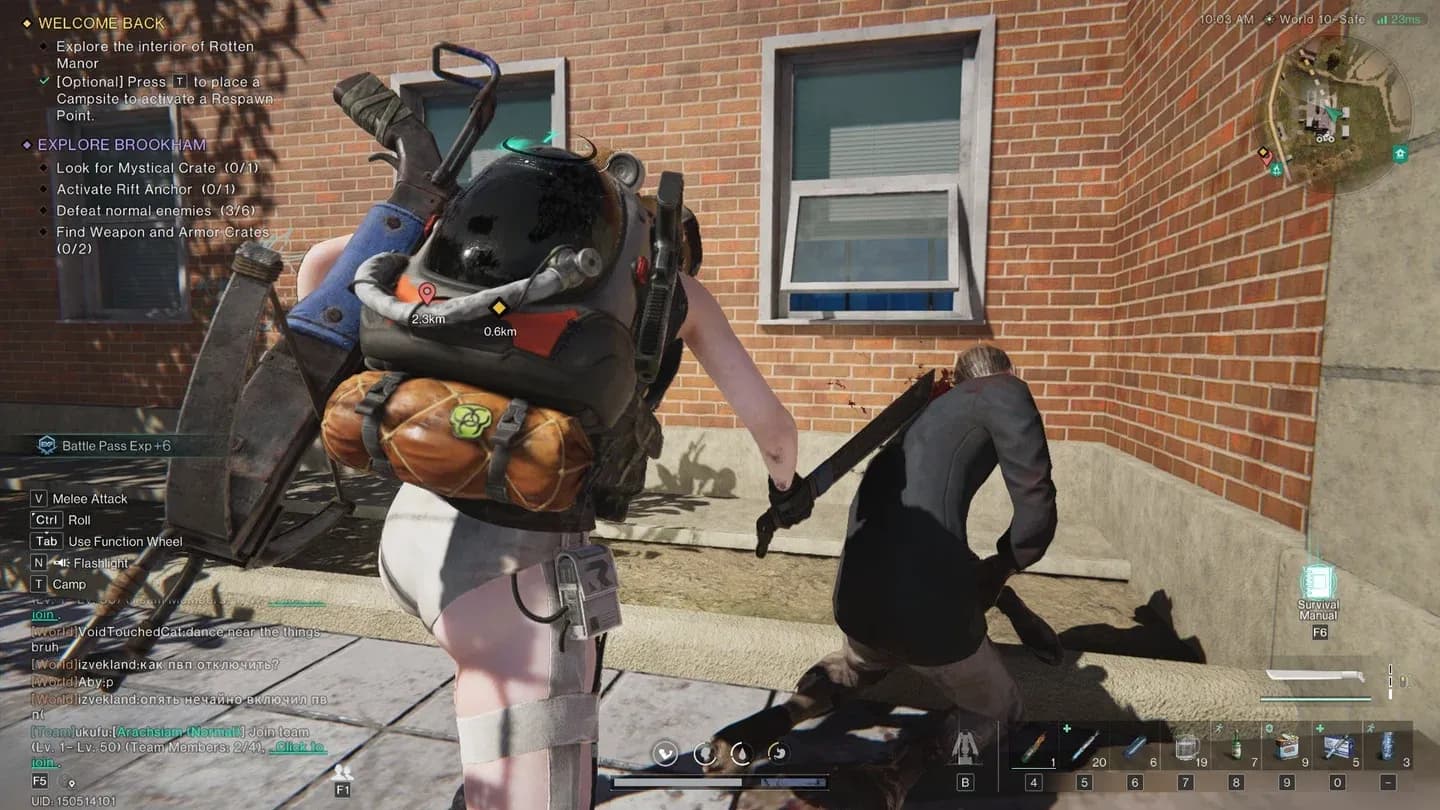
Co-op multiplayer session in progress
Server regions Once Human में आपके ping को कैसे प्रभावित करते हैं?
आपका base ping काफी हद तक nearest data center की physical distance से निर्धारित होता है। आप भौगोलिक रूप से जितने करीब होंगे, आपकी starting latency उतनी ही कम होगी। हालांकि, आपके ISP से routing inefficiencies उस number को काफी बढ़ा सकती हैं, भले ही server पास में हो।
Matchmaking quality भी server population density से सीधे जुड़ी होती है। जब player counts specific regions में concentrated होते हैं, तो उन regions के बाहर queue times बढ़ जाते हैं और peak hours के दौरान server load uneven हो जाता है। Balanced regional distribution faster matchmaking और time zones में अधिक consistent performance produce करता है।
कम server coverage वाले regions में players के लिए, practical fix नए data centers की उम्मीद करने के बजाय route optimization है। Unstable traffic paths को reroute करने से distant server और आपके बीच effective ping gap कम हो सकता है।
info
यदि आप major data centers से दूर किसी region में हैं, तो केवल lowest average के बजाय आपको सबसे consistent ping देने वाले को खोजने के लिए off-peak hours के दौरान multiple server regions का परीक्षण करें।
सब कुछ एक साथ रखना
Once Human को अच्छी तरह से चलाना एक two-part problem है: hardware settings और network stability। Graphics priority order (पहले shadows, last textures) को सही करें, सुनिश्चित करें कि आपका system minimum के बजाय recommended specs को meet करता है, और external fixes की तलाश करने से पहले router level पर network issues को address करें।
यह गेम उन players को reward करता है जो upfront setup work करते हैं। Consistent network performance के साथ एक stable 60 fps, PvP encounters के अनुभव को बदल देता है, जबकि एक higher-spec machine जो उन moments के दौरान frames और packets drop कर रही है। Survival games और performance optimization को कवर करने वाले अधिक guides के लिए, GAMES.GG पर latest guides browse करें।