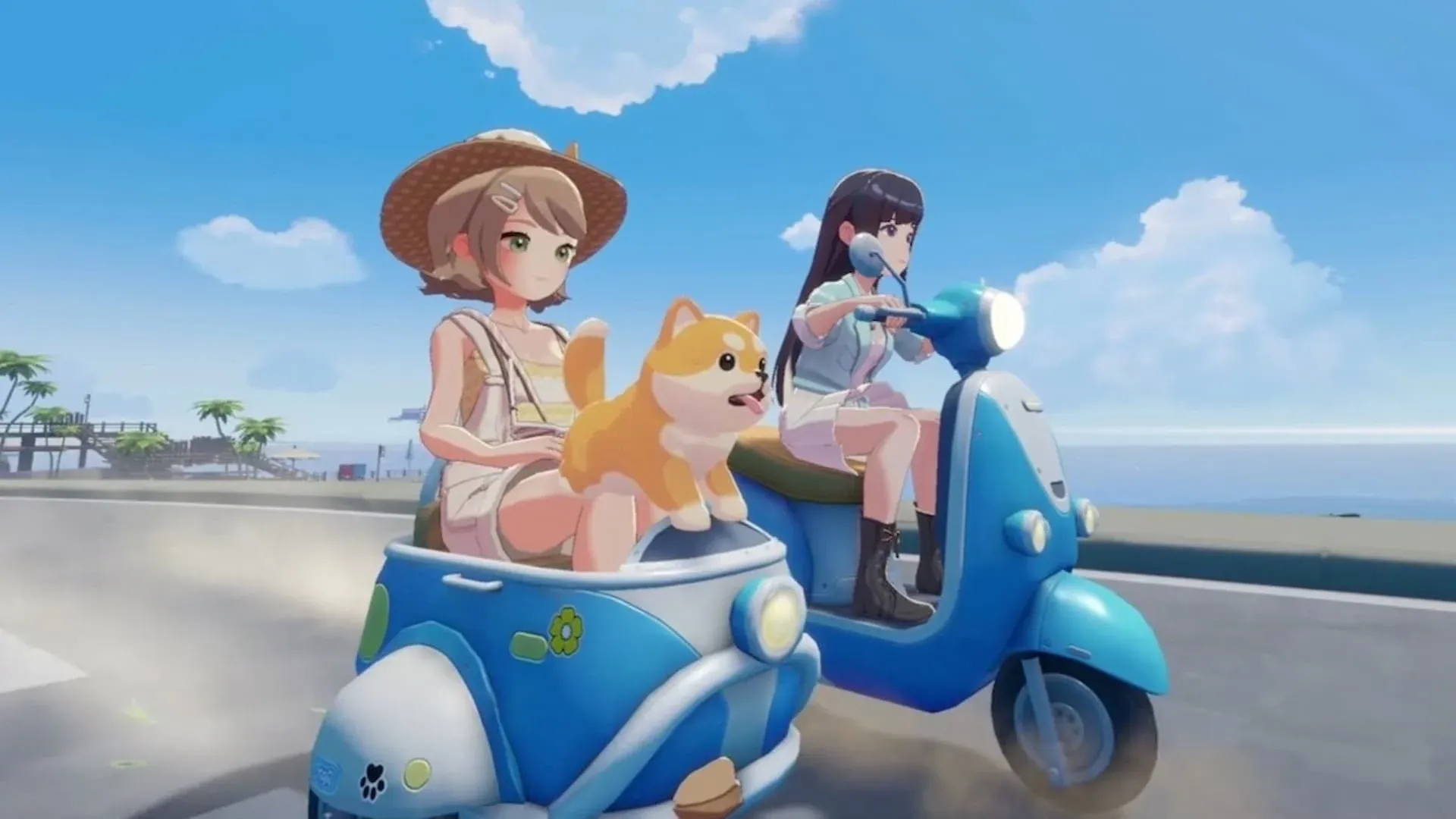


Starsand Island में Emotes सिर्फ मज़ेदार animations से कहीं ज़्यादा हैं। ये आपको अपने आप को express करने, milestones celebrate करने और real-world culture से प्रेरित gestures और dance moves के ज़रिए दूसरे players से connect करने देते हैं। Catch यह है कि emote system automatically open नहीं होता है। आपको इसे पहले earn करना होगा, और फिर कई अलग-अलग in-game methods के ज़रिए emotes को track down करना होगा। यह guide आपको हर step पर ले जाएगा, unlock condition trigger करने से लेकर अपने तीनों Emote Wheels को fill करने तक।
Starsand Island में Emote Feature को कैसे Unlock करें?
Emote feature एक specific Island Life achievement के पीछे locked है जिसे "Decorate Your Home" कहा जाता है। इसे complete करने के लिए, आपको अपने घर के अंदर furniture के छह pieces place करने होंगे। जैसे ही आप उस threshold को hit करते हैं, game आपको एक साथ कई चीज़ें reward करता है: Starsand Points, Crispy Mushroom recipe, Rustic Outdoor Bench blueprint, और सबसे ज़रूरी, Emote system का access।
यह early goals में से एक है जिसे prioritize करना worth है। Furniture requirement demanding नहीं है, और emotes को early unlock करने से आपको island explore करते हुए उन्हें collect करने के लिए ज़्यादा time मिलता है।
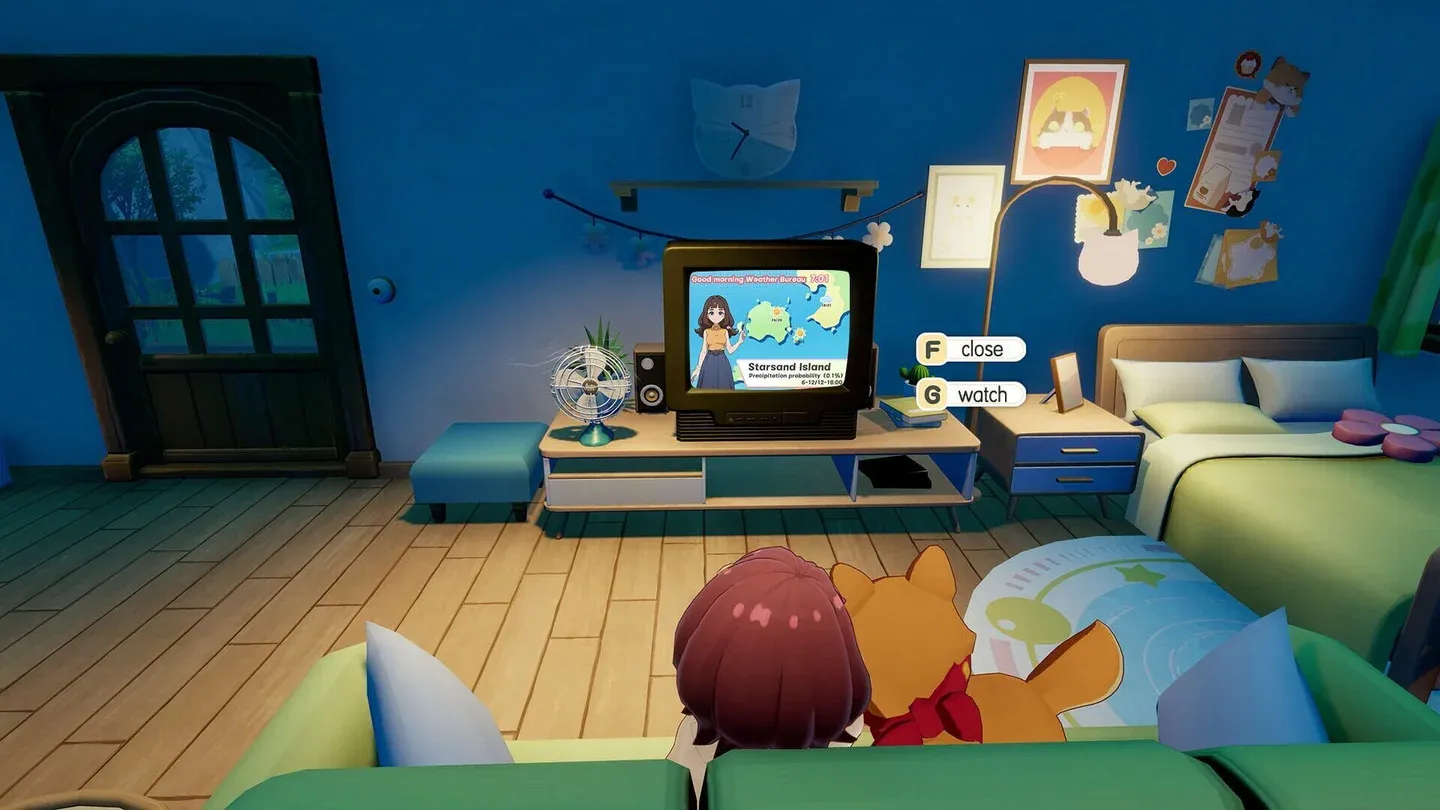
Decorate Your Home achievement
Starsand Island में Emotes कहाँ से प्राप्त करें?
Emote system active होने के बाद, आप कुछ default emotes के साथ start करते हैं। अपने collection को expand करने के लिए चार distinct acquisition methods को explore करना होगा।
Island के चारों ओर Treasure Chests
Starsand Island में exploration का फल मिलता है, और map पर scattered Treasure Chests नए emotes find करने के सबसे rewarding तरीकों में से एक हैं। कुछ chests में other loot के साथ emotes होते हैं, इसलिए उन्हें track down करने में time dedicate करना absolutely worth it है। Chest hunting को एक one-time activity के बजाय अपनी island routine का regular part मानें।
Lunelle's Store: Ethereal Styles
Lunelle's clothing store, Ethereal Styles, Starsand Town के town square में स्थित है। अंदर जाएं और उसकी inventory browse करने के लिए cash register से interact करें। Dance Moves जैसे Emotes यहाँ Coins का उपयोग करके purchase के लिए appear होते हैं। Lunelle से emote खरीदने के बाद, आप इसे तुरंत अपने Emote Wheel पर equip कर सकते हैं।
Scenery Album को Complete करना
Scenery album आपके phone पर Album app के ज़रिए या Photo Mode में Album option को select करके और Scenery tab पर switch करके access किया जा सकता है। यह feature island पर important points of interest (POIs) को track करता है। इन locations की photography आपकी Collected Sceneries count में progress add करती है, और certain milestones तक पहुंचने पर आपको emotes reward मिलते हैं।
यह method आपको उन areas को explore करने के लिए encourage करता है जिन्हें आप शायद otherwise skip कर देते, जिससे यह आपके emote collection को build करने के लिए सबसे naturally rewarding paths में से एक बन जाता है।
DLC Content और Self-Service Terminal
Dedicated storefronts के ज़रिए Starsand Island के लिए DLC content purchase करना चौथा method है। DLC purchase करने के बाद, game पर वापस जाएं और "Return to the Cabin in the Woods" quest को complete करें। एक बार जब वह हो जाए, तो Community Center पर जाएं और अपने DLC rewards, जिनमें exclusive emotes शामिल हैं, को claim करने के लिए Self-Service Terminal से interact करें।
Starsand Island में Emotes को कैसे Use और Equip करें?
Emotes हाथ में आने के बाद, अगला step उन्हें organize और perform करना है। अपने in-game phone को corresponding button या key दबाकर open करें, फिर Emotes app पर navigate करें। सभी acquired emotes यहाँ display होते हैं, दो categories में split: Basic Actions और Dance Moves।
Emote equip करने के लिए, उसे Emotes app से अपने Emote Wheel पर available slots में से किसी एक में drag करें। आपके पास कुल three Emote Wheels हैं, जो आपको customization का solid amount देते हैं। एक practical setup यह है कि दो wheels को Basic Actions के लिए dedicate करें और तीसरे wheel को exclusively Dance Moves के लिए reserve करें। यह आपके most-used expressions को आपके navigation को clutter किए बिना easy to reach रखता है।
Gameplay के दौरान Emote Wheel को access करने के लिए, controller पर Left Trigger या keyboard पर E key hold करें। वहां से, आप जिस emote को चाहते हैं उसे highlight करने के लिए Analog Stick या mouse का उपयोग करें, फिर उसे perform करने के लिए release करें।