

Warframe का mod system पूरे game में सबसे impactful mechanic है। जैसा कि community कहती है, mods आपकी power का लगभग 99% हिस्सा होते हैं, जिसका मतलब है कि level 40 enemies से struggle करने और Steel Path को shred करने के बीच का अंतर लगभग पूरी तरह से इस बात पर निर्भर करता है कि आप इस system को कितनी अच्छी तरह समझते हैं और apply करते हैं। चाहे आप MR10 हों जो बाद के planets पर wall hit कर रहे हों या कोई returning Tenno जो अपनी builds को sharpen करना चाहता हो, यह guide आपको installation के basics से लेकर top players द्वारा rely किए जाने वाले meta mods तक सब कुछ बताता है।
Warframe Mods आखिर हैं क्या?
Mods collectible cards हैं जो आपके equipment में stats boost करने और new effects add करने के लिए slot होती हैं। Warframe में हर moddable item, आपके Warframe से लेकर primary weapons, secondary weapons, melee, companions, और यहाँ तक कि Archwings तक, same core modding framework का उपयोग करता है। Game में एक हजार से ज़्यादा mods के साथ, यहाँ depth real है, लेकिन underlying rules consistent हैं एक बार जब आप उन्हें समझ जाते हैं।
हर mod के कई key attributes होते हैं:
- Rarity: Mod की quality को reflect करता है (Common, Uncommon, Rare, Legendary), हालांकि rarity हमेशा यह indicate नहीं करती कि mod ढूंढना कितना मुश्किल है।
- Drain: Install होने पर mod capacity cost। Higher-ranked mods का Drain higher होता है।
- Polarity: Mod और कुछ slots पर एक symbol। Mod की polarity को slot से match करने पर Drain 50% कम हो जाता है। Mismatch करने पर Drain 25% बढ़ जाता है।
- Item: दिखाता है कि mod किस type के gear के साथ compatible है (rifles, shotguns, pistols, melee, Warframes, etc.)।
- Fusion rank: Mod का current upgrade level, जो उसकी effectiveness और Drain को बढ़ाता है।
- Upgrade: Actual stat bonus या effect जो mod provide करता है।
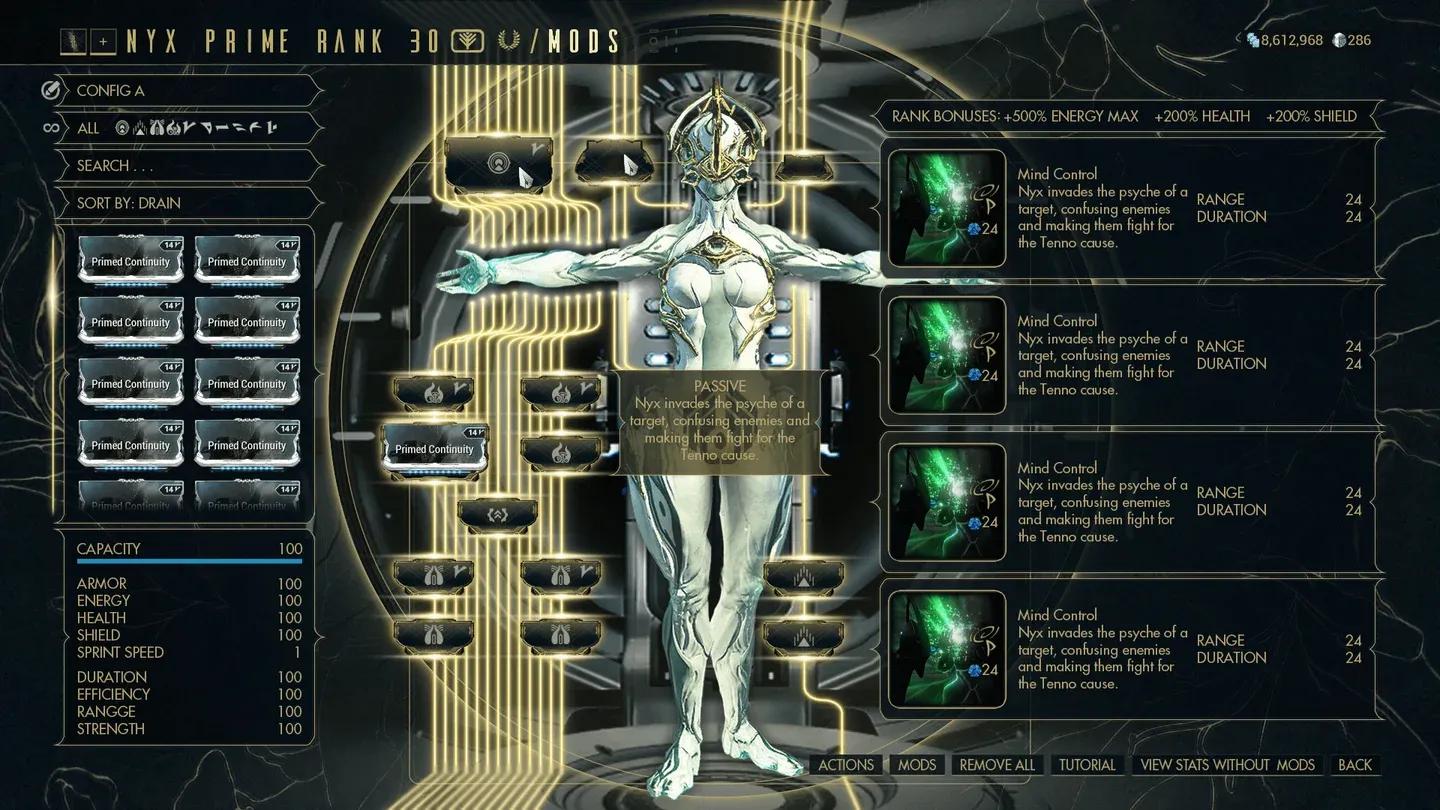
Arsenal mod installation screen
Mod Installation कैसे काम करती है?
Mods install करने के लिए, Orbiter में अपना Arsenal खोलें और उस item को select करें जिसे आप upgrade करना चाहते हैं, फिर Upgrade पर क्लिक करें। आपको mod slots का एक grid और नीचे आपकी available mod collection दिखाई देगी। Mods को manually slots में drag करें, या अगर आप system सीख रहे हैं तो Auto Install का उपयोग करें।
यहाँ हर type के equipment में slots की संख्या का breakdown दिया गया है:
Exilus slots utility और movement mods को house करते हैं। आप regular slots में भी Exilus mods put कर सकते हैं, लेकिन Exilus Adapter के साथ dedicated Exilus slot unlock करने से more impactful mods के लिए एक general slot free हो जाता है।
Aura slots Warframes के लिए exclusive हैं और team-wide passive buffs provide करते हैं। Critically, Aura mods भी total mod capacity को *increase* करते हैं, इसलिए हमेशा एक install करें। Same logic melee weapons पर Stance mods पर लागू होता है: एक matching polarity Aura या Stance आपकी maximum mod capacity को double कर देता है, जबकि mismatched polarity इसे 20% कम कर देता है।
Mod Capacity कैसे बढ़ाएं?
Maximum rank पर, most items में 30 की base mod capacity होती है (कुछ 40 तक पहुँचते हैं)। Two items इसे double कर सकते हैं:
- Orokin Reactor: Warframes, companions, और other non-weapon gear के लिए capacity double करता है। प्रति item केवल एक बार apply किया जा सकता है।
- Orokin Catalyst: Weapons के लिए capacity double करता है। यह भी एक बार का application है।
इनमें से किसी को भी apply करना उस gear पर सबसे high-value investments में से एक है जिसे आप long-term use करने की योजना बना रहे हैं।
Polarity क्या है और यह क्यों मायने रखती है?
Polarity एक symbol system है जो mod efficiency को govern करती है। Game में आठ polarity types हैं, जिनमें Madurai, Vazarin, Zenurik, Unairu, Penjaga, Umbra, और एक universal Any polarity शामिल हैं। आपको उन सभी को याद रखने की ज़रूरत नहीं है; बस visually symbols match करने पर focus करें।
जब एक mod slot के साथ same polarity share करता है:
- Drain 50% से कम हो जाता है
जब mod की polarity slot की polarity से *match नहीं* करती है:
- Drain 25% से बढ़ जाता है
चूंकि लगभग 94% mods में polarities होती हैं, उन्हें neutral (no-polarity) slots में रखना हमेशा एक option है, लेकिन आप efficiency bonus खो देते हैं।
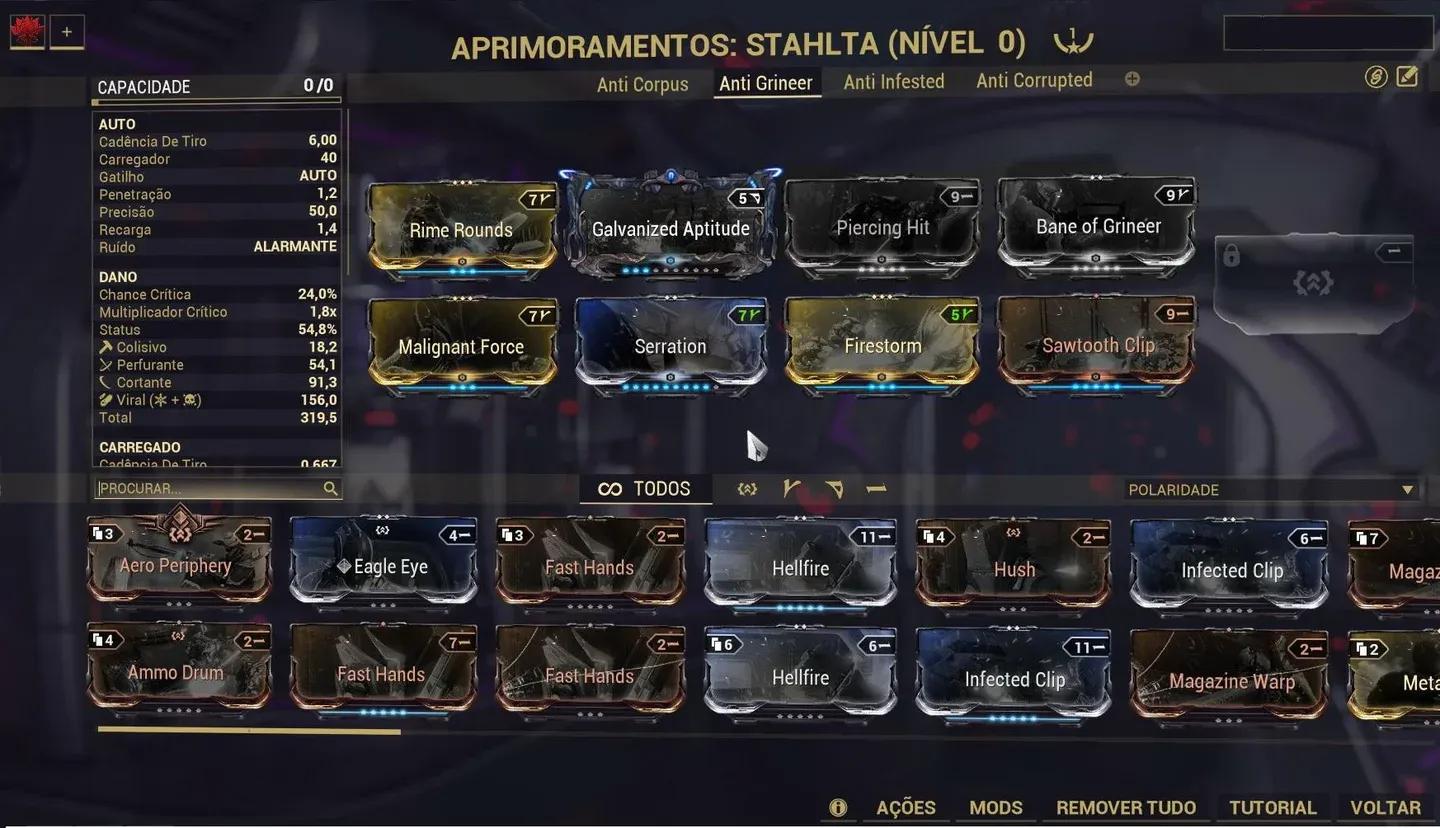
Forma polarization slot menu
Forma से Polarity कैसे जोड़ें?
Forma एक rare resource है जो आपको किसी item पर किसी भी mod slot की polarity add या change करने देता है। इसी तरह experienced players अपनी builds से maximum capacity squeeze करते हैं, powerful high-Drain mods को matching slots में 50% cost reduction के लिए fit करते हैं।
Forma का उपयोग करते समय कुछ महत्वपूर्ण नियम:
- Forma apply करने से पहले item maximum rank पर होना चाहिए।
- Forma apply करने से item का rank 0 पर reset हो जाता है। आपको इसे फिर से level up करना होगा, लेकिन बाद के max-rank completions Mastery Points प्रदान नहीं करते हैं।
- किसी single item को कितनी बार Forma किया जा सकता है, इसकी कोई limit नहीं है।
Fusion से Mods कैसे Level Up करें?
Mods automatically experience gain नहीं करते हैं। आप उन्हें Fusion के माध्यम से upgrade करते हैं, जिसमें Endo (एक dedicated mod-upgrade resource) और Credits लगते हैं। Cost उस rank को target कर रहा है और mod की rarity दोनों के साथ scale करता है। Legendary-rarity mod को upgrade करने में same rank के Common mod को upgrade करने की तुलना में लगभग 300% अधिक Endo लगता है।
Mod fuse करने के लिए:
- अपने Orbiter में Mods Console पर जाएं।
- वह mod चुनें जिसे आप upgrade करना चाहते हैं।
- Fusion चुनें और target rank चुनें।
- Confirm करें और Endo और Credit cost का भुगतान करें।
यदि आपके पास resources हैं तो आप एक single Fusion session में rank 0 से max rank तक jump कर सकते हैं। Preview screen आपको commit करने से पहले दिखाता है कि हर rank पर क्या improve होता है।
Duplicate mods का क्या करें? आपके पास तीन options हैं:
- Credits के लिए duplicates Sell करें।
- Fusion fuel के लिए उन्हें Endo में Dissolve करें।
- किसी भी चार अलग-अलग unranked mods (Legendary और Set mods को छोड़कर) को Credit cost ranging from 0 to 84,000 Credits पर एक new random mod में Transmute करें।
हर Equipment Type के लिए Best Mods क्या हैं?
यहाँ gear category के अनुसार organized community-tested meta mods दिए गए हैं। ये most viable builds की backbone बनाते हैं और more specialized setups के साथ experiment करने से पहले एक great starting point हैं।
Warframe Mods
आपके Warframe के चार core stats हैं जिनके around mod करना है: Ability Strength, Ability Efficiency, Ability Range, और Ability Duration। Most frames के लिए, पहले Strength और Efficiency को prioritize करें।
- Vitality: Survivability के लिए Health boost करता है।
- Steel Fiber: Incoming damage reduce करने के लिए Armor बढ़ाता है।
- Intensify: More potent abilities के लिए Ability Strength बढ़ाता है।
- Streamline: More frequent casting के लिए Ability Energy cost कम करता है।
- Stretch: Ability Range expand करता है।
- Continuity: Ability Duration extend करता है।
- Redirection: Shields strengthen करता है।
Primary Weapon Mods
- Serration: Rifles, bows, और snipers के लिए core damage multiplier।
- Split Chamber: Rifles, bows, और snipers के लिए Multishot add करता है।
- Point Strike: Rifles, bows, और snipers के लिए Critical Chance बढ़ाता है।
- Vital Sense: Rifles, bows, और snipers के लिए Critical Multiplier boost करता है।
- Point Blank: Shotguns के लिए core damage।
- Hell's Chamber: Shotguns के लिए Multishot।
- Blunderbuss: Shotguns के लिए Critical Chance।
- Ravage: Shotguns के लिए Critical Multiplier।
Secondary Weapon Mods
- Hornet Strike: Pistols के लिए core damage multiplier।
- Barrel Diffusion: Pistols के लिए Multishot।
- Lethal Torrent: Pistols के लिए Fire Rate और Multishot।
- Pistol Gambit: Pistols के लिए Critical Chance।
- Target Cracker: Pistols के लिए Critical Multiplier।
Melee Weapon Mods
- Pressure Point: Melee के लिए core damage multiplier।
- Reach: Melee attack range extend करता है।
- Fury: Melee attack speed बढ़ाता है।
- True Steel: Melee के लिए Critical Chance बढ़ाता है।
- Organ Shatter: Melee के लिए Critical Multiplier boost करता है।
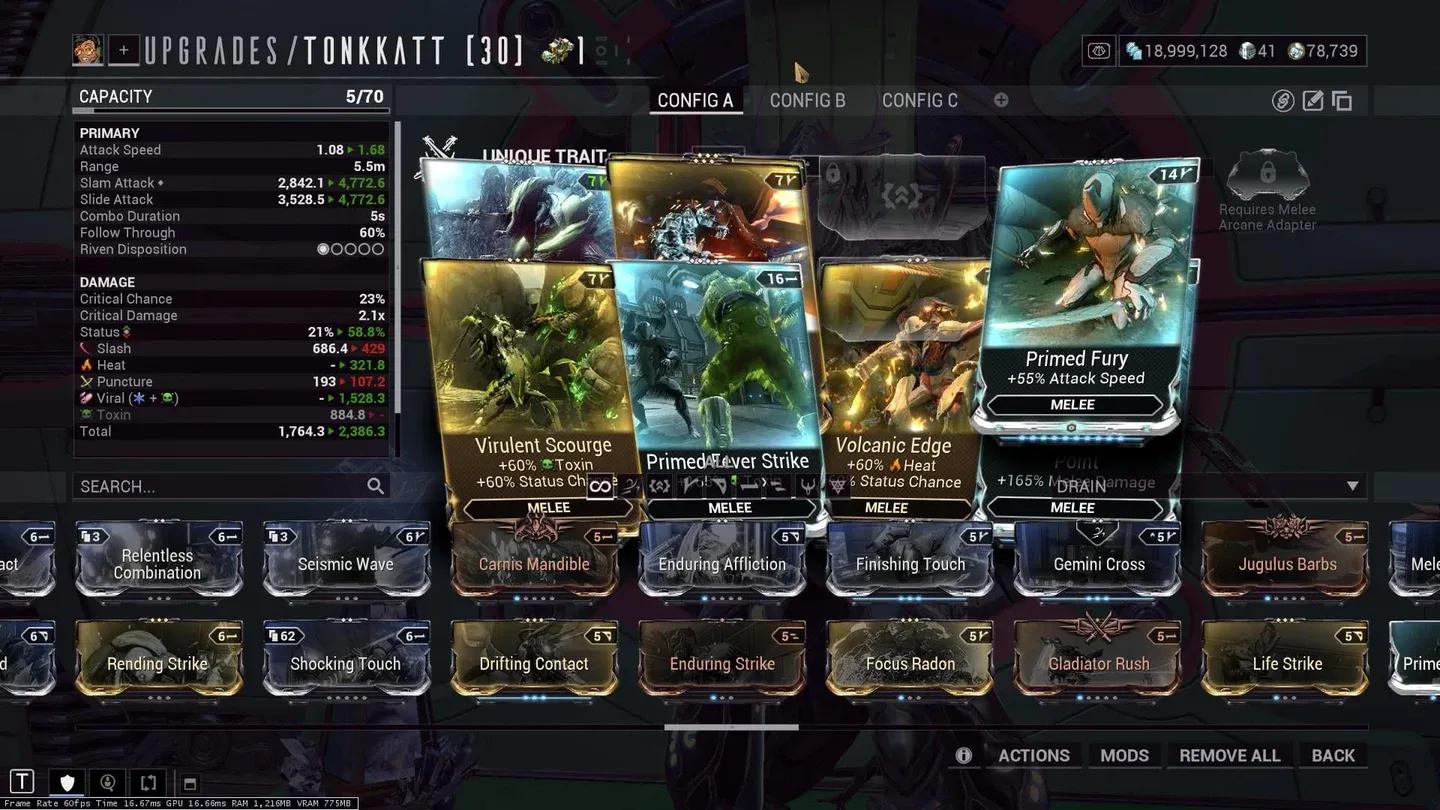
Melee weapon mod setup
Companion Mods
- Enhanced Vitality: Companion Health बढ़ाता है।
- Vacuum / Fetch: Resources और mods को automatically pull करता है।
- Animal Instinct: Minimap पर enemy और resource locations reveal करता है।
- Medi-Ray: आपके लिए health regeneration enable करता है।
- Regen: Companions को down होने के बाद खुद को revive करने देता है।
- Link Armor / Health / Shields: Companion stats को आपके Warframe के stats के आधार पर scale करता है।
Endgame Damage के लिए Mod कैसे करें?
एक बार जब आपके foundational mods ranked up हो जाते हैं, तो अगला step specific enemy types के लिए build करना है। Mid-game में most players जो miss करते हैं वह यह है कि elemental damage combinations add करना अक्सर simple base damage stack करने से ज़्यादा impactful होता है।
तीन most effective elemental combos general use के लिए हैं:
- Corrosive (Electricity + Toxin): Grineer और Corrupted enemies से armor strip करता है। Low-status-chance weapons पर excellent।
- Viral (Toxin + Cold): Enemy Health को halve करता है, all other damage को amplify करता है। High-status-chance weapons के साथ best pair करता है।
- Heat (standalone): Damage-over-time effect apply करता है और stacked होने पर armor strip करता है। Corrosive और Viral setups दोनों के साथ well काम करता है।
Armored targets और Steel Path के लिए, Corrosive + Heat एक reliable go-to है। Unarmored या Infested enemies के खिलाफ high-status weapons के लिए, Viral + Heat kill speed maximize करता है।
Ideally, प्रति weapon multiple mod loadouts save करें और mission start पर आप जिस faction से लड़ रहे हैं उसके आधार पर उन्हें swap करें।
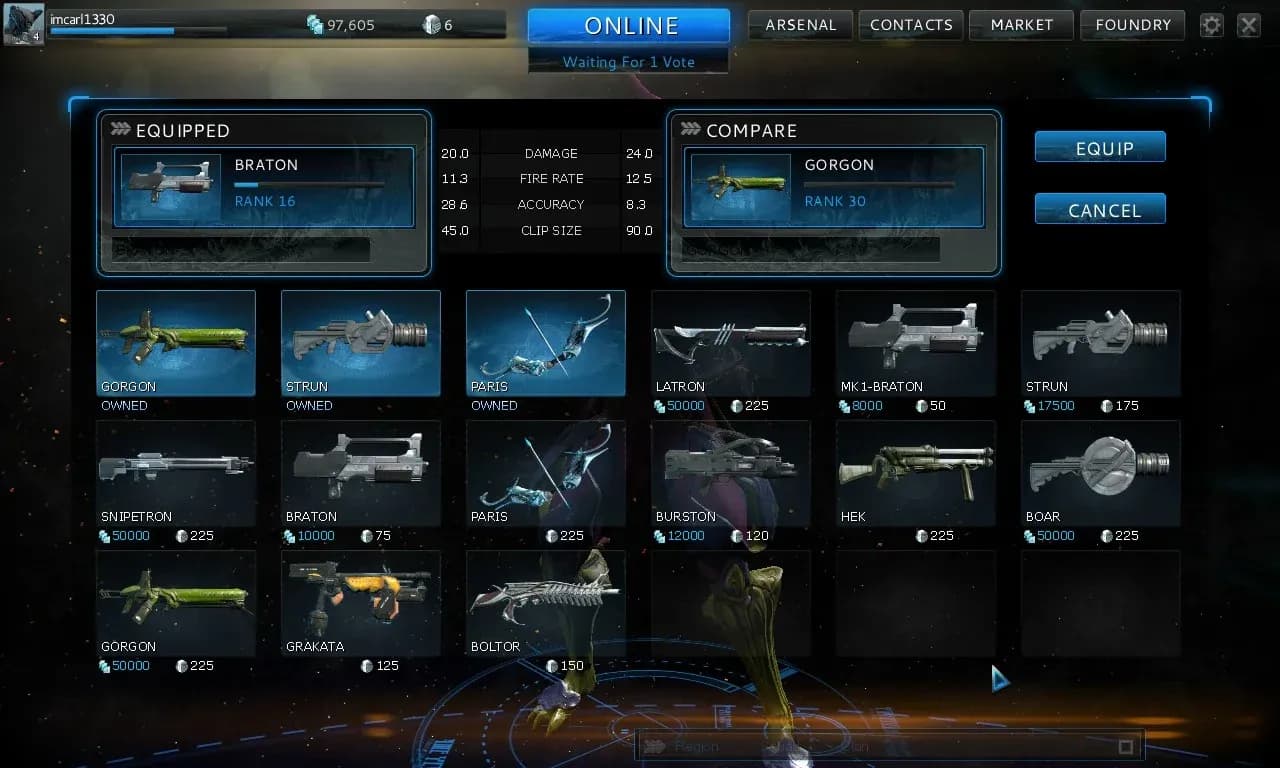
Elemental mod combo setup
Warframe में Mods कैसे प्राप्त करें?
Mods wide variety of sources से drop होते हैं। यहाँ farming पर focus करने की जगहें दी गई हैं:
- Enemy drops: Most enemies के death पर mod drop होने का ~3% chance होता है। हर enemy का अपना loot table होता है, इसलिए उस specific enemy को research करें जो आपको चाहिए mod drop करता है।
- Mission rewards: Endless missions जैसे Survival और Defense rotation rewards offer करते हैं जिनमें mods शामिल हो सकते हैं।
- Alerts and Events: Some में Star Chart पर visible predetermined mod rewards होते हैं।
- Orokin Vaults: Open होने पर हमेशा एक Corrupted mod contain करते हैं।
- Isolation Vaults: हमेशा Necramech mods reward करते हैं।
- Void/Orokin tilesets: इन tilesets में special canisters high rates पर mods drop करते हैं।
- Baro Ki'Teer: Rotating inventory पर Primed mods और Auras sell करता है। जब भी वह visit करे, उसका stock check करें।
- Player trading: यदि आपके पास Platinum है, तो अन्य players से सीधे mods खरीदना specific high-value mods प्राप्त करने का सबसे तेज़ तरीका है।
- Daily login rewards: एक mod प्राप्त करने का छोटा लेकिन consistent chance।
Riven Mods: Cycling कैसे काम करती है?
Riven Mods powerful mods हैं जिनमें randomized stats होते हैं जो single weapon के लिए specific होते हैं। आप उन्हें The War Within quest complete करके, daily Sorties finish करके, या अन्य players के साथ trading करके प्राप्त कर सकते हैं। जब Riven के stats ideal नहीं होते हैं, तो आप उन्हें Kuva का उपयोग करके reroll कर सकते हैं, जो Requiem Kuva Survival और Kuva Fortress पर Kuva Flood missions में farm करना सबसे अच्छा है।
प्रति reroll Kuva cost हर attempt के साथ बढ़ता है:
हर reroll के बाद, आप new stats accept करने या अपने current ones को keep करने का choice करते हैं। Riven Mods एक endgame investment हैं, इसलिए अपने foundational mods fully ranked up होने तक उन्हें prioritize न करें।
Warframe-Specific Modding: किन Stats को Prioritize करना चाहिए?
ऊपर listed universal mods के अलावा, हर Warframe में unique stats हैं जो specific mod choices को reward करते हैं। Two main stat categories को समझना आपको smarter decisions बनाने में मदद करता है:
Ability Stats (आपके powers को directly affect करते हैं):
- Ability Strength damage, buff potency, और debuff effectiveness determine करता है।
- Ability Efficiency प्रति cast Energy cost कम करता है। 175% पर capped है।
- Ability Range AoE radius, projectile range, और cone angles govern करता है।
- Ability Duration effects कितने समय तक चलते हैं और channeled abilities पर Energy drain को affect करता है।
Passive Stats (आपके frame की survivability और movement को affect करते हैं):
- Armor Health पर damage taken reduce करता है।
- Health आपका total HP pool है।
- Shields Health hit होने से पहले damage absorb करते हैं।
- Energy आपकी casting pool determine करता है।
- Sprint Speed movement govern करता है।
Most Warframes के लिए, Ability Strength और Efficiency highest-priority stats हैं mod करने के लिए। Efficiency का channeled abilities के साथ भी एक important interaction है: higher Efficiency energy drain rate प्रति second कम करता है, जबकि higher Duration drain ticks की frequency कम करता है। Channeled skills पर effective 75% Energy cost reduction hit करने के लिए अपने Efficiency investment के साथ 100% Duration aim करें।
Weapons: कौन से Stats वास्तव में Damage Output को Drive करते हैं?
Ranged weapons के लिए, stats जो most damage per second drive करते हैं वे हैं:
- Critical Chance और Critical Multiplier: High-crit builds damage को significantly multiply करती हैं। Best results के लिए दोनों stack करें।
- Multishot: Ammo consumption बदले बिना प्रति shot additional projectiles fire करता है। Game में most efficient DPS multipliers में से एक।
- Status Chance: Elemental effects कितनी बार proc होते हैं, यह determine करता है। High-status builds Viral या Heat के साथ best pair करती हैं।
- Fire Rate: Sustained damage output बढ़ाता है। Crit और status foundations set होने के बाद इसे prioritize करें।
Melee weapons के लिए, priority थोड़ा shift हो जाती है:
- Attack Speed प्रति second land होने वाले hits की संख्या बढ़ाकर DPS drive करती है।
- Critical Chance और Multiplier high-damage builds के लिए core बने रहते हैं।
- Combo Duration आपके built-up combo counter को active रहने तक extend करता है, जो combo counter के साथ scale करने वाली builds के लिए matter करता है।
- Heavy Attacks पूरे combo counter को consume करते हैं और उस counter से multiplied damage deal करते हैं, जो 240 melee hits के बाद x12 के maximum तक पहुँचता है। Certain mods exclusively Heavy Attacks और combo counter के साथ scale करते हैं।