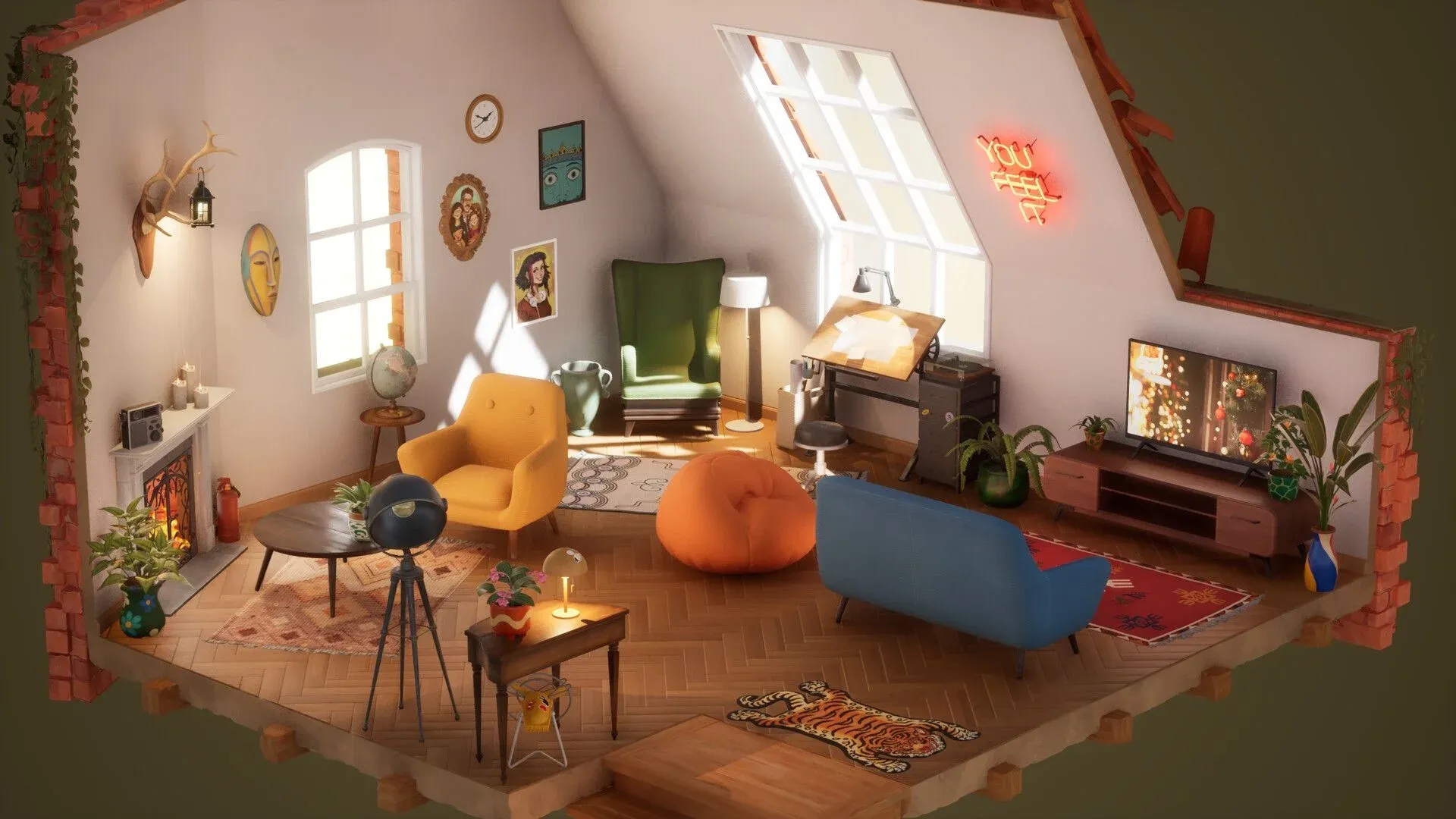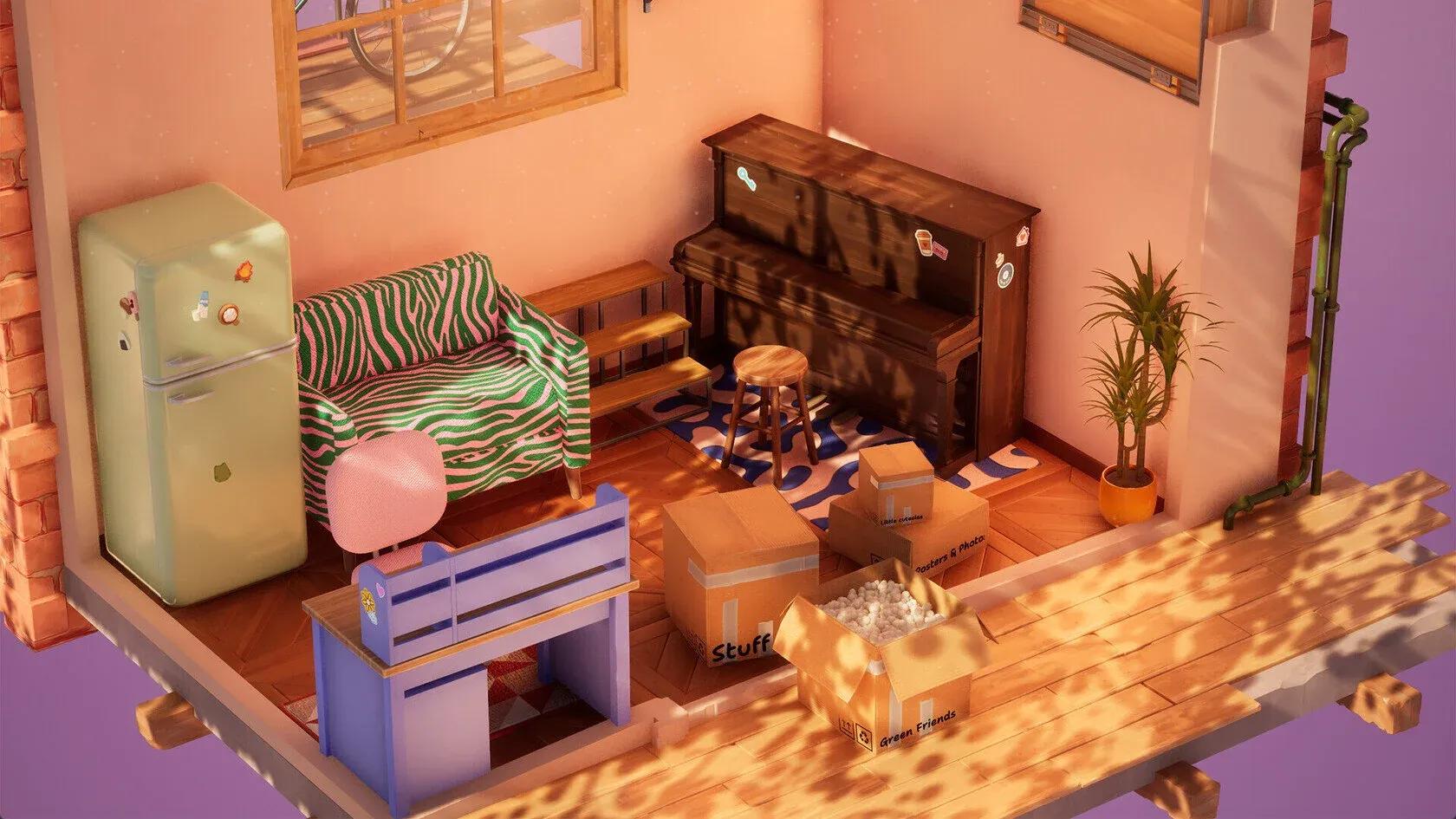

Hozy launched on March 30, 2026, and it does something most games won't: it makes scrubbing mold off a wall feel genuinely satisfying. There are no timers, no fail states, and no combat. Just you, a toolkit, and nine neglected spaces waiting to be brought back to life. The catch is that hitting 100% completion in every room requires more than randomly waving a mop around. The order you clean in, the tools you pick up, and the way you approach decoration all matter. This guide breaks down every phase so you can stop getting stuck at 98% and start finishing rooms with confidence.
What tools do you actually need in Hozy?
Hozy gives you a small but specific set of tools, and each one handles a different type of mess. Grabbing the wrong tool for a job doesn't just waste time — it can leave invisible dirt layers that block your completion percentage from moving.
| Tool | Primary Use | Best For |
|---|---|---|
| Bare Hands | Debris removal | Large trash piles and loose items |
| Squeegee | Glass restoration | Window grime and interior streaks |
| Mop | Floor cleaning | Dust, spills, and floor-level mold |
| Paint Roller | Wall restoration | Stains, sketches, and deep wall mold |
| Broom / Rake | Outdoor maintenance | Leaves, fine debris, balconies |
| Crowbar | Structural prep | Removing rotted floor panels |
The Crowbar becomes essential in the Seaside Retreat level, where certain floor panels are too damaged to clean and must be pried up entirely before you can proceed.

What is the correct cleaning order in Hozy?
The single most common reason players get stuck at 98% or 99% is cleaning out of sequence. Hozy's dirt system works in layers. If you mop before clearing trash, you push debris around rather than removing it. If you paint before mopping, you may cover surfaces that still register as dirty underneath.
Here's the sequence that works every time:
| Stage | Action | Tools | Why This Order |
|---|---|---|---|
| 1. Large Trash | Pick up bottles, papers, broken items | Bare Hands | Clears obstacles so tools can reach surfaces below |
| 2. Fine Dust and Debris | Sweep small particles and leaves | Broom, Rake | Prevents the mop from smearing fine dirt |
| 3. Floor Mopping | Scrub all floor surfaces | Mop | Removes grime layers after coarse debris is gone |
| 4. Windows and Walls | Clean glass and damaged wall sections | Squeegee, Paint Roller | Final step that often unlocks completion triggers |
For floors specifically, use a "Z" pattern with the mop — start at the far corner of the room and work toward the door. This systematic approach prevents you from stepping over already-cleaned areas and missing patches in shadowed corners.

Mop in a Z-pattern for full coverage
How do you remove mold in the Seaside Retreat?
The Seaside Retreat is the hardest level for moisture damage. Salt air and humidity mean mold patches are more resilient and hide in spots that other levels don't have.
Here's the approach that works:
- Use the Crowbar first. Some floor panels can't be cleaned at all — they need to be pried up to expose the subfloor beneath.
- Check behind the fireplace and under window sills. These are the two most common hiding spots for the final percentage points of mold in this level.
- Open all windows immediately after cleaning them. This "dries out" the room, which helps paint settle faster on damp walls.
How does painting work in Hozy?
Painting isn't optional decoration in most levels. It's a mechanical requirement. Damaged or mold-covered wall sections only register as "clean" once you've painted over them, regardless of how much you scrub. The paint roller triggers the "Clean" status for those wall sections.
The painting system uses a realistic wet-to-dry mechanic:
| Paint Stage | Visual Appearance | What to Do |
|---|---|---|
| Application | High-gloss, saturated color | Apply long vertical strokes |
| Drying | Color becomes semi-matte | Wait 3-5 seconds |
| Finished | Flat, consistent texture | Look for white sparkles on missed spots |
A few things worth knowing about the paint system:
- You cannot run out of paint. Return the roller to the tray to reload it at no cost.
- Each level offers 2-3 color options. You can switch colors mid-paint without starting over — just click a different color while holding the roller.
- The roller can glide over placed wall decor without spilling, but it's still better practice to paint first and decorate after.
- Your paint bucket and tools can be moved around the room. Reposition the tray near the wall section you're working on to avoid constant back-and-forth.
How do you find the last 1% of dirt in Hozy?
This is the question every Hozy player eventually asks. The most common hiding spots for missed grime are:
- Behind open doors (the wall section the door covers when swung open)
- Under large anchor furniture like sofas that were placed before cleaning was finished
- The top edges of window frames
- Corners near the fireplace in humidity-heavy levels
Two tools help here. First, use right-click camera rotation to shift your perspective to a top-down view — this reveals patches that are invisible from the standard eye-level angle. Second, look for white sparkles. Any surface that isn't fully clean emits tiny white sparkle particles. If you can't find the last spot by eye, scan the room for sparkles rather than trying to visually identify the dirt itself.
How should you approach the decoration phase?
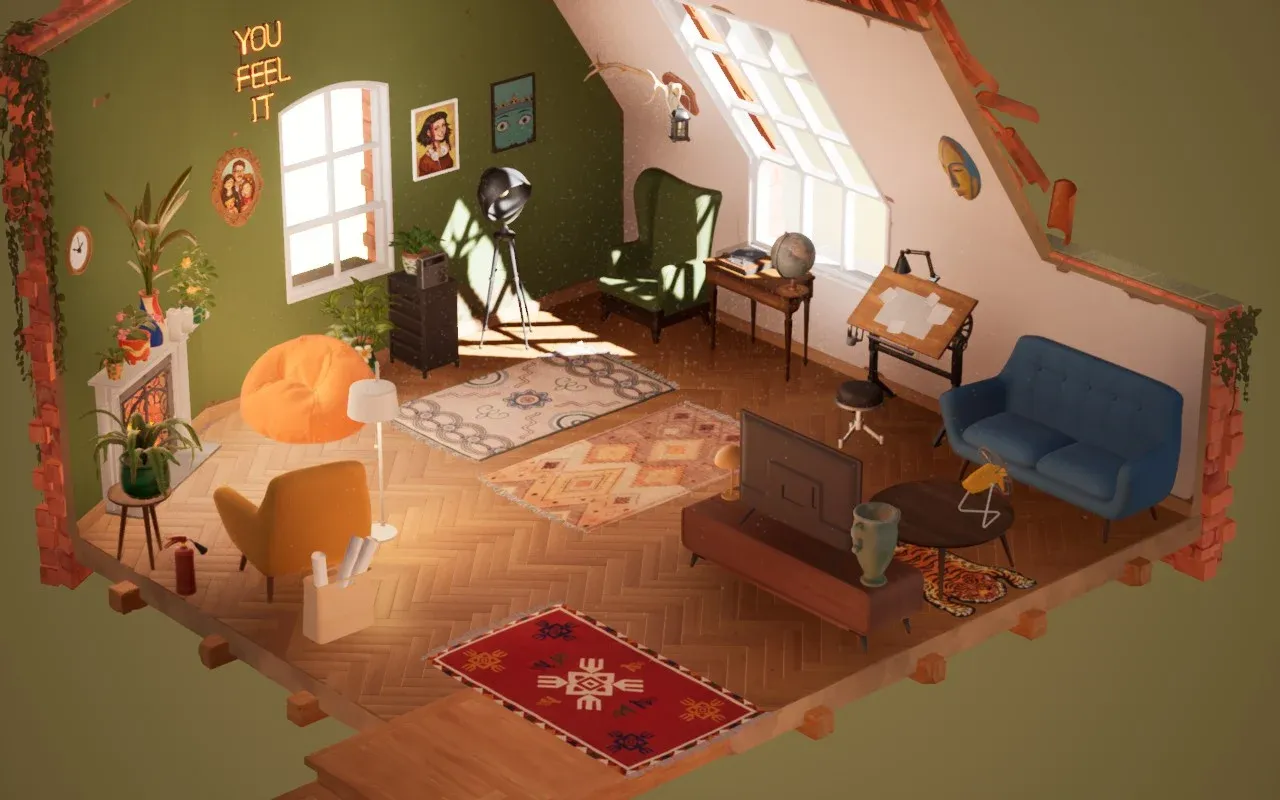
Once the room is clean and painted, Hozy unlocks a set of labeled cardboard boxes. Here's the order that makes the most sense:
| Box Label | Priority | Example Contents | Strategy |
|---|---|---|---|
| Lighting | High | Floor lamps, table lamps | Open first — illuminates the space for everything that follows |
| Huge Things | High | Sofas, beds, shelving units | Establishes the main layout before smaller items |
| Wall Items | Medium | Paintings, mirrors, mounted shelves | Place after main furniture is positioned |
| Tech | Medium | TVs, radios, computers | Integrates into established layout |
| Flowers | Low | Potted plants, vases | Finishing touches on surfaces |
| Other | Low | Small trinkets, decorative objects | Last items placed on shelves and tables |
Resist opening every box at once. The clutter makes it harder to visualize your layout.
For placement itself, two mechanics matter most:
- Rotation: Use the mouse wheel while holding any object to rotate it freely. A diagonal table or a 45-degree armchair makes a room feel lived-in rather than staged.
- Zoom: For small items on shelves or windowsills, zoom in for precise alignment. A slightly off-center vase reads as disorder at a subconscious level.
You're also not required to use every item the game gives you. Dropping an object outside the room boundary sends it to a discard box, removing it from the level entirely. This is the fastest way to handle levels with excessive small items like scattered playing cards.
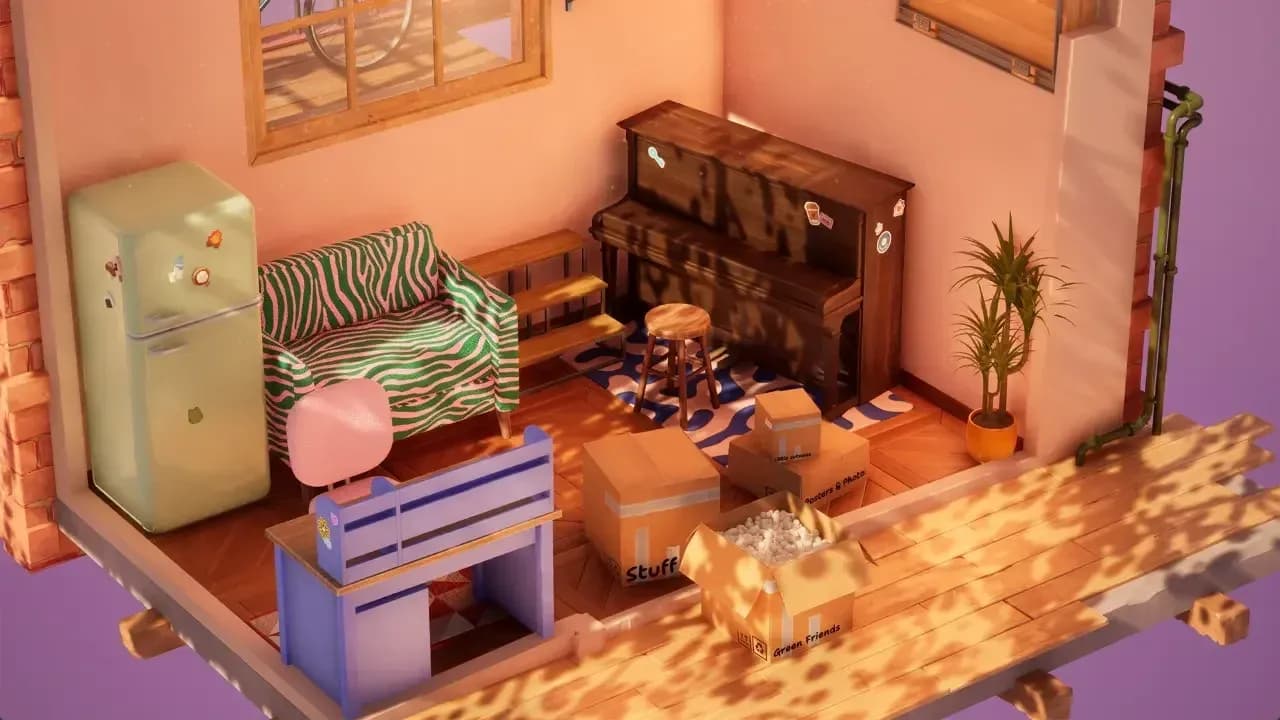
Open lighting boxes before anchor furniture
Finishing touches and photo mode
Hozy includes a built-in photo mode with multiple filter options: regular, black and white sketch, blueprint, soft black and white, soft color, and retro photo effect. Taking a photo of your finished room isn't just for screenshots — it also serves as the final confirmation that triggers progression to the next stage of the game.
The audio design rewards headphone use throughout all of this. Opening a window mid-clean doesn't just change the lighting — it shifts the entire sound profile of the room, pulling in birds, distant traffic, or neighborhood bells depending on the level. The "Ding" that plays when a sub-task completes (like "Clean all windows") is subtle enough that you'll miss it without headphones.
For more cozy game guides and renovation tips, browse the full guides library at GAMES.GG to find walkthroughs for similar titles.
Hozy has accumulated over 300,000 wishlists on Steam before its March 2026 launch, and the reason is straightforward: it makes the mundane feel meditative. Follow the cleaning order, use the sparkle detection system, and don't decorate until the paint is done. Every room will hit 100%.