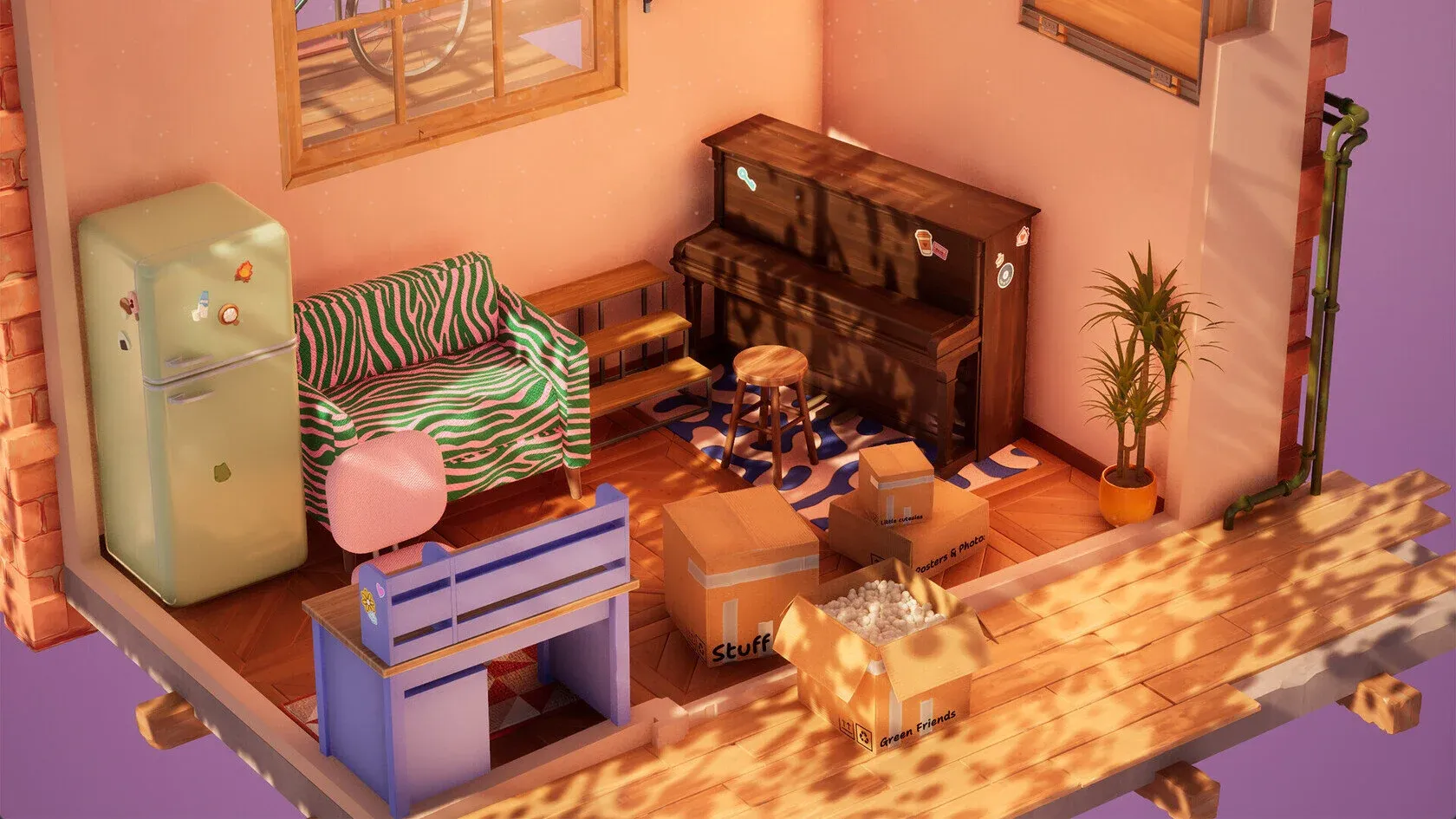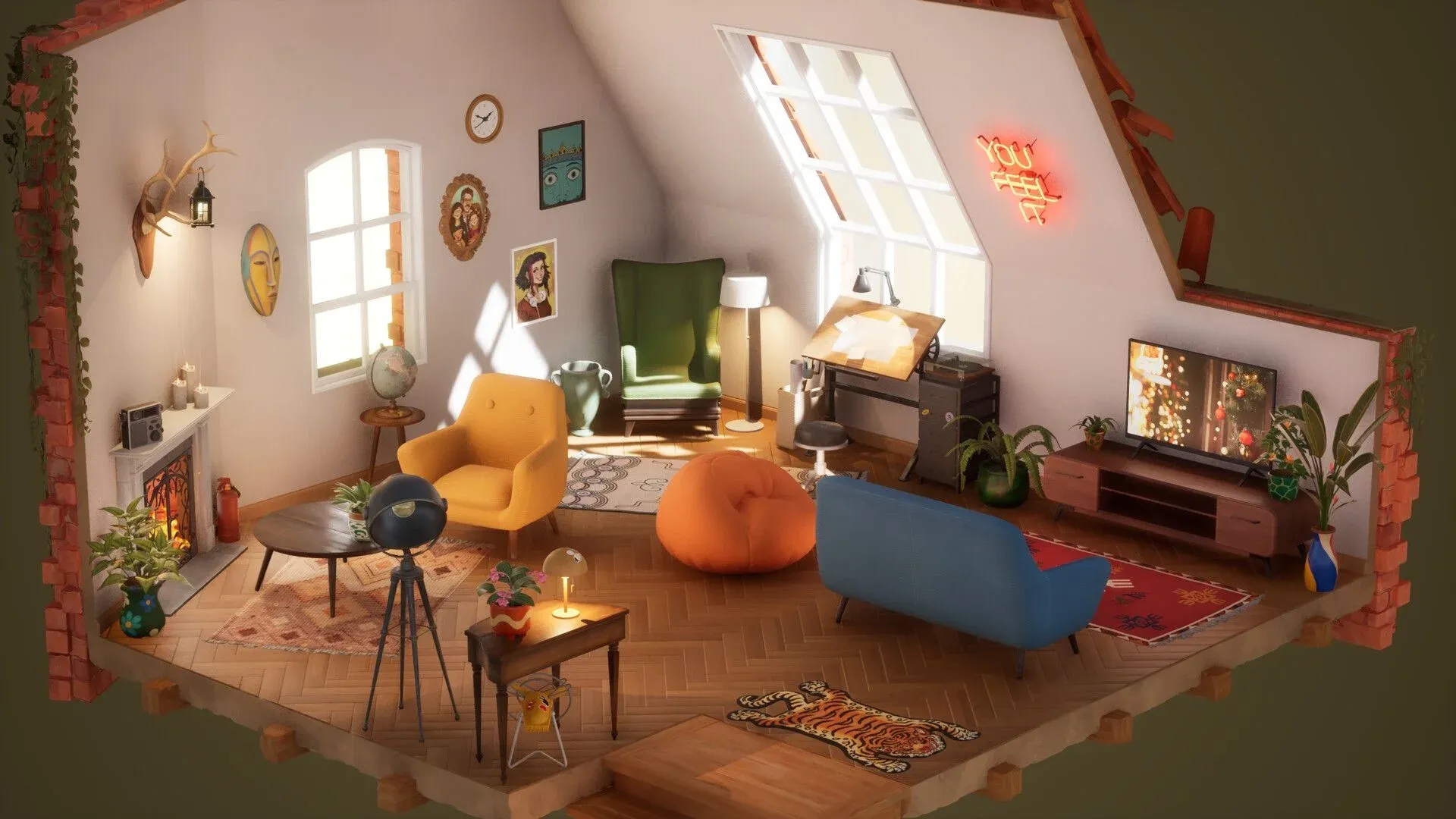

Hozy is the kind of game that punishes rushing. Every surface has a satisfying sound when it's clean, every paint stroke dries to a slightly different shade, and a room that looks finished at first glance will reveal an unpainted corner the moment you try to progress. Getting the most out of each level means understanding the order of operations, from trash collection through to the final photo. This guide breaks down every phase so you can stop second-guessing and start designing.
How does the cleaning phase work in Hozy?
Before a single piece of furniture touches the floor, the room needs to be prepared. The cleaning phase has four distinct tasks: trash collection, window scrubbing, floor mopping, and wall painting. Skipping or rushing any of these locks you out of the decoration stage.
Here's what each task requires:
| Task | Interaction Method | Why It Matters |
|---|---|---|
| Trash Collection | Hold left-click to grab multiple items | Clears floor space for furniture |
| Window Scrubbing | Right-click and drag over grime | Boosts natural light dynamically |
| Floor Mopping | Circular or overlapping strokes | Reveals true floor color under dust |
| Wall Painting | Vertical roller strokes | Required to complete the level checklist |
One practical tip: move the trash bin closer to your work area rather than walking across the room repeatedly. Your character has a limited carrying capacity, so repositioning the bin saves a significant amount of time. For mopping, large overlapping circles cover more ground than straight lines and catch the small dust patches that hide near corners.
Once the windows are scrubbed, the room's natural lighting shifts dynamically. This matters more than it sounds: the same wall color looks noticeably different in a bright room versus a dim one, so cleaning the windows before committing to a paint color is the smarter sequence.

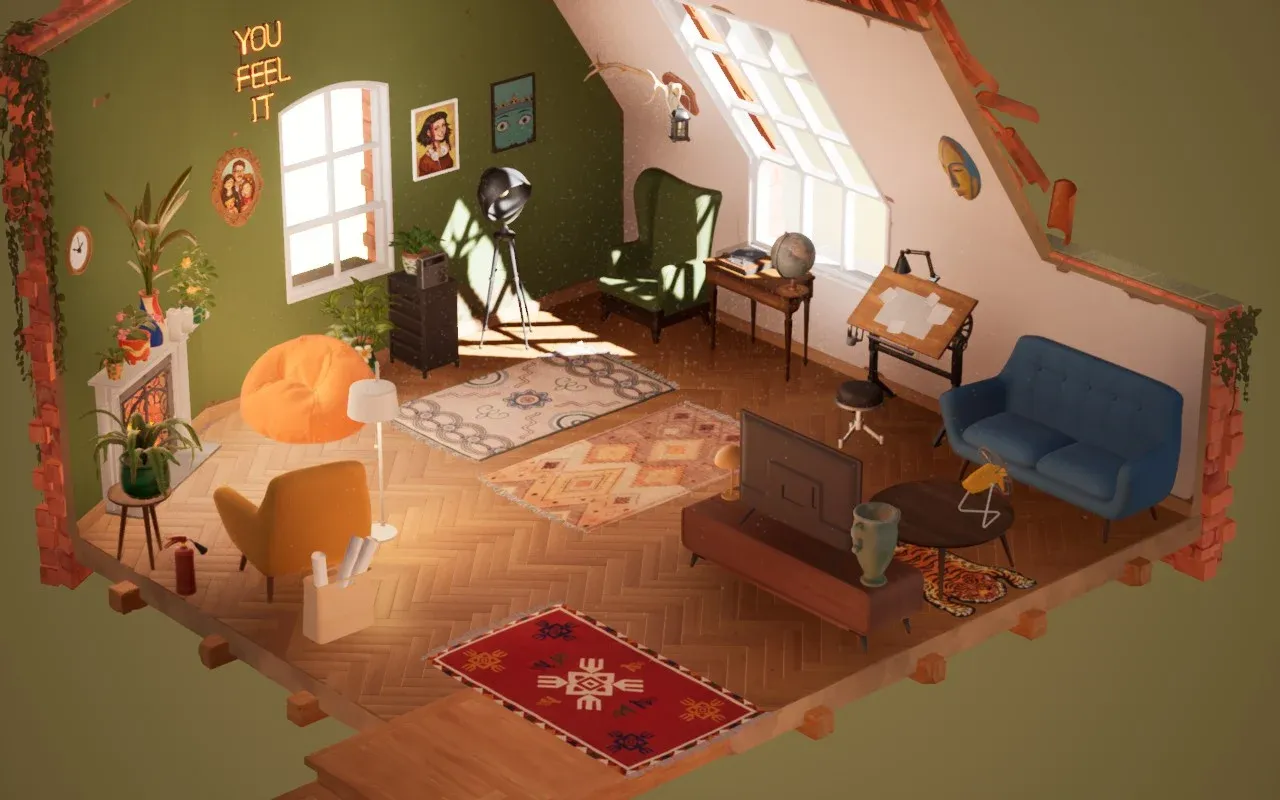
What's the best approach to painting walls?
Paint in Hozy appears wet on application and dries to its final matte or gloss finish over time. That wet sheen can make colors look slightly darker or more saturated than the finished result, so don't panic if the first coat looks off.
For living rooms with a fireplace, warm tones like peach, terracotta, or soft orange tend to complement the ember glow well. In smaller studio apartments, lighter shades make the space read as larger. These aren't hard rules, but they're a useful starting point when the color wheel feels overwhelming.
The game tracks completion percentages, so missing a small area near a skirting board or window frame can block level progression. Work methodically and don't skip the edges.
The same flexibility applies to rugs and floor decor: pick them up and reposition them freely without disturbing other furniture.
How should you organize furniture placement?
Once the room is clean and painted, open the boxes before placing anything. Each box is labeled with its contents, such as lights, huge things, tech, flowers, and wall items. Reading those labels first gives you a clear picture of everything available.
The recommended order is:
- Lighting first if the room is dark. Some levels have moveable lights that you'll need to reposition just to see what you're working with.
- Huge things second. Sofas, refrigerators, shelving units, and footstools define the room's layout. Place these before opening boxes with smaller items, or the trinkets get lost.
- Smaller items last. Things in the "Other" box are usually tiny valuables meant for shelves. Make sure the shelves are placed before you open that box.
Creating functional zones
Even in a single room, distinct zones make the space feel intentional rather than cluttered. Using rugs to define these areas works well: a plush rug in front of a fireplace signals a reading or lounging zone, while a smaller patterned rug under a desk marks a work area.
| Category | Essential Items | Placement Strategy |
|---|---|---|
| Seating | Armchairs, bean bags, stools | Near windows or fireplaces |
| Surface | Side tables, desks, shelving | Accessible for candles and small decor |
| Storage | Drawers, crates, backpacks | Corners or under desks |
| Tech | Radios, record players, fans | Where they can be toggled on |
Items placed on top of shelves or tables will move with the furniture when you pick it up. If you want to reposition just the small item, pick it up directly rather than grabbing the shelf.
If the room starts feeling too full, you don't have to use everything. Dropping an item outside the room boundary sends it to a discard box. Three rugs might be one too many. Use that discard box without guilt.
How do lighting and greenery change a room?
Overhead lights alone produce flat results. Layering multiple light sources creates depth:
- Sunset lamps for dramatic warm ambient glow
- Fairy lights draped over bedframes or along shelves
- Candles on mantlepieces or window sills (interact with them to light the wick)
- Task lighting from desk lamps or studio lights near work-focused areas like a piano or drafting table
Plants add life to corners that would otherwise feel empty. Spider plants, umbrella trees, and ferns are all available. Place a fan on the floor, turn it on, and the nearby plant leaves will rustle in the breeze. It's a small detail, but it's the kind of thing that makes a room feel alive rather than staged.
What's the best strategy for small spaces?
Smaller levels like the downtown studio apartment present a specific challenge: too much stuff, not enough floor. The answer is verticality.
- Install wall shelves high, above the bed or desk, for books and keepsakes.
- Stack the microwave on top of the fridge to free up counter space.
- Use the windowsill for small vases or candles, which opens up table surfaces for larger items like a microphone or laptop.
| Level Type | Primary Challenge | Design Solution |
|---|---|---|
| Living room | Large open areas | Multiple rugs, seating centered on fireplace |
| Studio apartment | Limited floor space | Wall shelves, stackable appliances |
| Artist loft | Clutter management | Dedicated organizer zones using crates |
For the foldable bed in the studio level, position it first since it anchors the room's layout. Everything else works around it.
Photo mode: which filters are worth using?
Once the room is finished, the photo mode in Hozy goes beyond a basic screenshot. Six available filters are:
- Regular
- Black and white sketch
- Blueprint
- Soft black and white
- Soft color
- Retro photo effect
The blueprint filter works particularly well on rooms with strong geometric layouts. Retro photo effect suits warmer, vintage-styled spaces with lots of wood and warm lighting. Spend a few minutes with each filter before committing.
Pro tips for getting the most out of every level
A few details that don't fit neatly into any single category but make a real difference:
- Rotate everything. The scroll wheel rotates held items. Even a 5-degree tilt on a chair makes a room look lived-in rather than showroom-staged.
- Layer small items. You can place a pencil case on a book, or a small plant on a stack of records. The game supports this kind of stacking.
- Toggle everything on. Turning on the radio, fan, and all lamps simultaneously creates an active atmosphere that reads well in photo mode.
- Read the speech bubbles. Some items carry story context, visible as speech bubbles floating above them. These are worth slowing down for.
- Use headphones. The audio design covers rustling leaves during yard sweeping, traffic noise outside, and a neighbor's dog barking in the background. These sounds are easy to miss through laptop speakers.
- Leave a little mess. An unpacked box or a backpack on the floor tells a story. A room that looks too perfect can feel sterile.
For more cozy game guides and tips on titles like Hozy, browse more guides at GAMES.GG to find your next relaxing play session.