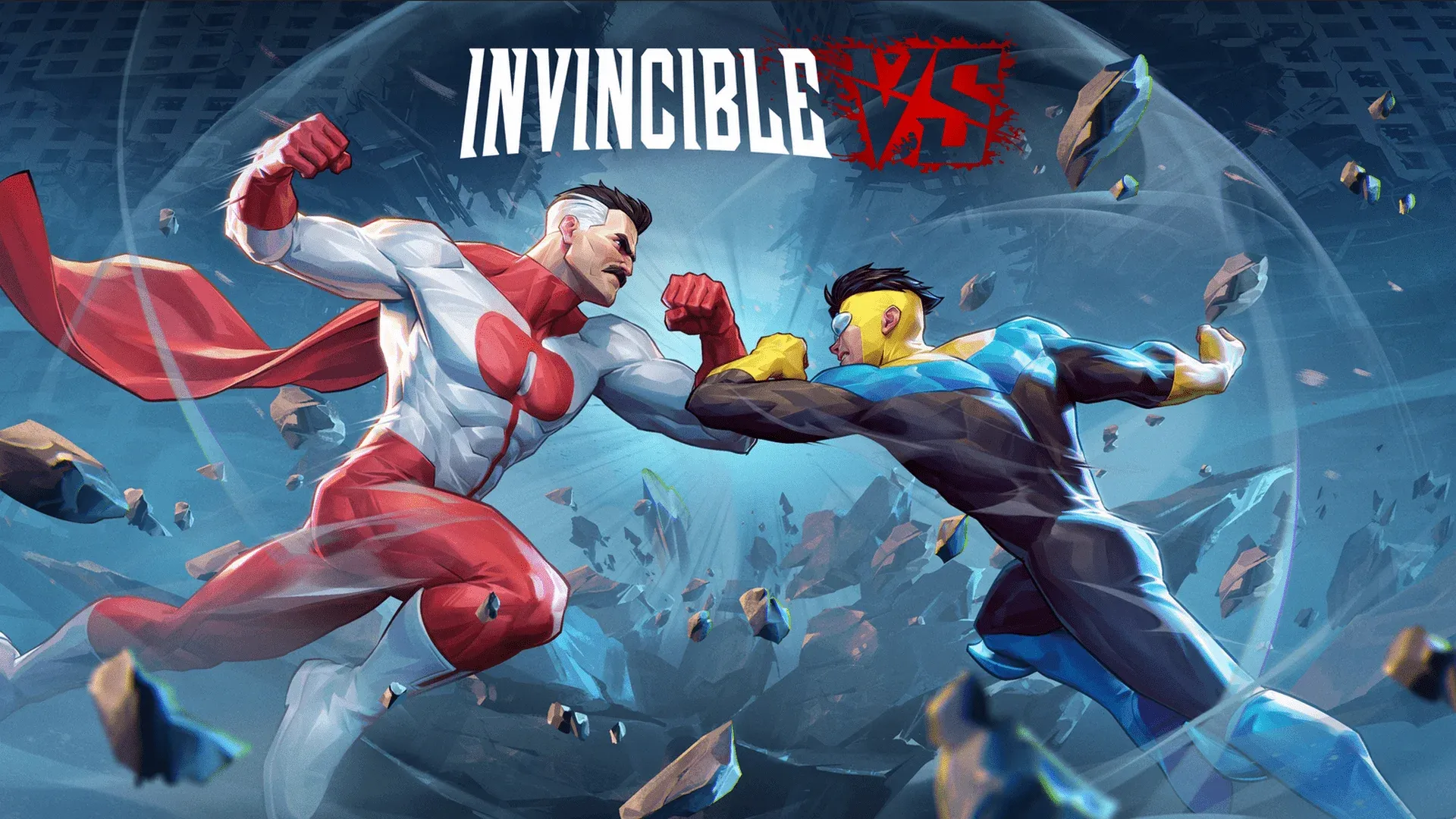


Invincible VS drops you into a 3v3 tag fighter with a full 18-character roster, multiple modes, and a combo system that rewards patience over button-mashing. The game borrows Street Fighter 6's modern control scheme and mixes it with Marvel vs. Capcom's triple-tag format, which means there's more going on under the hood than the accessible surface suggests. Whether you've played tag fighters before or this is your first, these tips will save you from the most common beginner mistakes.
Start here: the tutorial is not optional
The first thing to do when you boot up Invincible VS is open Training mode from the Main Menu. It's a standalone section separate from Single Player and Versus, and it contains both Practice and a full Tutorial split into Beginner and Intermediate tracks.
The Beginner tutorial covers 10 lessons:
- Movement — getting around the stage effectively
- Offense: Normals — standard button presses and timing
- Offense: Specials and Boost — character-specific special moves
- Offense: Supers and Ultimate — finishing moves and how to close fights
- Throws — unblockable attacks that interrupt jabs and strings
- Offense: Basic Combos — reliable strings for combat
- Offense: Assists, Tags, and Active Tags — switching fighters mid-fight
- Blocking — avoiding damage
- Defense: Assist Breaker — stopping an opponent's momentum mid-string
- Defense: Counter Tag — bringing your fighter in against an opponent's tag
The button layout maps the four face buttons to attacks: 1/L (Square/X), 2/M (Triangle/Y), and 3/H (Circle/B) for Light, Medium, and Heavy attacks. The fourth face button (Cross/A) handles Special Attacks unique to each character. Tags are bound to the left trigger and bumper, while the right trigger and bumper handle movement.
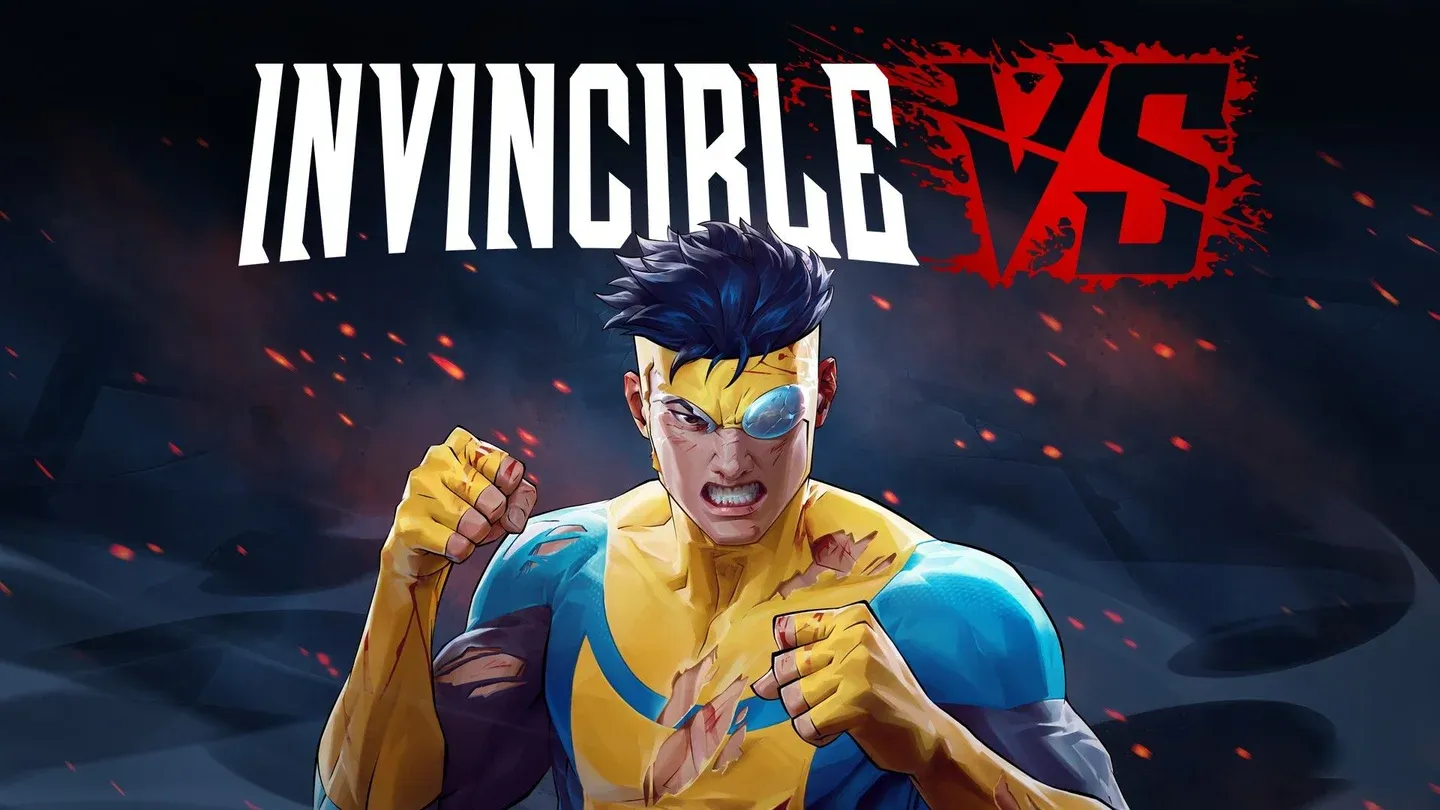
Tutorial mode selection screen
Why the Intermediate tutorial matters
Once you finish the Beginner track, run the Intermediate tutorial immediately. It goes deeper on mechanics that are only briefly introduced earlier: Active Tags, Counter Tags, Tag Feints, Delays, and Snapbacks.
Feinting and delaying moves bait your opponent into attacking prematurely, letting you either step back to evade or duck underneath and punish with a combo. The Intermediate track also covers Heroic Strikes, Pushblocks, and Assist Breakers in high-pressure situations, plus how to use meter burn to enhance special moves mid-combo.
This is also where Level 3 Super attacks get explained properly. They're unblockable and work as effective wake-up attacks when you're being pressured during a long combo string.
What are the universal beginner combos?
Every character in the 18-person launch roster can execute two foundational combo routes (detailed at InvincibleVS.org):
Once those feel consistent, you can move into more advanced sequences:
- Assist Extension: L → M → H → Assist → L → M → H (launch) → Air Combo
- Delayed Hyper Combo: Ground String → Super 1 → DHC → Super 2
Practice these in Practice mode until you can land them under pressure. A short combo you execute every time beats a flashy sequence you drop half the time.

Universal combo inputs in practice
Top tips for winning your first matches
Build your team around one character
Invincible VS is a 3v3 game, but beginners should resist the urge to learn all three characters at once. Pick one character whose playstyle makes sense to you, learn their normals, specials, and easiest combo route, then choose two teammates who support that approach. Spreading practice across three characters too early is one of the fastest ways to feel overwhelmed.
For reference on playstyle differences: Omni-Man is an aggressive offensive powerhouse, while characters like Ella Mental and Atom Eve lean into ranged, space-controlling attacks. Knowing which style suits you matters more at this stage than chasing tier list rankings.
Tag with a reason, not a reflex
Active tagging is central to Invincible VS, but a mistimed tag gets punished hard. Tag to extend combos, bring in a healthier teammate, escape a bad matchup, or shift the fight's tempo. Randomly swapping characters because the screen looks chaotic is a reliable way to hand momentum to your opponent.
Protect your weakest character
Team health is a resource. A damaged character still provides assists and combo extensions, so keep them alive. Use the red health bar recovery mechanic (health recovers while a character is tagged out) to your advantage instead of leaving an injured fighter in until they die.
Use assists to apply pressure, not just extend combos
Assists cover your approach, force opponents to block, and protect you after a risky attack. A well-timed assist converts a reckless button press into real offensive pressure. Once you start using assists this way, your team starts functioning as a unit rather than three characters taking turns.
Always hold Boost
Holding R2 activates Boost, which strengthens attacks and builds the Boost meter used for Supers. There's no downside to keeping Boost active constantly. Make it a habit from your first session.
Supers are performed like throws (forward + X + Circle simultaneously) and cost one bar of Boost. Ultimate moves require R2 + X + Circle and cost three bars of the Super Meter.
Spend your meter
Beginners tend to hoard Super meter waiting for the perfect moment, then lose without spending it. If a Super secures a knockout, use it. A dead opponent character means one fewer assist, one fewer tag option, and one fewer problem to manage.
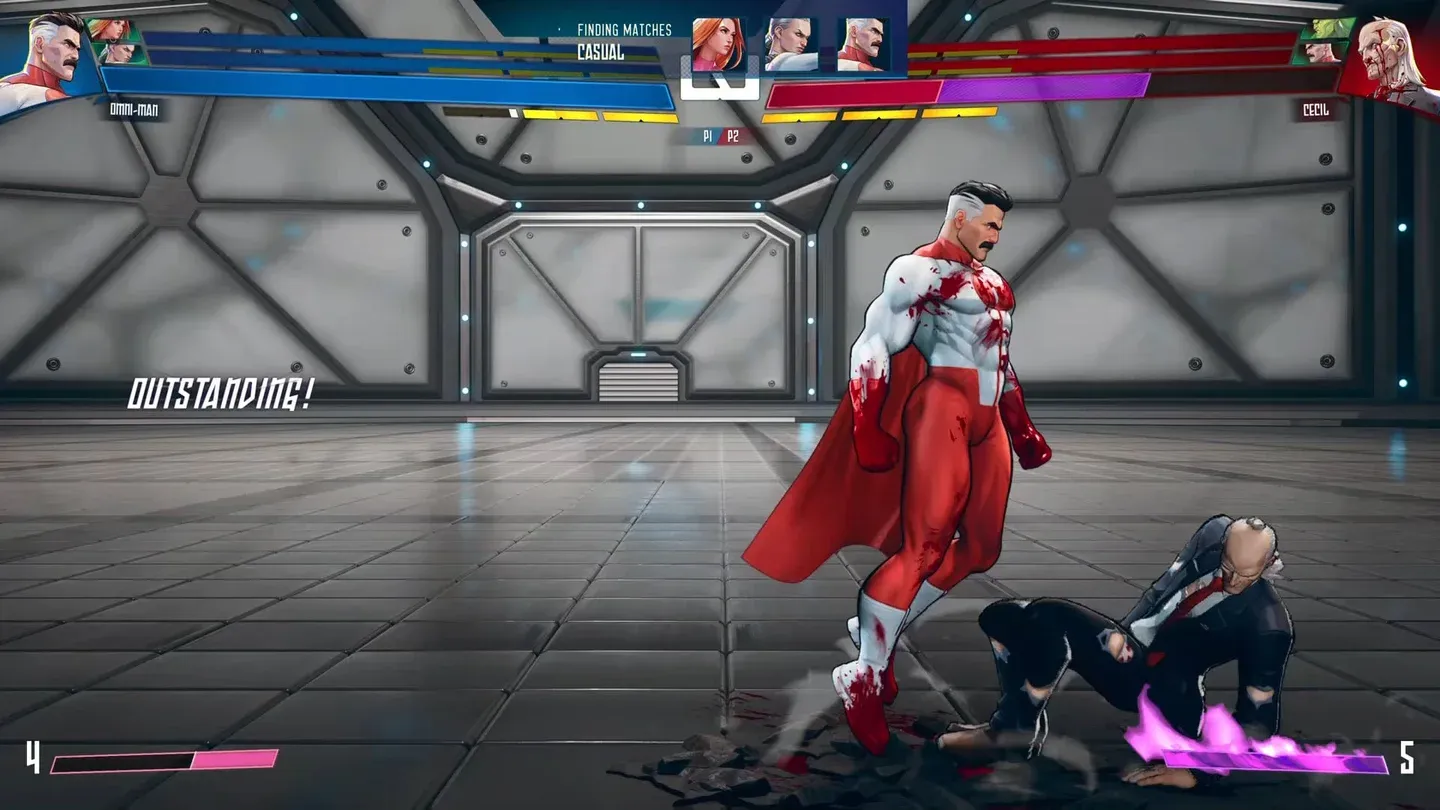
Boost and Super meter in match
Do not mash when you get hit
Tag fighters punish panic. When you take a hit, stop pressing buttons. Focus on blocking, reading your opponent's rhythm, and finding a safe window to disengage. Staying composed on defense is as important as landing your own attacks.
Use the screen edge
Cornering your opponent at the edge of the screen creates easy extended pressure and combo opportunities. It's a straightforward tactic, but treat it as a temporary crutch rather than a long-term strategy. Relying on it will slow down your development of the actual fundamentals.
Play Story or Arcade before Ranked
Invincible VS launched with four modes including Story and Arcade, both of which are beginner-friendly environments to learn your characters without the pressure of ranked matchmaking. Spend time there before treating every match like a tournament set.
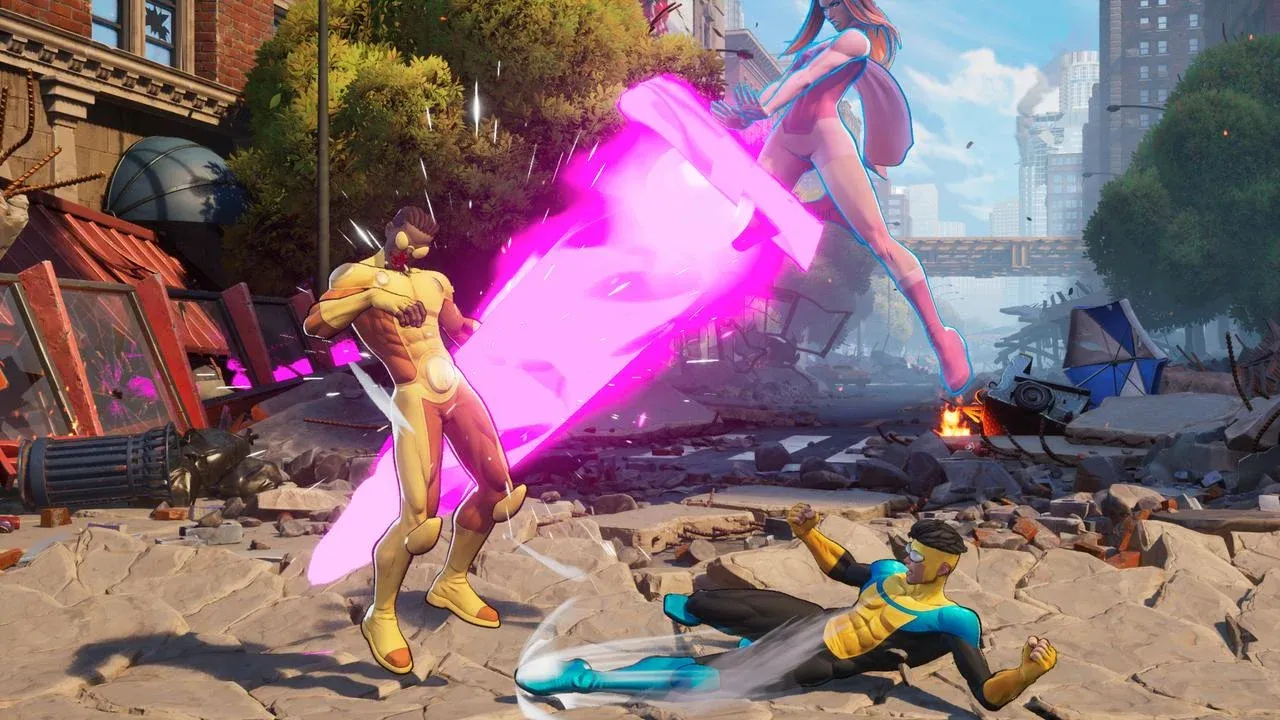
Screen edge pressure in action
How do Snapbacks and Counter Tags work?
Snapbacks force an opponent to tag out by pressing forward or backward with Triangle + Circle. Characters can recover red health bar damage while tagged out, so a Snapback stops opponents from rotating out a damaged character to heal. Use it to control which opponent character you're fighting.
Counter Tags function like a timed parry specifically for opponent tag-ins mid-combo. Press Triangle + Circle as the opponent lands an attack during a tag to parry it. It takes practice but costs far less than an Assist Breaker.
Push Blocking is the easiest low-risk defensive option: press R2 to dash while holding back to block. It breaks an opponent's combo and uses some Boost meter, so it can't be spammed, but it's the most accessible way to create space when you're being pressured.
For a deeper breakdown of how the tag mechanics connect to the rest of the system, the FRVR beginner tips guide covers the Intermediate tutorial mechanics in detail.
Quick-reference: defensive options compared
For more fighting game guides and the latest gaming coverage, browse the GAMES.GG guides hub to find what you need next.