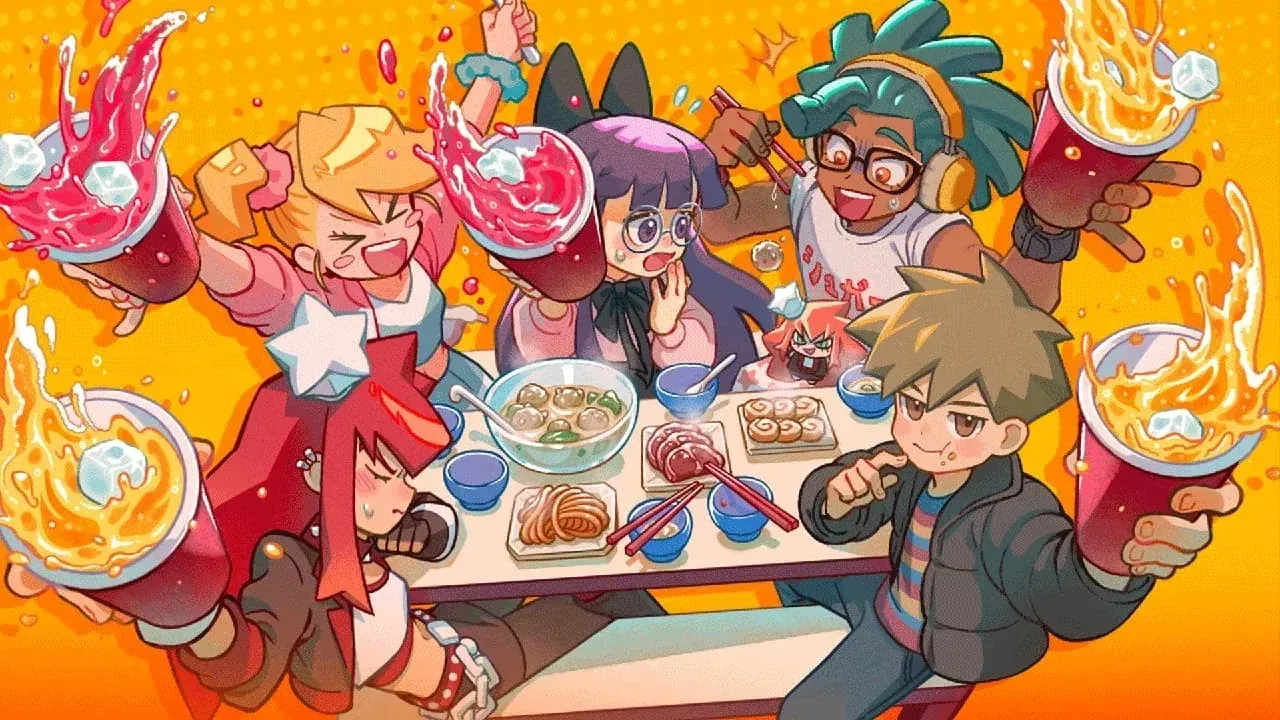

KuloNiku Bowl Up launched on April 7, 2026, and within a week Gambir Studio had already shipped its first post-launch patch. Update 1.0.4, released April 14, 2026, targets the roughest edges from launch: crashes during knife cutting, a broken Meatball Brawl progress bar, and a handful of visual issues that made ingredient prep harder to read than it needed to be. If you bounced off the game due to any of these problems, now is a good time to return.
What does update 1.0.4 change in Meatball Brawl?
The biggest gameplay shift in this patch is a full rebalance of Meatball Brawl opponent difficulty. The encounters have been adjusted across the board, which should make the mode feel less punishing for players still learning the cooking systems.
Two other Meatball Brawl-specific fixes round out the changes here. The progress bar now resets correctly between encounters, which was causing confusion about actual completion status. Rice has also been removed from the bonus ingredient list entirely, a quiet but meaningful tweak that changes how you approach scoring runs in that mode.
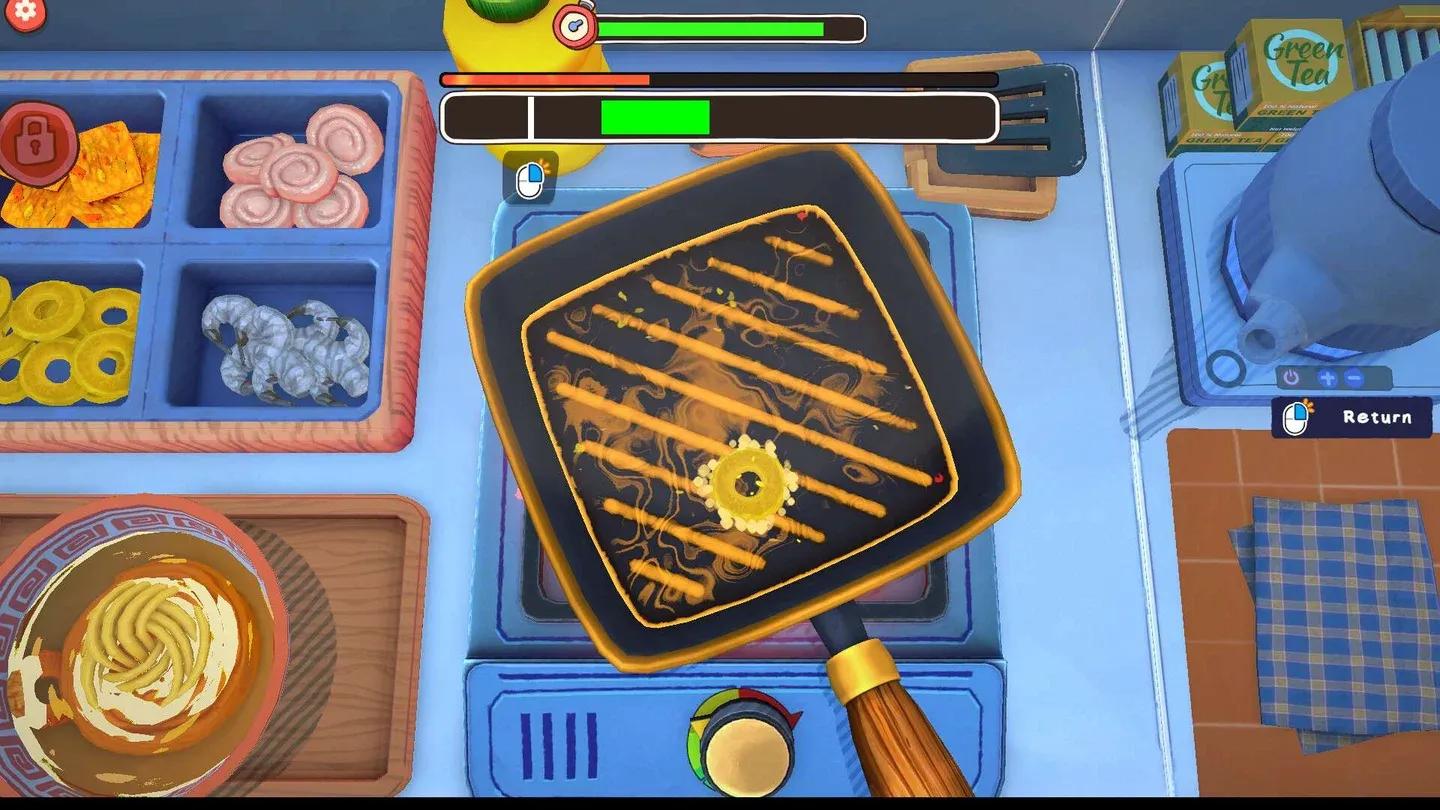
Meatball Brawl progress bar fix

What bugs did the patch fix?
Several of the fixes in 1.0.4 address outright blockers. The knife cutting system was causing freezes and crashes during normal play, and that has been resolved. A separate crash that could trigger when selecting quit from the main menu is also gone.
Players who ended up with corrupted save data were previously stuck with no recovery path. The patch now lets you restart the game even if your save file is corrupted, which is the kind of fix that should have shipped at launch but is welcome regardless.
On the cooking side, frying ingredients could clip below the pan and lock the player in place. Incorrectly cooked skewers were also immediately triggering refund requests, which compressed the feedback loop in a way that felt unfair. Both are fixed. Knife cutting sound effects, which sometimes went silent mid-session, now play consistently.
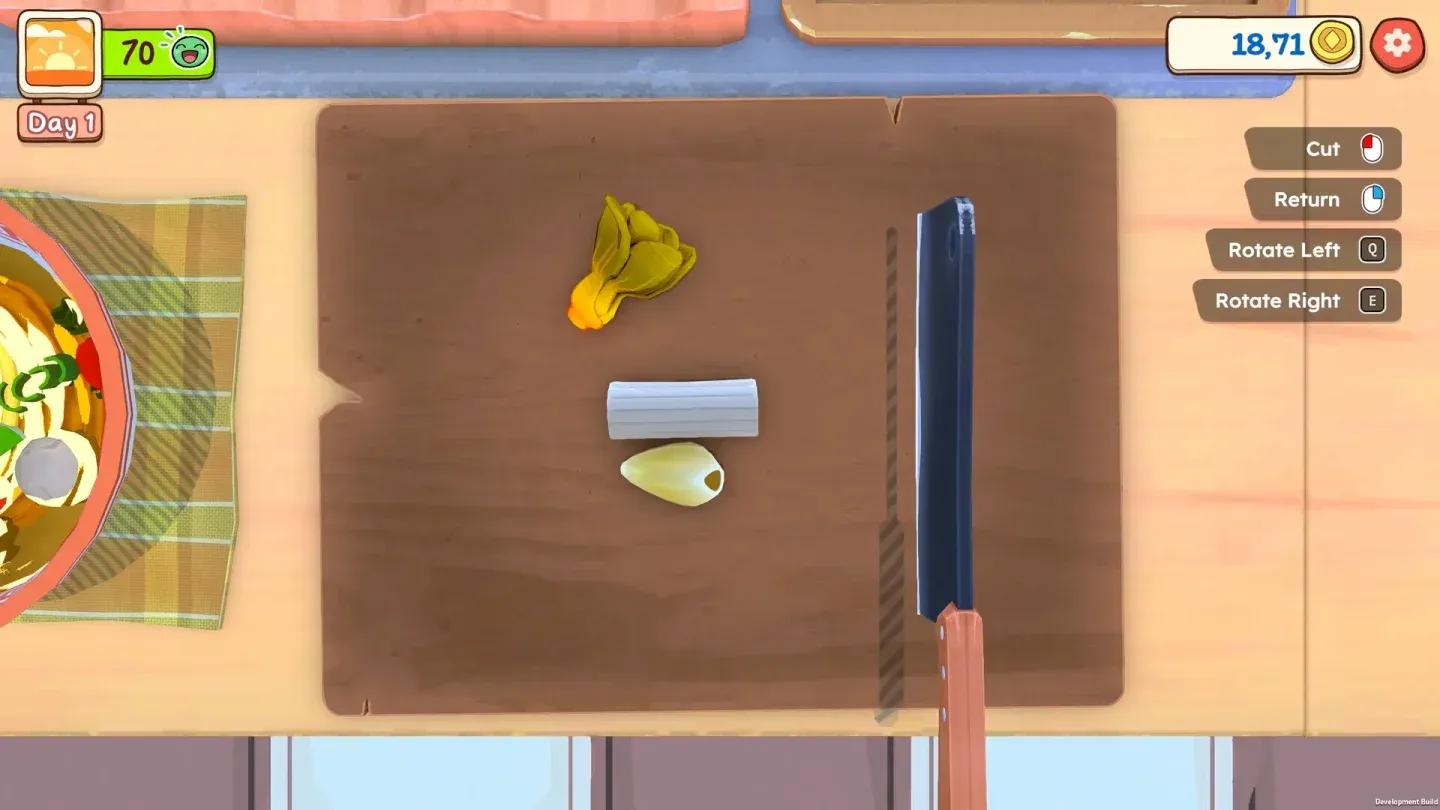
Cutting board visibility update
What visual and interface improvements were made?
The cutting board received a color update specifically to make ingredients easier to distinguish during preparation. Fluid rendering for sweet soy sauce and chili sauce has been optimized, which should reduce any visual noise during cooking sequences where both liquids are on screen.
The crafting minigame got cleaner button animations and updated particle effects, making it easier to read what's happening at a glance. The journal bell icon, which previously showed even when no goals were available, has been disabled in those empty states. That small change reduces UI clutter during sessions where you've already cleared your active objectives.
Analog joystick UI navigation has also been improved, a fix that matters most for Steam Deck players. KuloNiku Bowl Up shipped with Steam Deck verification, and smoother joystick-driven menu selection makes a real difference on handheld.
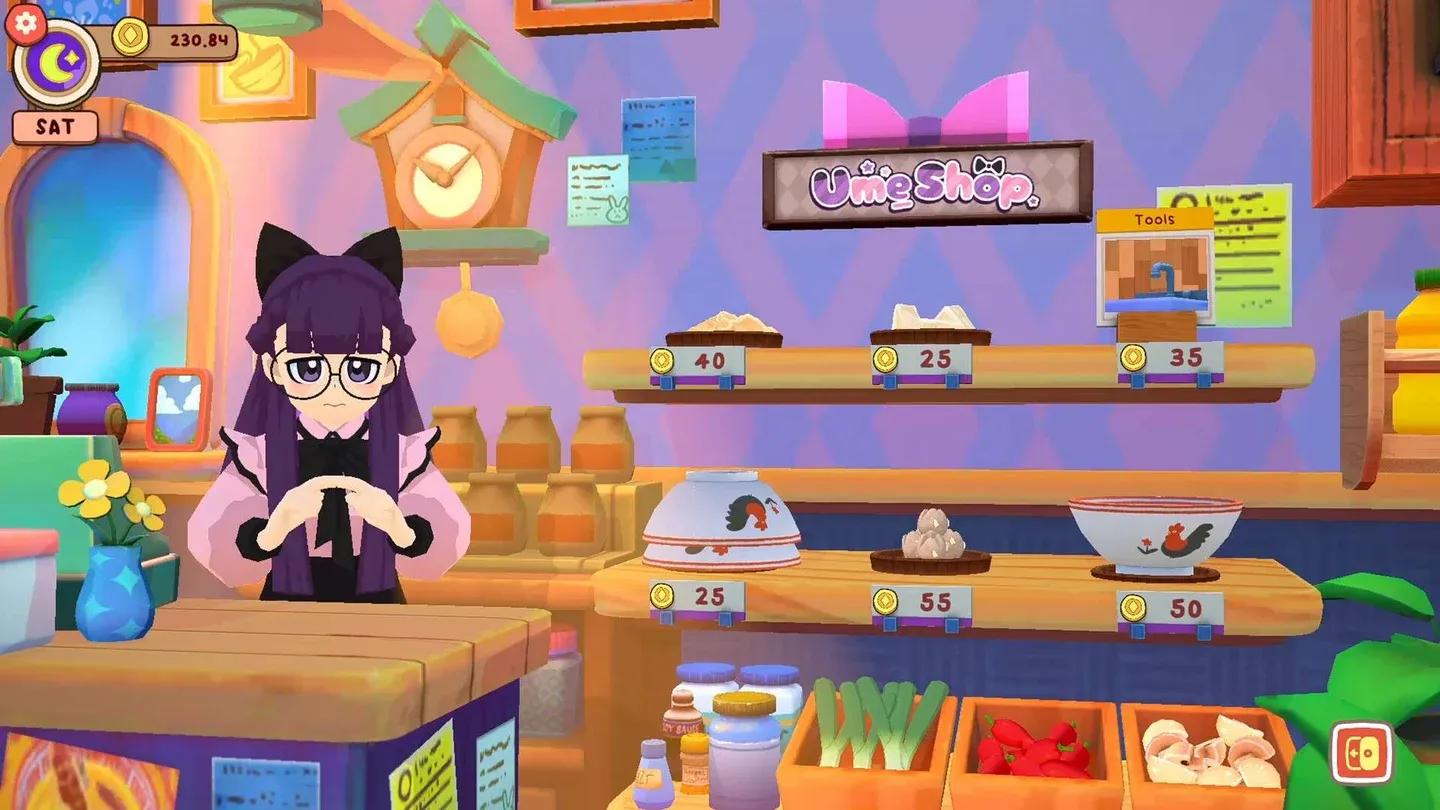
Crafting minigame clarity update
Full patch 1.0.4 change breakdown
| Category | Change |
|---|---|
| Gameplay | Rebalanced Meatball Brawl opponent difficulty |
| Gameplay | Removed rice from Meatball Brawl bonus ingredient list |
| Bug Fix | Fixed Meatball Brawl progress bar not resetting correctly |
| Bug Fix | Fixed knife cutting system crashes and freezes |
| Bug Fix | Fixed frying ingredients dropping below the pan |
| Bug Fix | Fixed incorrectly cooked skewers triggering immediate refund requests |
| Bug Fix | Fixed knife cutting sound effects not playing consistently |
| Bug Fix | Fixed crash when selecting quit from the main menu |
| Bug Fix | Fixed inability to restart after save data corruption |
| Bug Fix | Fixed localization typos across multiple text elements |
| Visual | Optimized sweet soy sauce and chili sauce fluid rendering |
| Visual | Updated cutting board color for better ingredient visibility |
| Visual | Enhanced crafting minigame button animation and particle effects |
| UI | Improved analog joystick UI selection |
| UI | Disabled journal bell icon when no goals are available |
| PC | Prevented game window from minimizing in borderless mode |
Is this patch worth coming back for?
For most players, yes. The crash fixes alone make the experience meaningfully more stable. The Meatball Brawl rebalance is the most subjective change: if you found those encounters fair before, the reduced difficulty might feel like a step back. If you were bouncing off them repeatedly, this patch should open up that content.
The visual and UI improvements are smaller wins but they stack up. Clearer ingredient visibility, better crafting feedback, and a cleaner journal icon all reduce the cognitive load during busy cooking sessions. None of these changes are flashy, but that's exactly what a good first patch looks like.
KuloNiku Bowl Up is developed by Gambir Studio and published by Raw Fury, available on Windows, macOS, and Steam Deck. For more patch coverage and gaming guides, browse the latest guides on GAMES.GG.