
LEGO Batman: Legacy of the Dark Knight supports two-player local co-op, letting you and a friend share the couch and tackle Gotham together. The setup takes about five seconds, the split-screen kicks in automatically, and there is no online multiplayer to speak of. Here is exactly how it all works.
Does LEGO Batman: Legacy of the Dark Knight have online multiplayer?
No. There is no online multiplayer in LEGO Batman: Legacy of the Dark Knight. TT Games has followed the same pattern as their previous LEGO titles: local couch co-op only, with no plans to add online play. If you were hoping to team up with someone across the country, that option does not exist here.
This is consistent with how most LEGO games have handled multiplayer for years. The experience is built around two players sharing one screen, or in this case, a split-screen, in the same room.
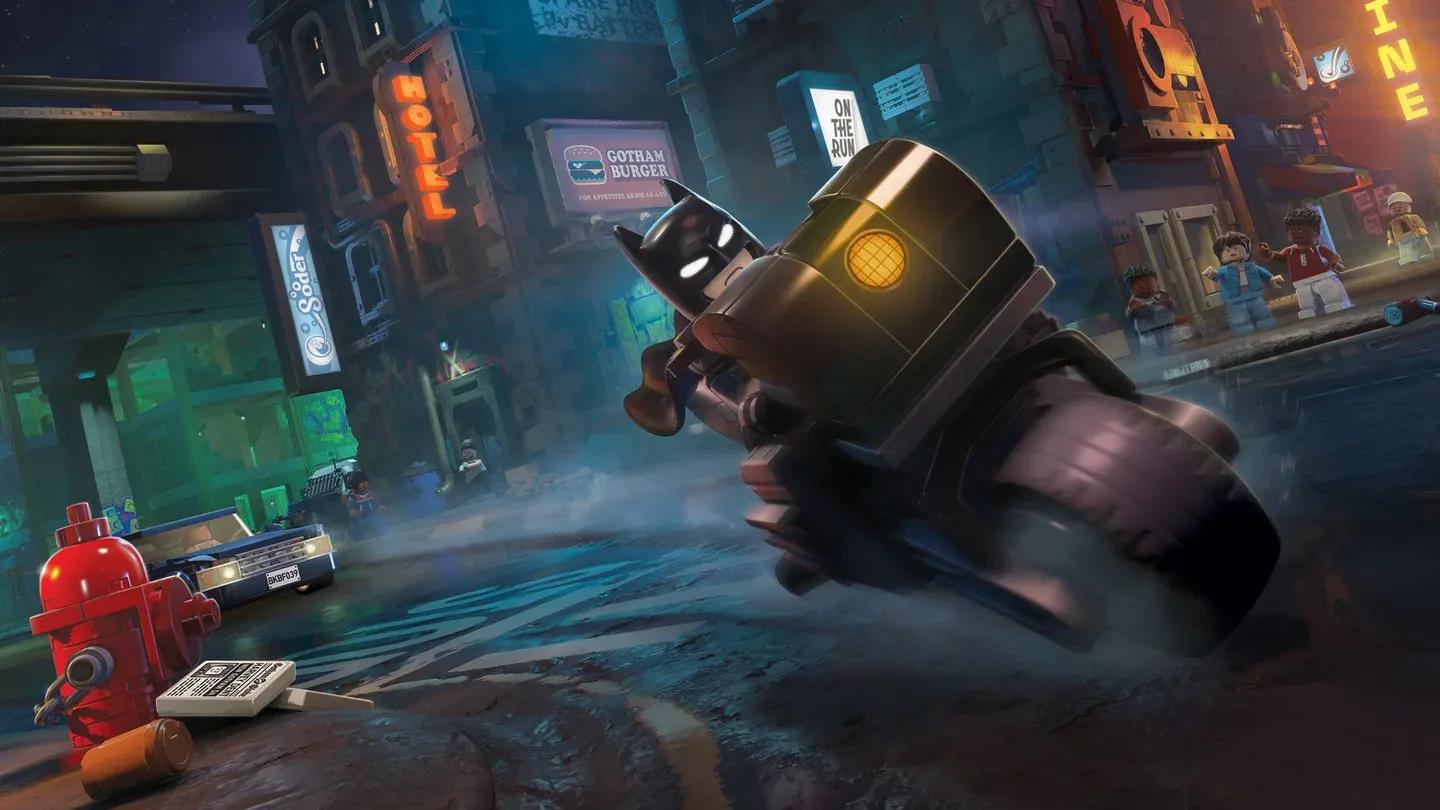
Local co-op split-screen view


How do you start local co-op?
Getting into co-op is about as simple as it gets. Connect a second controller to your console or PC, then press Start on that controller. The game immediately assigns the second player to the companion character already present in the level. No menus to navigate, no lobby to set up.
Once the second player joins, the screen splits vertically: player one takes the left side, player two takes the right. Both players can move independently through the level from that point.
How do you drop out of co-op?
If the second player needs to leave, they do not have to quit the whole session. Open the Pause Menu and hold the Drop Out button. This removes player two from the session and returns the game to single-player without affecting progress or forcing a restart.
This drop-in, drop-out system means you can play solo, hand a controller to someone for a section, and then take it back without any friction.
For players who enjoy adventure games with a friend on the same couch, the local co-op here works well. The vertical split-screen gives each player enough space to navigate independently, which matters in a game where characters regularly split up to solve puzzles or reach different areas.
Tips for playing local co-op effectively
- Communicate before splitting up. The vertical split-screen means both players can move independently, but puzzle solutions often require coordination.
- The second player controls the companion character. You do not get to choose your character freely when joining as player two; you take whoever is accompanying the main character in that section.
- Progress saves normally. Dropping out mid-level does not reset anything. The game tracks your collective progress regardless of whether you finish a section in co-op or solo.
- Both players share the same session. There is no separate save slot for co-op. Any studs collected, collectibles found, or progress made in co-op carries over to the main save.
For everything else the game has to offer, the full LEGO Batman: Legacy of the Dark Knight guide collection covers walkthroughs, puzzles, collectibles, and more.