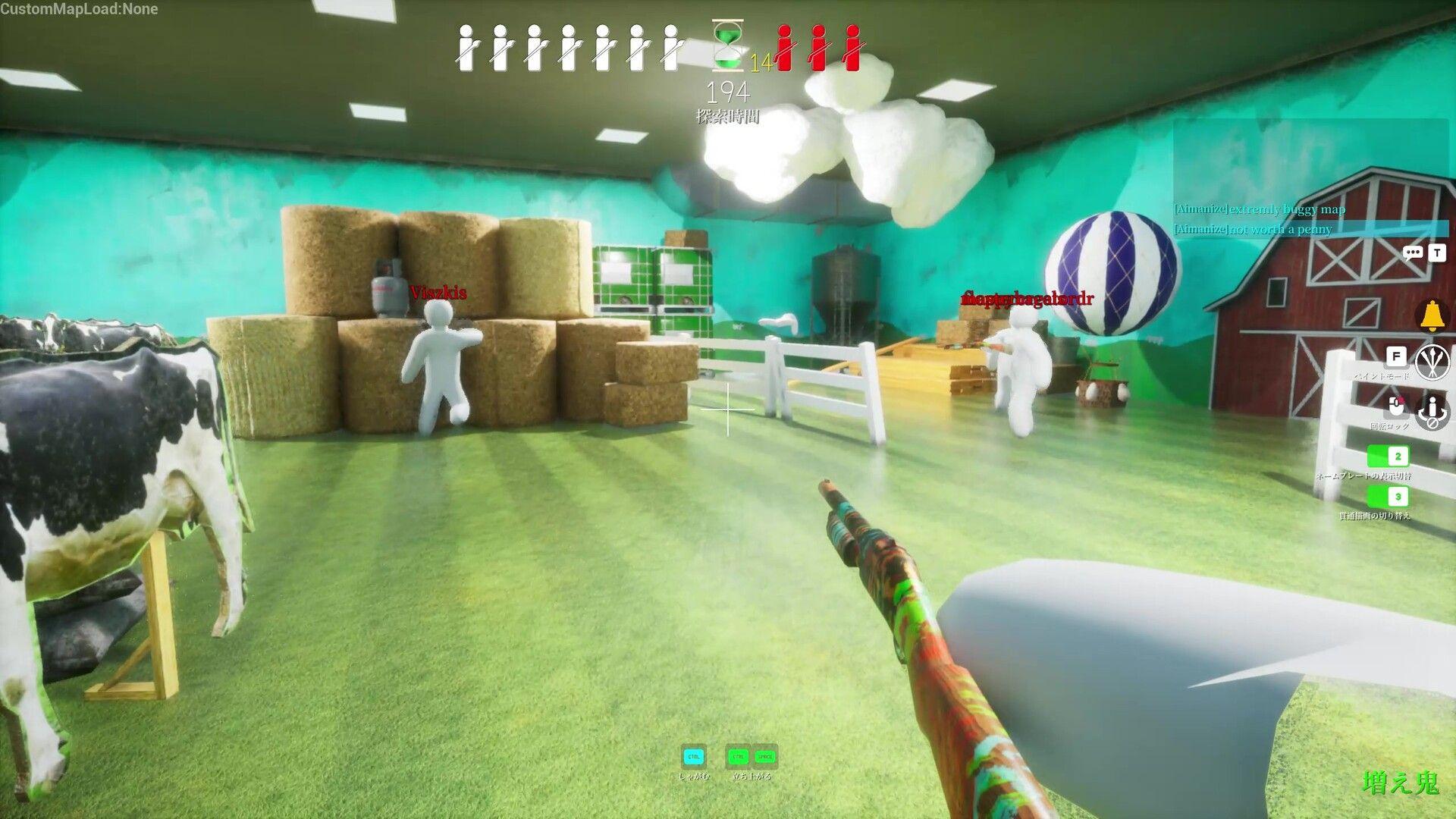


MECCHA CHAMELEON has been picking up steam since its launch, and the reason is straightforward: hiding from your friends while blending into the environment is a completely different experience from hiding from strangers. The core loop splits players into hiders and seekers, and the tension scales directly with how well you know the people you're playing against. Before you drag your friends into a lobby, here's exactly what you need to know about player counts and private room setup.
How many players can join a Meccha Chameleon lobby?
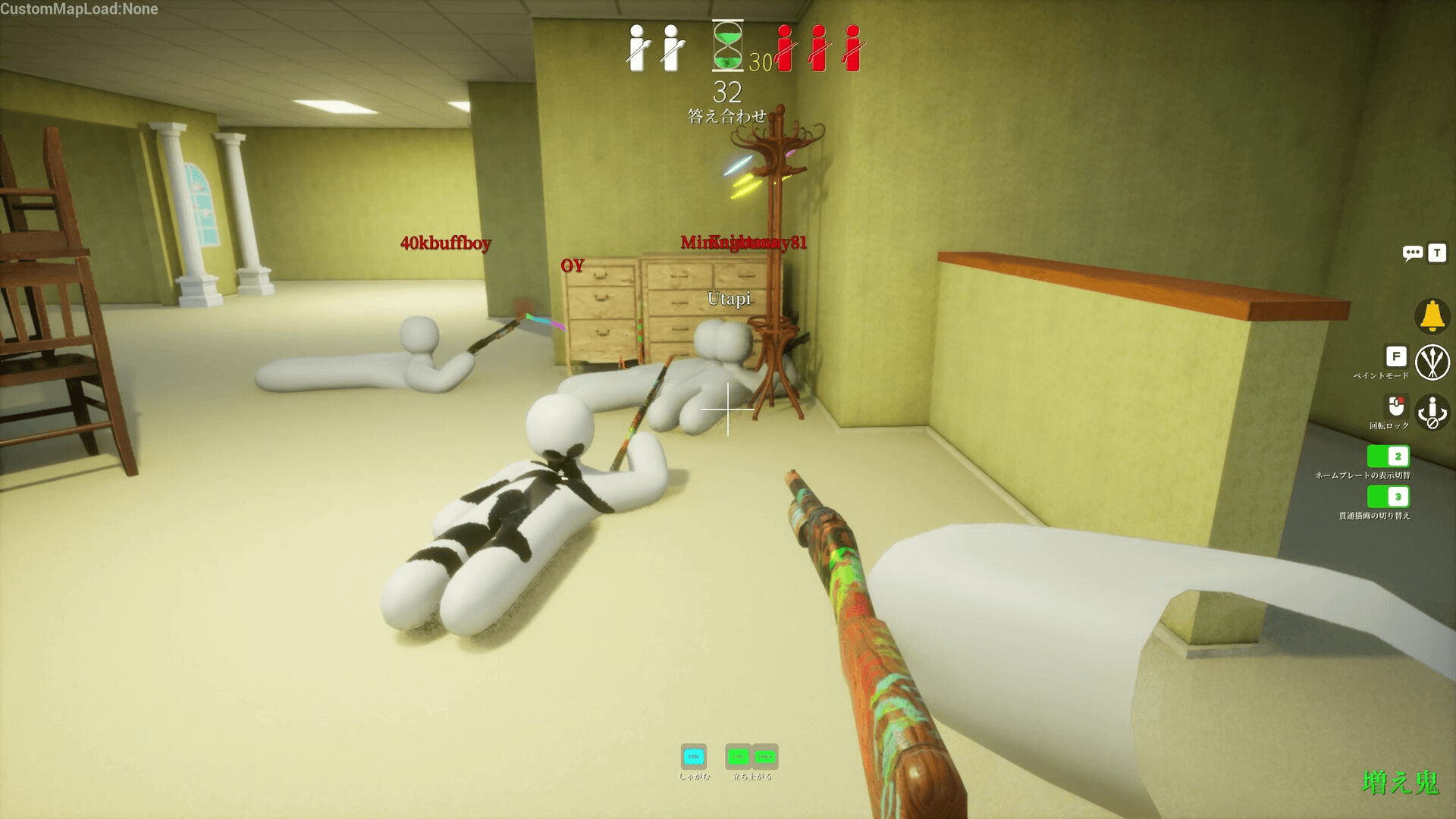
The game does not enforce a hard cap on lobby size. The recommended player count sits between 2 and 10, and that range exists for a practical reason: session quality depends almost entirely on the host's internet connection. A player with a strong, stable connection can technically support more than 10 players, but doing so risks connectivity problems for everyone in the session.
There's one rule worth knowing before you pick your host: if the host disconnects, the entire session ends immediately. No migration, no continuation. The session is just gone. That makes host selection the single most important decision before a match starts.
How Many Players Can Play Meccha Chameleon?
What's the ideal player count for the best experience?
Based on how the hider-seeker split works, sessions with 4 to 8 players tend to hit the sweet spot. Too few players and the seeker has almost nothing to find. Too many and connectivity strain becomes a real concern unless the host has a genuinely fast and stable connection. Staying under 10 is the safest call for most groups.
How to set up a private game with friends
Getting a private lobby running takes a few steps, but the process is the same regardless of which of the three available modes you want to play.
The player who wants to host creates a room first. Once the room is live, the host needs to share three things with the group: the room name, the password, and any other relevant details. Keeping the room set to private is non-negotiable if you want to avoid random players joining mid-setup.
From there, each friend searches for the room by name and enters the password to join. Once everyone is in the lobby, the host selects the mode and starts the round. Mode selection happens at the start of each round, so you can switch things up between games without creating a new room.
What modes are available in Meccha Chameleon?
The current build includes three distinct modes. The host picks the active mode at the start of each round, meaning your group can rotate through all three in a single session without any additional setup. The hider-seeker structure stays consistent across all three, so the lobby setup process never changes.
Tips for a smooth private session
A few things that make a noticeable difference once your group is playing regularly:
- Choose the host carefully. Connection quality determines session stability. The person with the fastest upload speed should host.
- Stay under 10 players. Even if the game technically allows more, the recommended ceiling exists for a reason.
- Keep the room private. Public rooms invite random players who can disrupt a coordinated group session.
- Share room details before everyone is ready to join. Waiting on one player to find the right room name kills momentum.
For more on getting the most out of every session, the MECCHA CHAMELEON strategy guides cover the game's mechanics in depth. If you're still deciding whether this fits your group's taste in casual games, the hide-and-seek format plays well with any group size from 2 upward, though the sweet spot is clearly in the middle of that range.