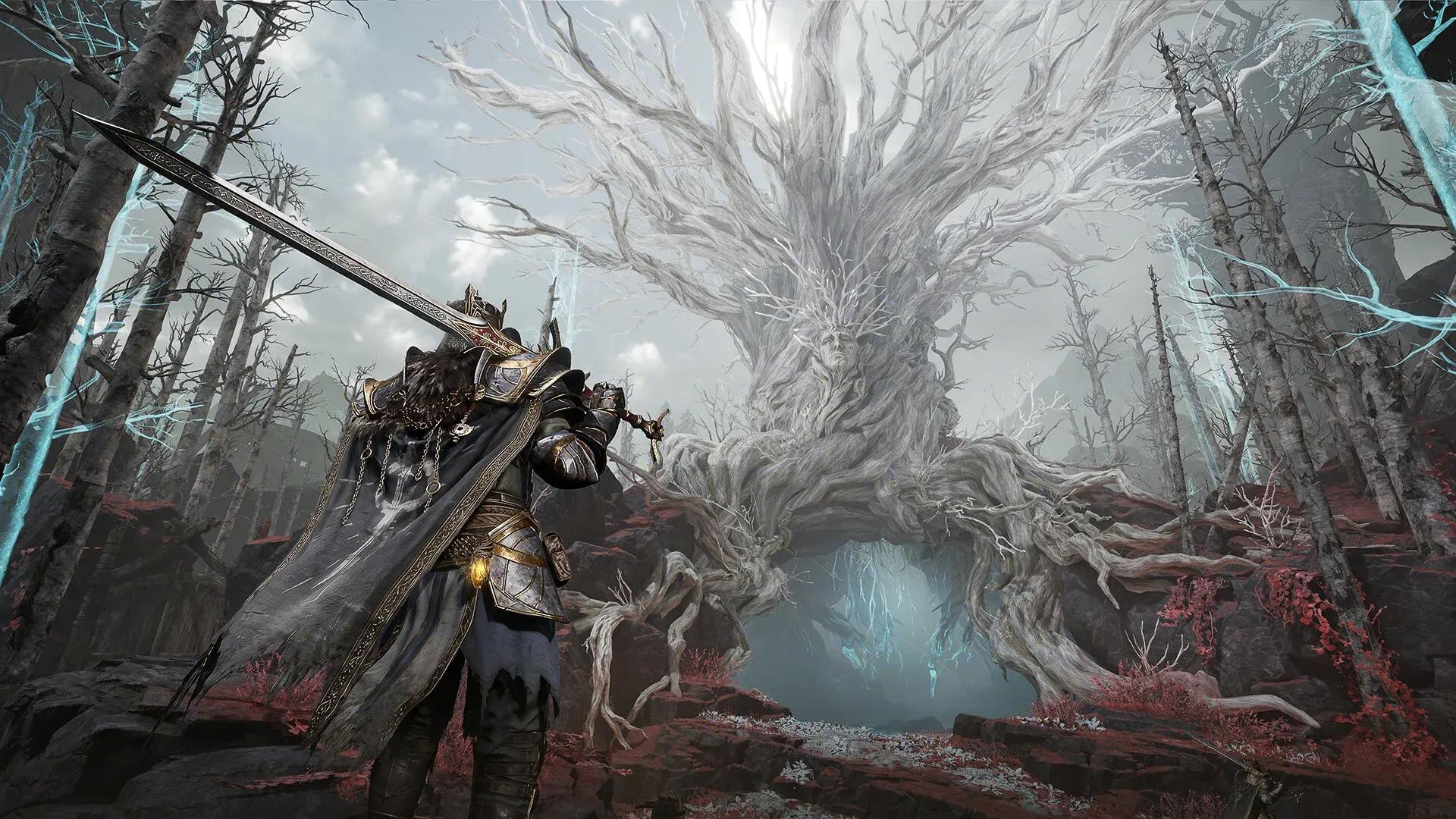


Mistfall Hunter launched on PC and consoles, and while the game runs fine on paper, even systems that clear the recommended specs can hit stutters and frame drops without some manual tweaking. The good news is that a handful of targeted changes make a real difference. After testing across different frame rate caps and quality presets, a specific config stands out for delivering smooth, consistent performance, especially for rigs sitting closer to the minimum requirements.
What are the best graphics settings for Mistfall Hunter?
The single biggest performance lever in Mistfall Hunter is the Frame Rate Limit. Setting it to 60 produces noticeably smoother results than running at 90 or Unlimited, both of which introduce stutters even on capable hardware. That might feel like a step back, but 60 FPS with no hitches plays far better than 90 FPS that drops unpredictably.
Here is the full recommended config:
Why turn off Ray Tracing and Motion Blur?
Ray Tracing is the most expensive setting on this list by a significant margin. Disabling it frees up GPU headroom that goes directly toward stable frame delivery. The visual difference in Mistfall Hunter is subtle enough that most players will not notice it mid-hunt.
Motion Blur is off for a different reason. It adds processing overhead while actively making fast movement harder to read. Turning it off is a straight improvement for both performance and clarity.
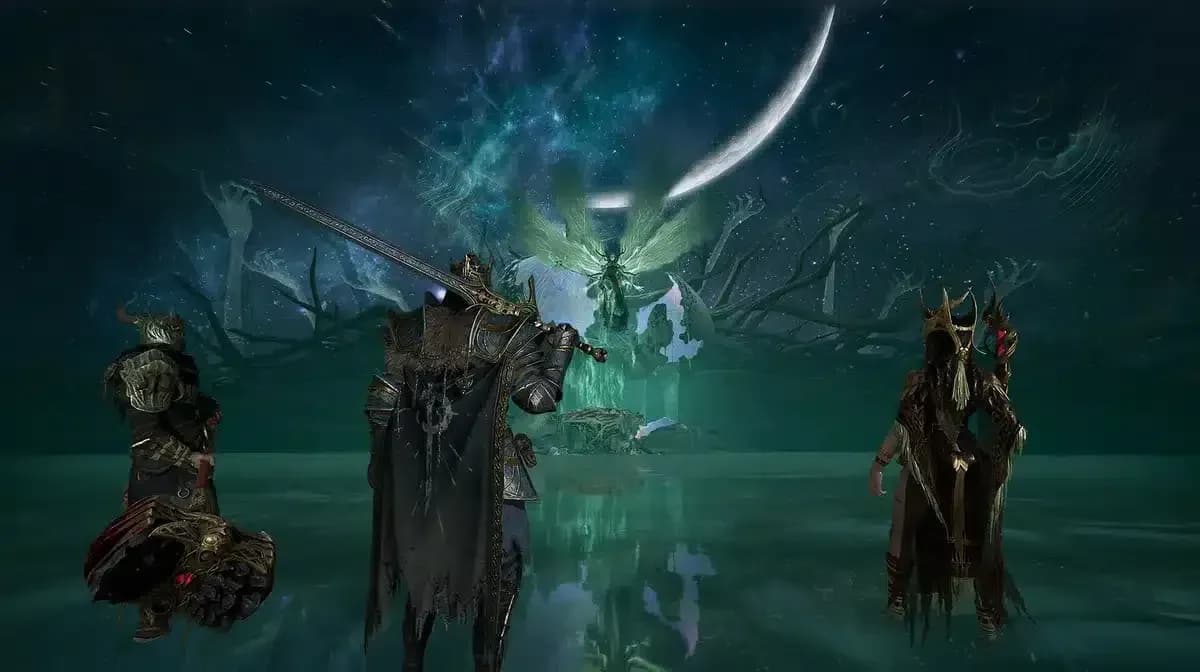
Ray tracing off saves GPU headroom
How should you set up anti-aliasing in Mistfall Hunter?
The right choice here depends entirely on your GPU brand. FSR (FidelityFX Super Resolution) is the option for AMD cards, while TSR (Temporal Super Resolution) is the better pick on Nvidia hardware. Both upscaling methods recover performance that native resolution would otherwise cost you.
For FSR Mode, Balance gives the best middle ground between image quality and frame rate. Drop to Performance if you are still short on headroom after applying the rest of the config.
Does Window Mode affect performance?
For most players, Borderless Window is the right call, particularly if you run multiple monitors or alt-tab frequently. It keeps the game rendering at full resolution without the input overhead that full-screen exclusive mode can introduce on some systems. If you are on a single-monitor setup and want every last frame, full-screen exclusive is worth testing.
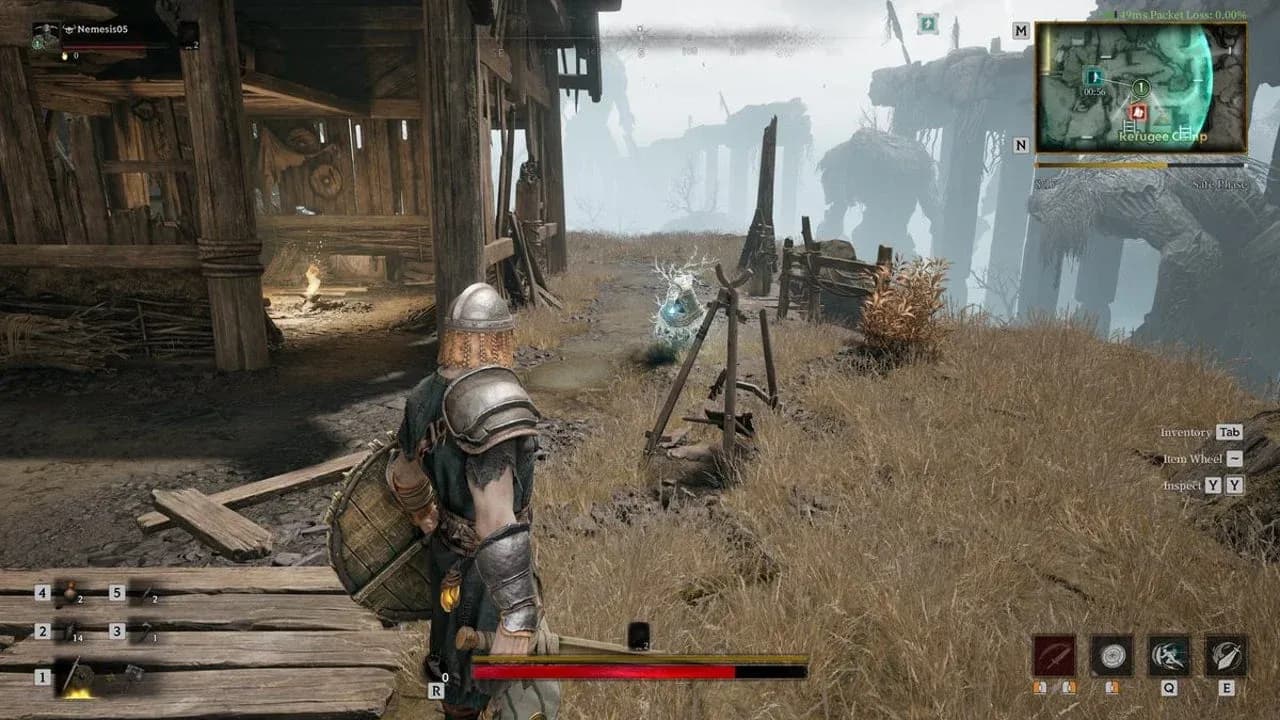
Graphics settings config screen
Which settings can you push higher without hurting performance?
View Distance at Moderate or High has a smaller performance cost than most players expect in Mistfall Hunter. Keeping it up helps with spotting enemies and objectives at range, which matters more here than in games where combat is always close-quarters.
Global Illumination at Moderate and Post-Processing at Moderate both preserve a decent visual quality floor without the cost spikes that High or Ultra settings introduce. These are worth leaving at Moderate rather than dropping to Low.
Shadow Quality is the one setting where Low is genuinely the right call. Shadows are expensive and the quality difference between Low and Moderate is hard to spot in motion.
Getting the most out of Mistfall Hunter beyond settings
Graphics settings get you stable performance, but how you build your character has just as much impact on how the game feels to play. Check out the Mistfall Hunter class tier list to see which classes are performing best right now, and if you are still getting started, the Mistfall Hunter release date guide covers everything you need to know about the launch window and regional start times.
For a full collection of tips covering quests, builds, and progression, the Mistfall Hunter guides hub has everything in one place.