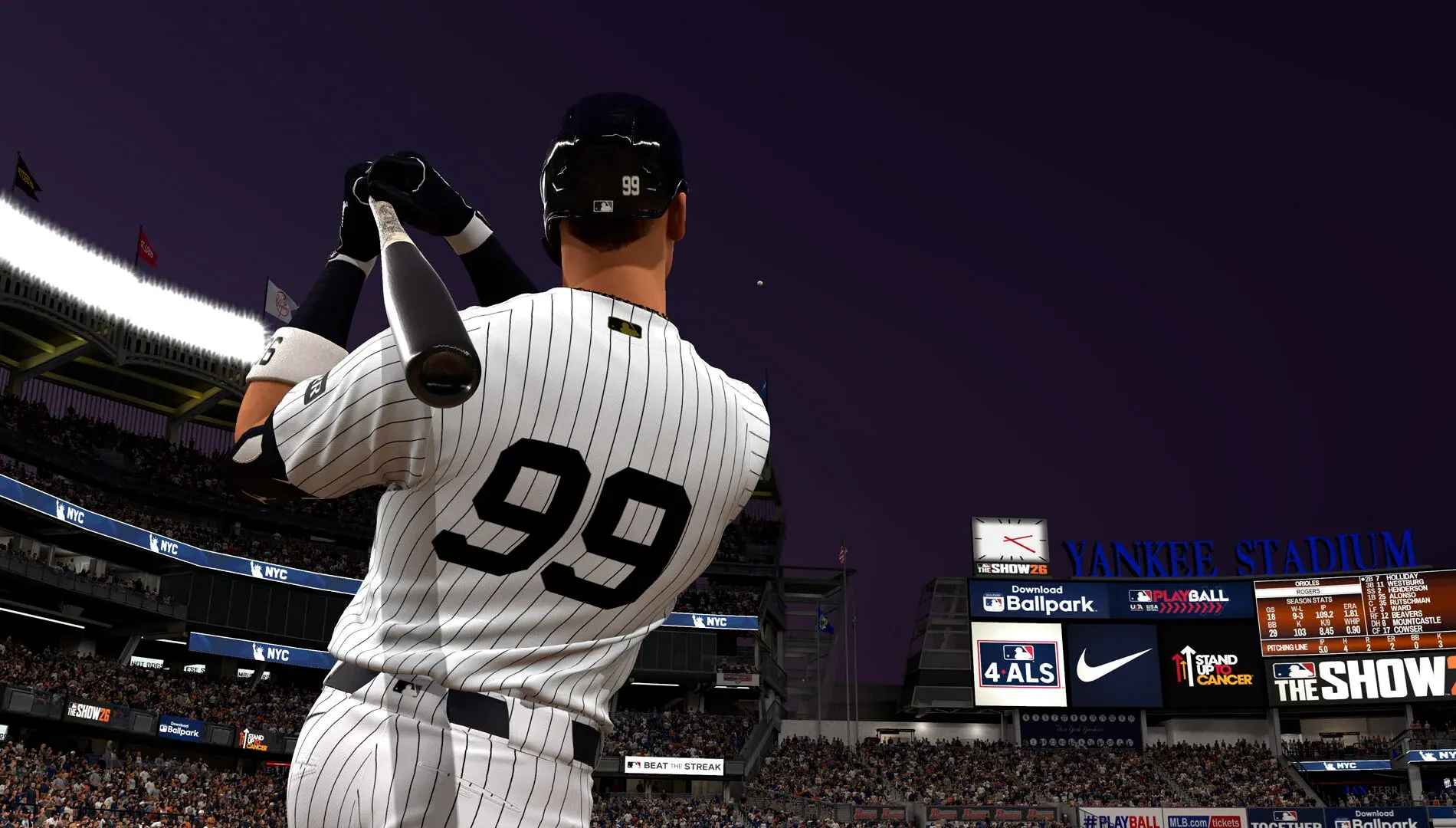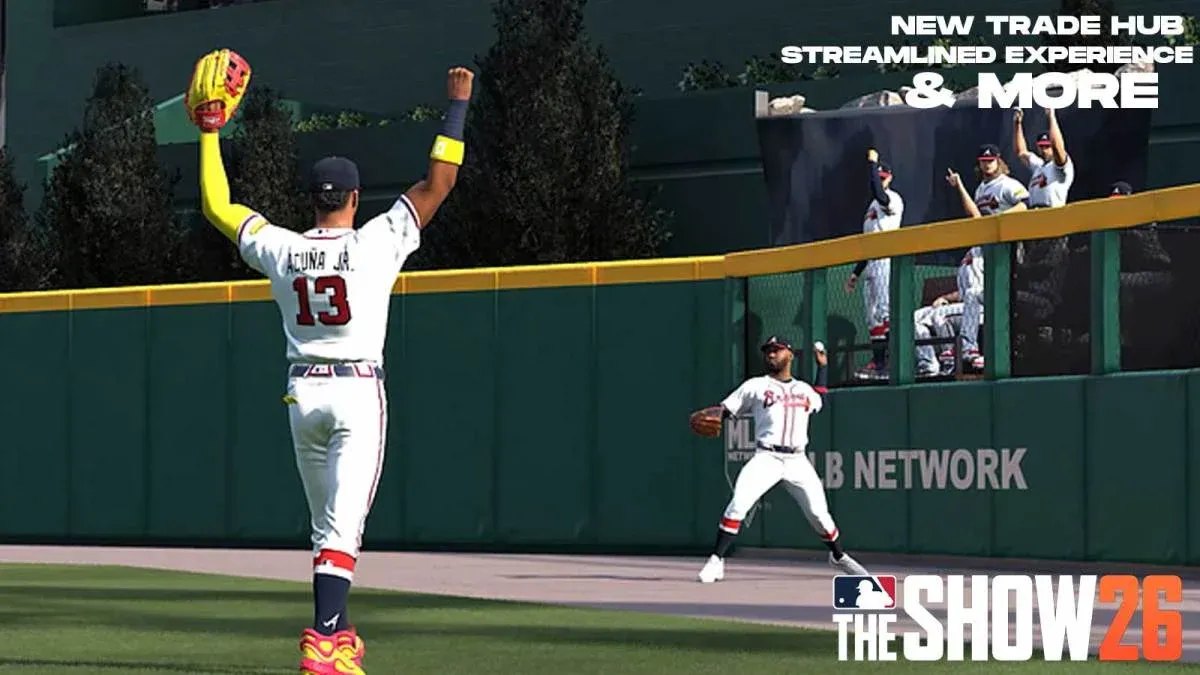
MLB The Show 26 brings the most significant overhaul to Franchise Mode in years, and the centerpiece is a brand new Trade Hub that changes how you build your roster from the ground up. San Diego Studio (SDS) didn't just tweak a few sliders here. They rethought how trades work, how opposing GMs behave, and how your lineup decisions ripple through an entire season. Whether you're rebuilding from scratch or chasing a championship, this guide breaks down everything you need to know.

New Trade Hub main screen
What Is the New Trade Hub in MLB The Show 26?
The Trade Hub is SDS's one-stop destination for all roster transactions inside Franchise Mode. Think of it as a dedicated command center where you can monitor the trade market, submit offers, track rumors, and manage up to 4 trade slots simultaneously. That last point is a notable upgrade: the previous limit meant you had to be selective about who you were targeting at any given time. Now you can cast a wider net and negotiate with multiple teams at once.
This centralized interface was designed to deliver more control and more realism in a single screen. Every deal you initiate or receive passes through this hub, making it easier to stay on top of a busy deadline period without losing track of pending offers.

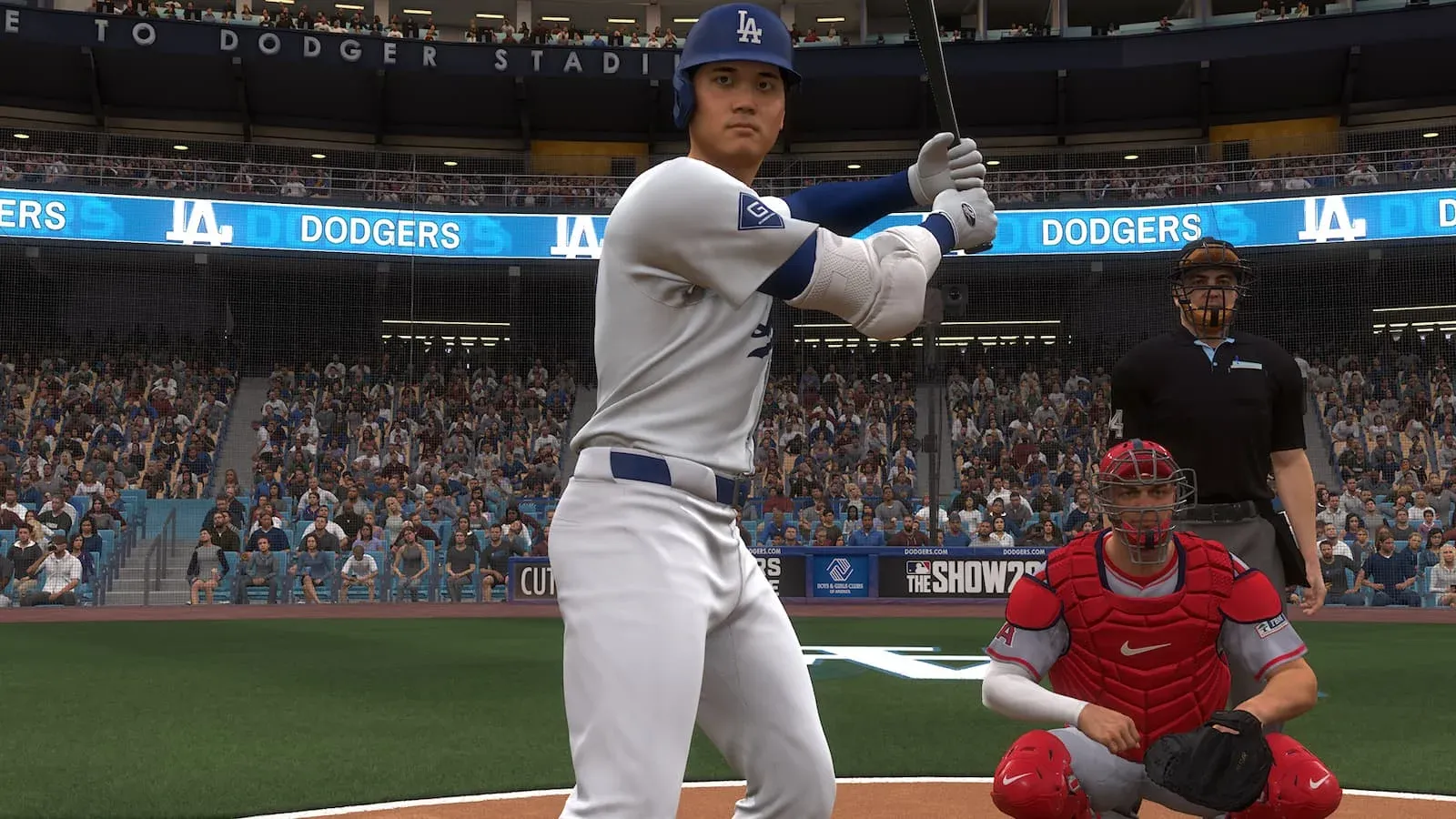
How Does the Overhauled Trade Logic Work?
This is where MLB The Show 26 separates itself from previous entries. Trade logic has been rebuilt from the ground up, and the AI now factors in a much broader set of variables when deciding whether a deal makes sense.
Here's what opposing teams weigh before accepting or rejecting your offer:
- Team performance and playoff contention status — a contending team wants impact players now, not prospects
- Farm system ranking — rebuilding clubs prioritize young talent with multiple years of team control
- Market size — small-market franchises are far less likely to absorb large contracts
- Division rivalries — teams will actively avoid trading key players to direct division competitors
- Position availability — if a position is already flooded on the trade block, your asking price drops accordingly
- Player designation — both you and CPU teams can mark players as Untouchable, making them nearly impossible to acquire
What most players will notice immediately is how rebuilding teams behave differently from contenders. A last-place club will happily part with an aging star if you're sending back controllable prospects. A team sitting two games out of a Wild Card spot? They want the finished product, and they'll pay for it.
Trade logic factor breakdown
Trade Rumors and the Fog of War
One of the most interesting additions to the new system is the Trade Rumor screen, which introduces a genuine fog of war around the deadline. You'll find blog posts and forum-style entries hinting at which players might be available, but the accuracy of that information isn't guaranteed.
This means you can't simply scan a list of available players and cherry-pick the best ones. You need to read the market, make educated guesses, and sometimes act on incomplete information. It's a much closer simulation of how real front offices operate during July, and it adds a layer of tension that was missing before.
Because trades now take time to process, you can submit offers to multiple teams while waiting on a response. However, if you sit on a decision too long, your trade partner may close a deal with another team and take that player off the market entirely.
Smarter AI General Managers: What Changed?
SDS didn't just update the trade logic formulas. The opposing GMs themselves are smarter this cycle. They'll identify roster needs more accurately, pursue players that fit their team's window, and resist offers that don't align with their organizational strategy.
The practical effect is that you can no longer exploit obvious mismatches or send lopsided offers and expect them to go through. If a contending team needs a closer and you're offering a Double-A reliever, expect a rejection. The AI reads context now.
| Feature | Previous Entries | MLB The Show 26 |
|---|---|---|
| Trade Slots | 3 maximum | 4 maximum |
| Instant Trades | Available | Removed |
| AI Valuation Factors | Basic (age, rating) | Advanced (standings, market size, division, farm rank) |
| Untouchable Players | Not available | Player and CPU designated |
| Trade Rumors | None | Fog of War rumor screen |
| Rebuild vs. Contend Logic | Limited | Fully differentiated |
How Does Lineup and Rotation Logic Improve?
Beyond trades, SDS updated how CPU teams construct their batting orders and pitching rotations to better reflect modern MLB trends. You won't see pure speed guys slotted at the top of the order just because they're fast, and the second spot in the lineup will be reserved for high-contact, high-OBP types rather than whoever happens to be available.
Secondary positions now factor more heavily into lineup decisions, which means a player who can cover multiple spots on the field becomes more valuable to CPU teams and should be more valuable to you as well.
On the pitching side, bullpen logic received meaningful attention:
- Relievers are used on a more realistic rotation to prevent overuse
- You can now designate a bullpen game, allowing you to pitch a full game using only your relief corps
- Regression logic was updated so that aging players who continue to perform above expectations see their decline slowed to match their actual output

Lineup and rotation builder
What Is the Streamlined Experience and Who Is It For?
SDS replaced March to October with a new Streamlined experience designed for players who want to manage a team without committing to full 162-game seasons. In this mode, you focus on a single franchise and sim through the bulk of the schedule, only jumping in during high-stakes late-inning situations.
A typical Streamlined season runs roughly 94 games, though you can customize that number to fit your schedule. The mode offers more control than March to October did while still keeping the time investment manageable.
For veteran Franchise Mode players, the Full Control experience remains intact with all the depth you'd expect.

Streamlined vs Full Control select
Key Tips for Mastering the New Trade System
Now that you understand the systems, here's how to put them to work:
- Read your team's window honestly. If you're rebuilding, don't chase expensive rentals. The AI won't give them to you cheaply, and your farm system is your currency.
- Use all 4 trade slots. Submit offers to multiple teams for the same need and let the responses come in. The best deal might not be the first one.
- Watch the rumor board before the deadline. Acting on early intelligence, even imperfect intelligence, gives you an edge over waiting for certainty.
- Designate your core as Untouchable. This signals to the AI and protects you from accidentally accepting a bad deal during a negotiation.
- Factor in market size when targeting players. Small-market teams holding big contracts are your best trade partners. They want out, and you can capitalize.
- Don't neglect secondary positions. A player who qualifies at two spots gives you lineup flexibility that the new logic actually rewards.
For a closer look at how these updates landed in the final product, the official patch notes for Game Update 2 cover additional fixes to the Trade Hub, including a resolved cursor bug in Trade Hub screens and duplicate trade alert corrections that affected earlier builds.
If you want a broader picture of every gameplay and Diamond Dynasty fix that shipped alongside these Franchise changes, the full MLB The Show 26 patch notes breakdown covers everything in one place.
For more sports gaming guides, tips, and the latest news across every major title, browse the latest guides at GAMES.GG to stay ahead of the meta.