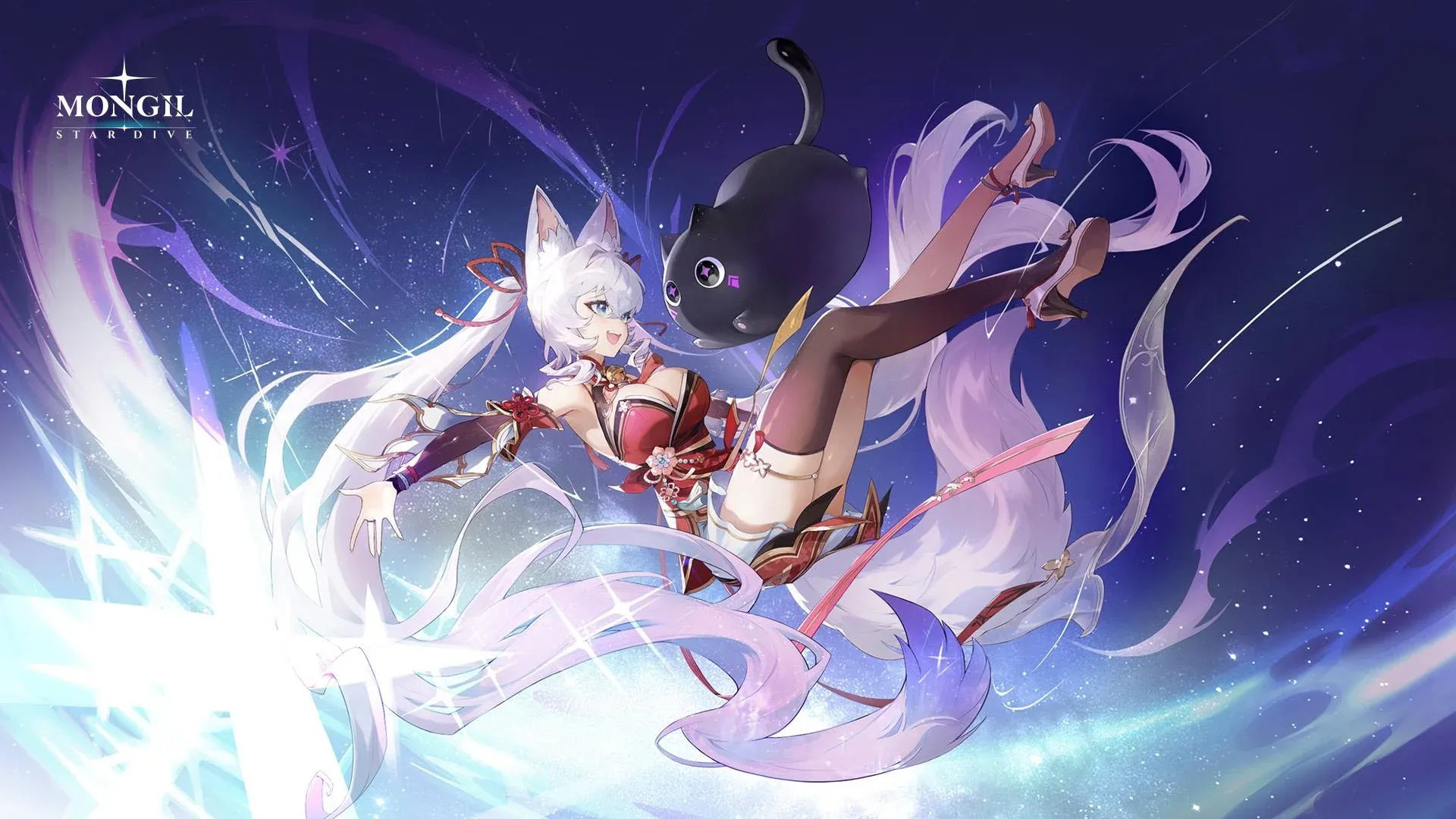


Getting your settings right before you start playing Mongil Star Dive is one of those small things that makes a big difference. The wrong graphics configuration tanks your frame rate, bad audio balance buries voice lines under SFX noise, and default keybinds might not suit your playstyle at all. Here's exactly what to change and why, based on the settings available across PC and mobile.
PC graphics settings: what actually matters
The PC version gives you the most control, with a full suite of individual sliders and toggles that mobile simply doesn't have. The first thing to do is set Overall Graphics to Custom rather than one of the presets. Presets exist for convenience, but they rarely match your hardware precisely.
Here's the full breakdown of recommended PC graphics settings for Mongil Star Dive:
What's the difference between TAA and FXAA for anti-aliasing?
TAA (Temporal Anti-Aliasing) produces cleaner, more stable edges than FXAA (Fast Approximate Anti-Aliasing) but costs slightly more GPU performance. For most modern systems, TAA is the better choice. If you're on a lower-end machine and noticing frame drops, switching to FXAA recovers some headroom without a dramatic visual hit.
PC audio settings: balancing the mix
All audio settings in Mongil Star Dive are listed as User Preference, meaning there's no single correct answer. That said, setting Voice Volume slightly higher than BGM and SFX keeps character dialogue audible during busy combat sequences. The Play audio when unfocused toggle pauses all sound when you tab out, which is worth enabling if you play with the game in the background.
PC language settings
Mongil Star Dive supports 12 text languages including English, Japanese, Korean, German, Spanish, French, Portuguese, Russian, Thai, Traditional Chinese, Simplified Chinese, and Bahasa Indonesia. Voice-over options are more limited: English, Japanese, and Korean are the three available dubs. You can mix and match text and voice languages independently, so running English text with Japanese voice-over is fully supported.
PC keybinds: what you can and can't change
Mongil Star Dive supports customizable keybinds on PC, and the defaults are intuitive. Open the settings menu to view and remap keys to your preference.
One important limitation: controller remapping is currently restricted. Most controller bindings are locked and cannot be changed, with only a handful of buttons available for remapping. If you rely heavily on a controller, this is worth knowing before you commit to a setup.
Mobile settings: what's available?
The mobile version of Mongil Star Dive has a smaller settings footprint than PC. There are no dedicated graphics sliders on mobile, which makes sense given the range of hardware the game needs to support. What you do get is the same audio configuration and the same language options.
The voice volume tip from the PC section applies here too. Bumping Voice Volume slightly above the other channels keeps dialogue clear when combat effects get loud.
Why bother optimizing settings at launch?
Gacha action RPGs like Mongil Star Dive often involve extended play sessions, daily login routines, and content that rewards fast, precise inputs. Getting your frame rate stable and your audio balanced early means one less variable when you're learning combat timing or pushing through harder content. The settings above prioritize visual quality where it matters (render distance, textures, anti-aliasing) and give you clear guidance on where to cut first when performance becomes an issue.
For more help getting started, browse more guides covering everything from tier lists to combat tips across the biggest games right now.