
Introduction
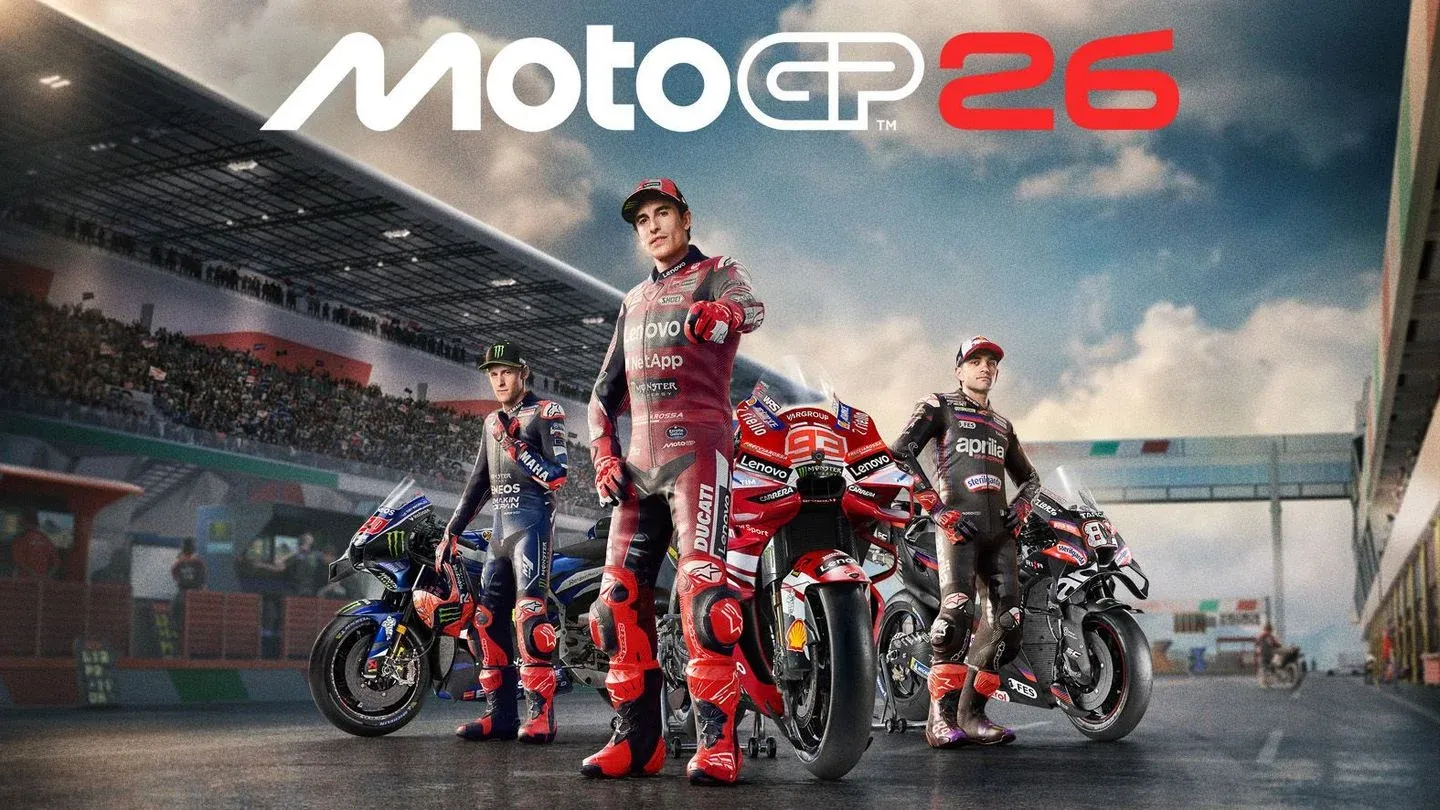
MotoGP 26 is not a forgiving game. Milestone's latest entry in the series introduces rider-based handling, which means you're no longer steering the bike directly. You're managing the rider's weight, inputs, and body position, and the bike responds accordingly. If you were fast in MotoGP 25, expect a learning curve. If you're new to the series, expect a steeper one. This guide breaks down exactly what changed and how to work with the new system instead of against it.
What is rider-based handling in MotoGP 26?
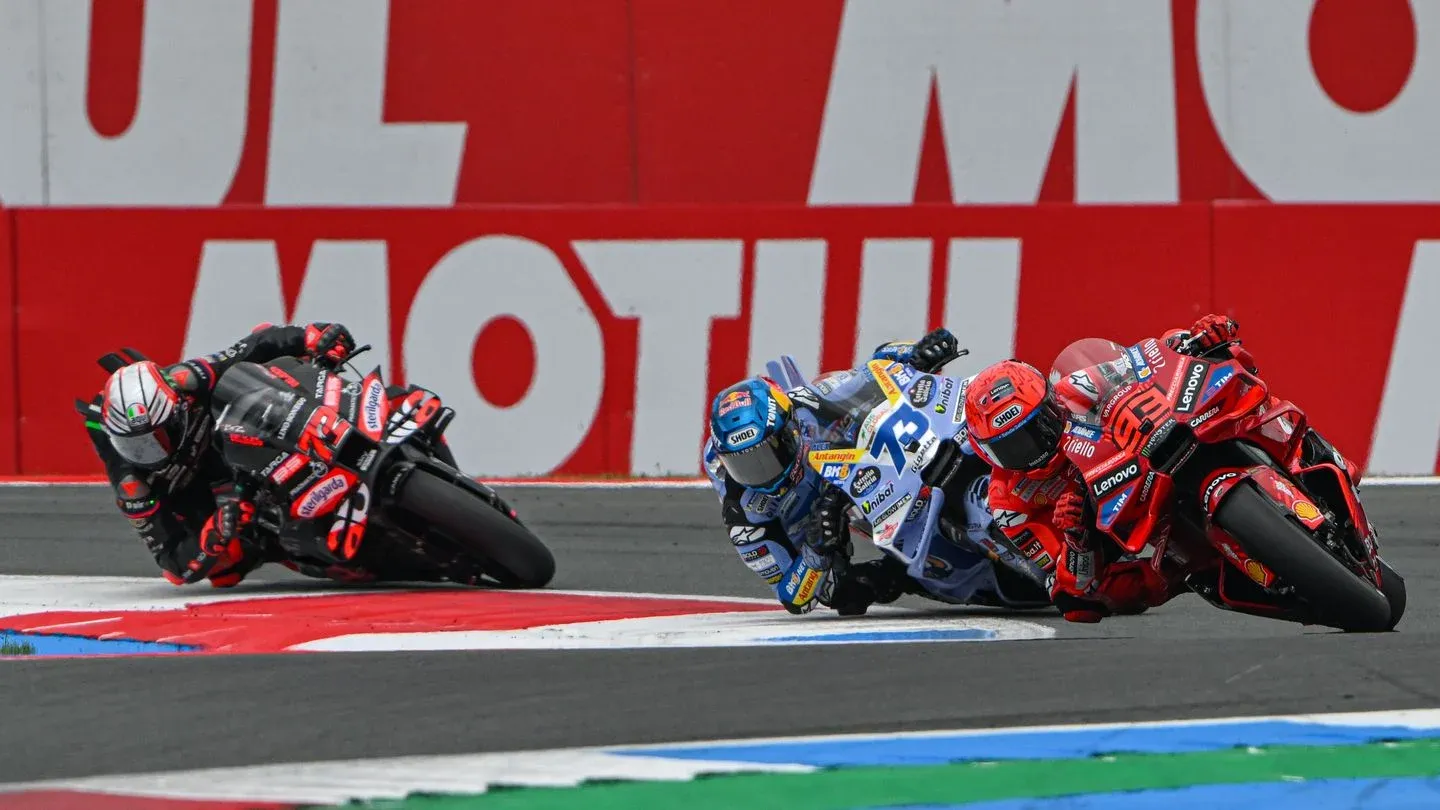
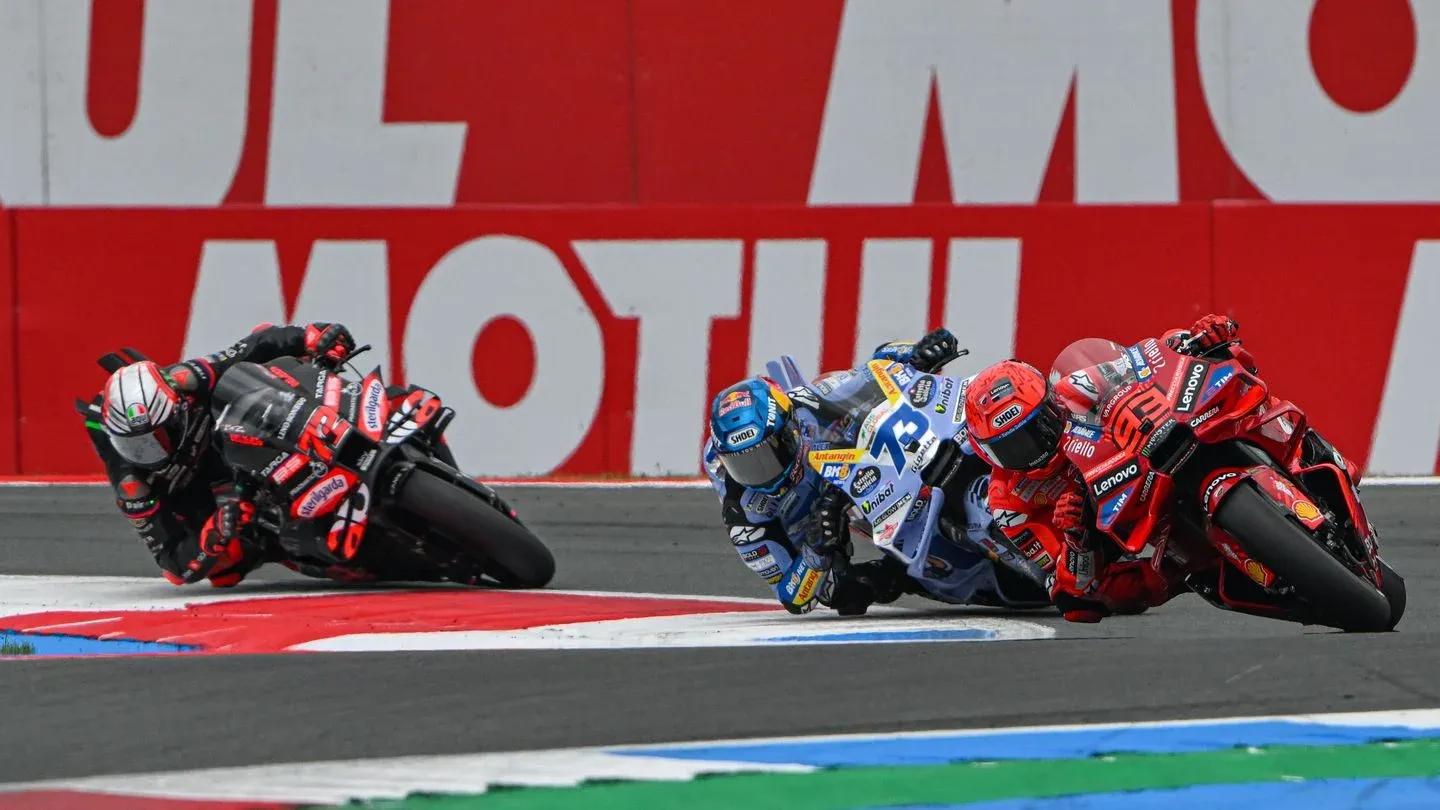
The core shift in MotoGP 26's physics is that player input now controls rider movement rather than the bike directly. Lean angles, weight shifts, and body positioning all feed into how the bike behaves through corners, under braking, and on corner exits. ven players who were competitive in MotoGP 25 will need to relearn fundamentals because the feedback loop between input and bike response has changed significantly.
The practical result: subtle inputs matter more than ever, and aggressive, ham-fisted control will punish you immediately. The game does offer an Arcade physics mode and a neural braking assist for players who want a more accessible experience, but the tips below assume you're running the full simulation model.
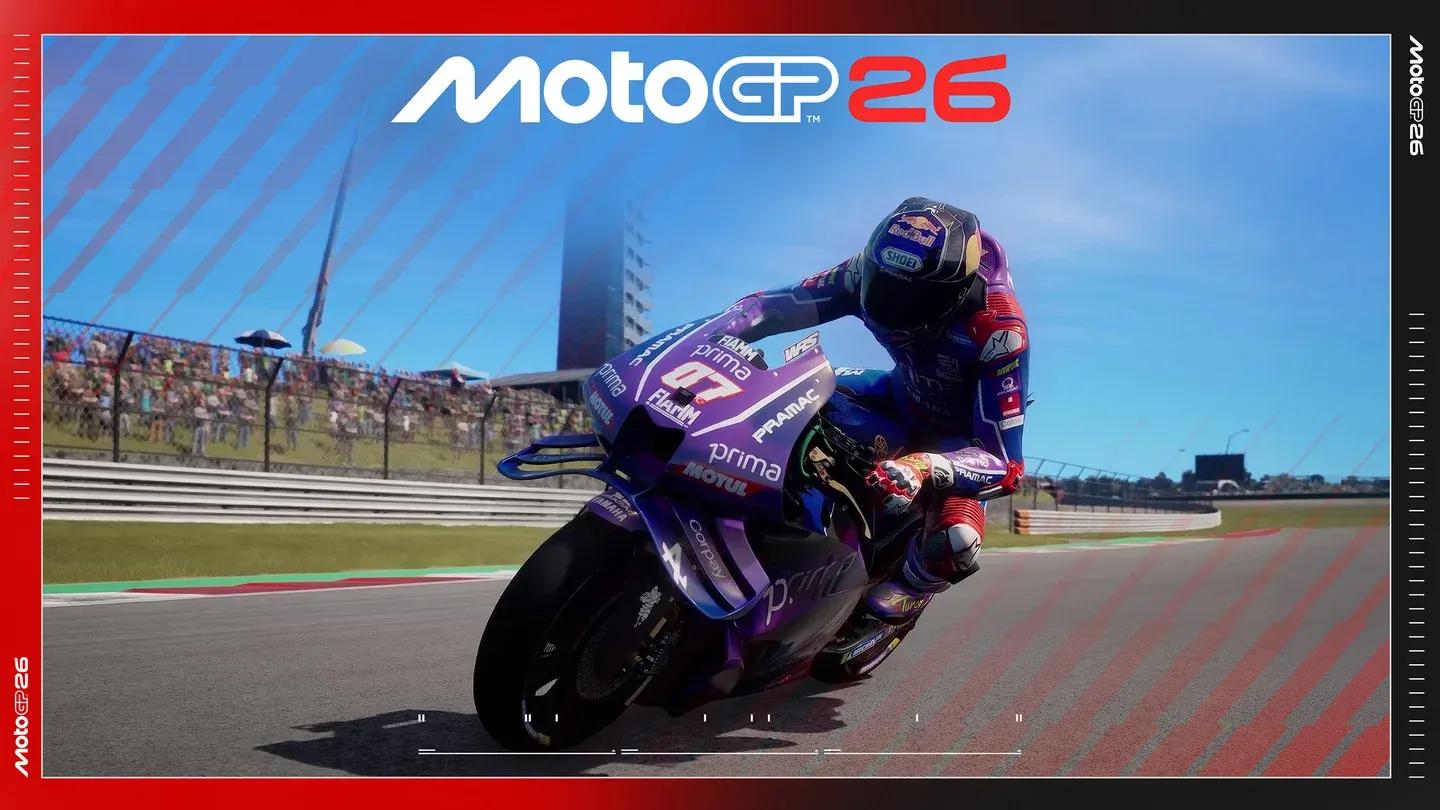
Physics mode selection screen

How to brake without crashing
Set your front brake max to 50%
The single most effective change you can make right away is capping your front brake input at 50% maximum. You can do this either by using a trigger lock on your gamepad or by adjusting controller input parameters in the game's settings.
Here's why this matters: holding 100% front brake pressure for more than half a second actively reduces your stopping power, hurts your turn-in, and limits how much lean angle you can apply. The front tire needs to rotate freely for the rider to lean into a corner. Lock it up and the rider sits the bike upright instead of committing to the corner, which reads as a wet-weather riding response even on a dry track.
The Epic Games Store guide describes this as a subtle cue from the game's rider-based system telling you that the front tire can't rotate optimally under excessive brake pressure. Once you internalize the 50% principle, you can return inputs to default and practice applying 50-75% pressure manually on the left trigger.
Use the rear brake in short stabs
The rear brake is not a hold-down device. In the real sport, riders like Brad Binder and Ai Ogura use rear brake to deliberately create slip angle at corner entry, locking the rear wheel briefly to rotate the bike aggressively while carrying more speed. You can attempt that technique too, but if you'd rather keep things manageable, use the rear brake in short taps for supplementary stopping power.
Apply those taps while the bike is still tracking straight in the braking zone, before you introduce any lean angle. Mixing rear brake with lean angle before you've built confidence in the system is a reliable way to end up in the gravel.
How to nail the braking zone approach
Body position under braking is where most players lose time and stability. Because MotoGP bikes transfer significant weight forward under hard braking, you need to shift the rider's weight rearward before the brakes go on.
The input sequence to commit to memory, come off throttle, pull the left stick back to shift weight rearward, apply brake pressure, then rotate the left stick from the six o'clock position to either nine or three o'clock as you lean into the corner. That sequence keeps rider movement smooth through the most demanding part of the lap.
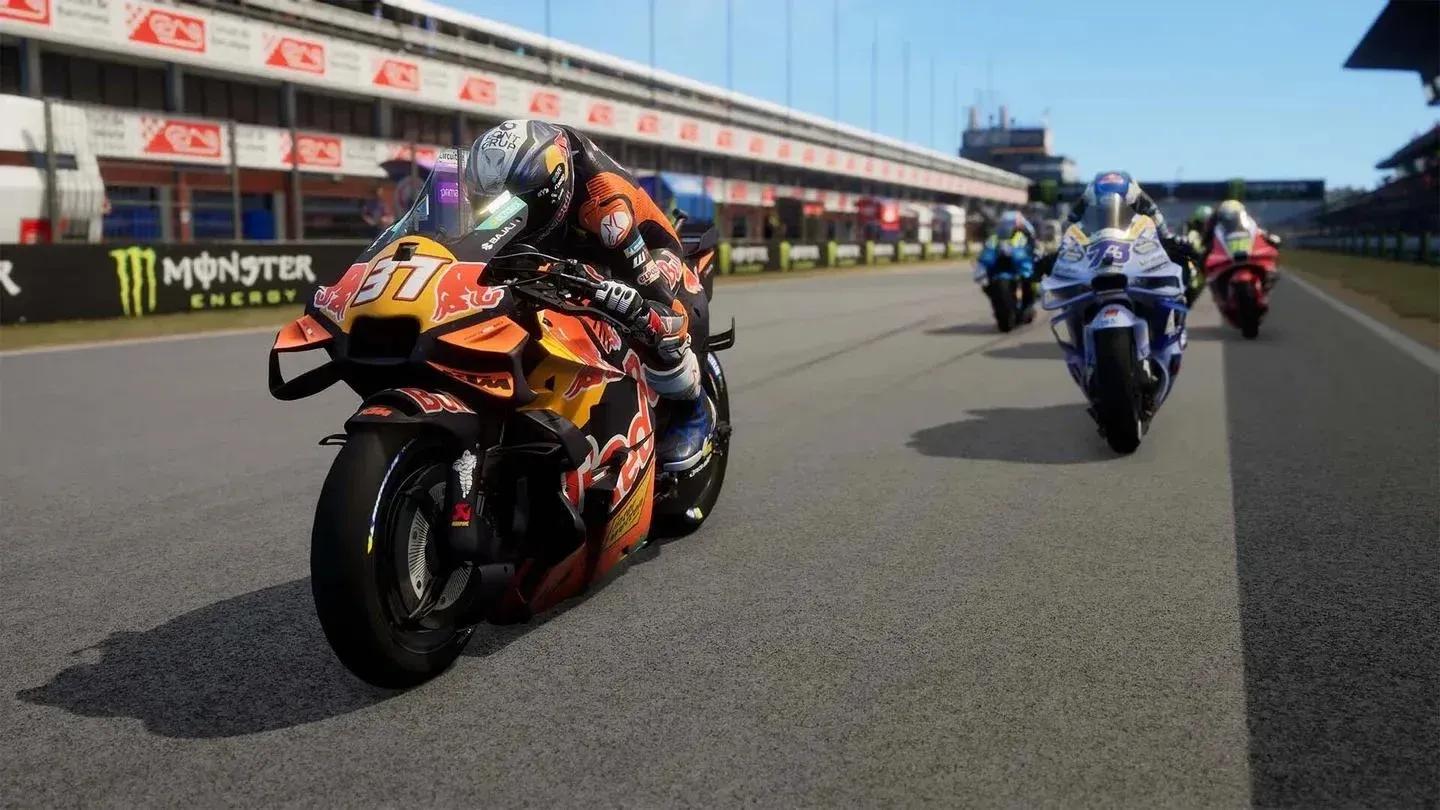
Braking zone rider input sequence
How does throttle affect corner exit?
Applying throttle while leaned over does two things simultaneously: it shifts weight to the rear of the bike, and it increases centrifugal force, which means less lean angle is needed to hold the same corner radius. The combined effect is that the bike naturally wants to stand upright. This is your corner exit tool.
The catch is that opening the throttle also widens your line. More throttle mid-corner means a wider arc, which means you'll run toward the outside of the track. The guidance from the Epic Games Store source is to minimize throttle modulations through the corner itself. Wait until the corner opens toward the next straight, then apply throttle to sweep out wide, away from the apex and toward the outside of the track. That sets you up cleanly for the straight.
Brake discs and tires: what actually matters for setup
Bike setup in MotoGP 26 carries less weight than in four-wheeled sim racers, but two variables are worth your attention: brake discs and tire compounds.
| Variable | Governed by | Key consideration |
|---|---|---|
| Tire compound | Track temperature | Overheating = go harder; cold = go softer |
| Brake disc size | Circuit type + personal feel | Long straights need bigger discs for heat management |
| Brake disc material | Riding style preference | Affects agility on turn-in vs. stopping power |
Tires are not a preference call. They operate within a temperature range, and you need to match the compound to track conditions. Check the bottom-right of your HUD after two or three laps. If a tire is overheating, switch to a harder compound. If it's running cold, go softer.
Brake discs give you more room to experiment. Tracks like Sepang or COTA, with long straights feeding into tight corners, generate more braking heat and benefit from larger discs. But the size, weight, and material of the disc also change how the bike feels on turn-in. A lighter, smaller disc can give you more agility at the cost of outright stopping power. A heavier, larger disc anchors harder but turns in more gradually. Test both at a circuit you know well before committing to a setup.
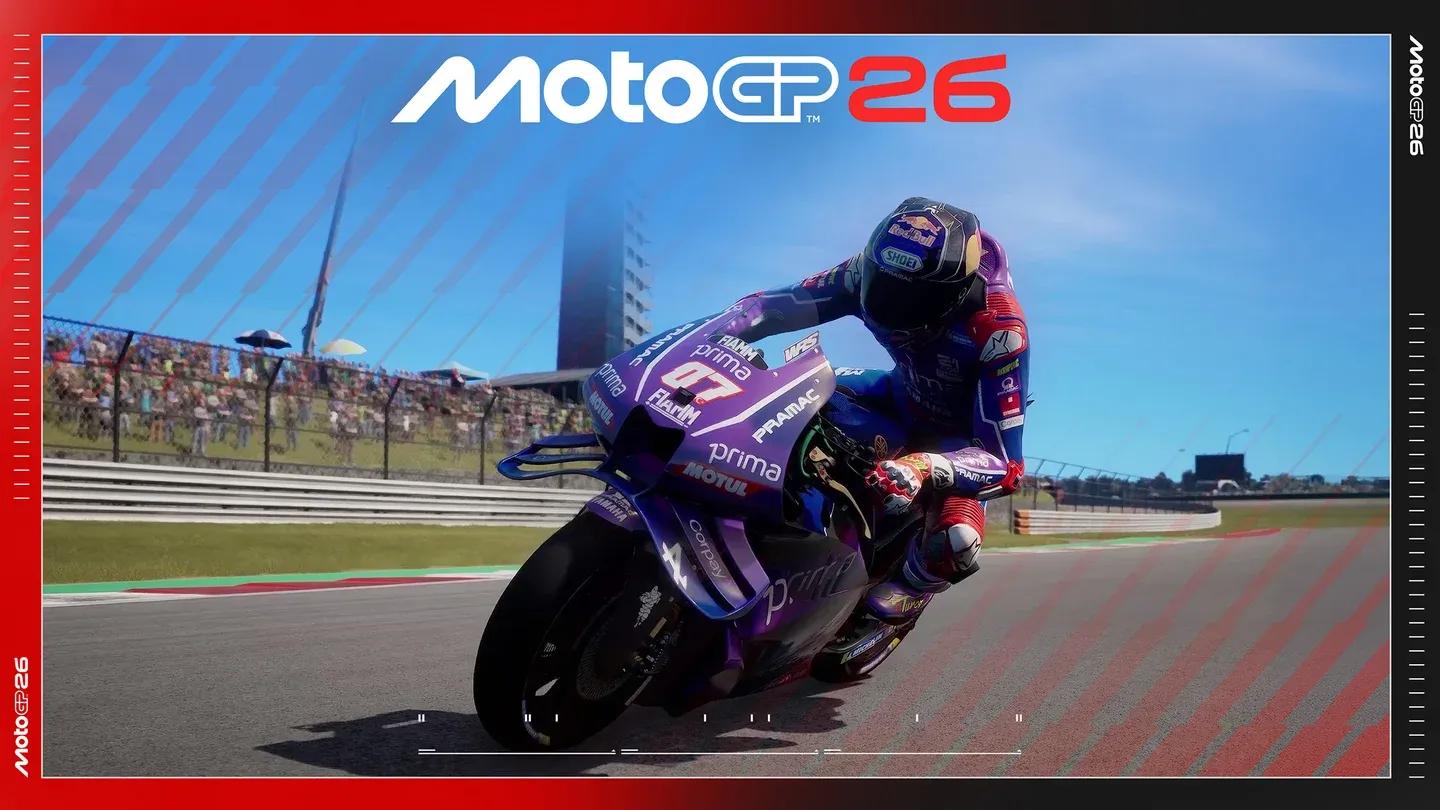
Brake disc and tire setup menu
What's new in MotoGP 26 beyond handling?
The rider-based physics system is the headline change, but MotoGP 26 adds a meaningful amount of content outside of raw handling. The game introduces Canterbury Park in the UK as a new Race Off mode location. New disciplines include Production Bike events alongside Motard, Flat Track, and Minibike categories, each offering different handling characteristics that double as training tools for the main simulation.
Career mode has been expanded with a 3D paddock hub that covers progression management, media duties, and rivalries. A personal manager handles contract negotiations and team relationships. You can also start a career as a real rider from Moto3, which adds replay value for players who want to relive a championship run.
Rider ratings no longer stay fixed either. As gaming journalist Neil Watton noted in coverage on thexboxhub.com, ratings now update across four attributes (time attack, race pace, head-to-head, and reliability) based on real-world championship results. That means the performance gap between riders shifts as the actual MotoGP season plays out.
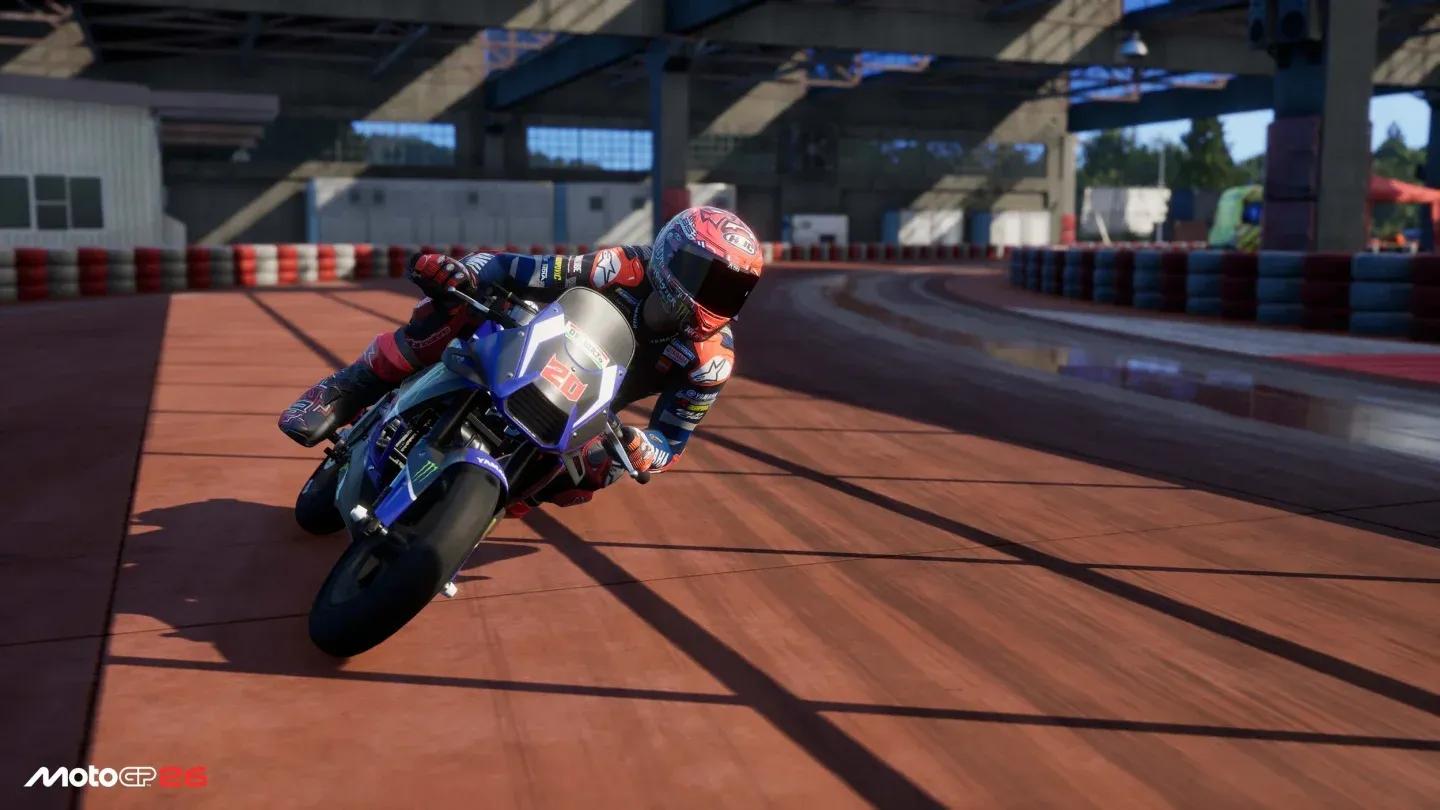
Career mode paddock hub view
Quick-reference cornering checklist
Before heading into a session, run through these fundamentals:
- Cap front brake input at 50% (in settings or via trigger lock) until inputs feel natural
- Pull weight rearward before braking, not during
- Apply rear brake in short taps on the straight, not held through corners
- Minimize throttle modulations mid-corner; wait for the corner to open
- Check tire temperatures on the HUD after lap 2-3 and adjust compound if needed
- Match brake disc size to circuit type, larger for high-braking tracks like COTA and Sepang
For more strategies and setup guides, the full MotoGP 26 guides collection covers additional topics as the game's meta develops. MotoGP 26 sits in a different tier from most racing games in terms of simulation depth, and the rider-based handling system is the clearest example of why. Get the braking right first. Everything else builds from there.