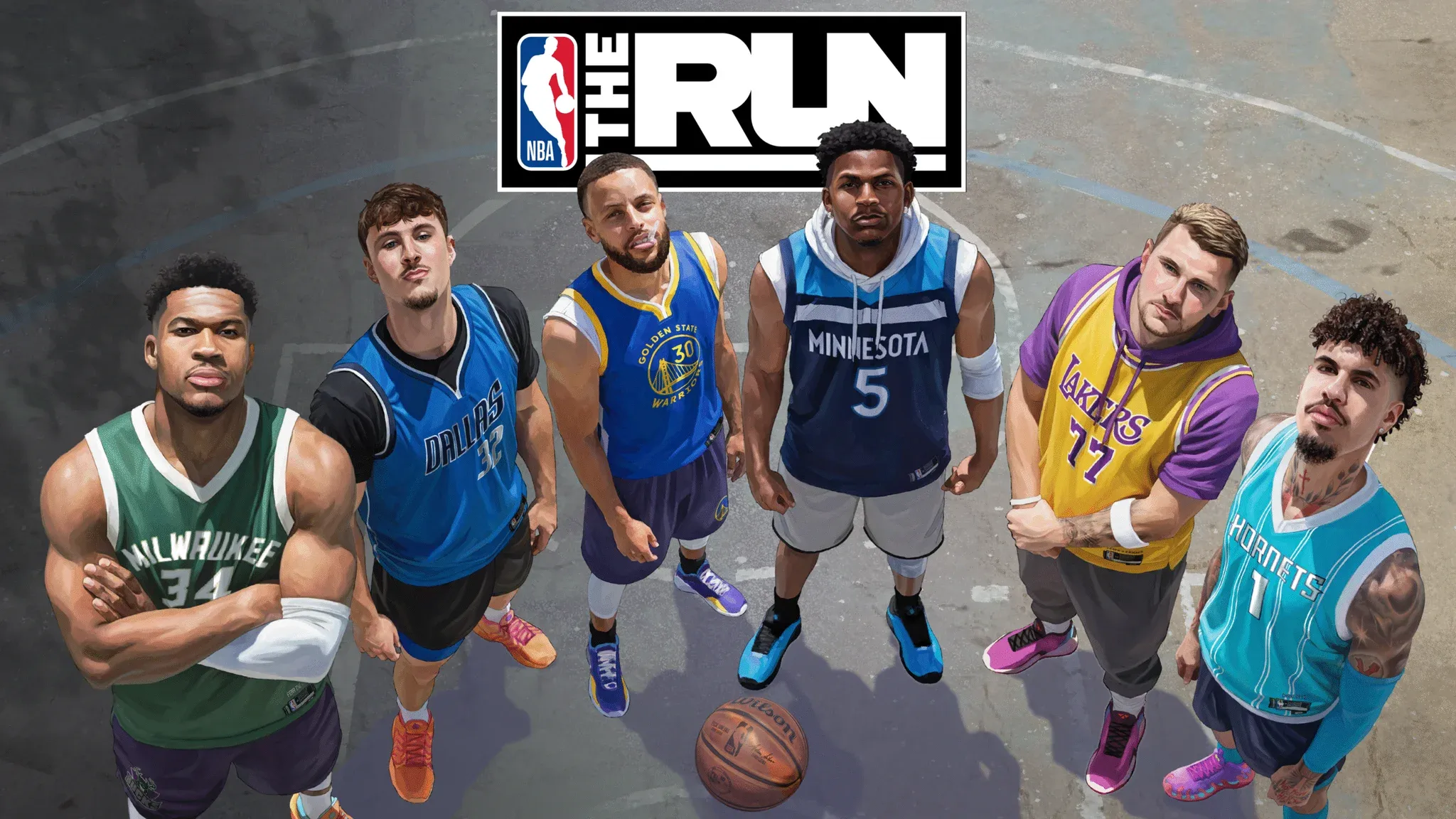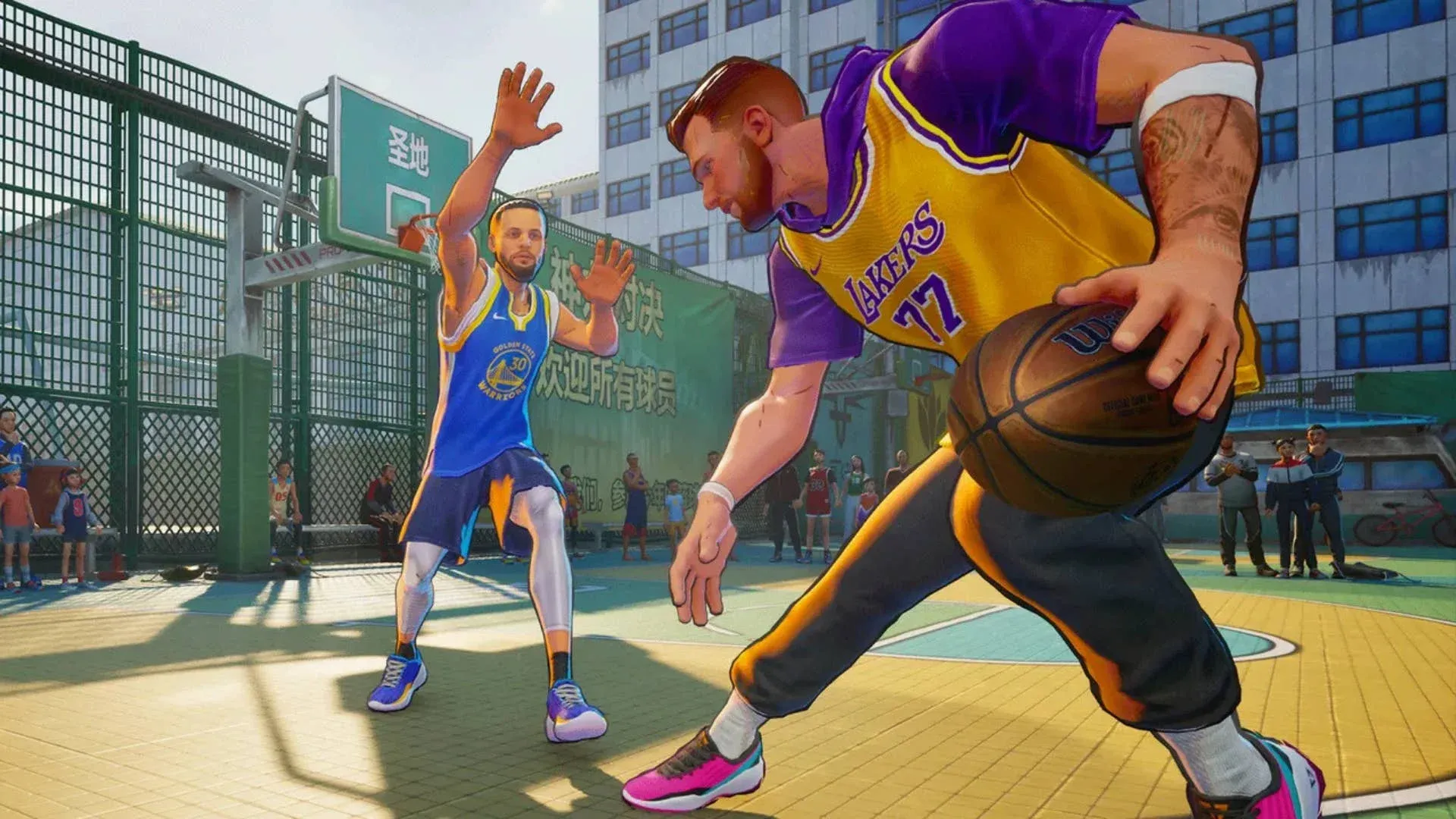

NBA THE RUN launched on June 9 and already has players scrambling to figure out the right configuration before stepping onto the court. The settings menu is not the flashiest part of any basketball game, but getting it wrong costs you real performance, whether that's a blurry image, a laggy response, or an announcer drowning out everything else. Spending five minutes here before your first tournament run pays off every session after.
What are the best video settings in NBA The Run?
PC players have the most to gain from dialing in the video settings. The defaults are not always optimized for your specific hardware, and a few tweaks can meaningfully improve both visual clarity and frame timing.
Here is the full recommended video configuration for PC:
| Setting | Recommended Value |
|---|---|
| Brightness | 100 |
| Screen Mode | Fullscreen |
| Resolution | 1920x1080 (or your monitor's native res) |
| Graphics Quality | High |
| Refresh Rate | Your monitor's maximum Hz |
| Anti-Aliasing | TSR |
| Anti-Aliasing Quality | Balanced |
| Vsync | Off |
| Nvidia Reflex Low Latency | On + Boost |
| Greyscale Opponents | On (personal preference) |
| Color Blind Mode | Off (unless needed) |
A few of these deserve extra attention. Turning Vsync off and enabling Nvidia Reflex Low Latency on the On + Boost setting is the single biggest responsiveness upgrade you can make on compatible hardware. Vsync introduces input delay by capping your frame output to sync with the display refresh cycle. Reflex bypasses that problem entirely by reducing the latency between your input and what renders on screen.
TSR (Temporal Super Resolution) at Balanced quality is the sweet spot for Anti-Aliasing. It keeps edges clean without the heavy performance cost of higher quality modes.
The Greyscale Opponents toggle is purely cosmetic, but it does make it easier to track your own players in chaotic sequences. Worth turning on if you find yourself losing your player in traffic.

What are the best audio settings?
The default audio mix in NBA The Run leans heavily on the announcer, which gets repetitive fast. These values balance the mix so sound effects stay punchy without the commentary becoming noise.
| Audio Channel | Recommended Level |
|---|---|
| Master Volume | 75% |
| Music | 50% |
| Sound Effects | 80% |
| Announcer | 75% |
Dropping Music to 50% keeps the atmosphere without it competing with gameplay audio. Sound Effects at 80% is important because the audio cues for certain in-game actions carry real information. The Announcer at 75% rather than 100% prevents the commentary from becoming fatiguing during long sessions.
What game settings should you change?
The Game Settings menu is short but has a couple of options that directly affect how you read the court.
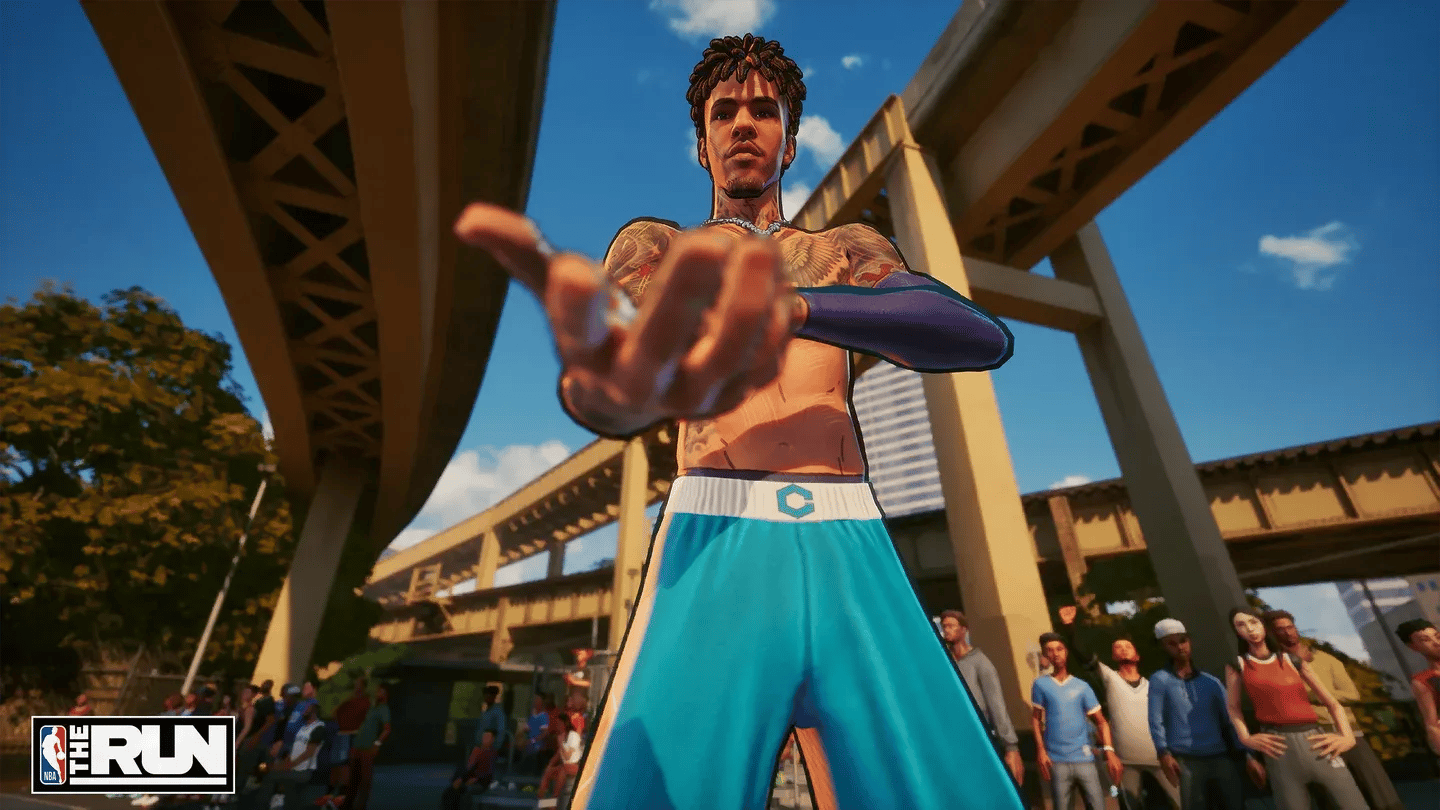
Game settings configuration screen
- Menu Language: Set to your native language.
- Controller Vibration: On. The vibration feedback is tied to specific in-game actions, not just generic rumble, so it carries actual information.
- Player Name Tags: Team Only. Showing all player names clutters the screen. Limiting tags to your team keeps the display readable.
- Network Stats: Off. There is no reason to have this on unless you are actively debugging a connection issue.
Player Name Tags set to Team Only is probably the most impactful game setting here. Full name tags on every player on both teams creates visual noise that slows down your reads, especially in tight defensive situations.
Can you change controls in NBA The Run?
No. As of the current version, NBA The Run does not support custom keybinds or button remapping. You are locked into the default control scheme on both keyboard and controller, which means shooting is mapped to Square (PlayStation) or X (Xbox) regardless of your preferences from other basketball games.
Play By Play Studios has not confirmed whether custom controls are coming in a future update. Players coming from NBA 2K who are used to stick-shooting mechanics will need to adjust their muscle memory to the default layout.
For a deeper look at how player selection affects your tournament performance, check out the best players guide for NBA The Run to pair your optimized settings with the right roster choices.
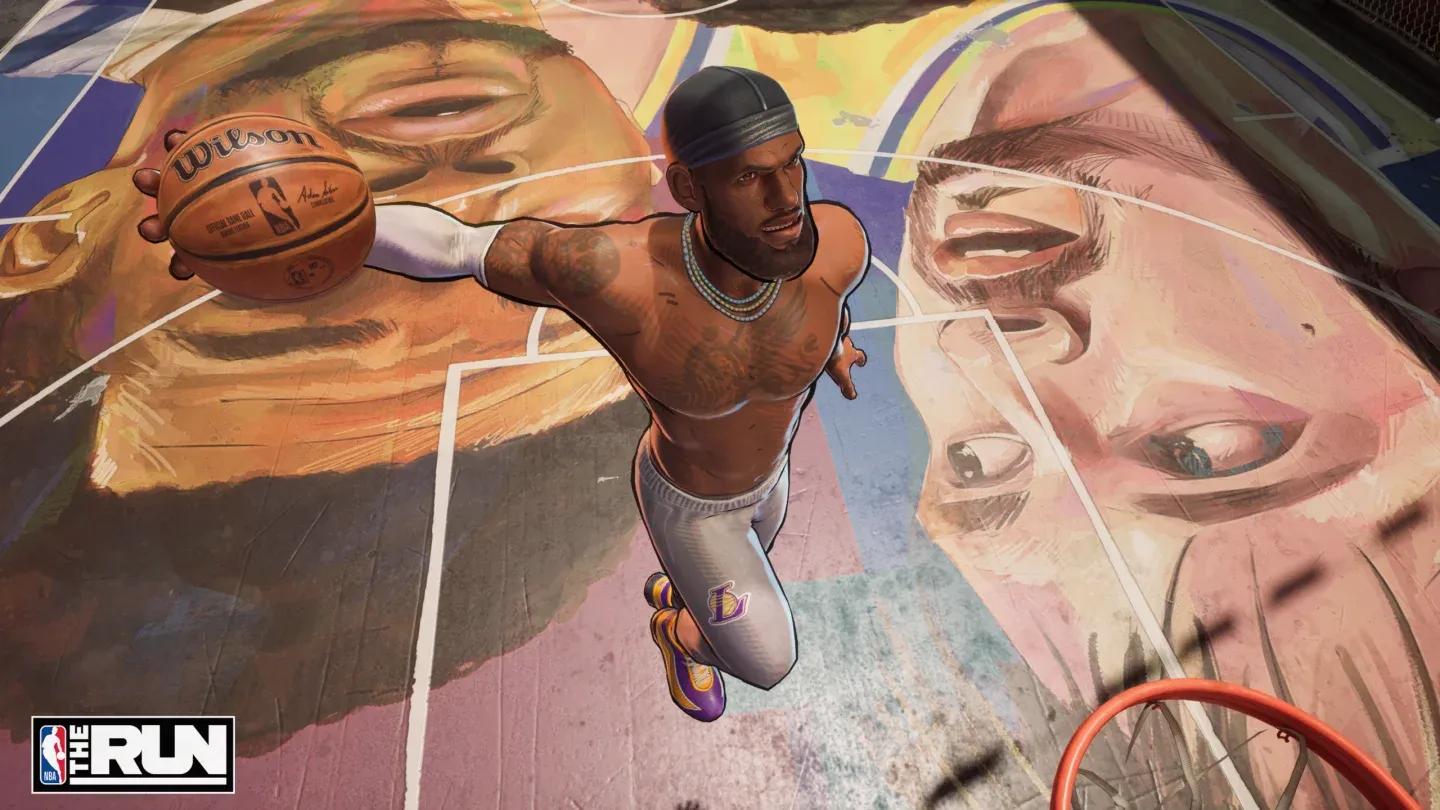
Shootaround control practice mode
Settings that do not exist yet
NBA The Run is a young game. The settings menu is functional but thin compared to established sports games on the market. There is no control remapping, and the overall number of customization options is limited. That will likely change as Play By Play Studios updates the game, but for now, work with what is available.
The upside is that the settings that do exist are well-chosen. The Nvidia Reflex implementation alone puts the game ahead of some competitors on PC responsiveness, and the Greyscale Opponents toggle shows the developers are thinking about visual clarity in competitive play.
For more tips and strategies as the game evolves, browse the full NBA The Run strategy guides collection, which covers everything from player picks to tournament tactics as new content drops.