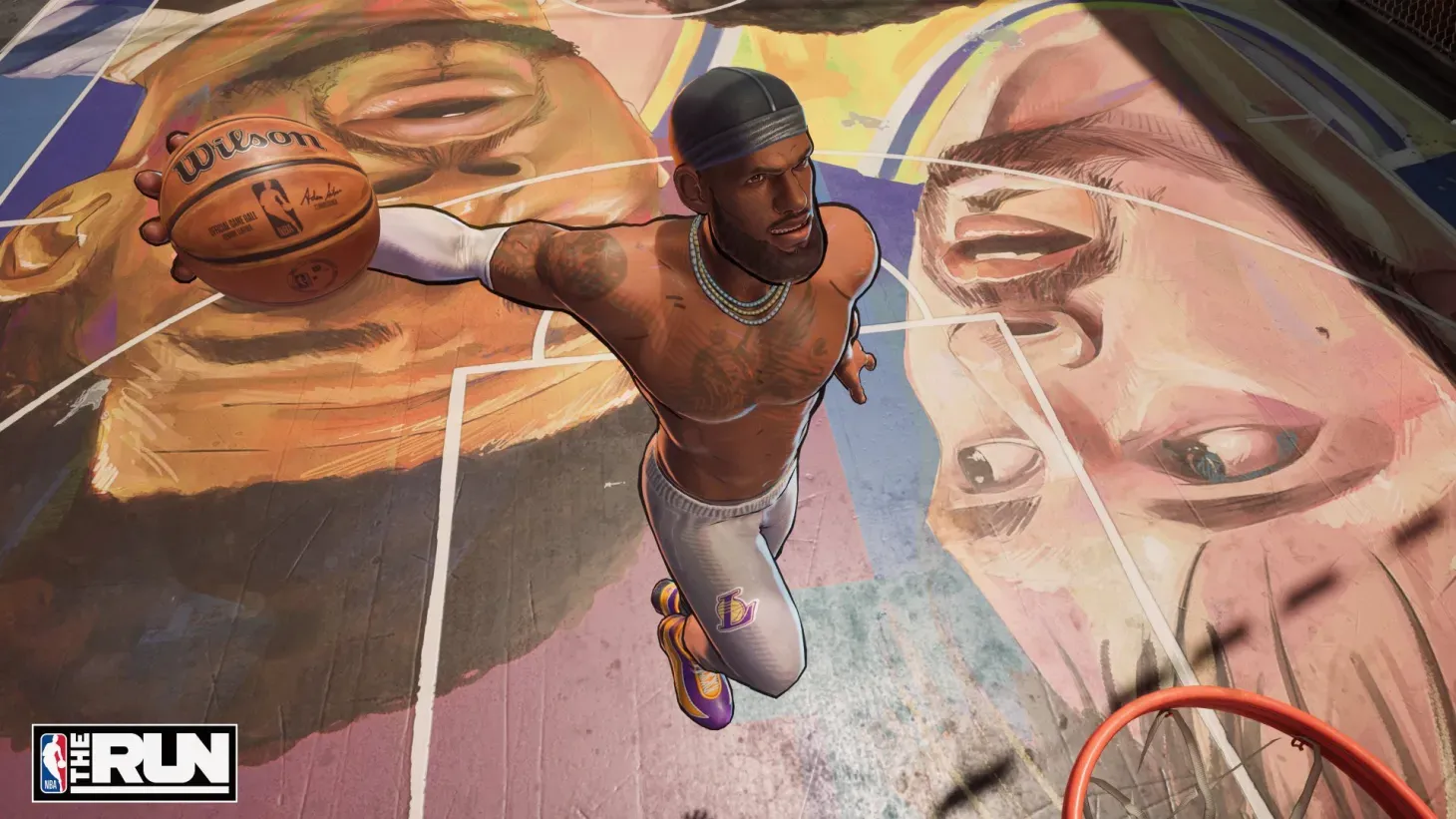


NBA THE RUN is fast, physical, and completely unforgiving if you don't know your buttons. This is 3v3 streetball built around quick possessions, poster dunks, ankle-breaking crossovers, and enough trick moves to make a simple pass feel like a statement. Controls are not something you want to figure out mid-tournament, especially when a missed alley-oop or a wrong stick flick hands possession straight to the other team. This guide covers every default button layout for both Xbox and PlayStation, plus the best settings to dial in before your first run.
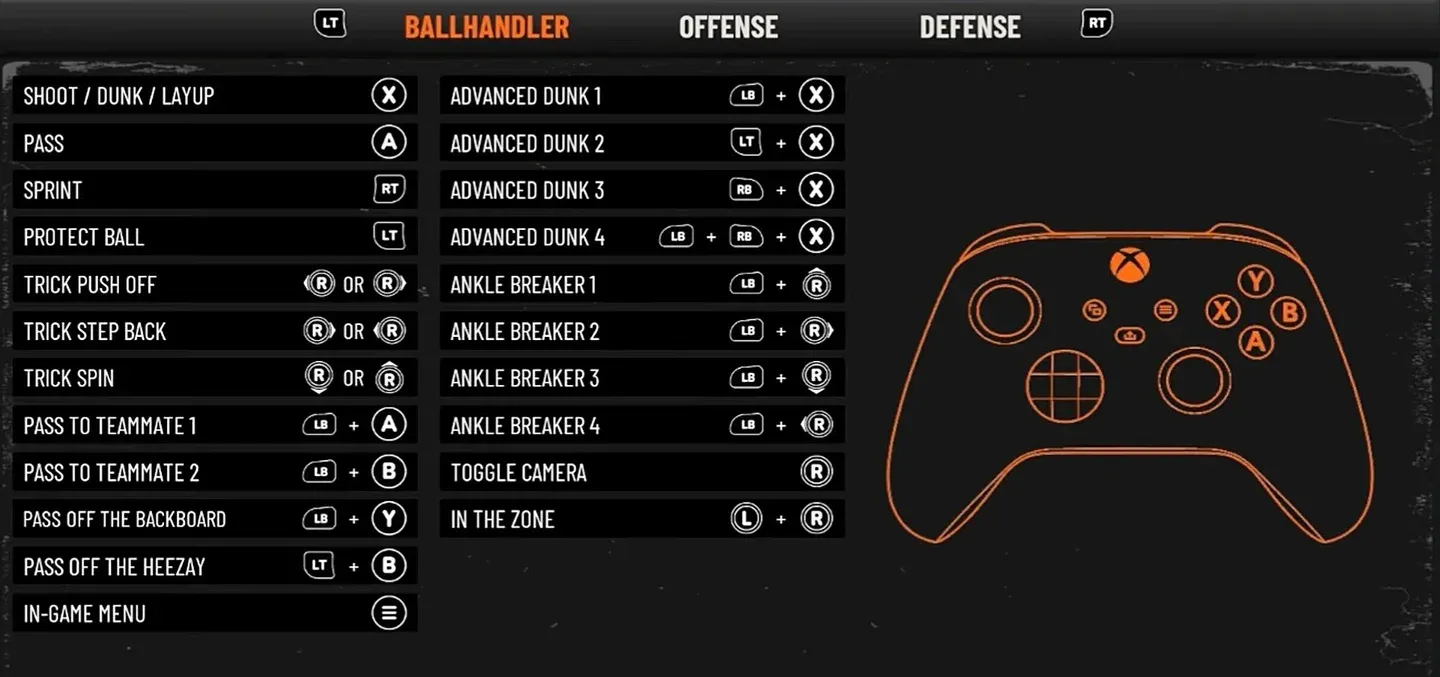
Xbox ballhandler controls
Can you change controls in NBA THE RUN?
Short answer: no. As of the current build from Play By Play Studios, there is no option to remap keybinds or reassign controller buttons. Every player is locked to the default layout regardless of platform, so if you're used to stick-shooting from NBA 2K, that muscle memory won't transfer here. Shooting is mapped to Square on PlayStation and X on Xbox, full stop. The sooner you commit the defaults to memory, the faster you stop fumbling at the worst moments.
Xbox controls: full button layout
Ballhandler controls
These are the inputs you'll use most. The right stick handles all your trick moves, and the modifier combinations with LB unlock the game's flashiest plays.
- Shoot / Dunk / Layup:X
- Pass:A
- Sprint:RT
- Protect Ball:LT
- Trick Push Off: Right Stick Left or Right
- Trick Step Back: Right Stick Right or Left
- Trick Spin: Right Stick Down or Up
- Pass to Teammate 1:LB + A
- Pass to Teammate 2:LB + B
- Pass Off the Backboard:LB + Y
- Pass Off the Heezay:LT + B
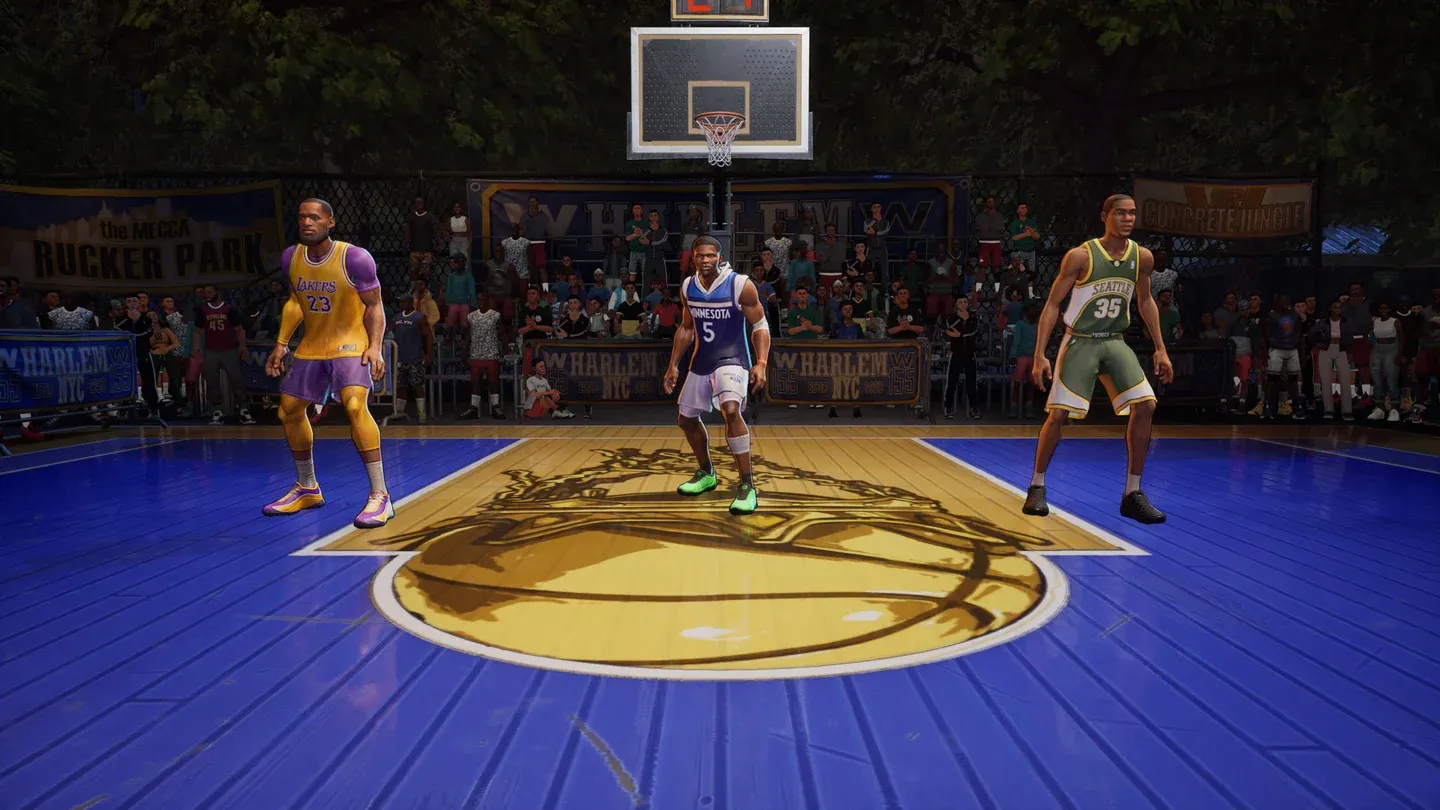
- Advanced Dunk 1:LB + X
- Advanced Dunk 2:LT + X
- Advanced Dunk 3:RB + X
- Advanced Dunk 4:LB + RB + X
- Ankle Breaker 1:LB + Right Stick Up
- Ankle Breaker 2:LB + Right Stick Right
- Ankle Breaker 3:LB + Right Stick Down
- Ankle Breaker 4:LB + Right Stick Left
- Toggle Camera:R3
- In the Zone:L3 + R3
- In-Game Menu: Menu Button
Advanced dunk inputs on Xbox
Offense controls (off-ball)
When you don't have the ball, these are your tools for creating space, grabbing boards, and finishing plays set up by your teammates.
- Shove: Right Stick Direction
- Rebound:Y
- Alley-Oop Pass / Dunk:X
- Sprint:RT
- Dive:B
- Call for Ball:LB
- Taunt 1: D-Pad Left
- Taunt 2: D-Pad Up
- Taunt 3: D-Pad Right
- Taunt 4: D-Pad Down
- Toggle Camera:R3
- In the Zone:L3 + R3
Defense controls
Defense in NBA THE RUN is physical. The enhanced inputs give you a meaningful edge when timed correctly.
- Steal:X
- Shove: Right Stick Direction
- Block / Rebound:Y
- Sprint:RT
- Guard:LT
- Dive:B
- Enhanced Block:RT + Y
- Enhanced Guard:RT + LT
- Taunt 1–4: D-Pad Directions
- Toggle Camera:R3
- In the Zone:L3 + R3
PlayStation controls: full button layout
Ballhandler controls
The PlayStation layout mirrors the Xbox structure with the standard face button swap. Everything that was X on Xbox becomes Square here, and A becomes Cross.
- Shoot / Dunk / Layup:Square
- Pass:Cross
- Sprint:R2
- Protect Ball:L2
- Trick Push Off: Right Stick Left or Right
- Trick Step Back: Right Stick Right or Left
- Trick Spin: Right Stick Down or Up
- Pass to Teammate 1:L1 + Cross
- Pass to Teammate 2:L1 + Circle
- Pass Off the Backboard:L1 + Triangle
- Pass Off the Heezay:L2 + Circle
- Advanced Dunk 1:L1 + Square
- Advanced Dunk 2:L2 + Square
- Advanced Dunk 3:R1 + Square
- Advanced Dunk 4:L1 + R1 + Square
- Ankle Breaker 1:L1 + Right Stick Up
- Ankle Breaker 2:L1 + Right Stick Right
- Ankle Breaker 3:L1 + Right Stick Down
- Ankle Breaker 4:L1 + Right Stick Left
- Toggle Camera:R3
- In the Zone:L3 + R3
- In-Game Menu: Options Button
Ankle breaker inputs on PS5
Offense controls (off-ball)
- Shove: Right Stick Direction
- Rebound:Triangle
- Alley-Oop Pass / Dunk:Square
- Sprint:R2
- Dive:Circle
- Call for Ball:L1
- Taunt 1: D-Pad Left
- Taunt 2: D-Pad Up
- Taunt 3: D-Pad Right
- Taunt 4: D-Pad Down
- Toggle Camera:R3
- In the Zone:L3 + R3
Defense controls
- Steal:Square
- Shove: Right Stick Direction
- Block / Rebound:Triangle
- Sprint:R2
- Guard:L2
- Dive:Circle
- Enhanced Block:R2 + Triangle
- Enhanced Guard:R2 + L2
- Taunt 1–4: D-Pad Directions
- Toggle Camera:R3
- In the Zone:L3 + R3
Xbox vs. PlayStation controls: side-by-side comparison
What are the best settings for NBA THE RUN?
Before playing online, run through the settings menu. There are four areas worth adjusting.
Video settings (PC)
Set your resolution to 1920x1080 or your monitor's native output, run Fullscreen mode, and push Graphics Quality to High if your rig can handle it. Turn Vsync off and enable Nvidia Reflex Low Latency on On + Boost if you have a compatible GPU. Anti-Aliasing set to TSR with Balanced quality is a solid middle ground for performance and image clarity. Brightness at 100 keeps the court readable in fast exchanges.
Audio settings
The default announcer volume can get repetitive fast. Recommended levels: Master Volume at 75%, Sound Effects at 80%, Music at 50%, and Announcer at 75%. Dropping the announcer slightly takes the edge off without killing the atmosphere.
Game settings
Turn Controller Vibration on. The game uses distinct vibration patterns for different in-game actions, so it's genuinely useful feedback rather than just noise. Set Player Name Tags to Team Only to reduce visual clutter during fast plays. Network Stats can stay off unless you're actively troubleshooting connection issues.
What do the ankle breaker inputs actually do?
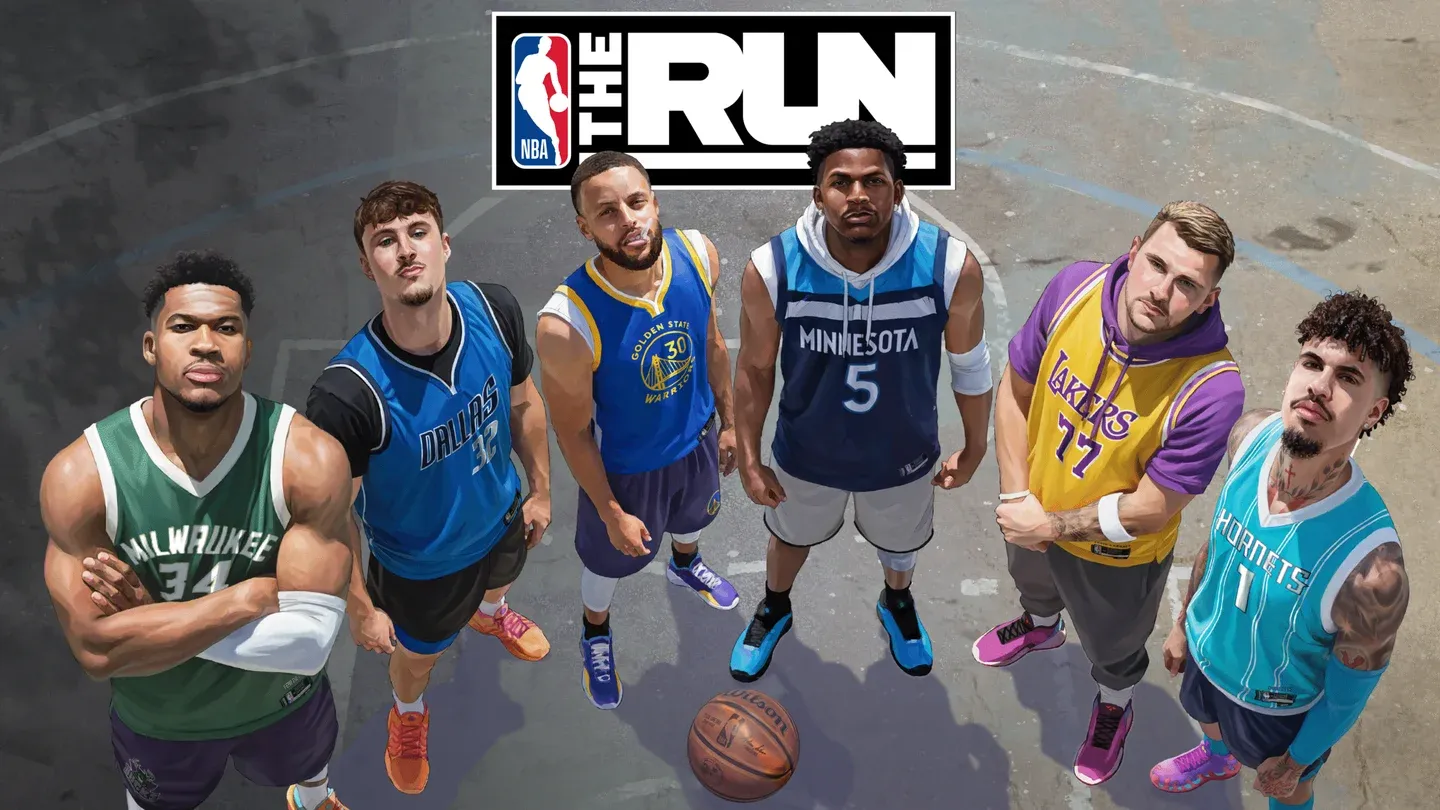
The four Ankle Breaker moves (mapped to LB + Right Stick direction on Xbox, L1 + Right Stick direction on PlayStation) are your primary tools for breaking defenders off the dribble. Each direction triggers a different animation, so experimenting in Shootaround to find which one fits your playstyle is worth the time. These are not just cosmetic. A well-timed ankle breaker creates real separation before a drive or pull-up attempt.
The In the Zone activation (L3 + R3 on both platforms) is a separate mechanic that requires both stick clicks simultaneously. Given how often you'll be using the right stick for tricks and the left stick for movement, accidentally triggering it mid-play is a real risk early on. Building awareness of when your thumbs are both pressing down will save you from wasted activations.
For a deeper look at which players make the most of these moves, check out the best players guide for NBA THE RUN to match your control style with the right roster pick.
For more on getting the most out of the game beyond controls, browse the full NBA THE RUN strategy guides collection, or explore other sports games on GAMES.GG to see how the streetball formula stacks up across the genre.