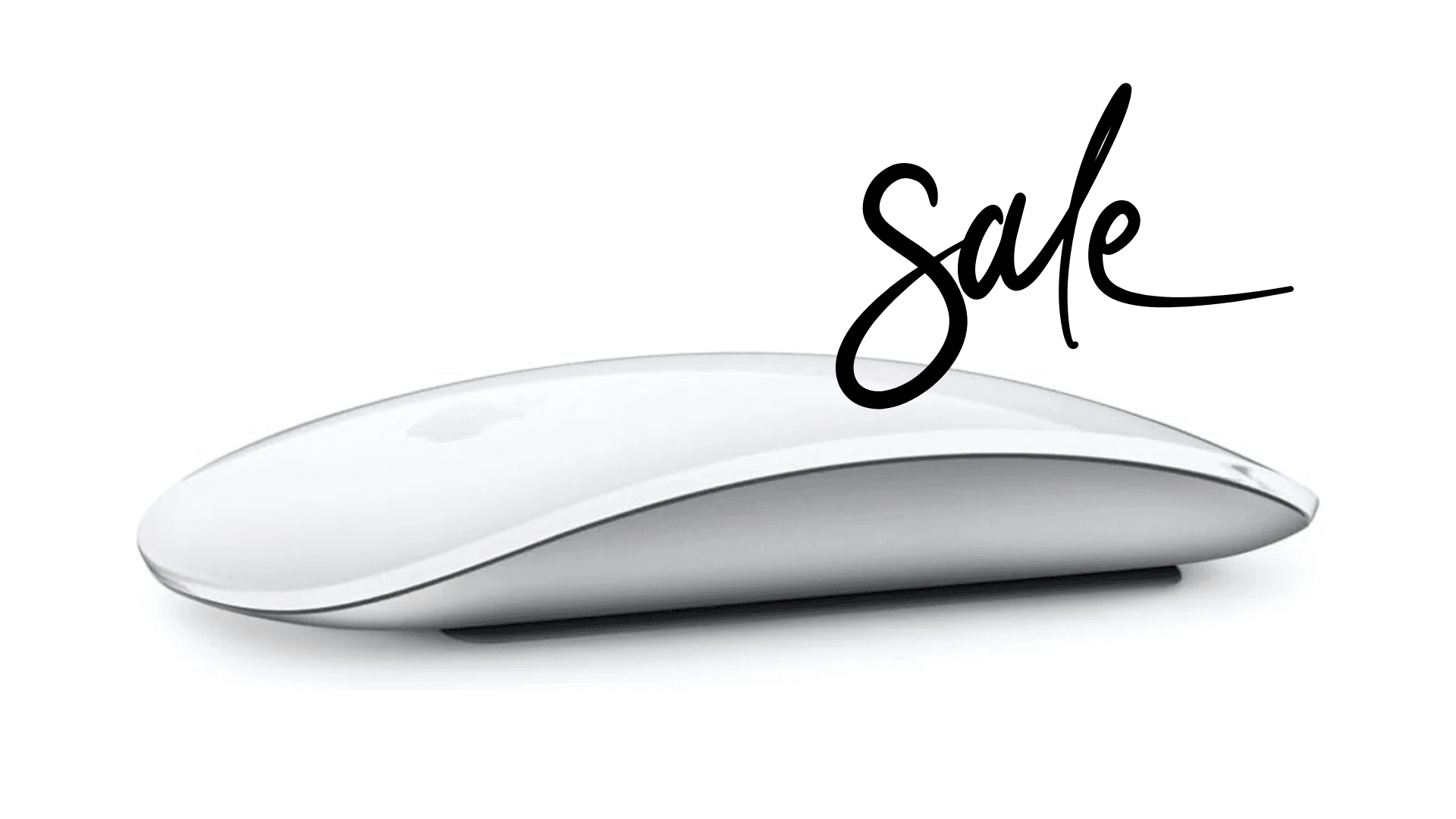


Amazon has slashed the price on Apple's Magic Mouse, dropping the white version from $79 to $68 and the black model from $99 to $94. The timing lines up with Apple's latest MacBook and Studio Display launch, which makes this a decent window for Mac users looking to refresh their desktop setup without spending full retail.
The Magic Mouse connects to Mac devices over Bluetooth and fits the Apple aesthetic with its low-profile, curved design. It's not built for competitive gaming, but the multi-touch surface handles gestures like swiping between apps, scrolling in any direction, and panning across zoomed images. These controls can be handy in strategy games, simulation builders, or creative workflows where you're navigating large maps or editing game mods.

Use code TRYHARD33 at checkout to redeem this offer before code expires again.
Get 33% Off GAMES+ Subscription
Gesture controls that work for some games
Instead of physical buttons and a scroll wheel, the Magic Mouse uses a touch-sensitive surface that responds to swipes and taps. You can scroll vertically and horizontally at the same time, which helps when you're moving around big maps or managing complex UI layouts in management sims. The gestures feel smooth and precise for world-building or creative tasks.
Competitive gamers will notice the limitations. The flat shape doesn't offer much grip, and Bluetooth latency isn't going to match a wired or high-end wireless gaming mouse. But for casual play and creative gaming on a Mac, the Magic Mouse does the job without clashing with the rest of your setup.
The charging port is still on the bottom
Apple put the USB-C charging port on the underside of the mouse, so you can't use it while it's plugged in. That's annoying if you forget to charge it before a long session. The upside is that a full charge lasts about a month, so you can plan around it and charge during breaks or overnight.
Where to get the discounted mouse
The white Magic Mouse is $68 on Amazon right now, and the black version is $94. Both prices are temporary drops, but they make the mouse more accessible for Mac users who want something that looks clean on their desk and handles basic gaming without needing a full gaming peripheral setup.
Check out our other gaming gear guides:
Best Apple Products for Gaming
Best Nintendo Switch Accessories
Best Gaming Androids (phones)
Frequently Asked Questions (FAQs)
Is the Apple Magic Mouse good for gaming?
It's not a gaming mouse. It works fine for casual play and creative tasks, especially in games where gesture navigation helps. Don't expect it to compete with a real gaming mouse in shooters or anything that needs precision and speed.
How often does the Magic Mouse need charging?
About once a month. Charge it overnight or during a break so you don't get caught mid-session.
Can you use the Magic Mouse while it charges?
No. The charging port is on the bottom, so the mouse has to sit upside down while plugged in.
Does it work on all Mac devices?
Yes. It connects over Bluetooth to any Mac running a compatible version of macOS.
Is the Magic Mouse worth it for Mac gamers?
If you play casually and want something that matches your Mac setup, it's a solid pick. Competitive gamers should stick with a traditional gaming mouse that has better ergonomics and lower latency.