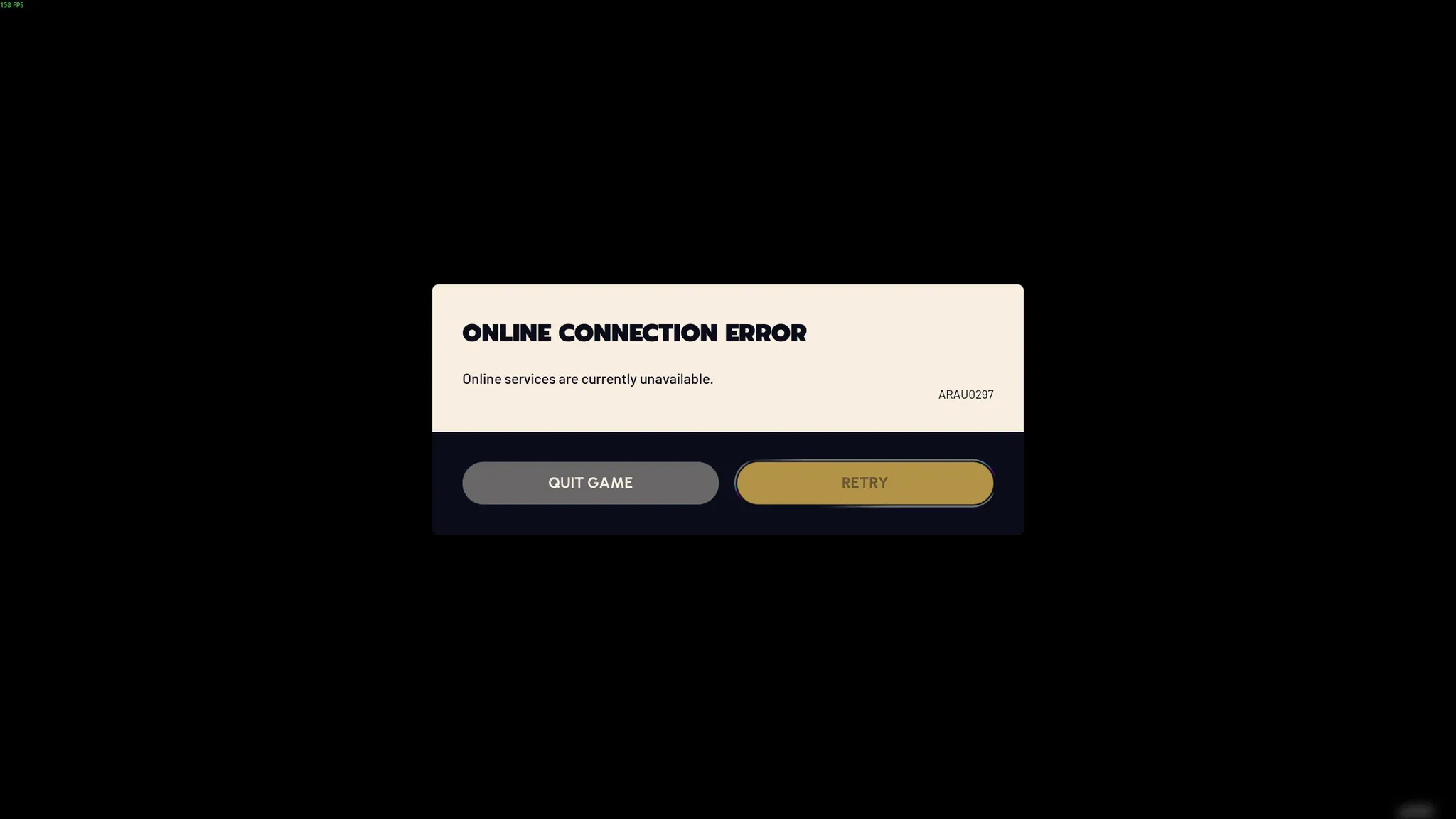


Discord went partially down on Friday, leaving a chunk of users staring at connection errors instead of their servers. At 12:08 pm Pacific, the company confirmed it was investigating the problem, and by 1:16 pm Pacific, it reported being "seeing significant recovery" with restoration efforts still underway.
Discord outage error screen

Use code TRYHARD33 at checkout to redeem this offer before code expires again.
Get 33% Off GAMES+ Subscription
What the outage actually looked like
The failure was partial rather than total, which made it particularly confusing to diagnose in the moment. Users who already had Discord open and running may not have noticed anything wrong. The problems hit people trying to launch the app fresh, many of whom were met with an error preventing them from starting a session.
For those who did get in, the signs were still there. Loading a friend's profile produced an "Unable to load parts of profile" error, and the familiar red "Messages failed to load" banner showed up in some channels. Both of those errors pointed to API-level issues rather than a full infrastructure failure.
Discord's timeline of the incident
Here's the lowdown on how the situation unfolded, based on Discord's own status updates:
- 12:08 pm Pacific - Discord acknowledges it is investigating errors preventing users from connecting
- 1:16 pm Pacific - Discord confirms it has identified the issue and reports "significant recovery"
- 1:19 pm Pacific - A follow-up update states the platform is "beginning to see recovery on our systems" and continuing operations to reach a "fully healthy state"
That's roughly 68 minutes from first acknowledgment to recovery confirmation. Not a disaster, but not nothing either, especially on a Friday when gaming sessions and community calls tend to spike.
Why this hits gamers harder than most
Discord is not just a chat app at this point. For most gaming communities, it is the backbone: raid coordination, party voice channels, tournament brackets, streaming notifications, and everything in between runs through it. A Friday outage, even a partial one, lands at exactly the wrong time.
What most players miss is that partial outages are often harder to navigate than full ones. When everything is down, the answer is simple: wait. When the app is half-functional, you spend 20 minutes troubleshooting your own connection before checking the status page.
The key here is to bookmark Discord's status page and check it first whenever something feels off. It is almost always faster than any amount of local troubleshooting.
What to expect as services stabilize
Discord has not yet issued a full resolution notice as of this writing, but the trajectory is positive. The company's language around "continuing recovery operations" suggests the fix is being rolled out progressively rather than flipped on all at once, which means some users may see normal service before others.
If you are still hitting errors, the most practical move is to close Discord fully and relaunch, since sessions that were open during the outage can sometimes hold onto broken connection states even after the platform itself stabilizes.
For more on the tools and platforms that power your gaming setup, check out our gaming guides for tips on getting the most out of your sessions. And if you are looking for what to actually play while you wait for things to sort themselves out, our game reviews have plenty of recommendations across every genre.