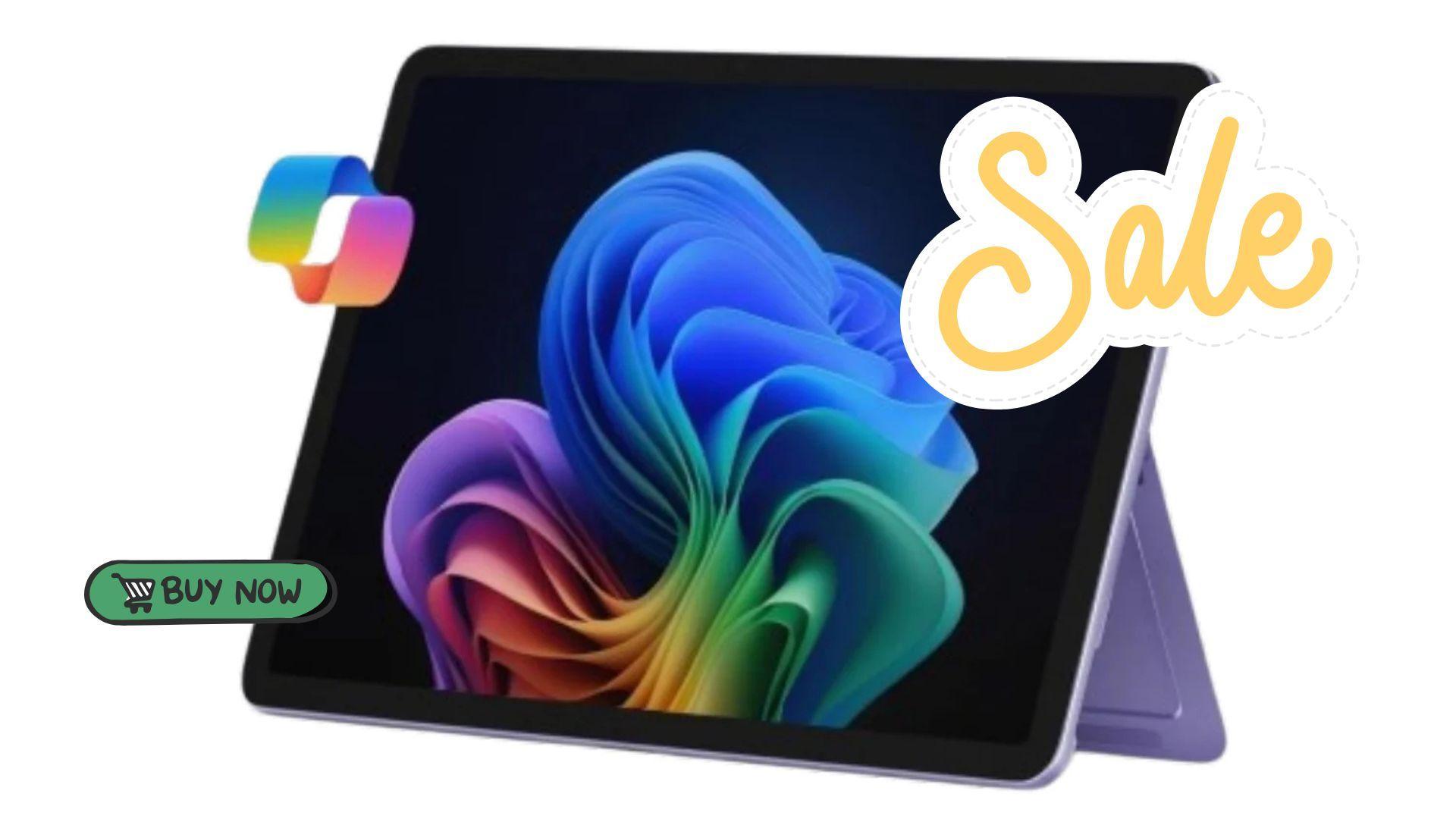

The Microsoft Surface Pro (2025) continues to stand out as a versatile 2-in-1 device for users who want both portability and performance. Its hybrid design allows gamers and creators to switch seamlessly between tablet and laptop modes, making it useful for gaming sessions, streaming, or multitasking without carrying multiple devices.
Currently, the 12-inch Surface Pro (2025) is available on Amazon for $700, down from its usual $900 price. This offer applies to the purple model and is available for both Prime and non-Prime members. The deal covers the tablet itself, while the Surface Pro Keyboard and Slim Pen remain separate purchases for users seeking a full laptop or creative setup.

Use code TRYHARD33 at checkout to redeem this offer before code expires again.
Get 33% Off GAMES+ Subscription
Display and Design That Adapt to Gaming and Streaming
The Surface Pro’s 12-inch PixelSense touchscreen delivers sharp visuals with bright colors, which is helpful for gamers who play visually demanding indie or casual titles. The adjustable 165-degree kickstand allows the device to sit upright for desktop-style play or tilt back for relaxed handheld sessions. This flexibility is particularly convenient for streaming, watching gameplay tutorials, or collaborating in co-op games remotely.
While it’s not a dedicated gaming laptop, the touchscreen experience combined with stylus support makes the Surface Pro suitable for strategy titles, simulation games, and browser-based or cloud gaming on platforms like Xbox Cloud Gaming and Nvidia GeForce Now. Its slim and lightweight design also makes it easy to carry between gaming sessions, school, or work.
Performance and AI Tools for Multitasking
Under the hood, the Surface Pro (2025) runs on the Snapdragon X Plus processor and features an AI engine capable of up to 45 trillion operations per second (TOPS). This combination ensures smooth performance for multitasking across productivity applications, streaming software, and browser-based games. The device also includes 16GB of RAM, allowing users to keep multiple apps open simultaneously without noticeable slowdown.
The 512GB SSD provides storage for games, media, and documents, with faster load times compared to traditional hard drives. While not designed for heavy AAA titles, this setup handles lighter games and retro libraries efficiently, and supports cloud gaming with minimal latency.
Enhancing Gaming with Copilot and Accessories
Microsoft’s Copilot AI can assist gamers and creators by organizing content, summarizing guides, and helping draft game strategies or notes. When paired with the Surface Pro Keyboard and Slim Pen, the device transforms into a mini workstation or creative hub, allowing users to map game controls, draw, or write guides with ease. This makes the Surface Pro appealing for content creators who combine gaming, streaming, and productivity in one portable package.
Battery Life for Extended Sessions
The Surface Pro offers up to 16 hours of battery life, enough to support extended gaming sessions, streaming, or school work without frequent recharging. Its efficiency makes it suitable for long travel days or situations where plugging in isn’t convenient.
Current Deal and Value
At its current $700 price, the Surface Pro (2025) offers a cost-effective solution for users looking for a portable device that blends casual gaming, streaming, and productivity. Its 2-in-1 design removes the need to carry separate devices, while the optional accessories expand its functionality for gamers and creators alike.
Make sure to check out our articles on gaming gadgets:
Best Apple Products for Gaming
Best Nintendo Switch Accessories
Best Gaming Androids (phones)
Frequently Asked Questions (FAQs)
Can the Surface Pro (2025) handle modern games?
The device is best suited for lightweight, indie, or cloud-based gaming. AAA titles may require lower settings or cloud streaming options.
Is the Surface Pro good for streaming gameplay?
Yes, its display and performance handle browser-based streaming and software like Xbox Cloud Gaming efficiently, though high-end desktop streaming may be limited.
Do I need the keyboard and Slim Pen for gaming?
They are optional. The keyboard helps with typing and game control, while the Slim Pen can assist with strategy games or content creation.
How long does the battery last during gaming or streaming?
Up to 16 hours under standard use, though intensive gaming may reduce battery life slightly.
Is the Surface Pro a good choice for content creation?
Yes, especially when paired with the keyboard and Slim Pen. It works well for drawing, streaming setup management, and organizing game guides or videos.
Does it support cloud gaming?
Yes, the Surface Pro can run cloud gaming services like Xbox Cloud Gaming, Nvidia GeForce Now, and other web3-enabled platforms.