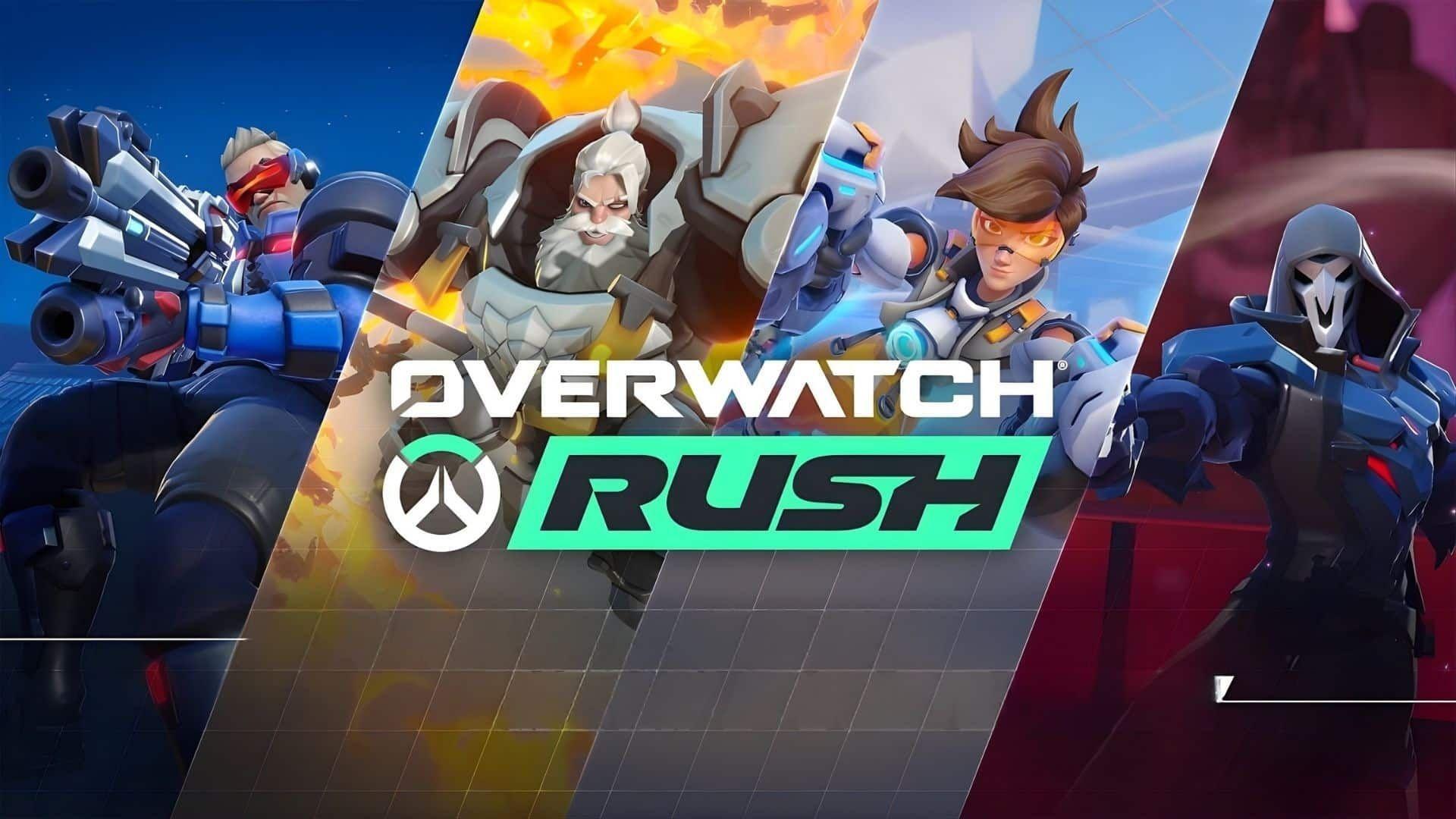


With Overwatch kicking off a brand new era under the Season 1: Reign of Talon banner, Blizzard Entertainment is giving players another reason to tune into Twitch. The developer has activated its Season 1 Twitch Drops campaign, offering fans a straightforward way to earn in-game lootboxes just by watching their favorite Overwatch content creators go live.
What's Up for Grabs
The Twitch Drops campaign runs from February 11, 2026 to March 9, 2026, giving players just under a month to collect everything on offer. In total, players can earn up to 10 lootboxes across the full viewing window. The reward pool breaks down as follows:
- 7 x S1 Lootboxes (standard tier)
- 3 x S1 Legendary Lootboxes (guaranteed Legendary Skin per box)
What surprised most players is how the Legendary boxes are distributed. Standard S1 lootboxes carry a low probability of dropping Legendary Skins, while each S1 Legendary Lootbox guarantees one. It's worth noting that if a player has accumulated 19 lootboxes total from the game's existing systems, the 20th automatically contains a guaranteed Legendary Skin as well. These seven S1 boxes from the Drops campaign help push players closer to that threshold.
Viewing Schedule: How Many Hours You Need
Rewards unlock progressively based on total watch time. Here is the full breakdown:
The source does not confirm whether a third Legendary Lootbox unlocks at a later watch milestone beyond 13 hours, though the total reward count suggests additional viewing may be required for the final box.
How to Claim Your Drops
Claiming rewards requires a few setup steps before watch time starts counting. Here is the process:
- Sign in to Twitch and confirm that a Blizzard account is linked under connected accounts.
- Watch any live Overwatch stream with Drops enabled.
- Track progress through the Drops & Rewards menu on Twitch.
- Once a drop is ready, navigate to Inventory on Twitch and click Claim to bind the reward to the linked Blizzard account.
- Boot into Overwatch to find the lootboxes waiting in-game.
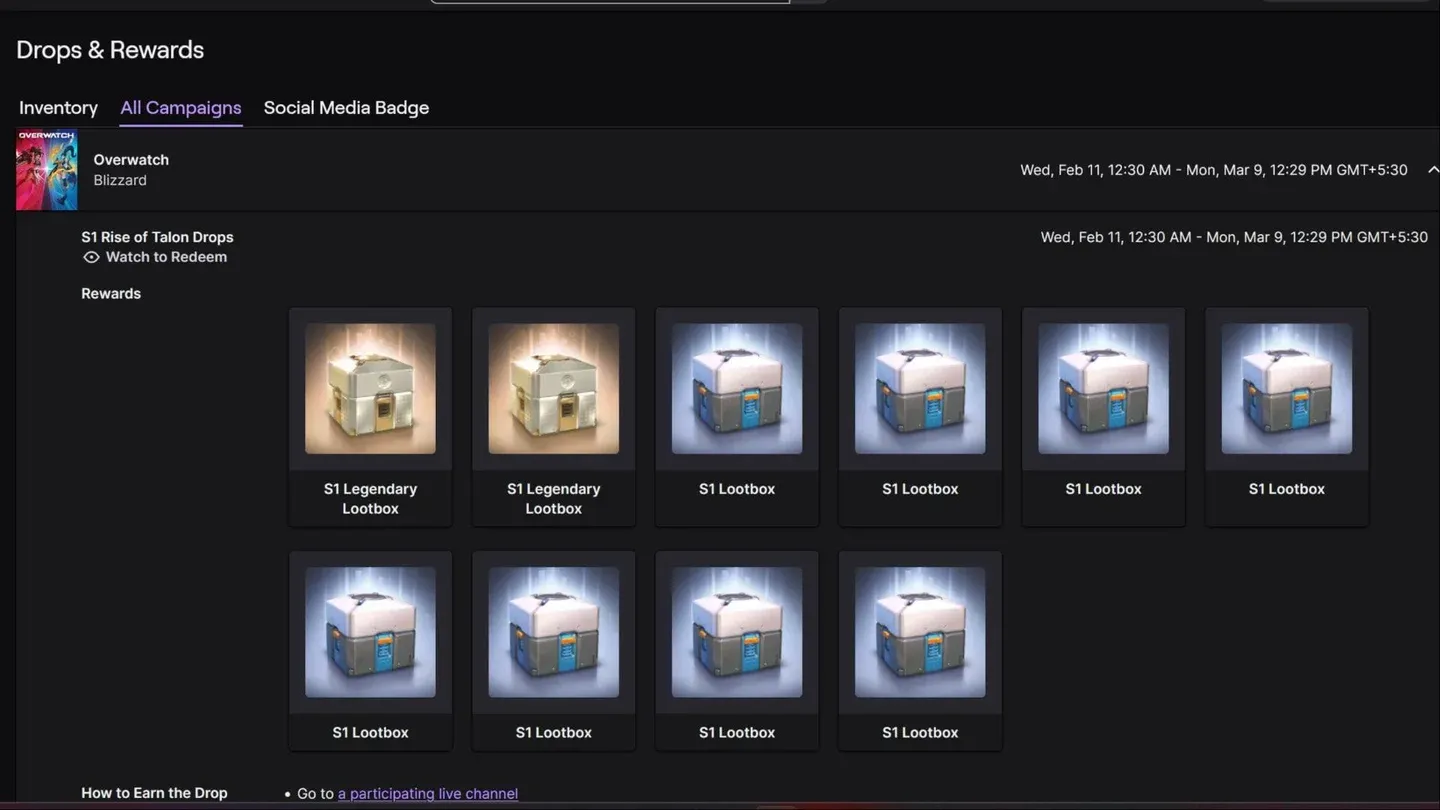
Track drops via Twitch menu
Why This Campaign Matters for Season 1
The deeper context here is timing. Overwatch dropped the "2" from its title with the launch of Season 1: Reign of Talon on February 10, 2026, marking a significant repositioning for the franchise. Blizzard paired that launch with five new heroes, a Conquest meta event, UI overhauls, and a competitive reset. Layering Twitch Drops on top of that rollout is a clear effort to drive viewership momentum during a period the studio clearly wants players paying close attention to.
For players who have been watching Overwatch content anyway, the campaign is essentially free cosmetic progress. For those on the fence about returning, the Legendary Skin guarantees give a tangible reason to spend a few evenings with a stream running in the background.
The campaign closes on March 9, 2026, which aligns with mid-season timing. Players who want all 10 lootboxes will need to log at least 13 hours of watch time before that deadline.
Source: Msn
Make sure to check out our articles about top games to play in 2026:
Best Nintendo Switch Games for 2026
Best First-Person Shooters for 2026
Best PlayStation Indie Games for 2026
Best Multiplayer Games for 2026
Most Anticipated Games of 2026
Top Game Releases for January 2026
Frequently Asked Questions (FAQs)
When do Overwatch Season 1 Twitch Drops end?
The campaign is active from February 11, 2026 through March 9, 2026. Players have until that mid-season cutoff to accumulate watch time and claim all available rewards.
How many lootboxes can players earn from Overwatch Twitch Drops?
Players can earn up to 10 lootboxes total: 7 standard S1 Lootboxes and 3 S1 Legendary Lootboxes, each of which guarantees a Legendary Skin.
Do players need to watch a specific Overwatch streamer?
No specific streamer is required, but the stream must have Drops enabled on Twitch. Look for the Drops Active label on any qualifying Overwatch channel before counting watch time.
Does the Blizzard account need to be linked to Twitch before watching?
Yes. The Blizzard account must be connected to Twitch before watch time begins counting toward Drop progress. Linking accounts after watching will not retroactively credit hours already spent.