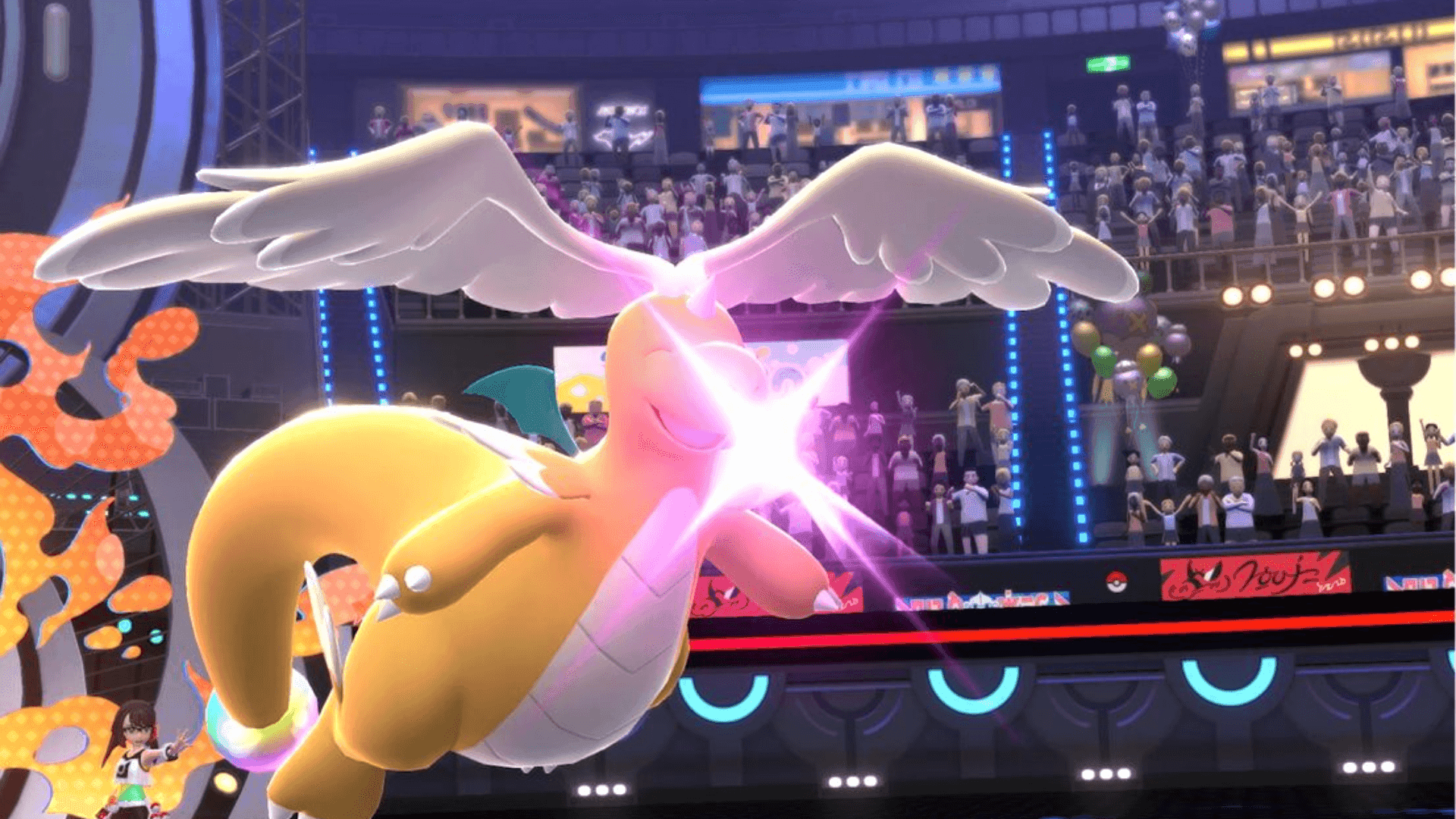

If you have spent years building out your Pokemon Home collection across Scarlet, Violet, and beyond, Pokemon Champions has a direct path for putting those Pokemon to work. The new competitive title supports importing Pokemon from Pokemon Home straight into battle, bypassing the game's gacha-style recruit system entirely.
The "visit" system and what it actually means
Here's the thing: your Pokemon do not permanently move to Pokemon Champions. The game frames it as a "visit," which sounds charming but has real mechanical consequences. Once a Pokemon is sent to visit Champions, it stays technically in your Home storage, but you cannot send it to other games, release it, or edit its markings while the visit is active.
More importantly, the moment you accept a Pokemon into Champions, its stats get locked in. If you send a Pikachu to Champions, EV train it in Scarlet and Violet, then bring it back, Champions will still use the stats it had when you first accepted it. Any stat changes from that point forward have to happen inside Champions itself, through the in-game training menu using VP.
That is a significant caveat for anyone who planned to prep their Pokemon externally and rotate them in.
danger
Accepting a Pokemon into Pokemon Champions locks its stats permanently within the game. External EV training after that point will not carry over.
Before you can transfer anything
The pipeline starts in Pokemon Home on Nintendo Switch, not in Champions itself. Pokemon need to be sitting in your PC storage in their origin game first. Party Pokemon cannot be transferred. Once they are boxed up, you open Home, navigate to the Pokemon section, select the origin game, and drag them into a Home box.
Players transferring from Pokemon Go face a separate process since it runs through a mobile connection rather than the Switch-to-Switch pathway. The same one-way rule applies there: anything sent from Go to Home cannot go back.
Let's Go, Pikachu and Let's Go, Eevee have the same restriction. Once those Pokemon land in Home, they are staying there.
Sending Pokemon to Champions from Switch or mobile
After your Pokemon are in Home, the actual Champions link is found in the bottom-right icon on the Home main menu. Selecting it connects your Nintendo account to your Champions profile and opens your Home boxes. Pokemon with a red "no entry" symbol are ineligible, either because they are not in the current Champions roster or do not meet other requirements.
Selecting an eligible Pokemon and pressing Y queues it for the visit. Once you close Home and open Champions, head to the Recruit menu, then select "Collect from Pokemon Home" at the ranch to finalize the transfer. If you change your mind before confirming, you can send them back.
The Pokemon Home mobile app supports the same process. Open the app, tap the menu button, select Options, then tap "Send for a visit" under the Champions subheading. The confirmation flow mirrors the Switch version.
One more thing to check before you battle
Not every move your Pokemon knows will be usable in Champions. The game has its own move pool, and Pokemon arriving from other titles will likely have moves that simply do not exist in Champions' current ruleset. You will need to update movesets through the training menu before those Pokemon are battle-ready.
Given that Champions has already shaken up the competitive scene since launch, getting your established team in quickly could matter. The Pokemon you can actually bring over is limited to the current Champions roster, so checking the available Pokedex before spending time prepping transfers is worth doing. Make sure to check out more: