
RPCS3, the PS3 emulator that can already boot the entire PlayStation 3 library, just got a lot friendlier for handheld PC users. A recent update overhauls the in-game overlay for devices like the Steam Deck and ROG Ally, giving it a look and feel that closely mirrors SteamOS itself.
What the old overlay was missing
The previous overlay existed, but calling it functional would be generous. Accessing graphics or audio settings meant digging through multiple menu layers, and a lot of options simply weren't adjustable while a game was running. For desktop users with a keyboard and mouse, that was manageable. For someone playing on a Steam Deck in handheld mode, it was a genuine pain point.
The key here is that emulators live and die by their usability on the hardware people actually own. RPCS3 was already technically impressive, but the controller experience lagged behind its desktop counterpart.
RPCS3's new handheld overlay
How the new overlay works
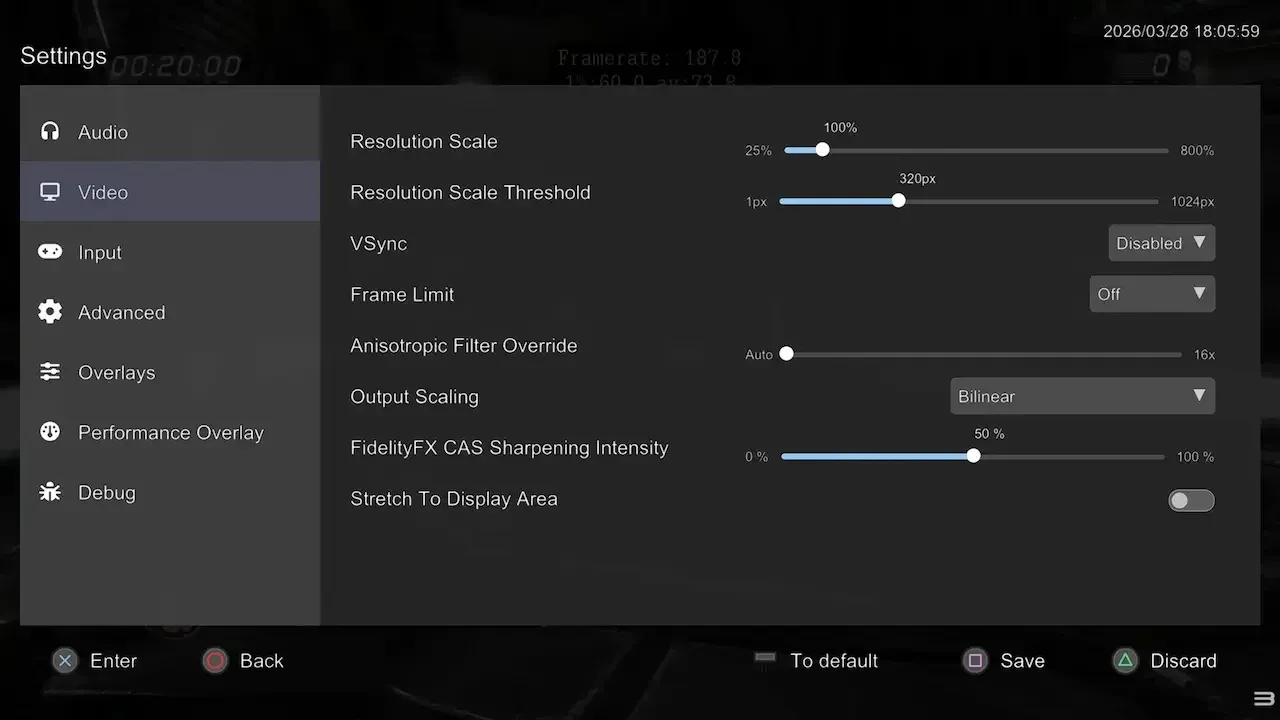
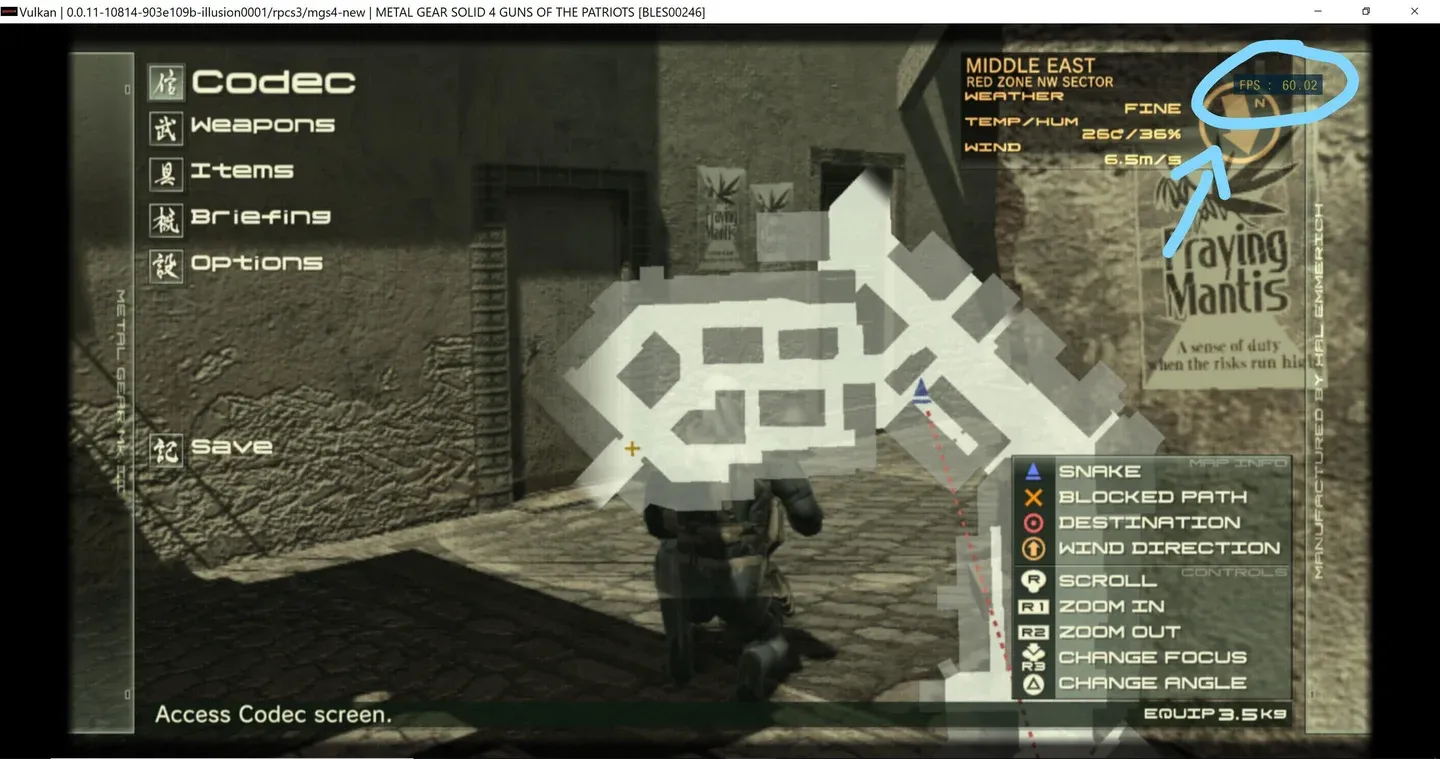
Pressing Start + Select now pulls up the overlay instantly. From there, you get immediate access to screenshot capture, save states, and game restart options without any further digging. The settings menu is right there too, with the most-used options front and center.
Resolution scaling and the framerate limiter, two of the adjustments handheld players tweak most often, are accessible without restarting the game. That last part is a bigger deal than it sounds. Previously, even changing the rendering resolution required a full game reboot. According to PC Gamer's coverage of the update, most settings now apply on the fly.
A performance overlay for monitoring framerate is also included and easy to toggle on or off.
info
More advanced settings are present in the overlay but lack the helpful tooltips found in RPCS3's desktop UI. New users may want to familiarize themselves with the desktop version first before adjusting those options on a handheld.
A performance boost arrives at the same time
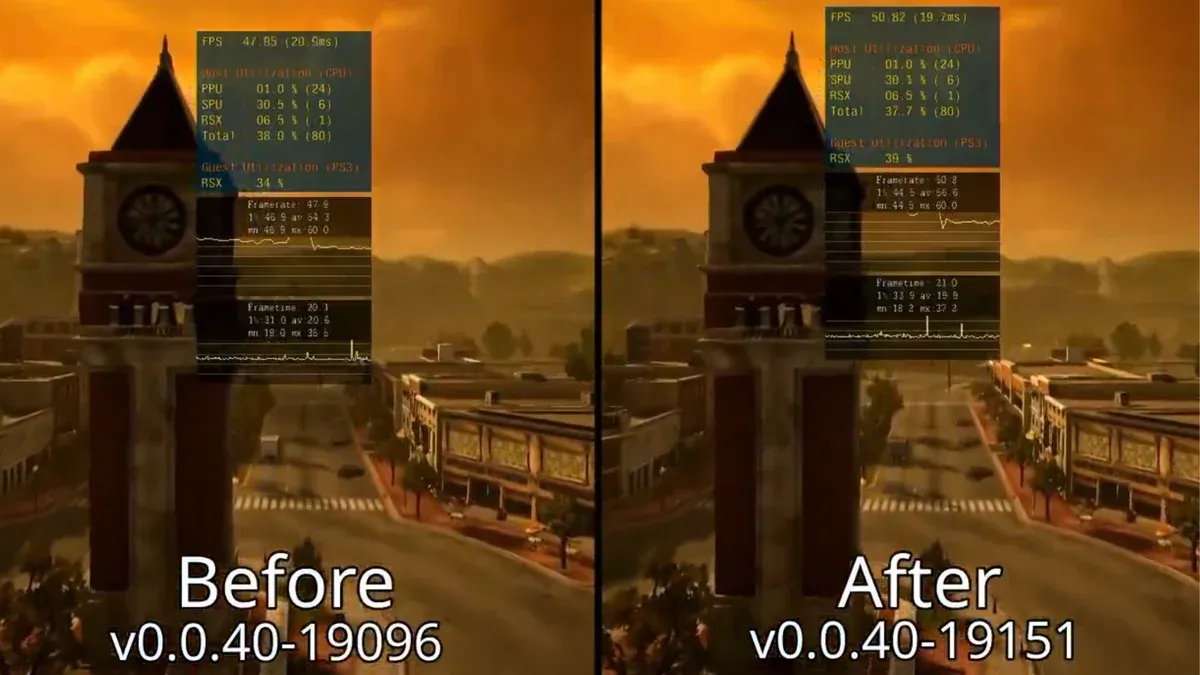
The UI changes aren't the only news. The RPCS3 team also announced a breakthrough in emulating the PS3's Cell CPU, specifically around SPU (Synergistic Processing Unit) usage patterns. Developer Elad identified new patterns and built optimized code generation around them, resulting in a 5 to 7% average FPS improvement in Twisted Metal, one of the most SPU-intensive games in the PS3 library. The gains apply across all games, not just that one title.
That kind of CPU-level optimization is rare and hard-won. Getting even a few extra frames out of the Cell processor, which was notoriously difficult to emulate accurately, reflects years of accumulated knowledge.
Cell CPU gains across all games
Steam library integration rounds out the update
Last month, the RPCS3 team added the ability to right-click any game in the emulator's desktop interface and create a Steam shortcut, dropping it directly into your Steam library. For handheld users running SteamOS, that means PS3 games can appear alongside everything else in your library and launch without ever leaving the Steam interface.
That feature, combined with the new overlay, means the full loop is now in place: add a game to Steam, launch it from your library, and adjust settings mid-session without touching a keyboard. According to NotebookCheck's report on the handheld improvements, the team has been specifically targeting Windows handhelds alongside the Steam Deck for these changes.
Why this stretch of updates matters
RPCS3 has been in active development for years, and the PS3 library is fully bootable at this point. But there's a difference between "technically works" and "actually enjoyable to use on the couch." These recent updates close that gap significantly.
Valve's upcoming Steam Machine is expected to be a natural home for emulation, and RPCS3 looks well-positioned for it. For now, Steam Deck and ROG Ally owners can browse the latest gaming news and guides while they wait for their next session with some PS3 classics. Make sure to check out more: