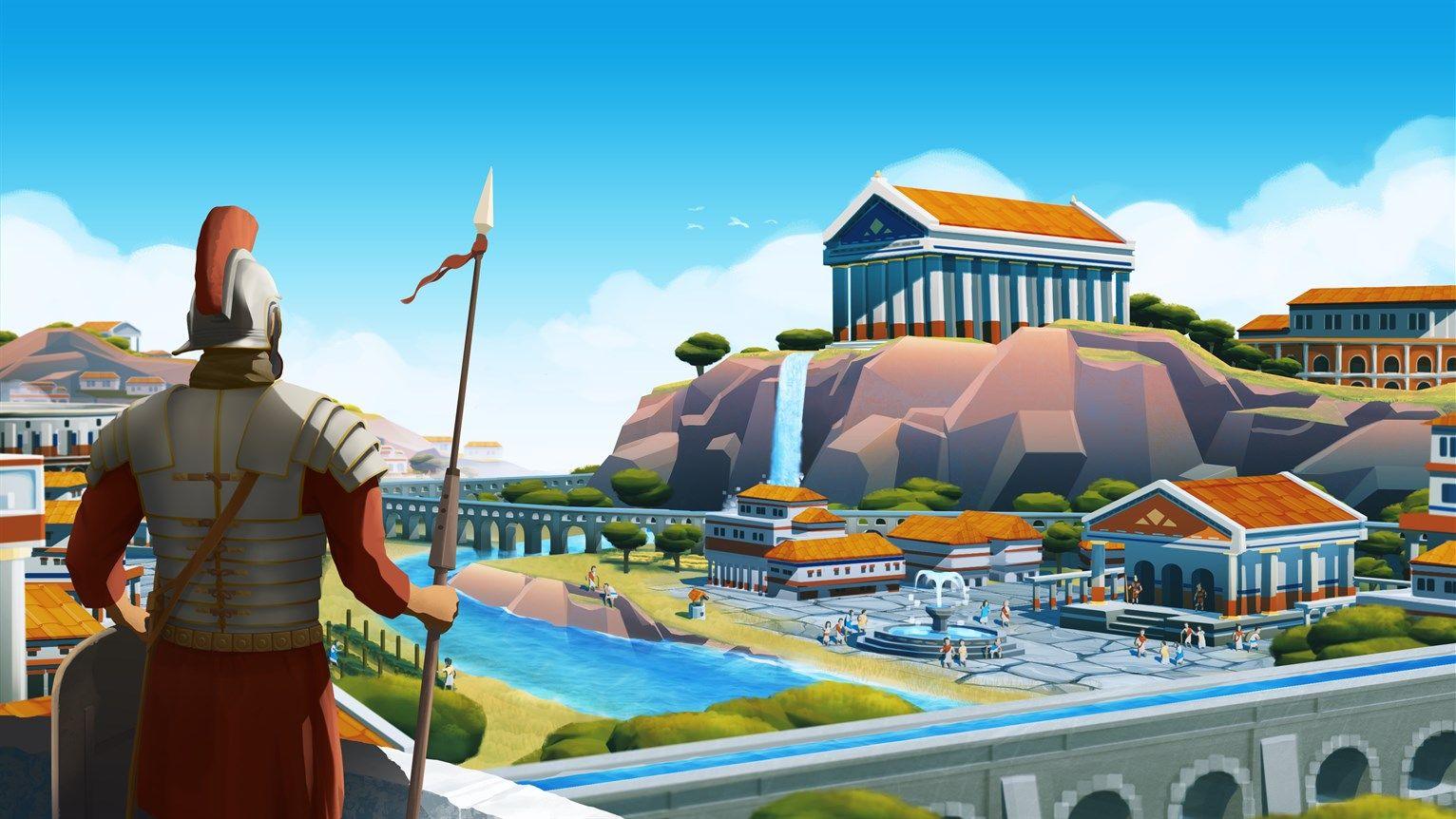


Nova Roma looks spectacular right up until your city hits a few thousand citizens and the whole thing turns into a slideshow. The game's HCU (High-Density Citizen Unit) Engine tracks pathfinding, daily routines, and animations for every single resident simultaneously, which means your CPU bears the real burden here, not your GPU. After testing across multiple hardware tiers and save files at various population sizes, the settings below represent the most reliable path to stable frame rates from early settlement through late-game metropolis.
Why does Nova Roma stutter in large cities?
The short answer: the Lion Shield engine (also called the HCU Engine in the v1.4.2 build) does not scale gracefully once your population climbs past 10,000 citizens. Every resident has a simulated daily routine, and the processor has to recalculate pathfinding for all of them constantly, even for citizens sitting completely outside your camera view. A powerful GPU helps the marble look good, but it does nothing for that calculation load. An RTX 4090 paired with a weak CPU will still stutter badly in a dense district.
This is the same fundamental problem that Cities: Skylines and Manor Lords players know well. The difference is that Nova Roma pushes individual citizen simulation harder than most competitors, making CPU management the defining factor in late-game performance.
What are the best PC graphics settings for Nova Roma?
The table below reflects tested configurations across low-end and high-end hardware, with a recommended sweet spot for each setting.
Shadows drain GPU resources harder than any other setting in Nova Roma because every pillar, tree, and moving citizen casts an individual dynamic shadow. Dropping from Ultra to Medium reclaims a meaningful slice of GPU headroom with almost no visible difference during active gameplay. Textures are the opposite story: as long as you have 8GB or more of VRAM, keeping textures at High or Ultra costs very little performance and keeps the marble and terracotta architecture looking sharp.
Citizen LODs deserve special attention. Lowering this setting is invisible from any zoomed-out city management view, yet it delivers the largest single FPS improvement available. The engine simply stops calculating detailed walking animations for citizens you cannot see. Set this to Low immediately, regardless of your hardware tier.
For upscaling, DLSS Quality on Nvidia hardware produces clean results without ghosting artifacts during camera pans across dense city blocks. On AMD hardware, FSR 2.0 at Balanced is the equivalent target.
How to fix CPU bottlenecks and stuttering
Simulation distance is your most powerful lever
Navigate to the gameplay settings and pull the Citizen Simulation Distance slider down to Medium. This restricts the high-tick-rate simulation to the area immediately around your current camera position, cutting CPU overhead substantially. Camera panning becomes noticeably smoother within seconds of applying this change.
Pathfinding update frequency
Set Pathfinding Update Frequency to Economic. This instructs the AI to recalculate citizen routes every 2 seconds rather than every frame, reducing CPU stutter in large cities by roughly 20% in the v1.4.2 build. The simulation still feels alive; citizens just update their routes slightly less obsessively.
Close background applications
Close Chrome, Discord, and any other background processes before launching. Nova Roma needs every available CPU thread, and browsers in particular consume RAM and CPU cycles that the simulation could otherwise use. This is a small change that becomes more impactful as your city grows.
What are the actual PC system requirements for large cities?
The store page minimum specs cover early-game performance. For cities with 50,000+ citizens, the real hardware requirements look more like this:
Note that storage type matters more than most players expect. An NVMe Gen4 SSD is effectively mandatory at the Emperor Tier because texture streaming during rapid camera pans can bottleneck on slower drives.
Performance Mode vs Fidelity Mode on PS5
Performance Mode is the correct choice on PS5, and it is not a close call. It targets 60 FPS with dynamic resolution scaling that typically hovers around 1440p. Managing road networks, placing aqueducts across uneven terrain, and navigating complex economic menus all feel responsive at 60 FPS in a way that simply does not translate to 30 FPS.
Fidelity Mode locks to 30 FPS at native 4K with enhanced shadow rendering and better ambient occlusion. The only practical use case for Fidelity Mode is pausing the simulation to capture high-resolution screenshots of completed Roman architecture. For actual gameplay, the resolution difference between Performance and Fidelity Mode is barely perceptible when you are zoomed out managing macro-level city planning.
How to fix the memory leak and VRAM flush issue
If your frame rate starts healthy but degrades after two or more hours of play, you are likely hitting a known VRAM retention issue in the current build. The engine does not reliably clear old textures from GPU memory as you scroll across different districts.
The quickest fix: switch the game from Fullscreen to Windowed Borderless mode, then switch back. This forces the engine to reinitialize the VRAM buffer and clears the accumulated texture data. It takes about 10 seconds and typically restores performance to near-launch levels for that session.
Also confirm that your Windows Pagefile is set to System Managed on an SSD. A manually restricted pagefile can cause crashes during large in-game events like festivals or fires, where particle and simulation load spikes sharply.
Steam Deck and handheld settings
Getting Nova Roma to a stable 30 FPS on the Steam Deck requires accepting some visual trade-offs. Set the resolution to 1280x800, FSR 2.0 to Performance, and lock the refresh rate to 30Hz through Steam Deck's quick settings. Set the TDP limit to 15W to prevent thermal throttling, which causes significant FPS drops after roughly 10 minutes of sustained play if left uncapped.
The ROG Ally follows similar logic. Prioritize the simulation distance and citizen LOD reductions above all else; those two settings have more impact on handheld performance than any visual quality slider.
GPU driver tweaks worth making
Before launching the game, two driver-level adjustments make a real difference:
- Nvidia: Set Power Management Mode to "Prefer Maximum Performance" and Texture Filtering Quality to "Performance" in the Nvidia Control Panel.
- AMD: Enable Radeon Anti-Lag and set Tessellation Mode to override application settings at 64x.
These changes ensure the GPU is not throttling itself during the simulation spikes that accompany rapid city growth or large event sequences.
What about Ray Tracing?
Ray Tracing is present in Nova Roma but currently flagged as Beta. Testing confirms it is unstable enough to cause frame rate inconsistency even on high-end hardware. Keep Ray Tracing off until the developers ship a stable implementation. The performance cost is not justified by the visual return at this stage of the game's development.
You can check the Steam Community page for Nova Roma for the latest patch notes and community reports on engine optimization progress, as developers have confirmed ongoing work on background calculation efficiency.
For a deeper breakdown of display-specific configuration including resolution scaling options, the Nova Roma settings guide covering PS5 and PC display options has additional detail on the Performance vs Fidelity tradeoffs at different screen sizes.
The core principle across every platform is the same: Nova Roma rewards players who configure their settings around late-game population loads rather than early-game empty maps. Set your baseline conservatively, keep drivers updated, and treat Citizen Simulation Distance as the most important slider in the entire settings menu. For more city-builder optimization guides and performance breakdowns, browse the latest guides on GAMES.GG.