

Running Once Human without wanting to throw your PC out the window
Once Human is a demanding open-world survival game, and the gap between a smooth session and a stuttering mess comes down to a handful of hardware and network decisions most players overlook. The game is currently PC-focused, which means you have real control over how it performs — but only if you know which settings actually matter and where your connection is losing packets. This guide breaks down system requirements, graphics priorities, and network fixes so you can spend less time troubleshooting and more time actually playing.
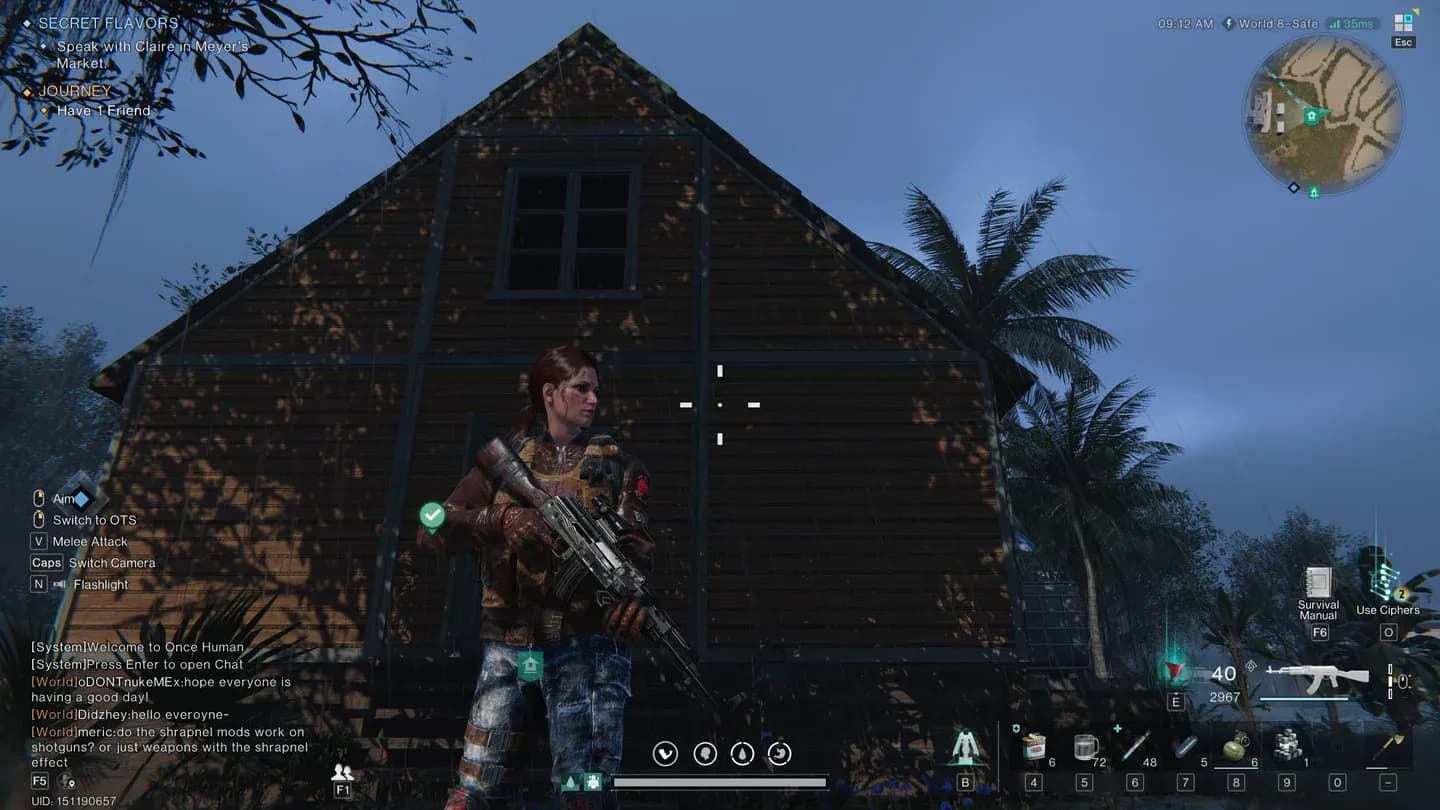
Once Human graphics settings panel
What are the minimum and recommended PC specs for Once Human?
According to the ExitLag platform guide, Once Human requires at minimum a quad-core CPU running at 3.0 GHz, 8 GB of RAM, a GTX 1060 or RX 580 GPU, and 50 GB of SSD storage. Your internet connection should hold at least 10 Mbps to avoid constant hitching during multiplayer events.
For a noticeably better experience, the recommended specs push things up considerably:
The jump from minimum to recommended matters most during large-scale events. Boss fights and territory wars push server traffic hard, and a system scraping by on minimum specs will feel it immediately through frame drops and input lag.
info
Even if your GPU clears the recommended threshold, running the game off a mechanical hard drive instead of an SSD will cause noticeable loading hitches. The storage type matters as much as the storage size here.
Which graphics settings should you adjust first?
Not all settings cost the same amount of performance. Based on the optimization guidance documented by ExitLag, the most effective approach is to target the heaviest settings first rather than sliding everything down at once.
Here is the order that gets you the best performance-per-sacrifice:
- Shadow quality — this is the single biggest GPU drain in most open-world games. Drop it before anything else.
- Volumetric effects and post-processing — fog, lens flare, and bloom look nice but punish mid-range cards.
- Anti-aliasing — switch from high-quality options to a lighter mode if you are GPU-limited.
- Texture resolution — only reduce this if your VRAM is consistently maxed out. Dropping textures too early hurts visual clarity more than it helps framerate.
- Draw distance — lower this last, since it affects how much of the world renders around you and can create pop-in that is genuinely distracting during combat.
The goal is keeping visual clarity while reducing the load on your GPU during intense combat sequences. A 1080p image with clean textures and reduced shadows looks far better than a blurry mess with all settings at medium.
warning
Lowering texture resolution when you have adequate VRAM is a common mistake. Check your VRAM usage in a GPU monitoring tool before touching texture settings — you may be leaving free performance on the table.
How does network stability affect Once Human gameplay?
Once Human is a multiplayer survival game, so your connection quality shows up in ways that go beyond a simple ping number. Delayed hit registration and rubberbanding during combat are both symptoms of packet loss and routing instability, not just raw speed problems.
According to ExitLag's technical breakdown, the most common network culprits are ISP routing inefficiencies, Wi-Fi interference, and background bandwidth consumption. Before blaming the game servers, check these first:
- Compare wired versus wireless performance. Wi-Fi introduces jitter that a direct Ethernet connection eliminates entirely.
- Check for background downloads or streaming services eating bandwidth during play sessions.
- Verify your router firmware is current, since outdated firmware can create unexpected packet fragmentation.
For players dealing with persistent instability, configuring Quality of Service (QoS) settings on your router lets you prioritize gaming traffic over everything else on the network. Pairing that with DNS optimization for faster domain resolution rounds out the local side of the fix.
info
Route optimization tools like ExitLag work by mapping multiple real-time paths to the game server and automatically switching to the most stable one during play. This is different from a VPN — the focus is on reducing jitter and packet loss rather than masking your location.
Does Once Human support cross-platform play?
As of the current release, Once Human is primarily a PC game. The ExitLag source notes that cross-platform functionality between PC and consoles is not confirmed at launch, though the developer's long-term roadmap may expand platform support depending on adoption rates and technical feasibility.
The survival genre has seen titles like Fortnite and Genshin Impact expand to multiple platforms after establishing their PC foundations, so the pattern exists. For now, the player base is concentrated on PC, which keeps matchmaking pools unified and avoids the latency inconsistencies that mixed-hardware cross-play can introduce.
If console or cloud gaming versions do arrive, server region distribution will become a more complex issue. Different hardware architectures and network infrastructures across platforms tend to create uneven latency patterns, which is why developers typically stabilize one platform before expanding.
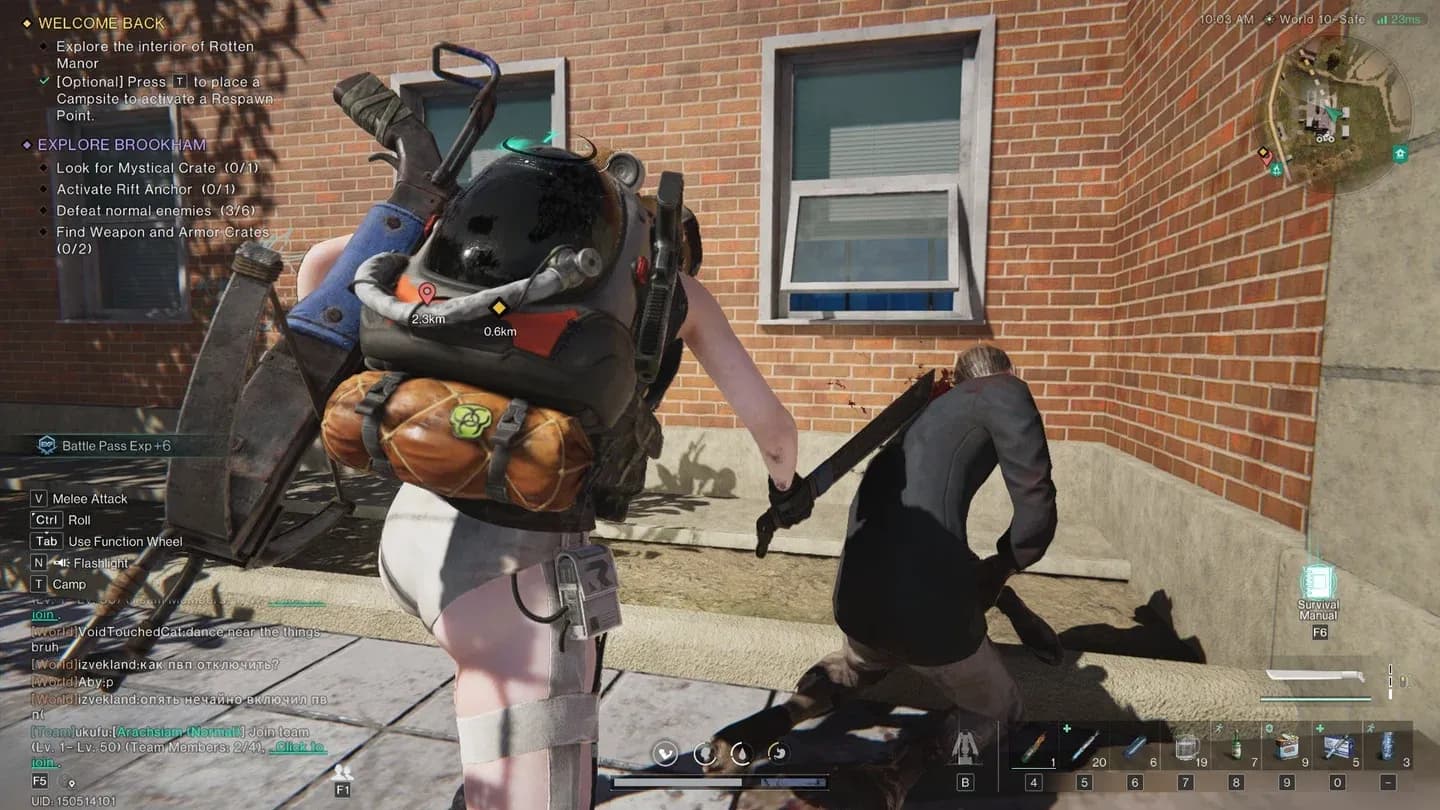
Co-op multiplayer session in progress
How do server regions affect your ping in Once Human?
Your base ping is largely determined by physical distance to the nearest data center. The closer you are geographically, the lower your starting latency. However, routing inefficiencies from your ISP can inflate that number significantly even when a server is nearby.
Matchmaking quality also ties directly to server population density. When player counts are concentrated in specific regions, queue times outside those regions stretch out and server load becomes uneven during peak hours. Balanced regional distribution produces faster matchmaking and more consistent performance across time zones.
For players in regions with less server coverage, the practical fix is route optimization rather than hoping for new data centers. Rerouting unstable traffic paths can reduce the effective ping gap between you and a distant server.
info
If you are in a region far from major data centers, test multiple server regions during off-peak hours to find which one gives you the most consistent ping rather than just the lowest average.
Putting it all together
Getting Once Human running well is a two-part problem: hardware settings and network stability. Nail the graphics priority order (shadows first, textures last), make sure your system meets the recommended specs rather than just the minimum, and address network issues at the router level before looking for external fixes.
The game rewards players who put in the setup work upfront. A stable 60 fps with consistent network performance changes how PvP encounters feel compared to a higher-spec machine that is dropping frames and packets during the moments that matter. For more guides covering survival games and performance optimization, browse the latest guides on GAMES.GG.