Search games, articles, guides...CtrlK
Sign InGet Started
Find the hidden storage panel, dump your backpack fast, and access van storage the right way in Outbound.

Written by Larc
Content Writer
See more GAMES.GG guides on Google
Add us as a preferred source and our guides show up first in your results.

Outbound Axe Guide: How to Get, Craft, and Use It
Learn how to unlock, craft, and use the Axe in Outbound to chop logs and dead trees for wood materials.

Outbound Scrap Metal Guide: Where to Find It and What It Builds
Find Scrap Metal fast in Outbound by hitting Signal Towers, managing supply caches, and keeping a reserve for key workstations.

Outbound Resources Guide: Every Material and How to Get It
Every resource in Outbound, where to find it, and how to collect it across all four biomes and power systems.
Running out of backpack space is one of the first walls you'll hit in Outbound. The game gives you a 20-item limit right from the start, and every stack counts as a separate slot, so two stacks of 10 resources burns through your capacity fast. The storage system exists to fix this, but the game barely explains where to find it or how it actually works. Here's everything you need to know.
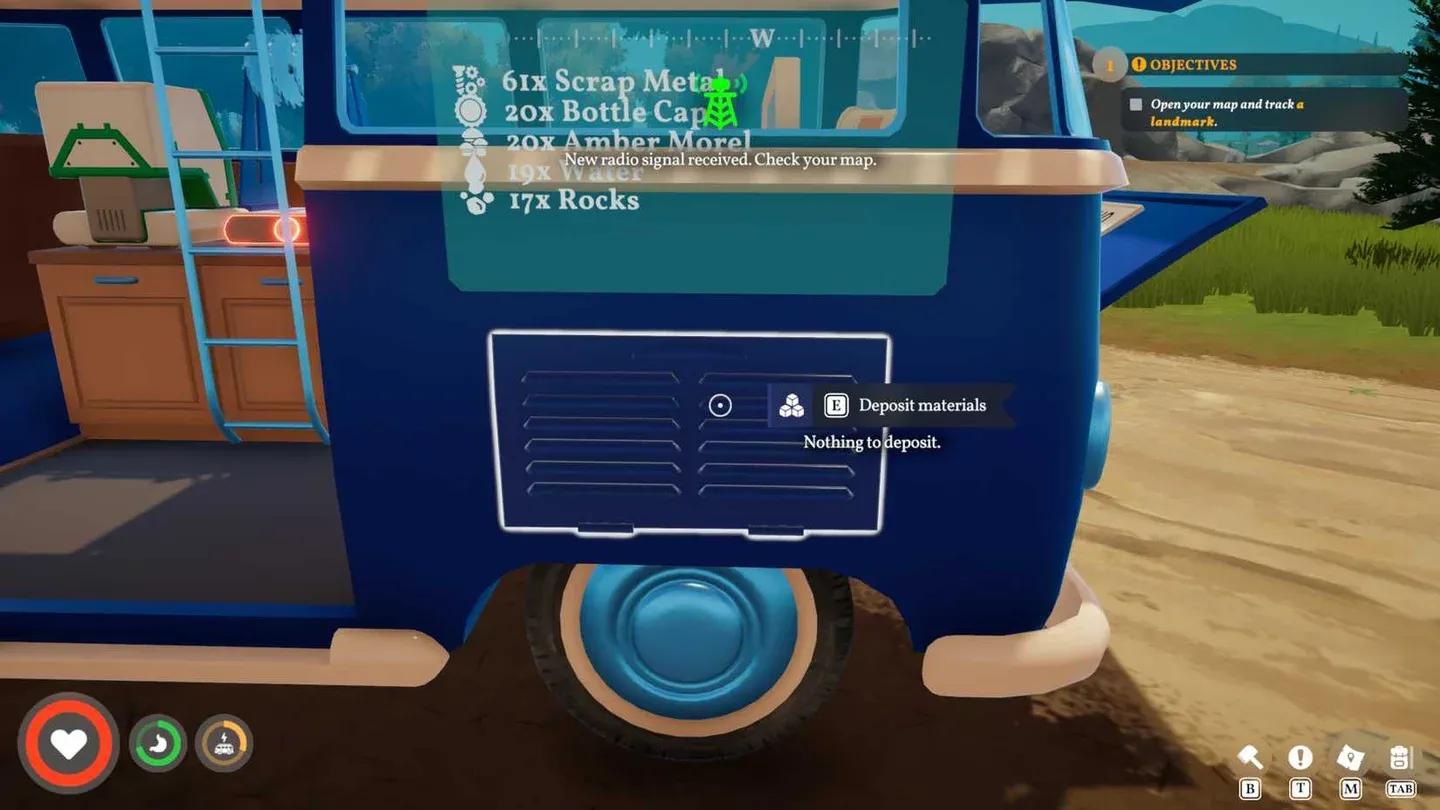
The storage panel is on the driver's side of the van, sitting right next to the rear tire. It does not stick out visually at all. The panel matches the color of whatever paint job you chose for your van, which makes it blend almost completely into the body of the vehicle. Walk around the back-left corner of the van and look low, near the wheel. The panel only highlights when you're looking directly at it, so slow down and scan carefully.
Once you locate the panel, the process is straightforward:
That last point is worth pausing on. Interacting with the panel dumps your entire backpack at once. You do not get to pick and choose at this stage. If you want to keep specific items on your person, you need to lock them before you interact with the panel.
Lock items before depositing
Open your backpack and select any item you want to keep. A small options window appears with actions like drop, use, or consume depending on the item type. In the upper-right corner of that window, there is an open padlock icon. Select it. That item is now locked to your backpack and will not be swept into van storage when you hit the deposit panel.
The most common things worth locking, based on the source materials, are Download Vouchers (needed at Radio Towers to get Blueprints) and Bottle Caps (used at Cap-N-Snap vending machines). Both of these require the items to be physically in your backpack to use, not just sitting in van storage.
Here's where players get confused a second time. You cannot retrieve items by interacting with the storage panel again. The panel only deposits.
To access what you've stored, look up from the storage panel toward the small screen hovering above it. Interact with that screen when the "Storage info" prompt appears. This opens a list of your stored materials and lets you pull specific items back into your backpack by selecting them from the menu.
The screen only displays recently acquired materials rather than your full inventory at a glance, so if you're looking for something specific that you stored a while ago, scroll through the full list.
20-slot backpack limit
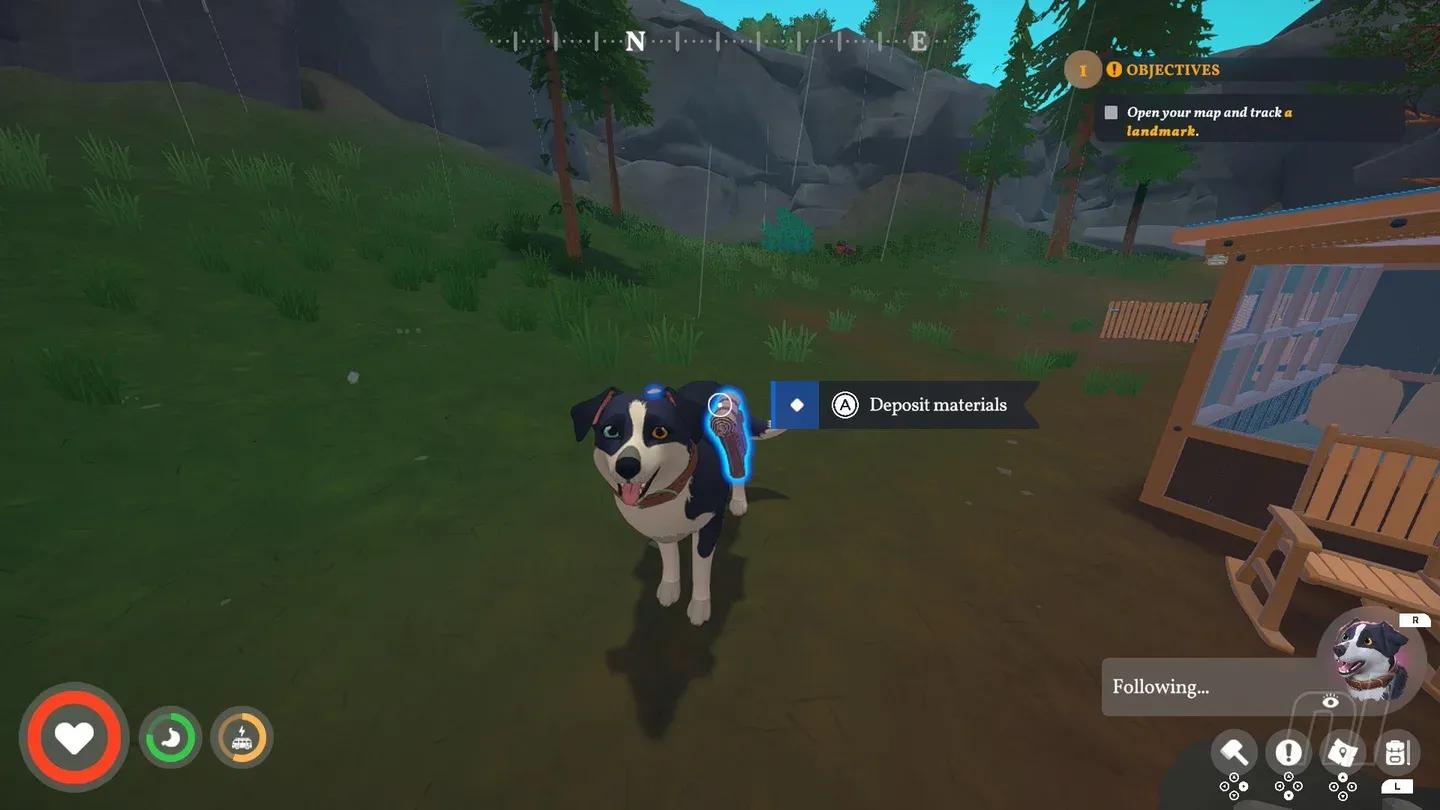
Outbound sits firmly in the simulation games space, where resource management is a core loop rather than a side concern. The 20-item cap feels tight early on, especially because stacked items each consume a slot. A stack of 10 Scrap Metals and a stack of 10 Everwood fills your entire backpack by themselves, per Prima Games' breakdown of the system. Getting comfortable with the deposit routine early, and knowing which items to lock, removes most of the frustration.
The van is always with you on the road, so the habit to build is: stop at the panel before heading into a new area, lock your consumables and vouchers, then deposit everything else. That keeps your backpack free for whatever you pick up next.
For more tips on surviving the early game and beyond, check out the full Outbound guides collection.