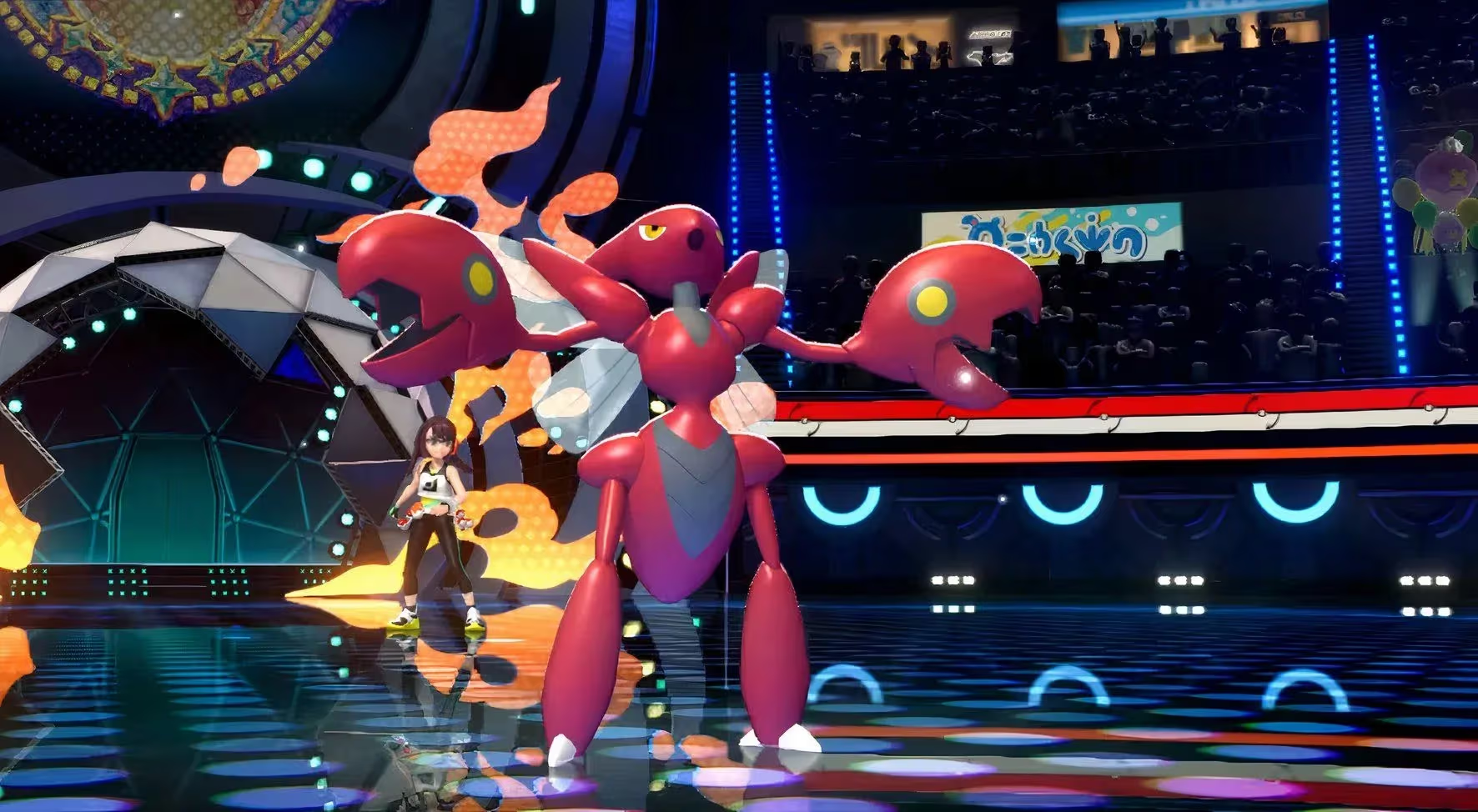

Mega Stones in Pokémon Champions are not missing from your game. They are just not where you would expect them to be. The standard inventory screen never shows them, which sends most players on a frustrating loop of buying a stone, opening their items, seeing nothing, and assuming something broke. Nothing broke. The game just buries the equip option inside a specific menu that you would never find by accident.
Why can't you find your Mega Stone in the inventory?
This trips up nearly everyone on their first run. When you purchase a Mega Stone, it does not appear in the default item list. According to GamerBlurb's coverage of the game, Mega Stones are stored in a separate tab inside the held item menu, which you can only reach through the battle party screen. Opening your regular items and scrolling through everything will never surface them.
danger
You must have completed the game's tutorial before Mega Stones become usable. Purchasing one before that point will not let you equip it.
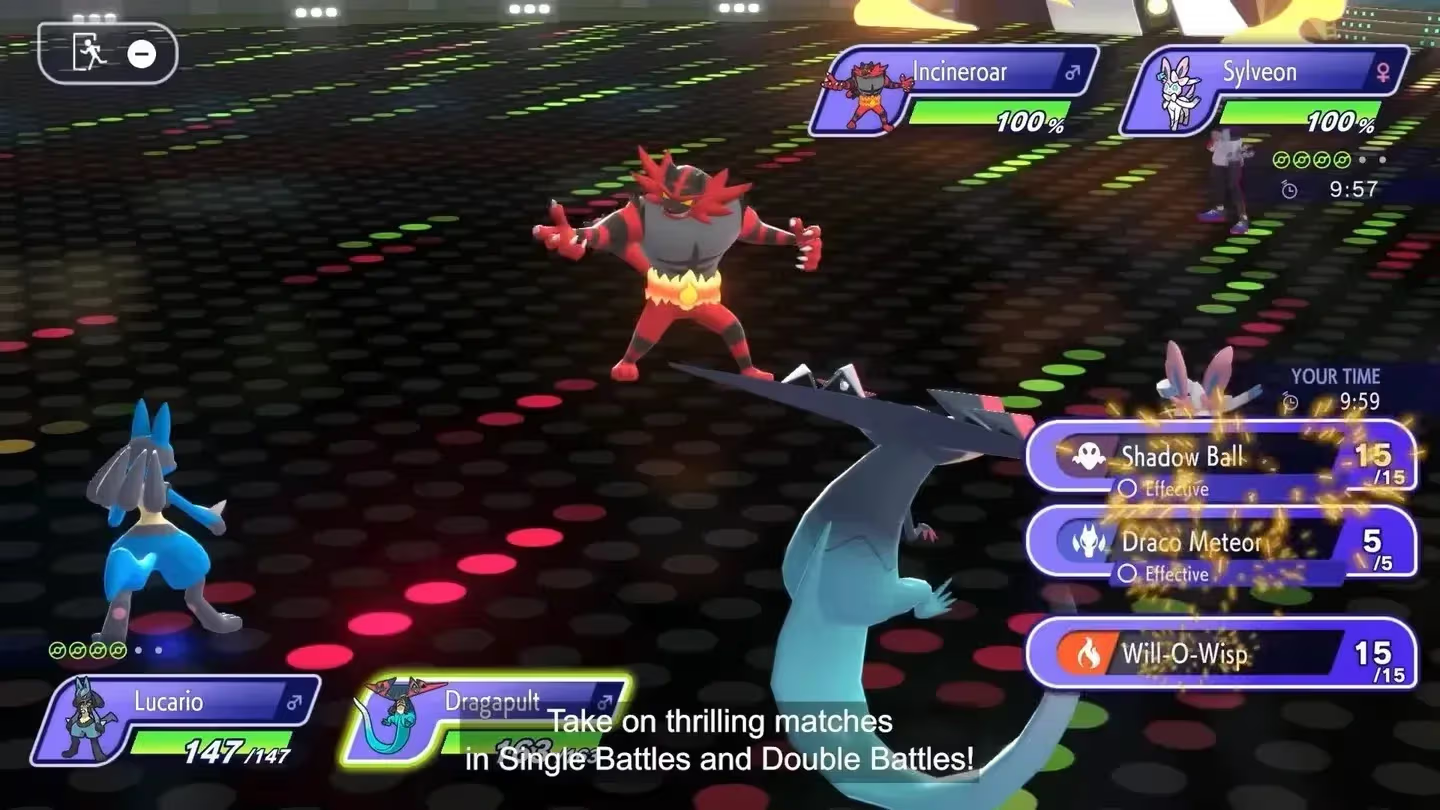
Held item tab for Mega Stones
How to equip a Mega Stone in Pokémon Champions
There are two routes to the held item screen. Both work, and which one you use depends on where you are in the menus.
Method 1: Through the Box
- Open the main menu in Pokémon Champions.
- Select the Box option on the right side of the screen.
- Press X to open the Held Item screen for the selected mon.
- Use R or L to cycle through item tabs until you reach the Mega Stone tab.
- Select the correct stone for that mon (for example, Gengarite for Gengar).
- Confirm the change.
Method 2: Through the battle party screen
- Select a mon in your battle line-up.
- Choose "Give an item to hold" from the pop-up menu.
- Cycle to the Mega Stone tab using R or L.
- Assign the matching stone and confirm.
warning
If the mon you want to equip is not in your active battle party, neither method will work. Add it to your team first before trying to assign a held item.
The stone takes up the Held Item slot, which means that mon cannot carry any other held item while the Mega Stone is equipped. That is a real trade-off worth thinking about before locking in your team.
How does Mega Evolution actually work in battle?
Equipping the stone is only half the process. Mega Evolution itself happens during a fight, not in any menu beforehand.
According to Insider Gaming's guide, once your mon holding the correct stone is the active party member, you hit Fight and then press R to toggle Mega Evolution on. Pressing R again deselects it if you change your mind before confirming your move.
A few rules govern how this plays out:
- You can only Mega Evolve one mon per battle.
- If you withdraw a Mega Evolved mon, it stays in Mega form for the rest of the match.
- There is no way to trigger Mega Evolution mid-match if the stone was not equipped before the battle started.
info
Use Mega Evolution tactically. Because only one mon can Mega Evolve per battle, save it for the mon that benefits most from the type or stat changes in the specific matchup you are facing.
What Mega Stones are available and how do you get them?
Not every Mega Evolution mon is currently accessible in Pokémon Champions. Insider Gaming confirms that specific Mega Stones must be purchased or unlocked through one of three sources:
Each stone is species-specific. Gengarite only works on Gengar, for example. There is no universal stone, so check which mon you want to Mega Evolve before spending currency on a stone.
Mega Evolution returned to the franchise in Pokémon Legends: Z-A in 2025, and Pokémon Champions is building on that momentum. Other battle gimmicks like Vmax and Terastallization are planned for the game down the line, but Mega Evolution is the first one available at launch.
For more Pokémon Champions tips and walkthroughs, browse the latest guides on GAMES.GG to stay on top of everything the game has to offer.