
Pokemon Pokopia drops you onto an island as Ditto with a whole community of Pokemon counting on you to rebuild their paradise. It's part life sim, part builder, and entirely charming, but the early game can feel overwhelming if you don't know which systems to prioritize. This guide cuts straight to what matters, so you can skip the confusion and start creating a thriving island from your very first session.
What Should You Do First in Pokemon Pokopia?
Before diving into construction projects and habitat decoration, take a few minutes to simply explore. The world of Pokopia is packed with small details that hint at bigger mechanics, and understanding the basics early saves a lot of backtracking later.
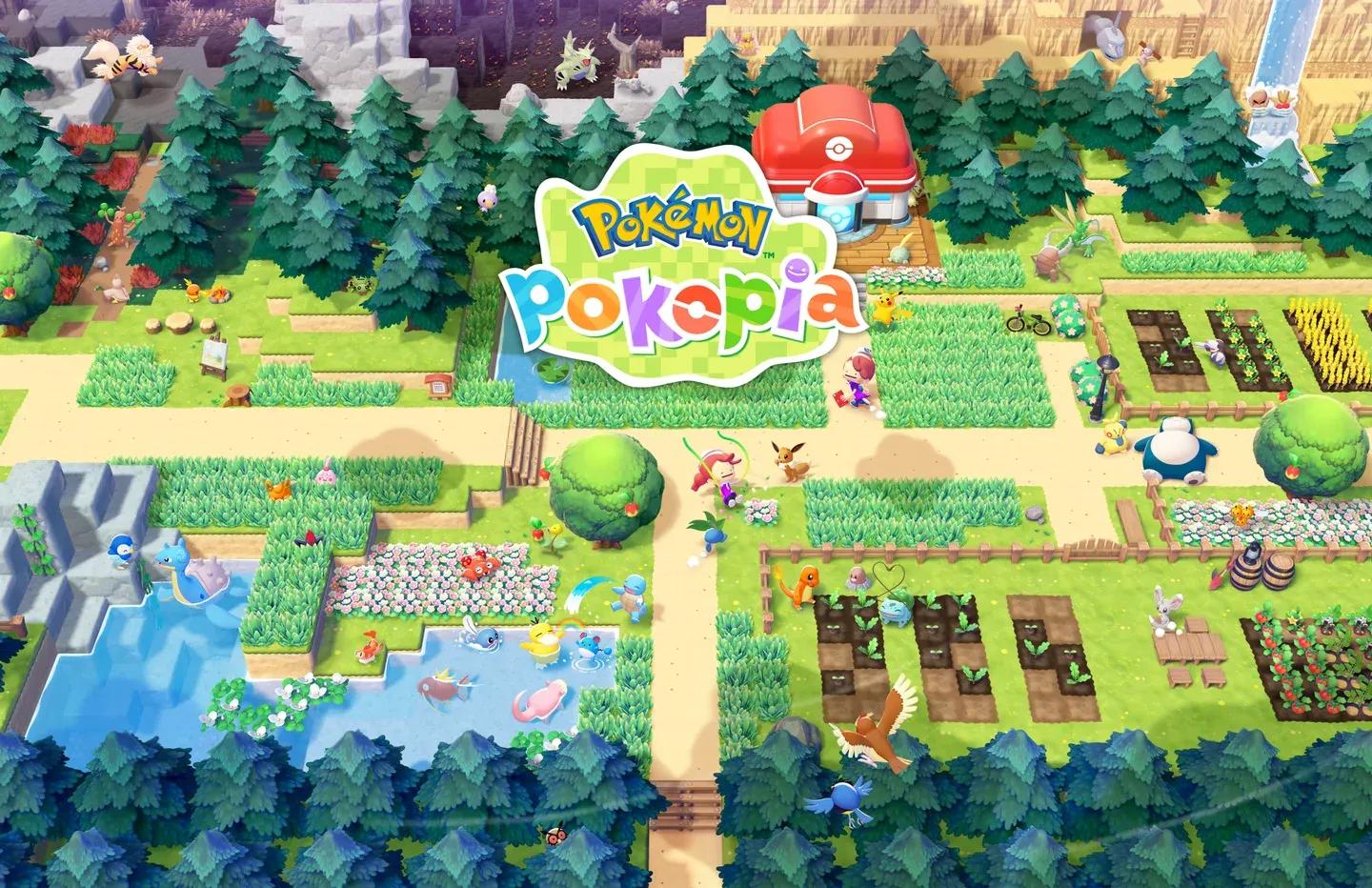
Pokopia island overview map

How Does the Real-Time Clock Affect Gameplay?
Pokopia syncs directly with your Nintendo Switch 2 system clock, meaning whatever time it is where you live, that's the time in-game. If you're playing at midnight, expect nighttime conditions on your island.
This matters more than it might seem. Certain Pokemon only appear during specific times of day, and some construction projects finish at set hours. Keep this in mind when planning your sessions, especially if you're hunting a Pokemon that only shows up at dusk or dawn.
What Do Sparkles in the World Mean?
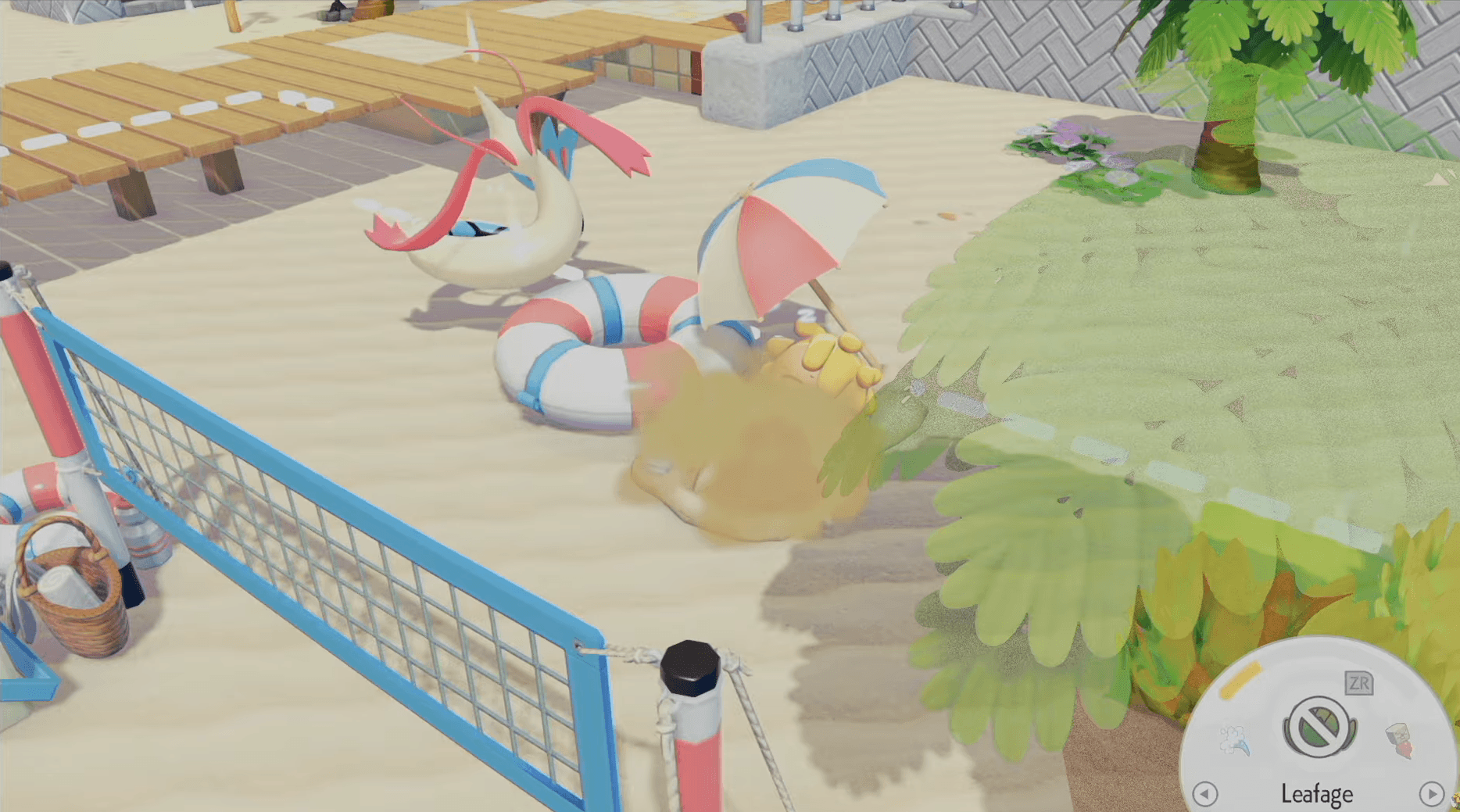
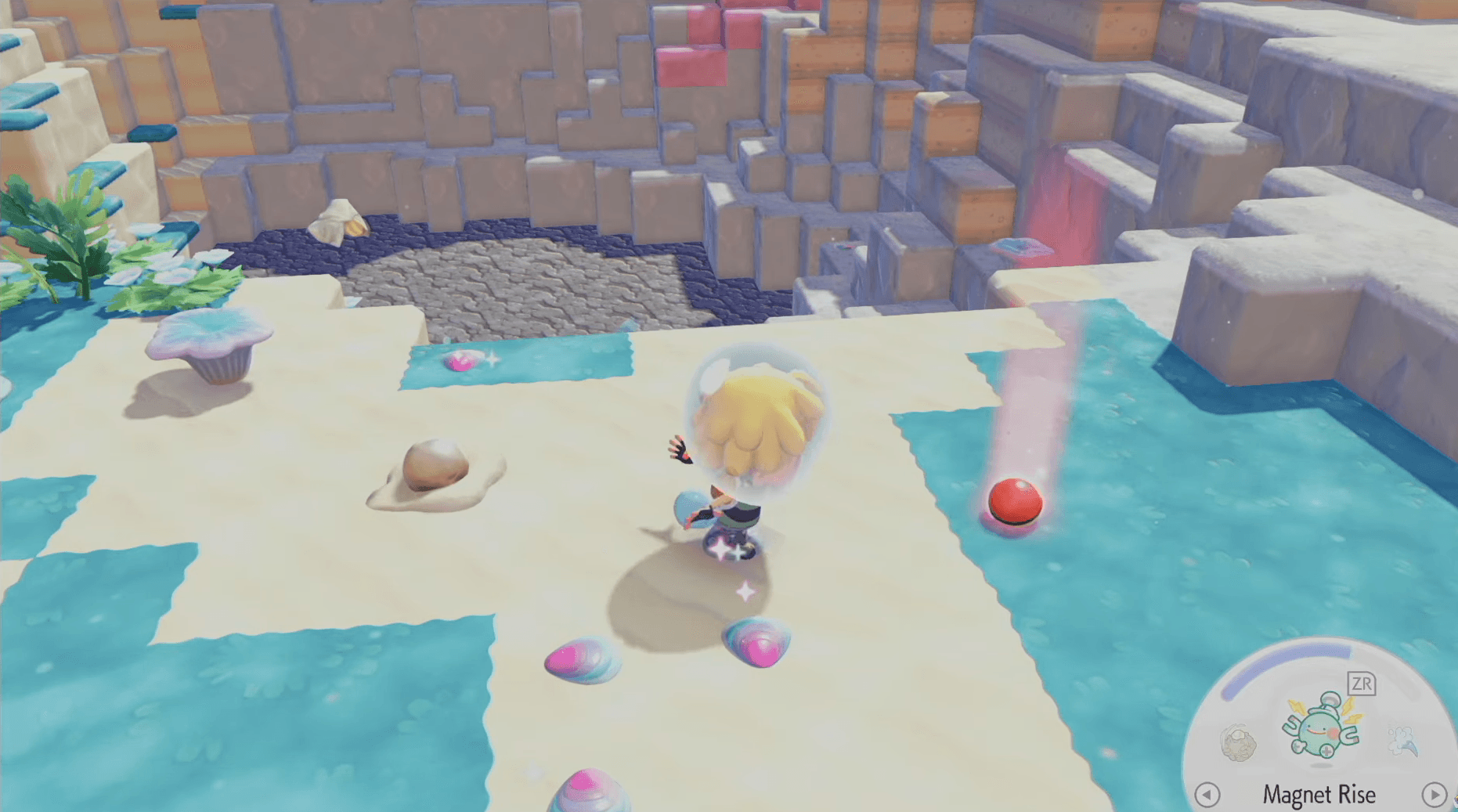
Glittering spots scattered around the island are your best early clue about what's possible. Inspecting a sparkle near a specific object often reveals a habitat hint, showing you what type of environment that object can help create for your Pokemon friends.
Sparkles appearing on water surfaces work differently. Those usually mark hidden item locations rather than habitat hints, so always investigate any unusual shimmer you spot. You'll rarely walk away empty-handed.
How to Manage PP and Keep Ditto Fighting Fit
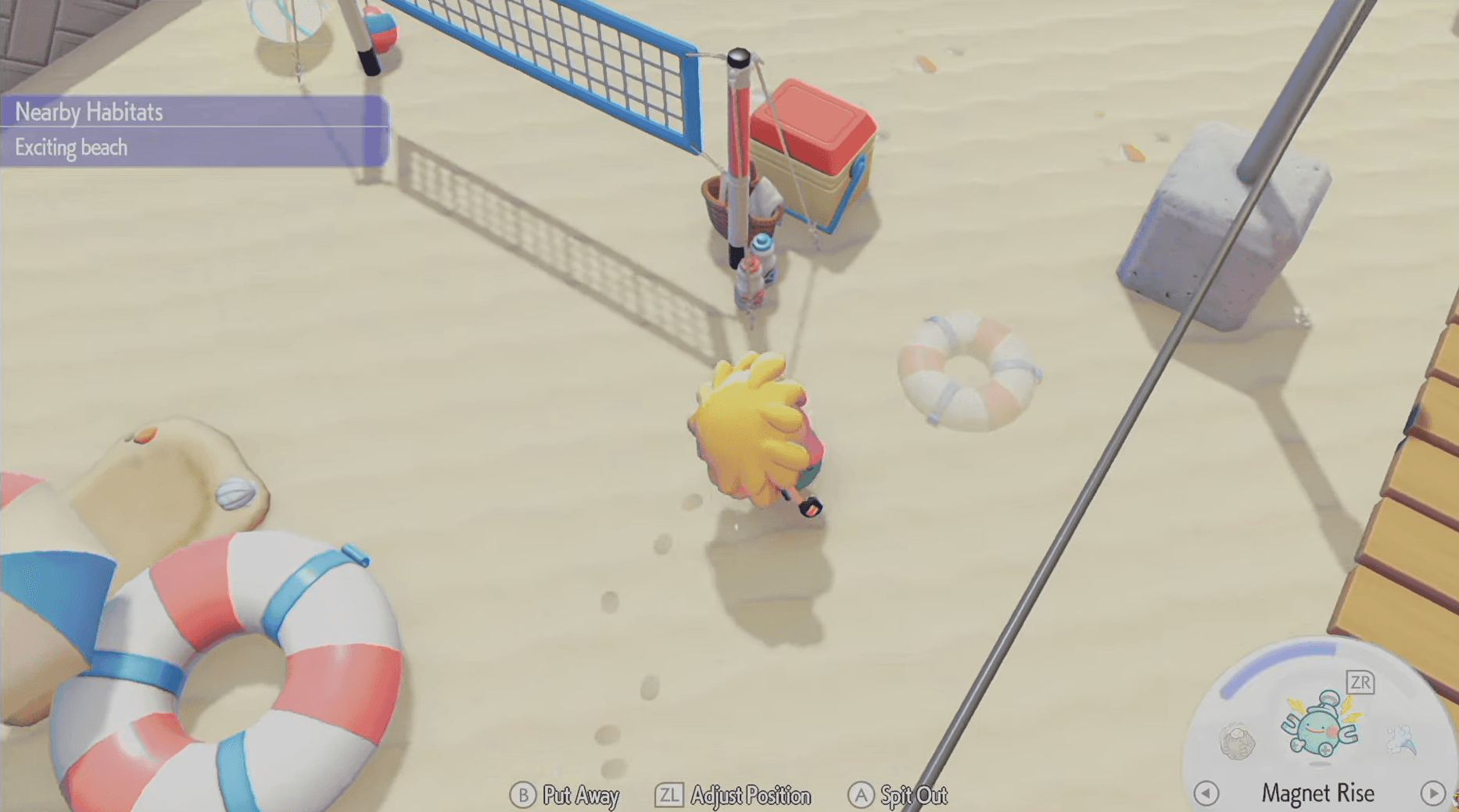
As Ditto, you copy moves from the Pokemon around you, but those moves run on PP (the blue curved bar visible at the bottom right of your screen, just above your active move slot). Running out of PP doesn't lock you out of moves entirely, but it does cause fatigue every time you try to use one, which slows everything down significantly.
Ditto PP meter interface
How Do You Recover PP Quickly?
The fastest way to top up your PP is to eat food. Berries are the most accessible option early on, and you'll find them scattered across the island or grown in dedicated spots. Keep a stock on hand whenever you're planning an active session.
Don't wait until your PP bar is completely empty before eating. Staying topped up means you can use moves freely without interruption, which is especially important when you're in the middle of a construction project or trying to help multiple Pokemon at once.
Picking Up Items Faster with the Inhale Trick
When items are scattered across the ground, pressing Y picks them up one at a time. That works fine for single items, but holdingY activates an inhale effect that pulls in every loose item in front of you at once. Use this constantly. It saves a surprising amount of time during resource gathering runs.
Building Habitats
Habitats are the heart of Pokopia. Each Pokemon has specific preferences for where they live, and meeting those preferences raises their comfort level, which in turn boosts your overall Environment Level. Think of it as a satisfaction score for your entire island.
Habitat block placement UI
How Do Pokemon Specialties Work?
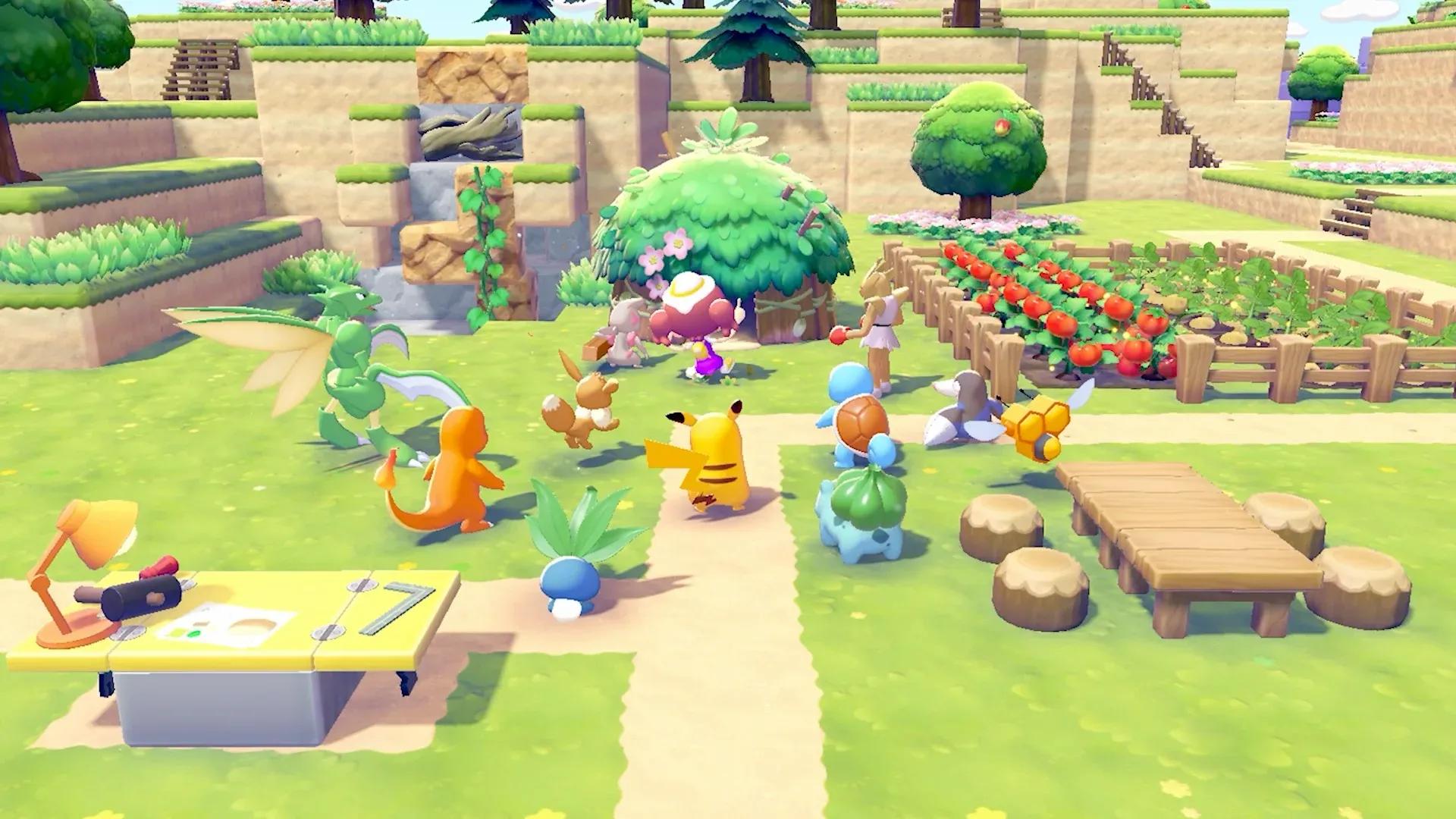
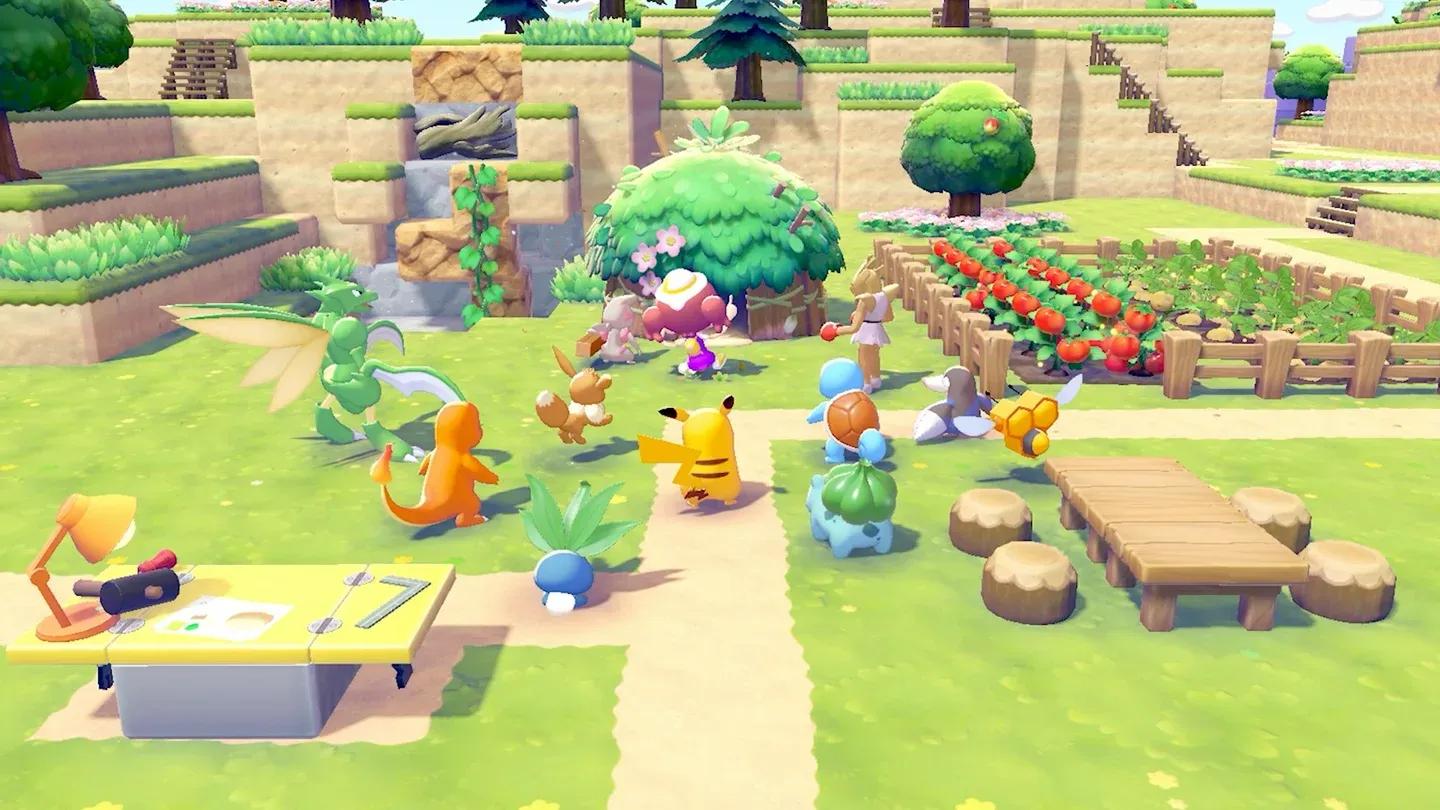
Every Pokemon in Pokopia has at least one specialty, a skill they bring to island development. Some are builders, some are farmers, some clear specific terrain types. You can check any Pokemon's specialties through the Pokedex.
Once you've identified a Pokemon with the specialty you need, talk to them or press Up on the D-pad to ask them to follow you. Lead them to the location or item that requires their help and they'll get to work.
| Specialty Type | What It Helps With |
|---|---|
| Building | Constructing structures from building kits |
| Farming | Growing crops and gathering plant materials |
| Electric | Powering lamps, fixtures, and electrical items |
| Clearing | Removing terrain obstacles and debris |
How Do You Check and Improve Comfort Levels?
Talk to any Pokemon friend and ask "How's your comfort level?" to get direct feedback on their habitat. They'll tell you what's missing or what could be improved, giving you clear direction on what items to place nearby.
Comfort isn't just a nice-to-have. Every Pokemon's satisfaction feeds directly into your island's Environment Level, so keeping your residents happy is one of the most impactful things you can do for long-term progression.
Building Rules: What Makes a Valid Structure?
When constructing buildings by hand (block by block rather than using a building kit), you need to meet two minimum requirements. The structure must have at least four walls and stand at least two blocks tall to register as a proper building in the game's systems.
Building kits are a faster alternative. A Pokemon with the matching building specialty will handle construction automatically as long as you've supplied the required materials. Just note that kit-based buildings take time to finish, and you'll get a notification when they're ready.
Turning a Building into a Home
A building becomes a home once you place at least three furniture items inside it. After that, you can invite a Pokemon to follow you and reassign them to the new home as their habitat, upgrading their living situation and potentially boosting their comfort level.
How Does Electricity Work in Pokopia?
Certain items like lamps and other fixtures won't function without a power source. Electricity in Pokopia comes from two main places: Electric-type Pokemon stationed near items that need power, or dedicated energy sources like windmills connected through power lines.
If you're planning a building with multiple electrical fixtures, sketch out your power grid before you start placing items. Running power lines after the fact is messier than planning the layout from the start.
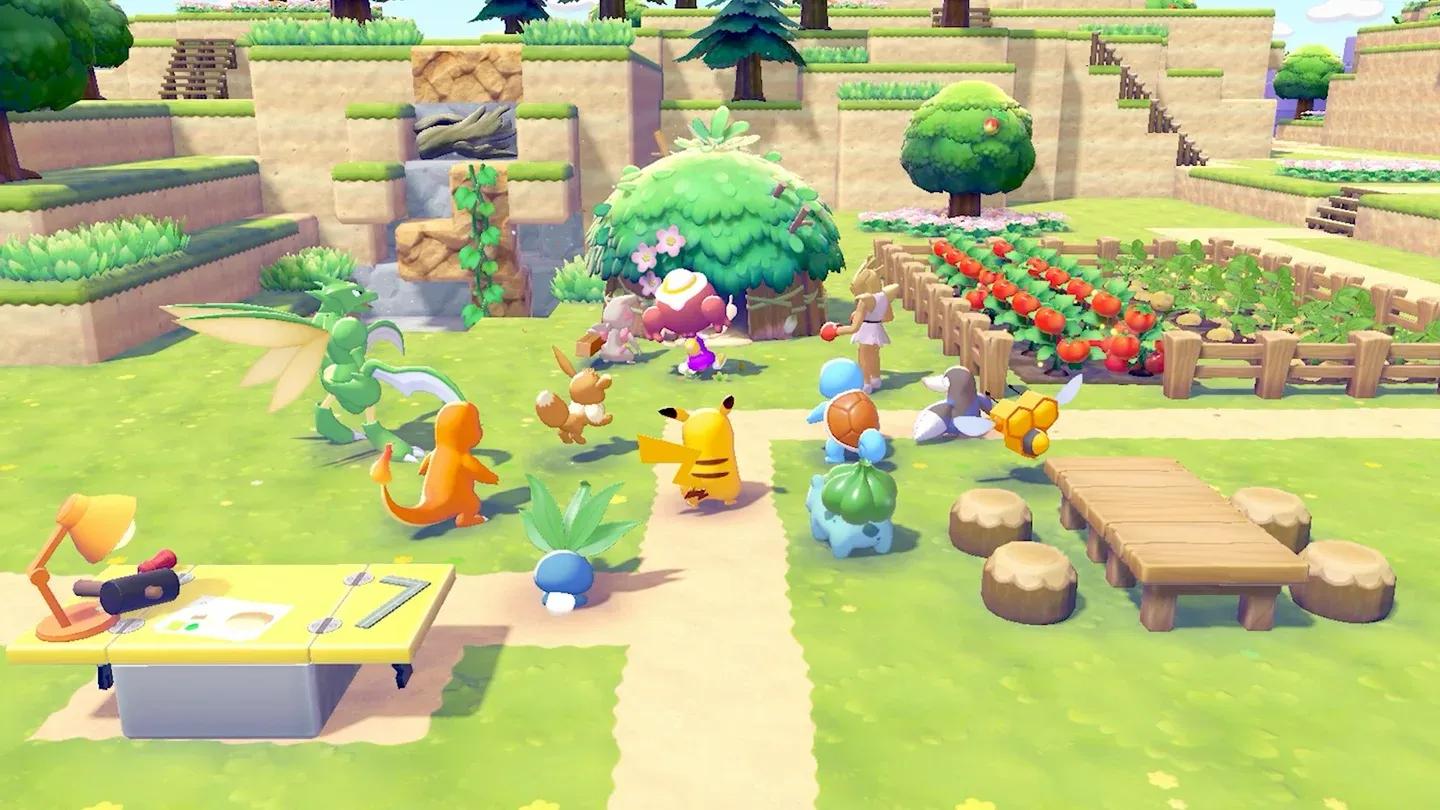
Pokopia power grid setup
Final Tips to Get Ahead Early
Pokopia rewards players who pay attention to the small stuff. Sparkles, comfort hints from your Pokemon neighbors, and the real-time clock are all systems that work in your favor once you understand them. Focus on getting a few Pokemon comfortable in solid habitats before expanding too aggressively, and always keep berries in your inventory so PP fatigue never slows you down at a critical moment.
The island is yours to shape. The Pokemon are counting on you to make it something special.