
Building houses in Pokemon Pokopia is one of the most rewarding parts of growing your community. A well-furnished home makes your Pokemon happier, raises your Environment Level, and turns a bare patch of land into a thriving neighborhood. Whether you are just starting out or trying to figure out why your construction is stalled, this guide walks you through every step of the process.
How Do You Start Building a House in Pokemon Pokopia?
The process has five distinct stages, and skipping any one of them will leave your build unfinished. Here is the full sequence:
- Purchase a Building Kit from the PC Shop
- Place the Building Kit at your chosen location
- Gather the required materials for that structure
- Assign an eligible Builder Pokemon to the construction site
- Furnish the completed house with at least three pieces of furniture
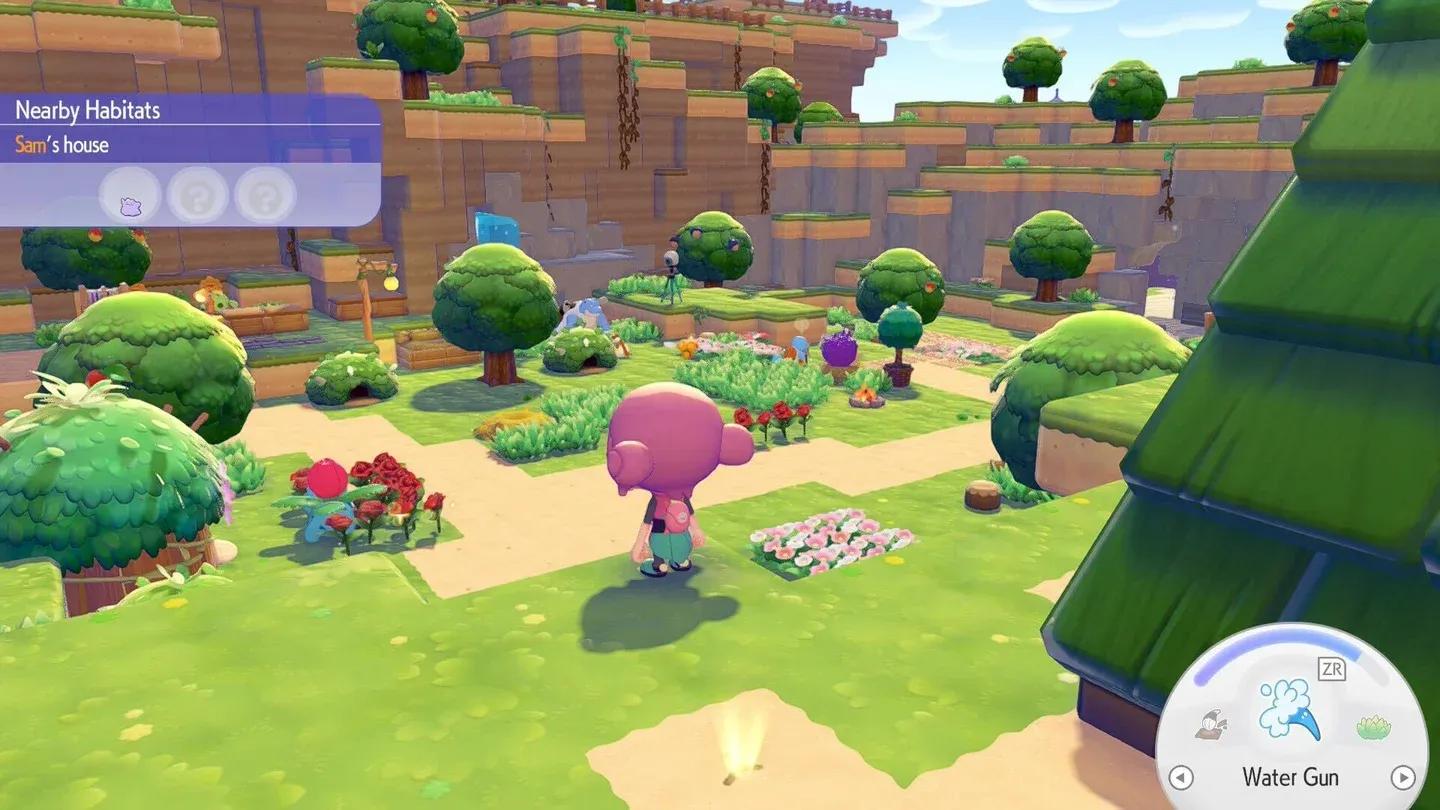
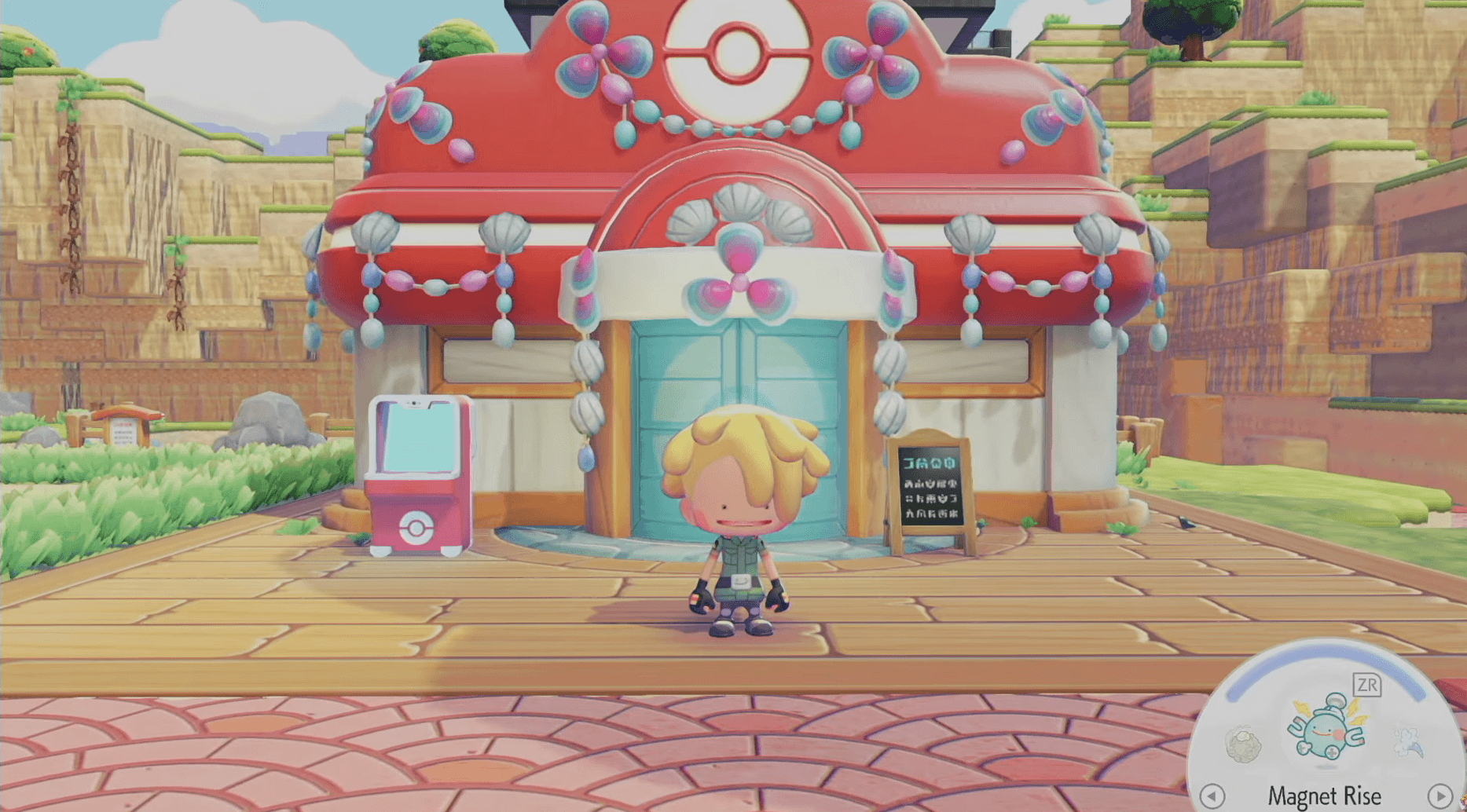
Buy Building Kits at the PC Shop

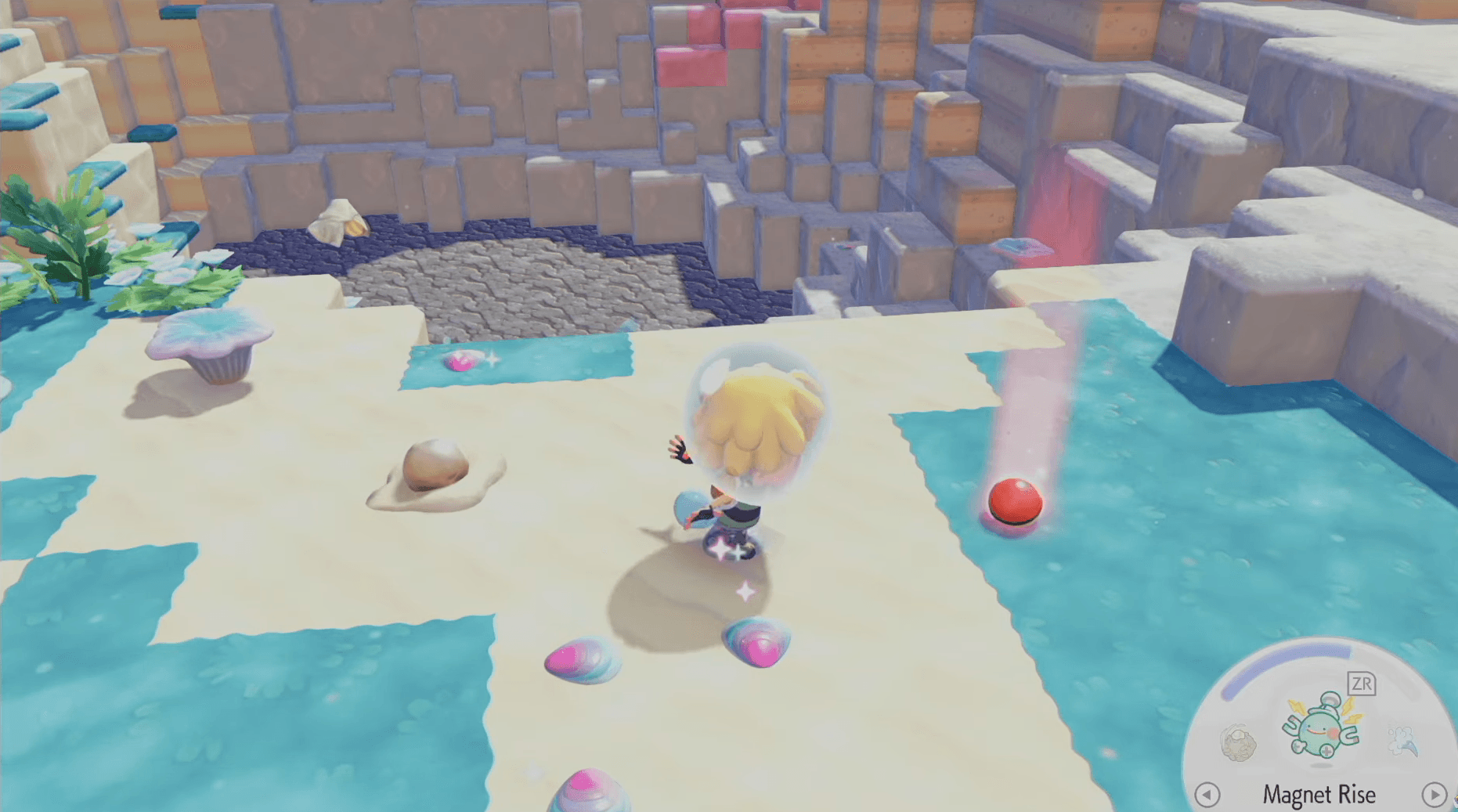
Step 1: Buy a Building Kit from the PC Shop
Building Kits are sold exclusively at the PC Shop, and they come in limited daily stock. Once the supply runs out, you will need to wait until the next day for inventory to replenish. This daily cap effectively limits how many new structures you can start building per day, so plan your construction schedule around it.
Step 2: Place the Building Kit
With a Building Kit in hand, scout out a suitable spot in your community and set the Kit down to mark that area as an active Construction zone. The placement is yours to choose, so think about spacing, aesthetics, and proximity to other structures before committing.
Step 3: Find and Deliver the Required Materials
Once the Construction zone is active, interact with it to see a prompt listing the exact materials needed for that structure. You must collect every listed material and bring it to the site before building can begin.
Materials can come from foraging, crafting at workbenches, or other in-game activities depending on what the structure demands.
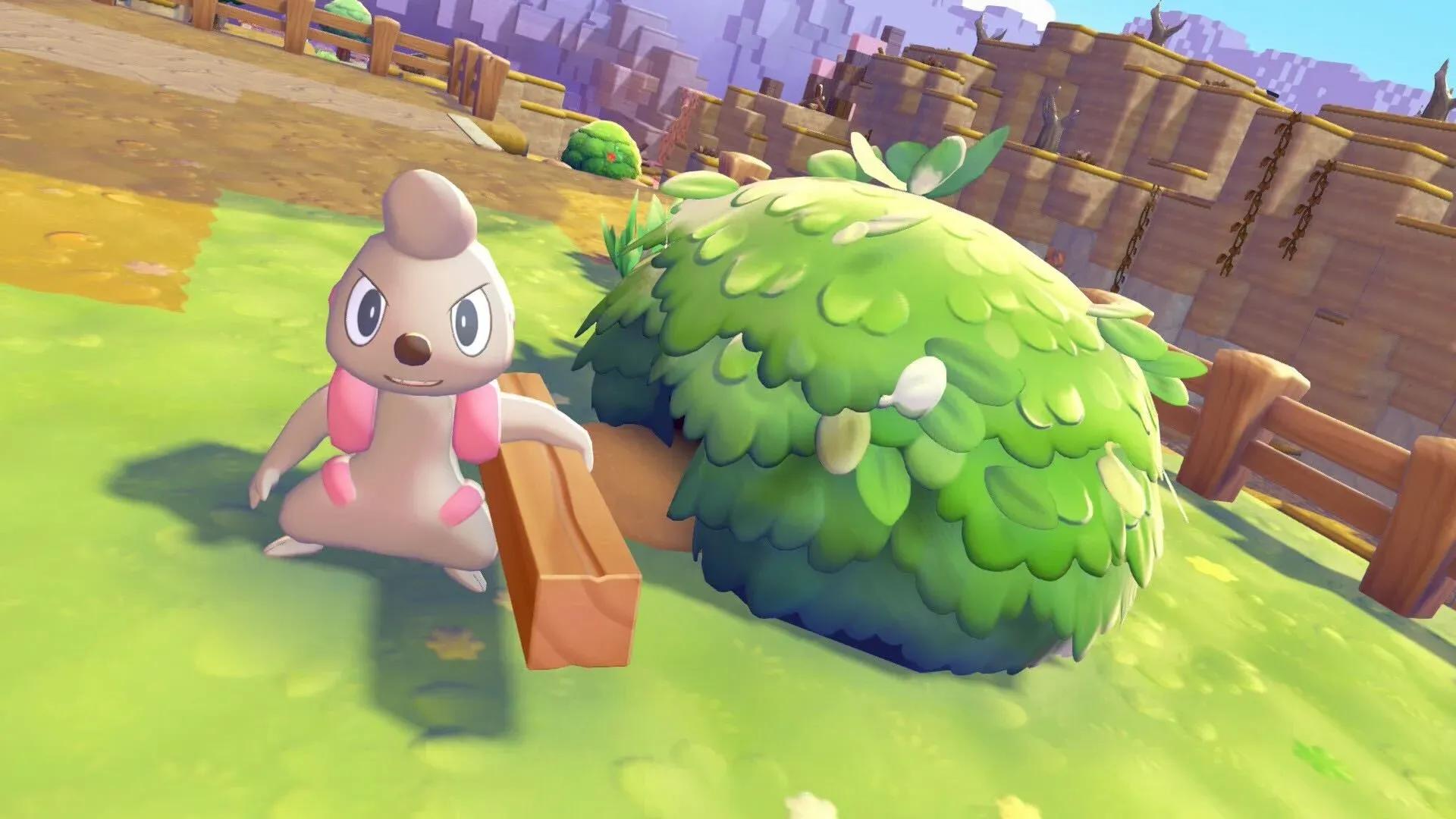
Step 4: Assign an Eligible Builder Pokemon
Not every Pokemon can construct a house. You need to find a Pokemon that qualifies as a Builder and bring them to the Construction zone. Walk up to the Pokemon, select the Follow me! option, then lead them to the site. Once there, you can assign them to the build.
Once assigned, the Builder Pokemon works independently until the structure is finished. You are free to explore, gather, or complete other tasks while construction is underway.
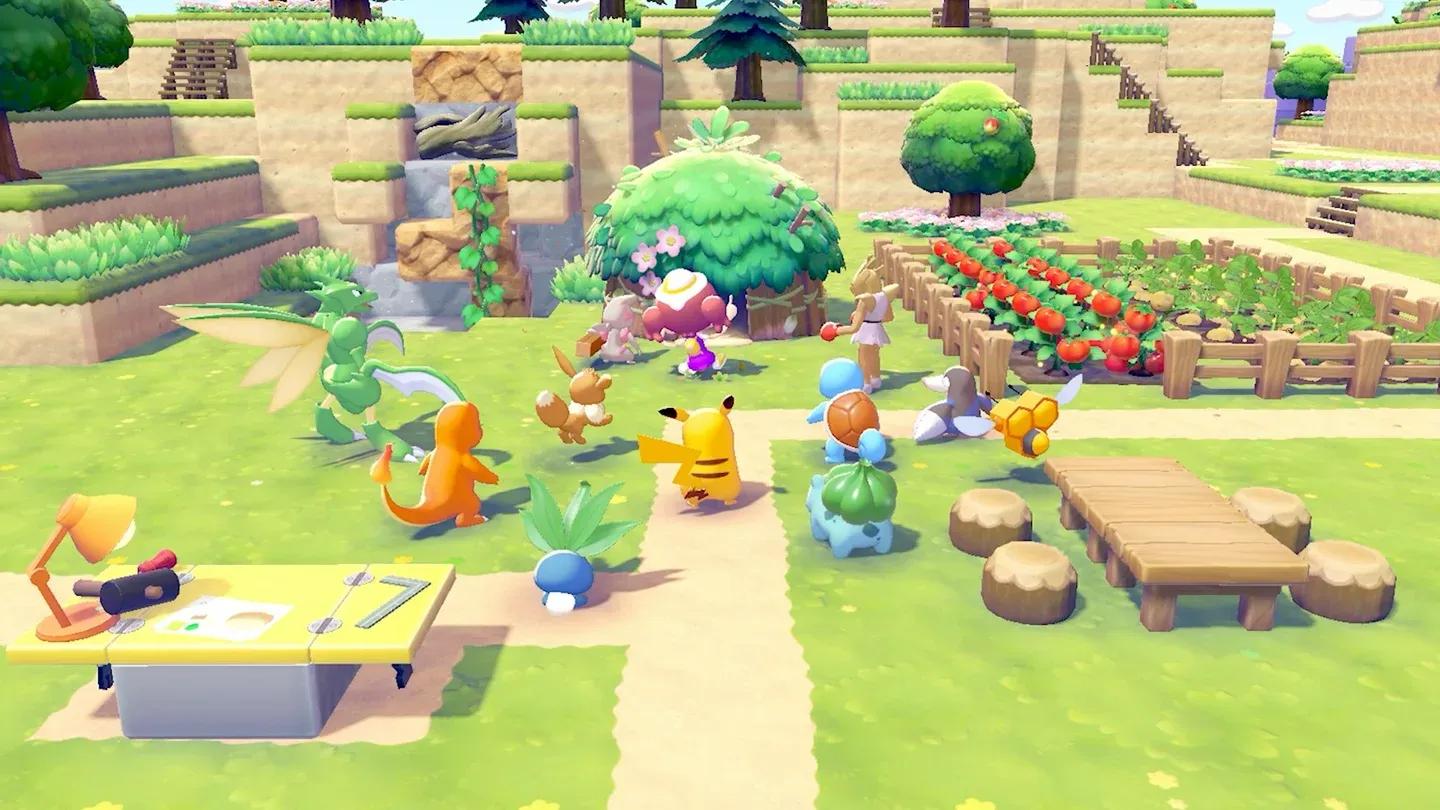
Assign a Builder Pokemon to start
Step 5: Furnish the Completed House
A finished structure is not yet a proper home. To make it livable, you must place at least three pieces of furniture inside. Furniture is crafted at workbenches using the appropriate materials, so stock up on crafting resources as your builds near completion.
Once three or more furniture pieces are installed, the space officially counts as a house where Pokemon can live.
How Do You Give a House to a Pokemon?
Assigning a Pokemon to their new home is a short but satisfying process:
- Walk up to the Pokemon you want to house
- Select the Follow me! option to have them trail behind you
- Lead them to the completed and furnished house
- Assign them to the property when prompted
What If a Pokemon Asks on Their Own?
Sometimes a Pokemon will take a liking to a house when you bring them near it and will ask you if they can move in rather than waiting for an assignment. If you approve, they self-assign into the home. It is a small but charming touch that makes the community feel alive.
What Are the Benefits of Building Houses?
Investing time in construction pays off in several meaningful ways.
| Benefit | Details |
|---|---|
| Improved Pokemon Happiness | Houses offer far better living conditions than the default Habitats, making residents noticeably happier |
| Environment Level Increase | Each completed house contributes to raising the Environment Level of your community |
| Player Housing Option | You can designate a house as your own living space and even share it with a Pokemon |
Houses vs. Habitats: Which Is Better?
Habitats are the starting point for housing Pokemon in Pokemon Pokopia, but they are a temporary solution. Houses provide significantly better living conditions, leading to happier Pokemon and a stronger community. Think of Habitats as a stepping stone while you gather the materials and Builder Pokemon needed for proper construction.
Quick Reference: Building Requirements at a Glance
| Stage | What You Need | Where to Get It |
|---|---|---|
| Building Kit | Purchase from PC Shop | PC Shop (limited daily stock) |
| Materials | Varies by structure type | Foraging, crafting, exploration |
| Builder Pokemon | Eligible Pokemon assigned to site | Found in the community |
| Furniture | At least 3 pieces per house | Crafted at workbenches |
Building houses in Pokemon Pokopia is a process that rewards patience and planning. Keep an eye on your daily Building Kit supply, always have materials queued up before interacting with a Construction zone, and make sure your workbench is stocked so furnishing never becomes a bottleneck. Before long, your community will be filled with happy Pokemon living in proper homes.